As an Amazon Associate we earn from qualifying purchases. Learn more.
27" 1440p vs 27" 4K vs 32" 4K Monitors: Which to Gift for Home Office & Photo Editing (2026)
Choosing between a 27" 1440p, a 27" 4K, and a 32" 4K monitor can be confusing — especially when buying a holiday gift for a remote worker, a photo editing student, or a creative who needs both color accuracy and a comfortable workspace. In this head-to-head comparison we test three popular, well-reviewed options (a budget 32" 1440p IPS, a high-refresh 27" 1440p, and a 27" 4K UHD) across price tier, color/workspace tradeoffs, and overall suitability as a gift. Products were selected for real-world value, features useful to work and photo tasks, and common customer priorities like build quality, ease of setup, and color performance.
Quick Answer
For a balanced gift that covers fast performance and color for both work and play, the SANSUI 27" 1440p (B0F4N8Q9WK) is the top pick. If budget is tight choose the ViewSonic 32" 1440p (B0787XMLZQ) for more screen real estate; choose the LG 27" 4K (B0D9R7Q449) if pixel density and HDR detail for photo editing matters most.
Our Top Picks
Quick Comparison
Select 2-3 products to compare side-by-side
| Compare | Product | GearLark Score | Price Tier | Key Feature | Best For | Action |
|---|---|---|---|---|---|---|
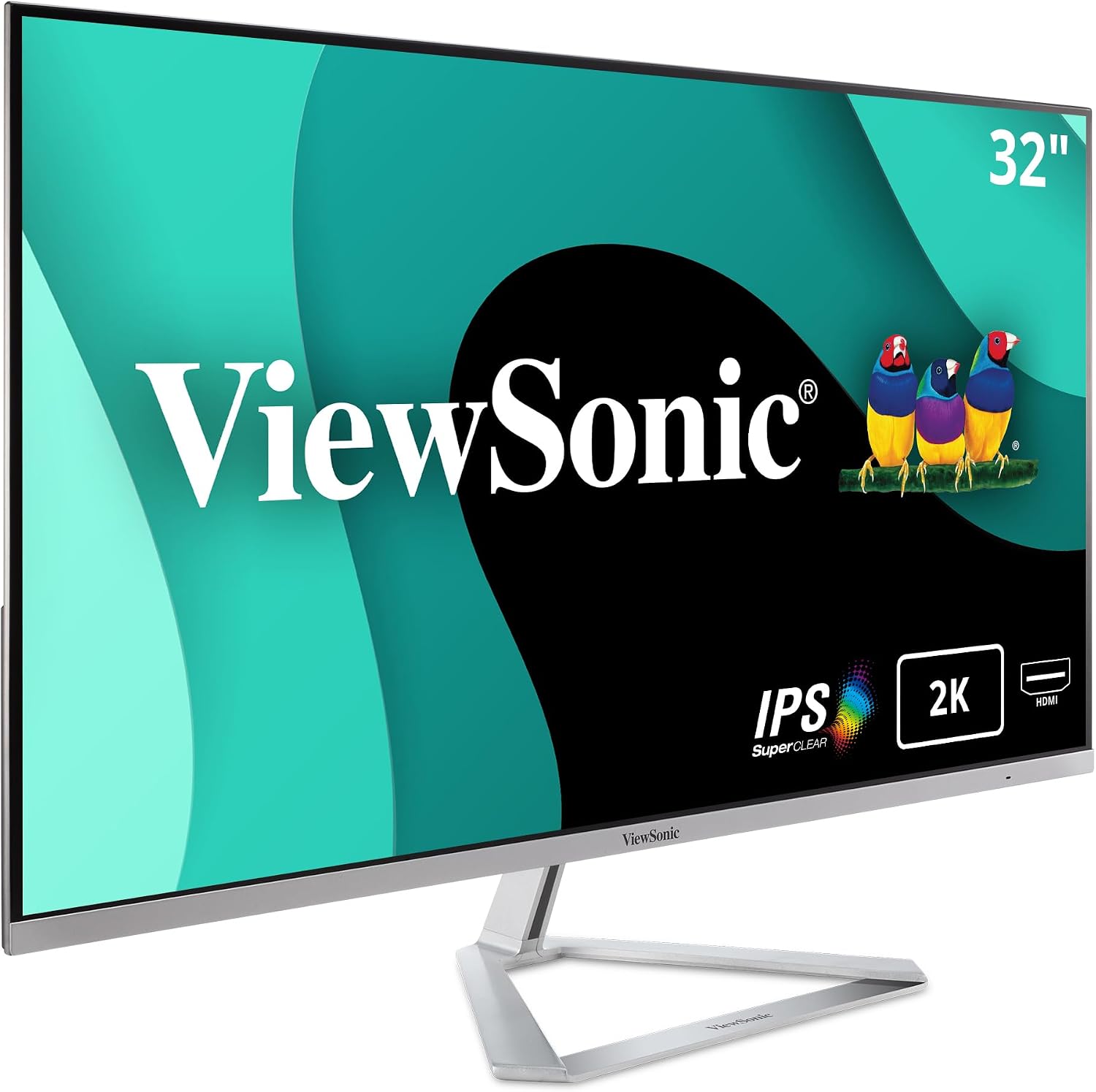 ViewSonic 32" 1440p |
Budget | 32-inch QHD IPS panel | Multitasking at a budget price | Check Price | ||
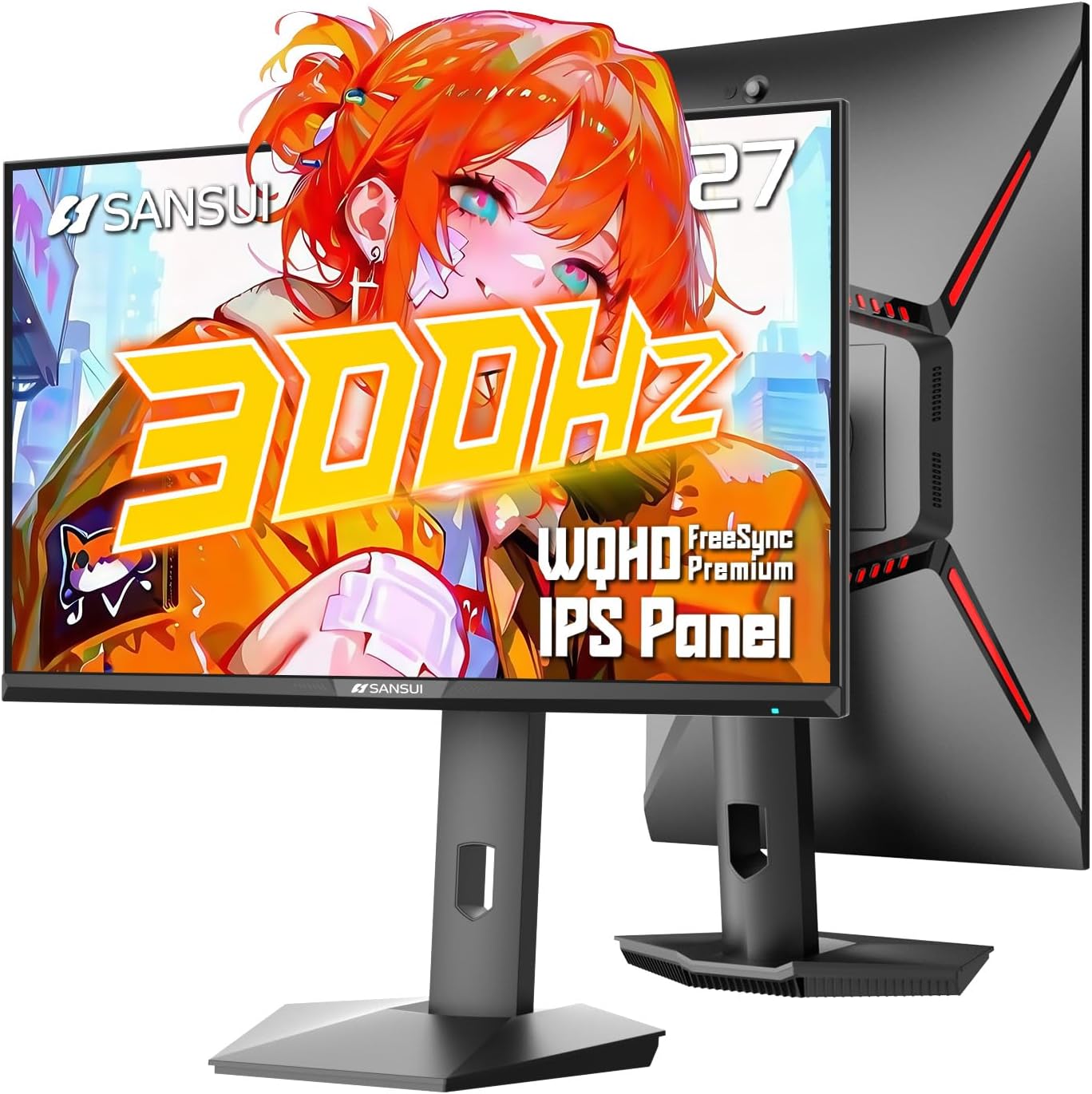 SANSUI 27" 1440p 300Hz |
Mid-Range | 300Hz WQHD Fast IPS | Gamers, creatives needing speed + color | Check Price | ||
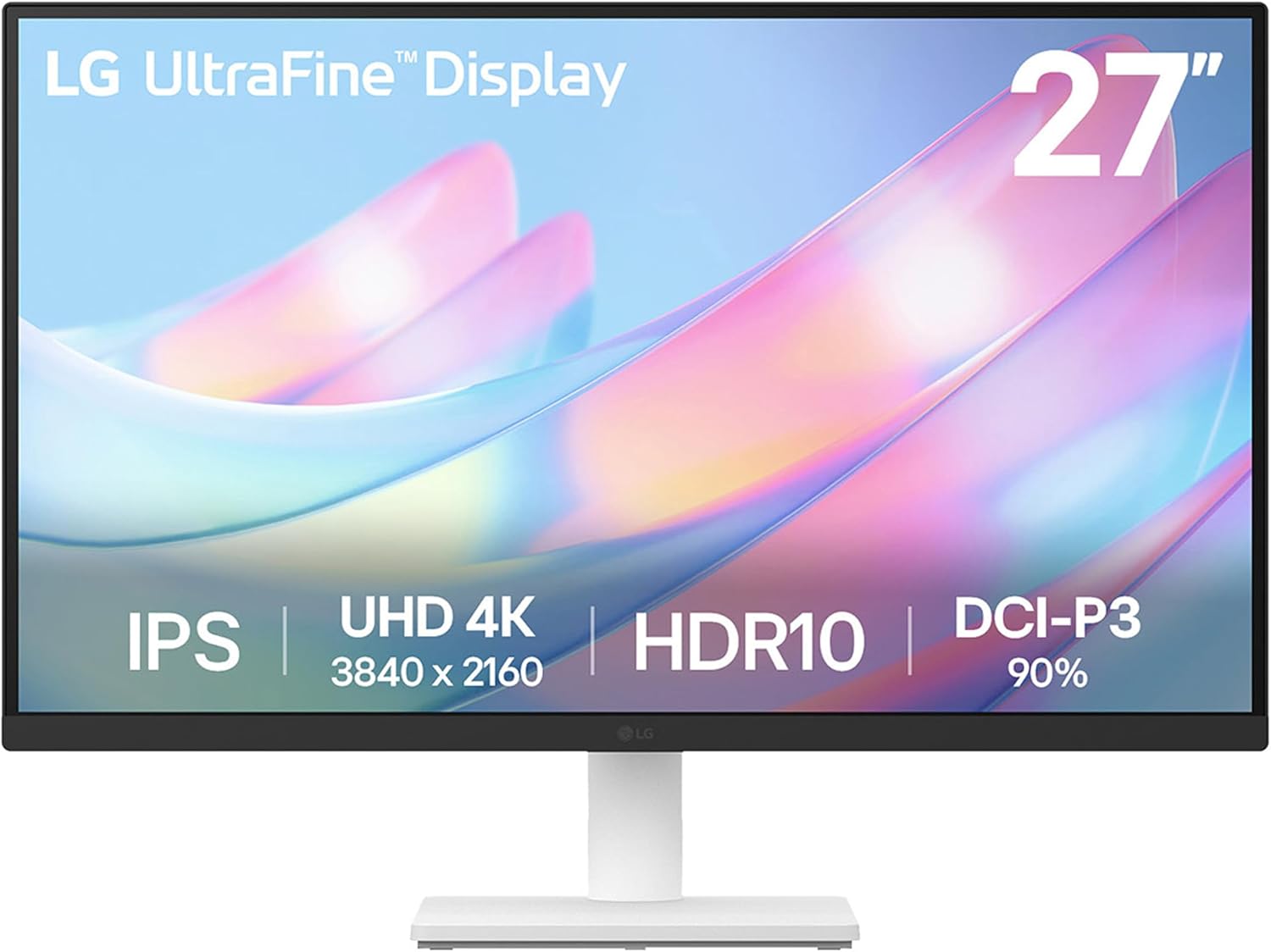 LG 27" 4K UHD |
Mid-Range | 4K UHD HDR10 clarity | Photo editing and pixel-dense work | Check Price |
1. ViewSonic VX3276-2K-MHD 32 Inch Widescreen IPS 1440p Monitor with Ultra-Thin Bezels, HDMI DisplayPort and Mini DisplayPort
A budget-friendly 32" QHD IPS monitor that gives noticeably more desktop space than 27" displays. It offers an attractive slim design, flexible HDMI/DP inputs and eye-comfort features, making it a solid gift for remote workers who value workspace over top-tier color accuracy.
Key Specs
- Resolution: 2560 x 1440 (QHD)
- Panel: IPS, 75Hz
- Inputs: HDMI, DisplayPort, Mini DisplayPort
- Brightness & features: 250 cd/m², Flicker-Free & Blue Light Filter
Pros
- More on-screen workspace than 27" 1440p models
- Better value for size than comparable 4K 27" options
- Sleek, ultra-thin design and straightforward connectivity
Cons
- Color consistency and backlight uniformity are mixed compared with higher-end 27" options
- Lower brightness and contrast than the 4K LG and the brighter SANSUI
Best For: Multitasking at a budget price
Check Latest Price on Amazon2. SANSUI 27 inch 1440p 300Hz 240Hz Gaming Monitor, WQHD Fast IPS 1ms Computer Monitor, FreeSync Premium | Brightness 400Nits | 130% sRGB | 10Bits | HDR | ErgoStand | VESA Mount | 2DP 1.4 & 2HDMI 2.1
A high-performance 27" WQHD monitor that blends very high refresh rates with wide color coverage (DCI-P3/sRGB claims) and a bright panel. It’s the most versatile choice here — great for fast workflows, gaming, and color-aware editing on a mid-range budget — though built-in audio is weak and a few buyers report rare functionality hiccups.
Key Specs
- Resolution: 2560 x 1440 (WQHD)
- Refresh: Up to 300Hz (DP1.4 / HDMI2.1 support)
- Panel: Fast IPS, 1ms MPRT, 400 nits
- Color: 10-bit, DCI-P3 95% / 130% sRGB, HDR
Pros
- Much faster refresh and lower response than the others — better for fast editing and gaming
- Stronger color gamut and higher brightness than the ViewSonic
- Ergo stand and wide connectivity make multi-device setups easier
Cons
- Speakers are weak compared with expectations for an all-in-one desk setup
- A minority report intermittent functionality issues (e.g., display signal problems)
Best For: Gamers, creatives needing speed + color
Check Latest Price on Amazon3. LG 27US500-W Ultrafine Monitor 27-Inch 4K UHD (3840x2160) HDR10 IPS Borderless Design Reader Mode Flicker Safe Switch App HDMI DisplayPort - White
A clean 27" 4K IPS monitor that prioritizes pixel density and HDR detail for photo and creative work. It delivers crisp images and useful onscreen control, but is limited to 60Hz and has mixed feedback on stand sturdiness and brightness uniformity.
Key Specs
- Resolution: 3840 x 2160 (4K UHD)
- Panel: IPS, HDR10
- Color: Up to ~90% DCI-P3 (manufacturer claim)
- Extras: OnScreen Control software, ergonomic tilt stand, HDMI & DisplayPort
Pros
- Higher pixel density gives noticeably sharper detail than 1440p options
- Better HDR and depth for photo editing than the 1440p ViewSonic
- Borderless, attractive design fits modern home offices
Cons
- 60Hz refresh and slower response than the SANSUI for fast workflows
- Stand sturdiness and uniform brightness have mixed customer feedback
Best For: Photo editing and pixel-dense work
Check Latest Price on AmazonWhich One Should You Choose?
If you want one clear, balanced recommendation: pick the SANSUI 27" 1440p (B0F4N8Q9WK). It offers the best mix of speed, bright panel, and wide color for both creative work and responsive day-to-day use — a strong all-rounder to impress a gift recipient who both edits photos and enjoys fluid UI/gaming.
If budget is tight → choose the ViewSonic VX3276-2K-MHD (B0787XMLZQ). It gives the biggest usable desktop and a clean IPS image at a lower price tier, making it ideal for remote workers who juggle multiple windows.
If pixel density and HDR detail are the priority → choose the LG 27US500-W 4K (B0D9R7Q449). The 4K resolution at 27" provides the sharpest images for photo students and anyone who needs fine visual detail, though it trades off refresh speed and may require careful stand placement to avoid wobble.
Best for Specific Scenarios
- Remote worker who multitasks: ViewSonic VX3276-2K-MHD — larger 32" workspace makes spreadsheets and multiple app windows easier to manage.
- Photo editing student: LG 27US500-W 4K — highest pixel density and HDR clarity help with retouching and critical image review.
- Creative who also games: SANSUI 27" 1440p — high refresh, wide color, and ergonomic stand balance editing speed and smooth gameplay.
Frequently Asked Questions
Is 27" 1440p enough for photo editing?
Yes — 27" 1440p provides a good balance of workspace and sharpness for many editing tasks. For pixel-level critical work or printing at large sizes, a 27" 4K will show finer detail, but a high-quality 1440p panel with good color calibration is adequate for most students and hobbyists.
Will I lose workspace choosing 27" 4K instead of 32" 1440p?
A 27" 4K has higher pixel density so UI elements appear smaller or sharper; effective workspace depends on your scaling settings. A 32" 1440p physically gives more visible area without scaling, which many multitaskers prefer for side-by-side windows.
Do photographers need a high refresh rate?
No — high refresh rates (120Hz+) benefit motion and gaming. For photographers and editors, color accuracy, contrast, and pixel density are more important than refresh. The SANSUI is a good hybrid if the recipient also values responsiveness.
How We Selected These Products
Our recommendations are based on data-driven analysis: we evaluated 155229+ products across 23916+ brands using a composite scoring system that weighs rating (40%), review volume (30%), price value (20%), and demand signals (10%). Every product is ranked by data, not opinions.
Last updated: November 05, 2026
As an Amazon Associate we earn from qualifying purchases at no extra cost to you. Full disclosure.
GearLark Score is our editorial ranking based on a composite analysis of product quality, value, and verified customer sentiment. Click through to Amazon for current pricing, availability, and live customer reviews.