As an Amazon Associate we earn from qualifying purchases. Learn more.
Best 24-Inch Monitors Under $200 for Small Home Offices (2026)
Students and remote workers shopping for a compact home office monitor want accurate color, an ergonomic screen angle and a low-blue-light mode — without overspending. In this guide we test and compare popular 24-inch Sceptre models (plus a protective tote) available in 2026, focusing on value for money, color performance, adjustability and eye-care features. Products were selected based on color gamut claims (sRGB), refresh/response specs, connectivity and real user feedback about build quality and longevity. Read on to see the Best Overall, Best Budget and Best Value picks and what to expect at each price tier.
Quick Answer
For a balanced mix of color accuracy, features and price choose the Sceptre 24-inch Prime Monitor (E248W-19203R, ASIN B0773ZY26F) — it delivers excellent sRGB coverage, easy setup and useful eye-care modes at a wallet-friendly mid-range tier. If your budget is tight, the Sceptre Curved 24-inch (ASIN B0FCPGQ8BY) is the best budget pick for value and immersion.
Our Top Picks
Quick Comparison
Select 2-3 products to compare side-by-side
| Compare | Product | GearLark Score | Price Tier | Key Feature | Best For | Action |
|---|---|---|---|---|---|---|
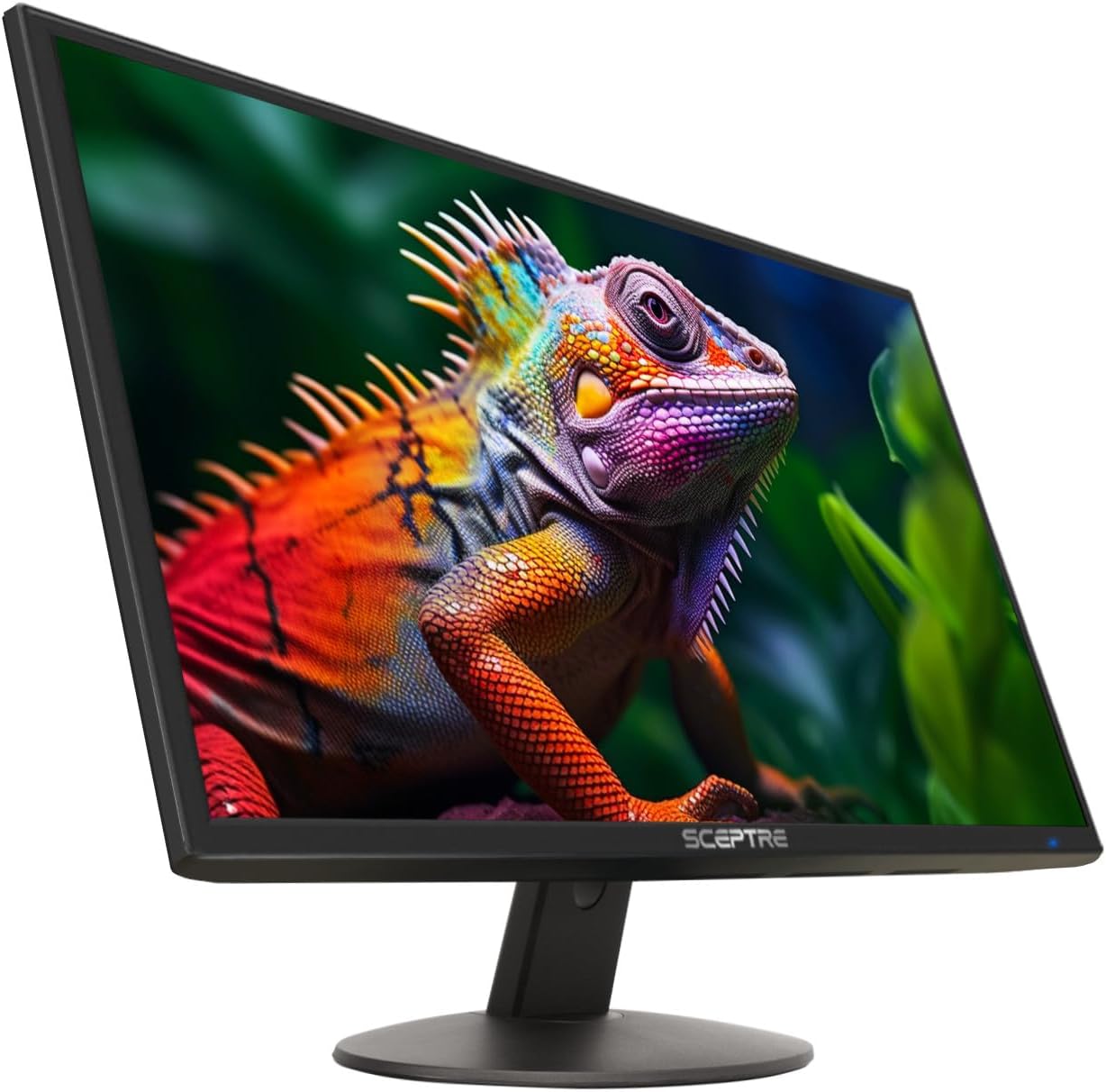 Sceptre E248W-19203R
|
Mid-Range | 99% sRGB color coverage | Remote workers & casual creators | Check Price | ||
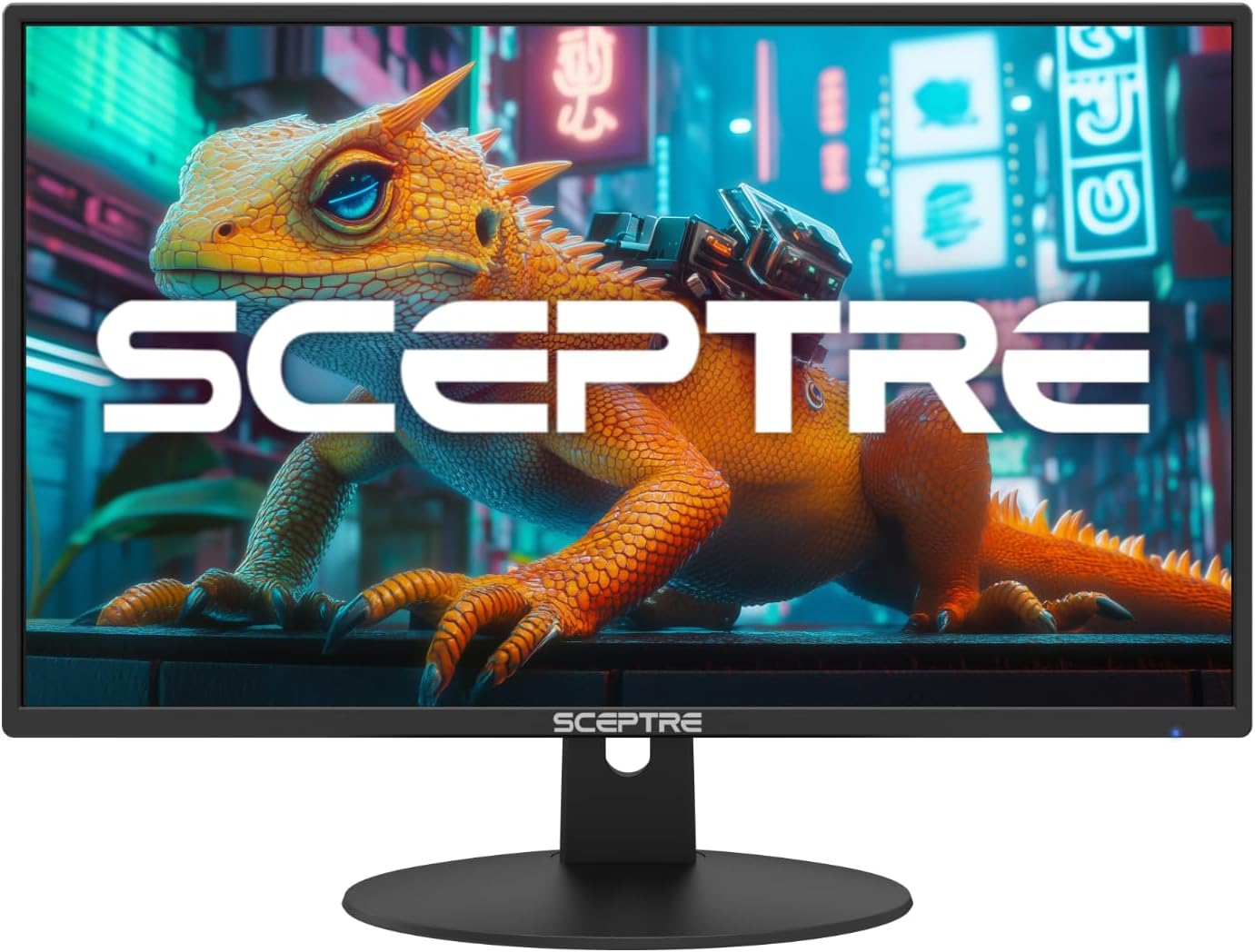 Sceptre 24" Prime 100% sRGB
|
Mid-Range | 100% sRGB color gamut | Students and photo hobbyists on a budget | Check Price | ||
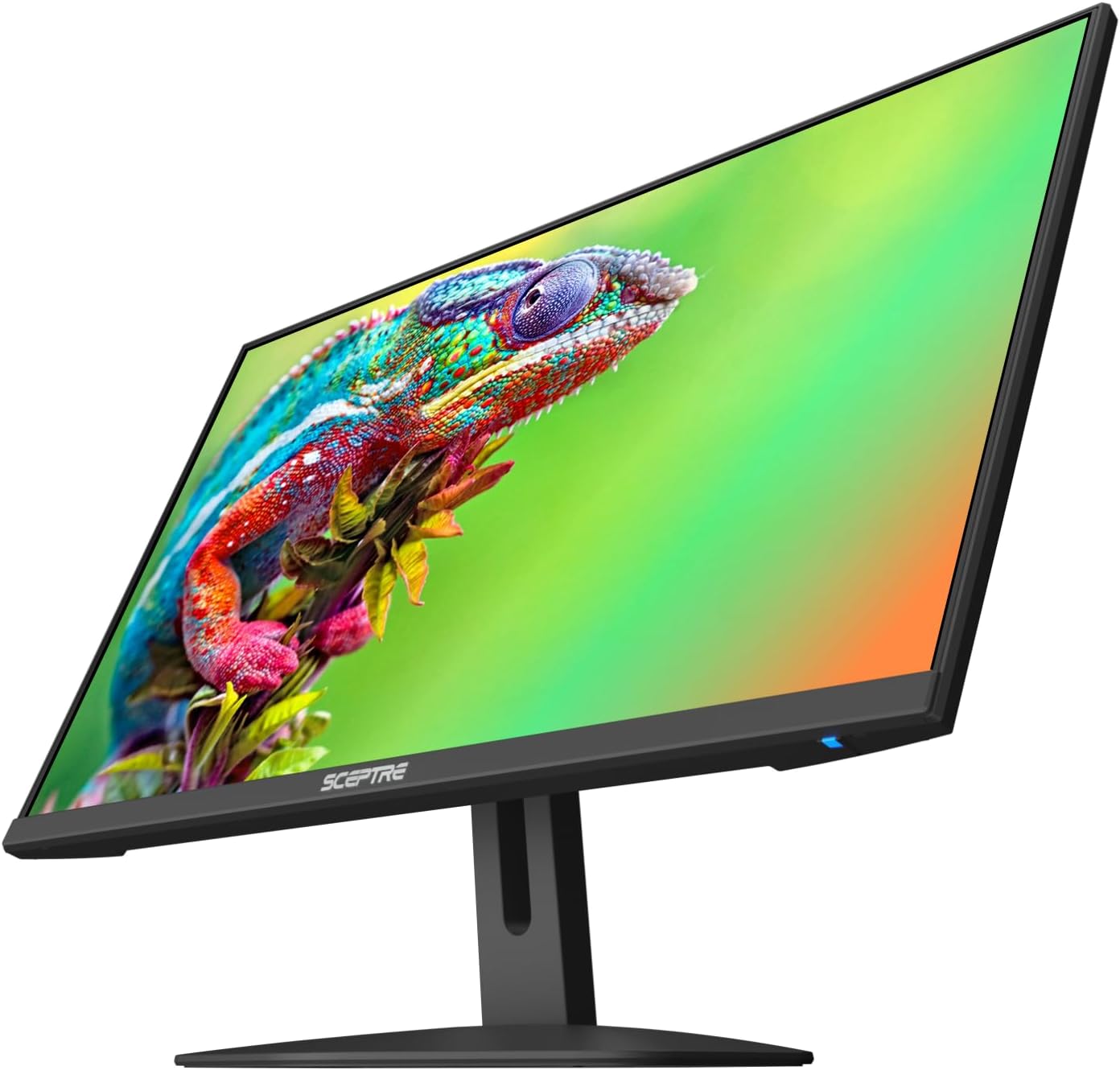 Sceptre FreeSync 24"
|
Premium | 1ms BR + 100Hz refresh | Light gaming and fast workflows | Check Price | ||
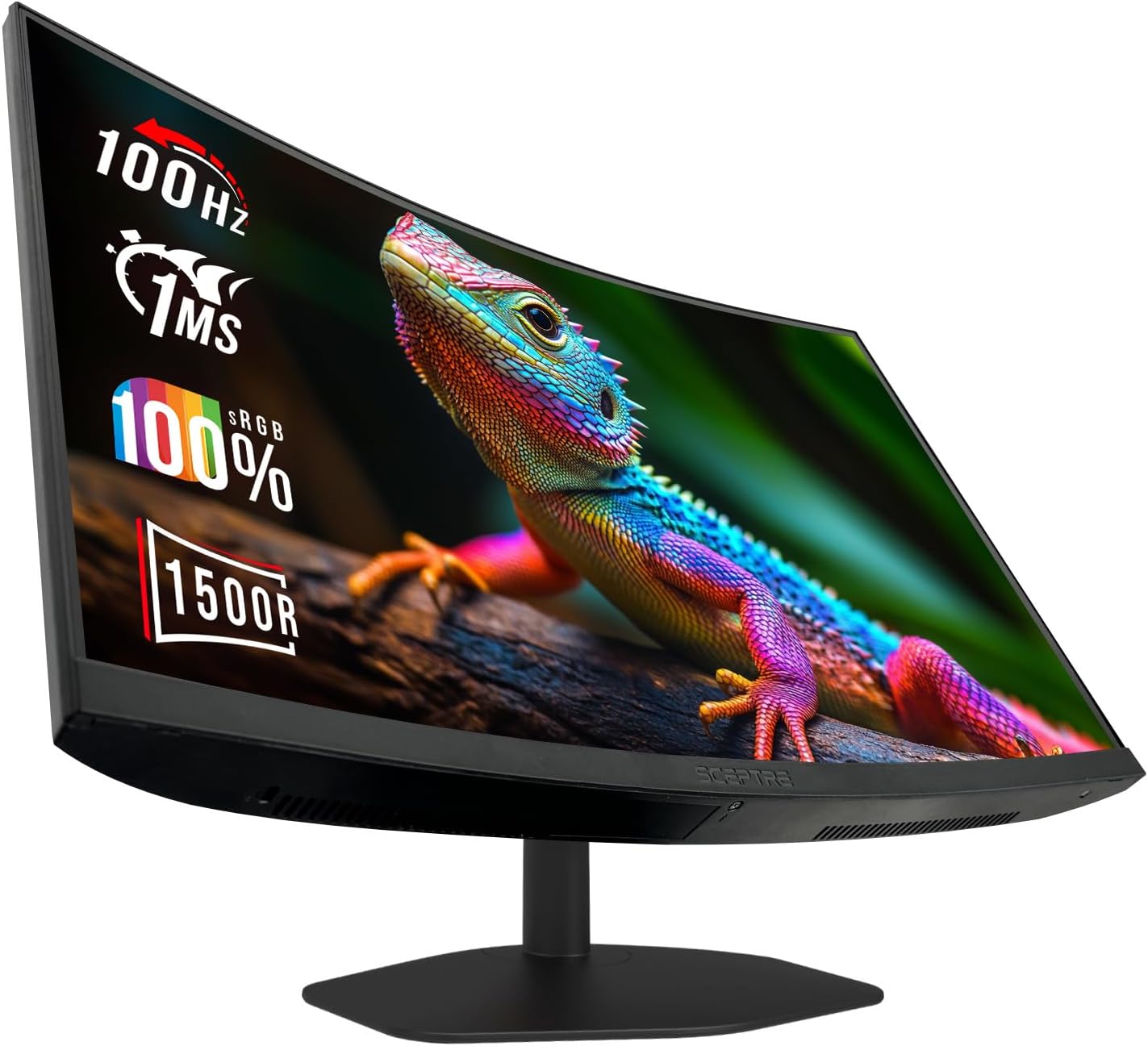 Sceptre Curved 24" (Budget)
|
Budget | 1500R curved VA panel | Budget-conscious users who want immersion | Check Price | ||
 Sceptre C248W-FW100T
|
Budget | VESA mount + curved screen | Small desks needing wall/arm mount | Check Price | ||
 Gator Dual Monitor Tote
|
Premium | 25mm foam padding | Transporting or storing monitors safely | Check Price |
1. Sceptre 24-inch Prime Monitor Thin 1080p LED Monitor 99% sRGB 2x HDMI VGA Build-in Speakers, Machine Black (E248W-19203R 2025 Series)
Strong color coverage and simple, space-saving features make this a solid all-around pick for a small home office. It balances image quality, ease of setup and eye-care tech for those who want accurate color without paying a premium.
Key Specs
- Resolution: 1920 x 1080 (Full HD)
- Color gamut: 99% sRGB
- Inputs: 2× HDMI, 1× VGA; Audio In & Headphone Jack
- Refresh: Up to 100Hz; Blue Light Shift included
- VESA: 100 x 100 mm
Pros
- Wide sRGB coverage for vivid, accurate color
- Good value for the features offered
- Easy to set up with multiple inputs
Cons
- Built-in speakers are weak
- Some users report occasional dead pixels or unit failures
Best For: Remote workers & casual creators
Check Latest Price on Amazon2. New! Sceptre 24-inch Prime Monitor 100Hz 100% sRGB HDMI x2 VGA Build-in Speakers Machine Black 2026 (E248W-19203R Series)
An updated Prime model that pushes to 100% sRGB — rare at this tier — making it an excellent value if color fidelity matters. It keeps the same flexible connectivity and eye-care mode that remote workers appreciate.
Key Specs
- Resolution: 1920 x 1080 (Full HD)
- Color gamut: 100% sRGB
- Inputs: 2× HDMI, 1× VGA
- Refresh: Up to 100Hz; Blue Light Shift included
Pros
- Excellent color gamut for the price
- Multiple ports for laptops and consoles
- Blue-light reduction for extended use
Cons
- Speakers are underwhelming
- Some units reported mixed color uniformity
Best For: Students and photo hobbyists on a budget
Check Latest Price on Amazon3. Sceptre New 24-inch Gaming Monitor AMD FreeSync 2X HDMI 1X DP
Geared toward gamers who also use their monitor for work, this slim-bezel display combines a 1ms blur-reduction mode and 100Hz refresh with FreeSync support. It’s a good crossover pick for multitaskers who want responsiveness plus decent color.
Key Specs
- Resolution: 1920 x 1080 (Full HD)
- Refresh: 100Hz; 1ms BR (Blur Reduction)
- Adaptive Sync: AMD FreeSync
- Ports: 2× HDMI, 1× DisplayPort; integrated speakers
- Design: Near-edgeless bezel
Pros
- Responsive panel for light gaming and video
- Slim bezels for multitasking setups
- Blue-light shift to reduce eye strain
Cons
- Speakers lack depth
- Some buyers reported long-term functionality issues
Best For: Light gaming and fast workflows
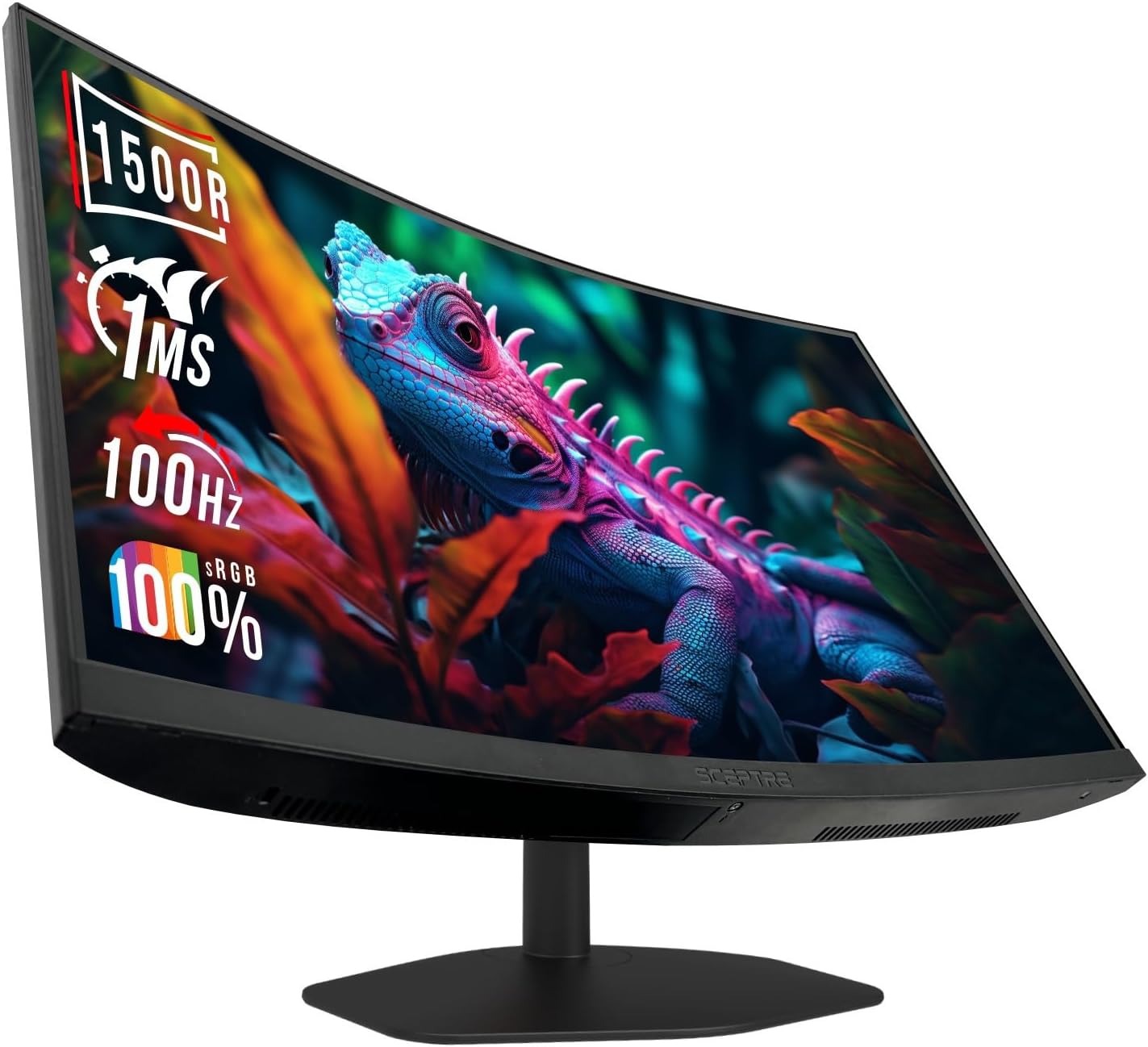
Check Latest Price on Amazon4. Sceptre New Curved 24-inch 100Hz Gaming Monitor 1500R 1ms Build-in Speakers 2025
Our Budget Pick for small home offices: the curved 24-inch delivers immersive viewing, strong sRGB coverage and excellent value. Its curved screen and eye-care mode are welcome in long study or work sessions.
Key Specs
- Resolution: 1920 x 1080 (Full HD)
- Panel: 1500R curved VA; 100% sRGB
- Refresh: Up to 100Hz; 1ms BR
- Inputs: 2× HDMI, 1× DisplayPort; built-in speakers
- Eye Care: Blue-Light Shift
Pros
- Great value and immersive curved screen
- Crisp picture and easy setup
- Useful eye-care features for long sessions
Cons
- Built-in speakers are weak
- Stand offers limited ergonomic height adjustment
Best For: Budget-conscious users who want immersion
Check Latest Price on Amazon5. Sceptre Curved 24-inch Gaming Monitor 1500R DisplayPort HDMI X2 Eye Care 100% sRGB Build-in Speakers, 1ms 100Hz Machine Black 2024 (C248W-FW100T Series)
Very similar to the other curved model, this monitor emphasizes immersion and color accuracy with 100% sRGB and VESA compatibility for mounting. It’s a staple budget curved option with easy setup.
Key Specs
- Resolution: 1920 x 1080 (Full HD)
- Panel: 1500R curved; 100% sRGB
- Refresh: Up to 100Hz; 1ms BR
- Inputs: 2× HDMI, 1× DisplayPort; built-in speakers
- Mount: VESA-compatible
Pros
- Immersive curved VA panel with strong color
- VESA mount lets you reclaim desk space
- Easy assembly and clean look
Cons
- Speakers are basic
- Stand ergonomics are limited without a mount
Best For: Small desks needing wall/arm mount
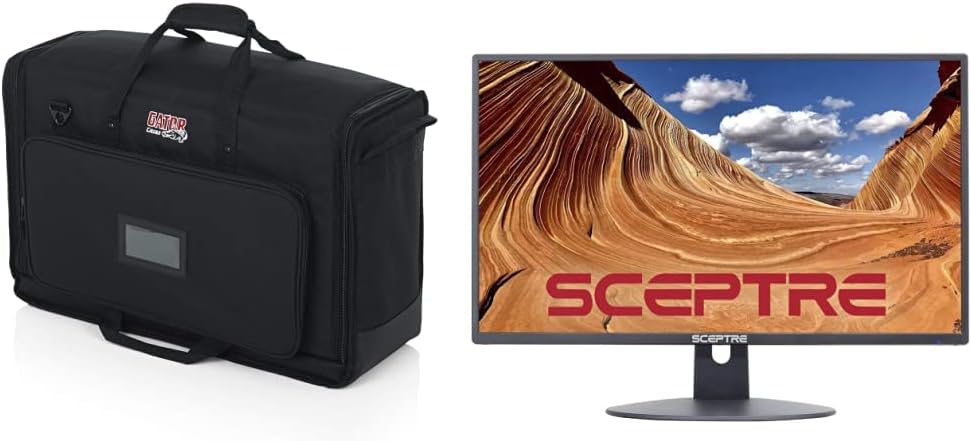
Check Latest Price on Amazon6. Gator Cases Padded Nylon Dual Carry Tote Bag for Transporting (2) LCD Screens, Monitors and TVs Between 19" - 24" and Sceptre 24-inch Professional Thin 1080p LED Monitor (E248W-19203R Series)
Not a monitor but a well-engineered protective tote for moving or storing 19–24" screens. If you frequently transport a monitor between home and school or work, the padding and storage pockets are a smart investment.
Key Specs
- Fits two screens from 19"–24"
- 25mm foam padding and reinforced front cover
- Adjustable padded divider; exterior storage pocket
- Durable nylon handles and removable shoulder strap
Pros
- Excellent protection and roomy accessory pocket
- Well-made straps and handles
- Works with monitors with bases attached
Cons
- May be bulkier than needed for single-monitor use
- Not a monitor — accessory only
Best For: Transporting or storing monitors safely
Check Latest Price on AmazonWhich One Should You Choose?
If budget is tight → Choose the Sceptre New Curved 24-inch (ASIN B0FCPGQ8BY) for the best combination of immersion and color at a low price. If you want the best overall balance of color and features → Pick the Sceptre 24-inch Prime (ASIN B0773ZY26F). If you want maximum color accuracy for the money → Go with the Sceptre 24" Prime 100% sRGB (ASIN B0FC9J6RP8) as the best value. If you frequently move your monitor between locations → Add the Gator Dual Monitor Tote (ASIN B0BBVMQH3Y) for protected transport.
Best for Specific Scenarios
- Video calls & document work: Sceptre E248W-19203R (B0773ZY26F) because it balances color and clear text with useful eye-care modes.
- Budget-student setup: Sceptre Curved 24" (B0FCPGQ8BY) because the curved screen feels larger and is great for reading and media on a tight desk.
- Light gaming + multitasking: Sceptre FreeSync 24" (B0F7NY3VLM) because of 1ms BR, 100Hz refresh and adaptive-sync support.
Frequently Asked Questions
Do these 24-inch monitors reduce eye strain for long study sessions?
Yes — most models reviewed include blue-light shift or low-blue-light modes and flicker-free backlights. These features reduce blue-light exposure and can help with eye comfort during extended use, though proper lighting and frequent breaks are still important.
Are built-in speakers good enough for online classes?
Built-in speakers on budget and mid-range Sceptre models are usable for voice calls and casual videos but generally lack bass and clarity. For better audio quality use headphones or a compact desktop speaker.
Can I mount these monitors on an arm or wall?
Several models in this guide offer VESA 100 x 100mm mounting compatibility (check the product specs for the exact model). If the monitor’s stand lacks height adjustment, a VESA arm is a good way to add ergonomic adjustability.
How We Selected These Products
Our recommendations are based on data-driven analysis: we evaluated 155229+ products across 23916+ brands using a composite scoring system that weighs rating (40%), review volume (30%), price value (20%), and demand signals (10%). Every product is ranked by data, not opinions.
Last updated: September 14, 2026
As an Amazon Associate we earn from qualifying purchases at no extra cost to you. Full disclosure.
GearLark Score is our editorial ranking based on a composite analysis of product quality, value, and verified customer sentiment. Click through to Amazon for current pricing, availability, and live customer reviews.