As an Amazon Associate we earn from qualifying purchases. Learn more.
Best Portable Monitors Under $200 for Cozy Fall Editing (2026)
Heading into fall means working from cafes, cabins and comfy corners — you want a portable display that’s lightweight, color-accurate enough for editing, and won’t tie you to a wall outlet. This guide focuses on value-first portable monitors under $200 (or very close to it), selected for a mix of panel quality, power options and real-world portability. Products were chosen from recent models that customers praise for picture quality, connectivity and ease of setup; each listing points out tradeoffs like battery life and build sturdiness so you get the best fit for your workflow.
Quick Answer
For cozy on-the-go editing under $200, the ViewSonic VG1656N is the smartest overall pick — it balances a 16:10 IPS panel, built-in battery and two-way USB‑C power for a tidy, travel-friendly setup. If you want the cheapest all-in-one with a keyboard, the ELECROW 14" lapdock is the best budget choice.
Our Top Picks
Quick Comparison
Select 2-3 products to compare side-by-side
| Compare | Product | GearLark Score | Price Tier | Key Feature | Best For | Action |
|---|---|---|---|---|---|---|
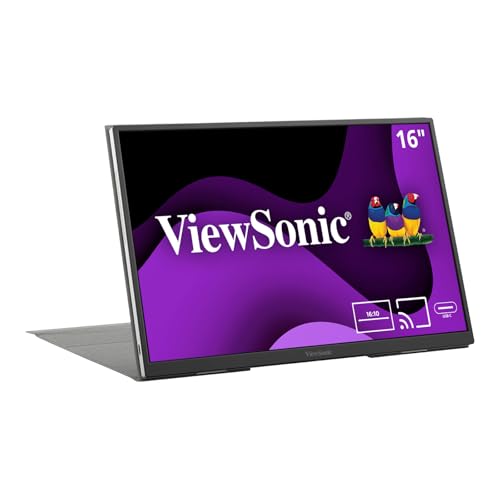 ViewSonic VG1656N 16"
|
Mid-Range | Built-in 4,000 mAh battery | Traveling editors who want compact color accuracy | Check Price | ||
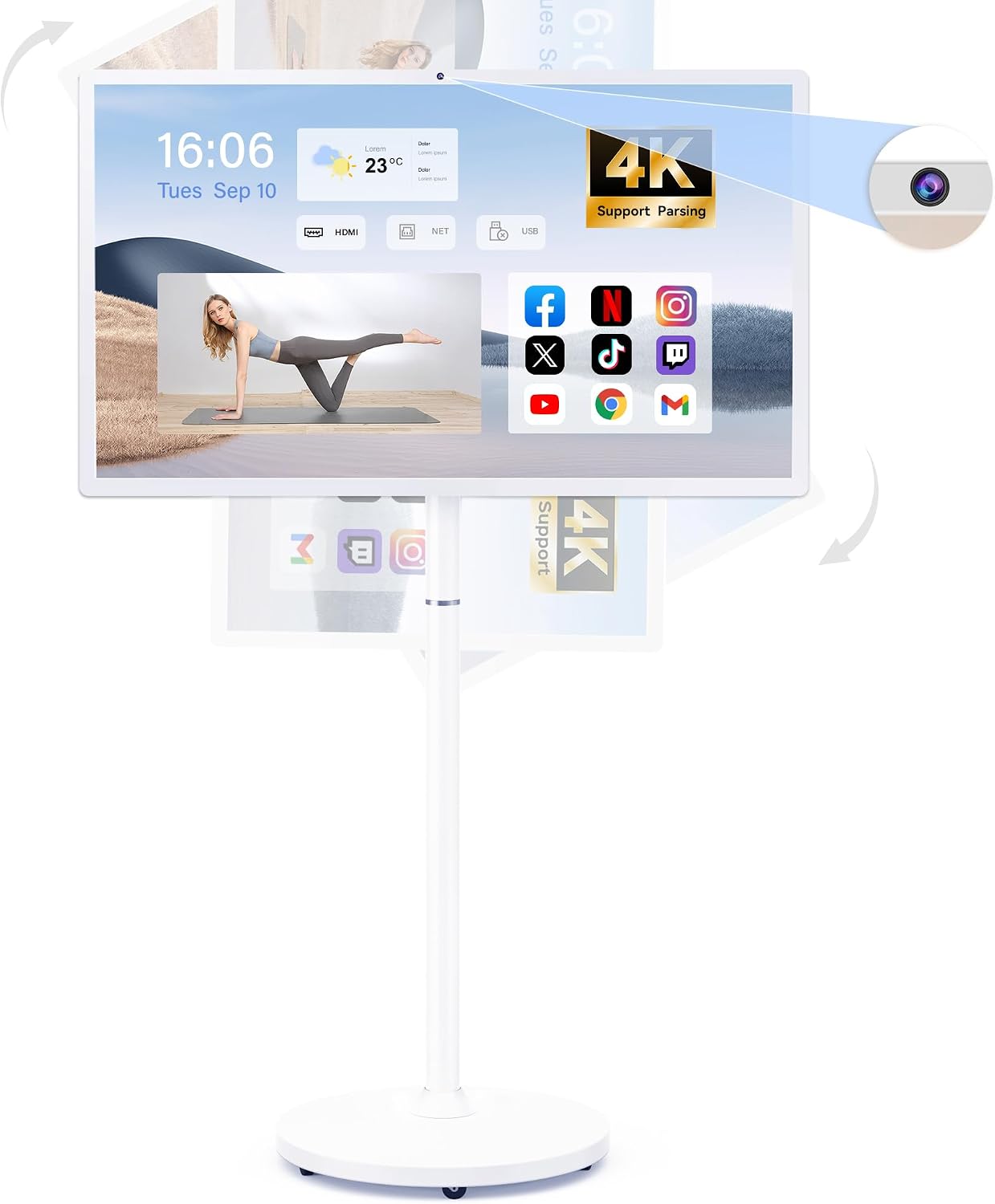 Bisprico 32" Smart TV
|
Mid-Range | Large 32" touchscreen with long battery | Creators who want an all-in-one mobile studio or group viewing | Check Price | ||
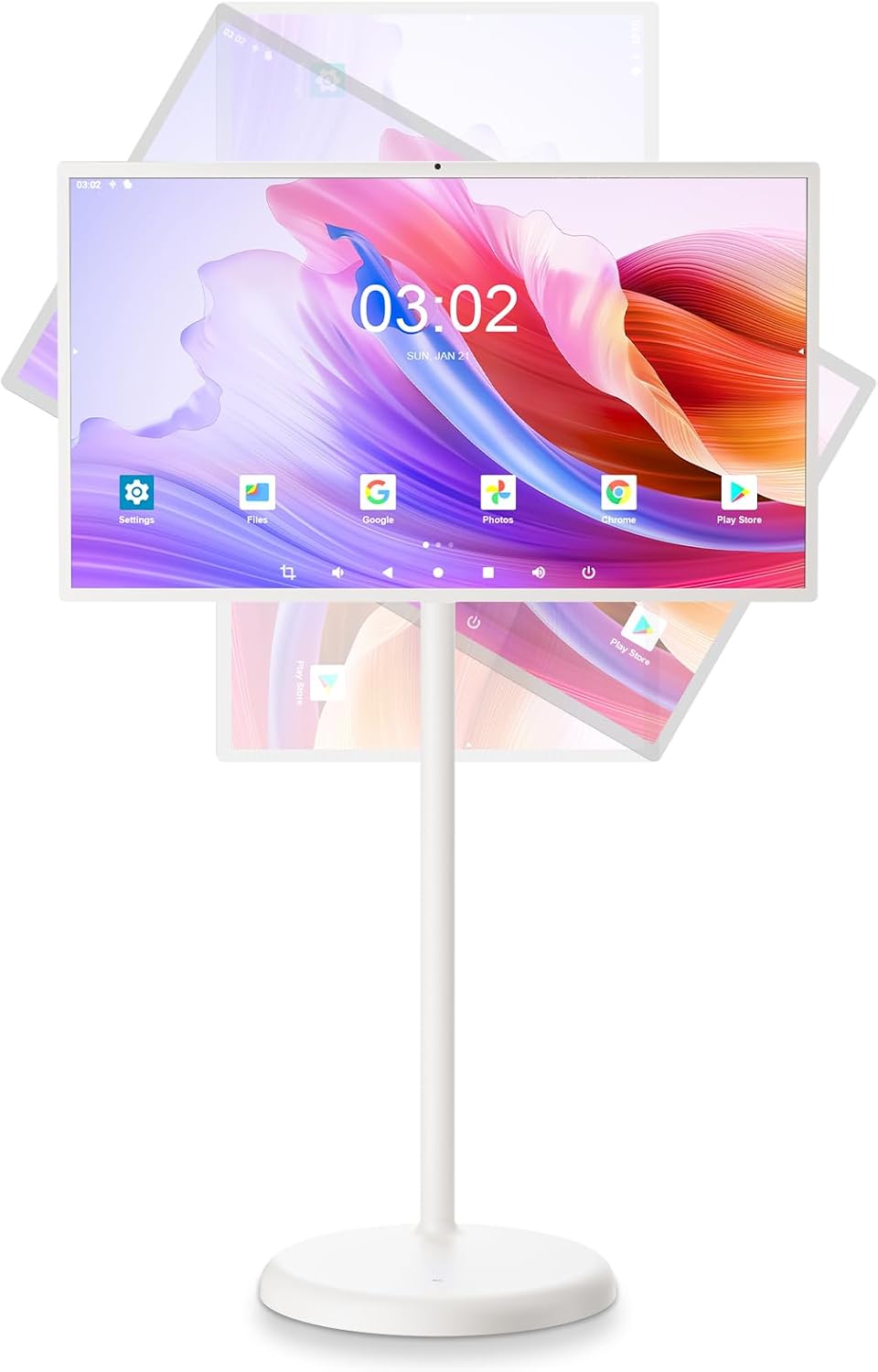 Fiteye 32" Touch
|
Premium | 13MP integrated camera & touch | Presenters and remote class/work setups | Check Price | ||
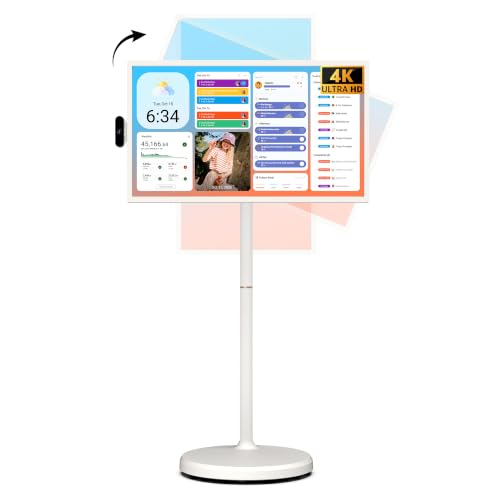 ApoloSign 32" 4K
|
Premium | 4K touchscreen and Android 15 | Users who want a feature-rich mobile media hub | Check Price | ||
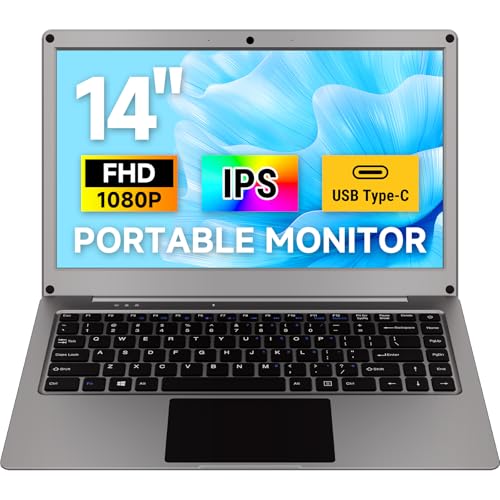 ELECROW 14" Lapdock
|
Budget | Integrated keyboard + lapdock design | Budget travelers, Raspberry Pi and quick edits | Check Price | ||
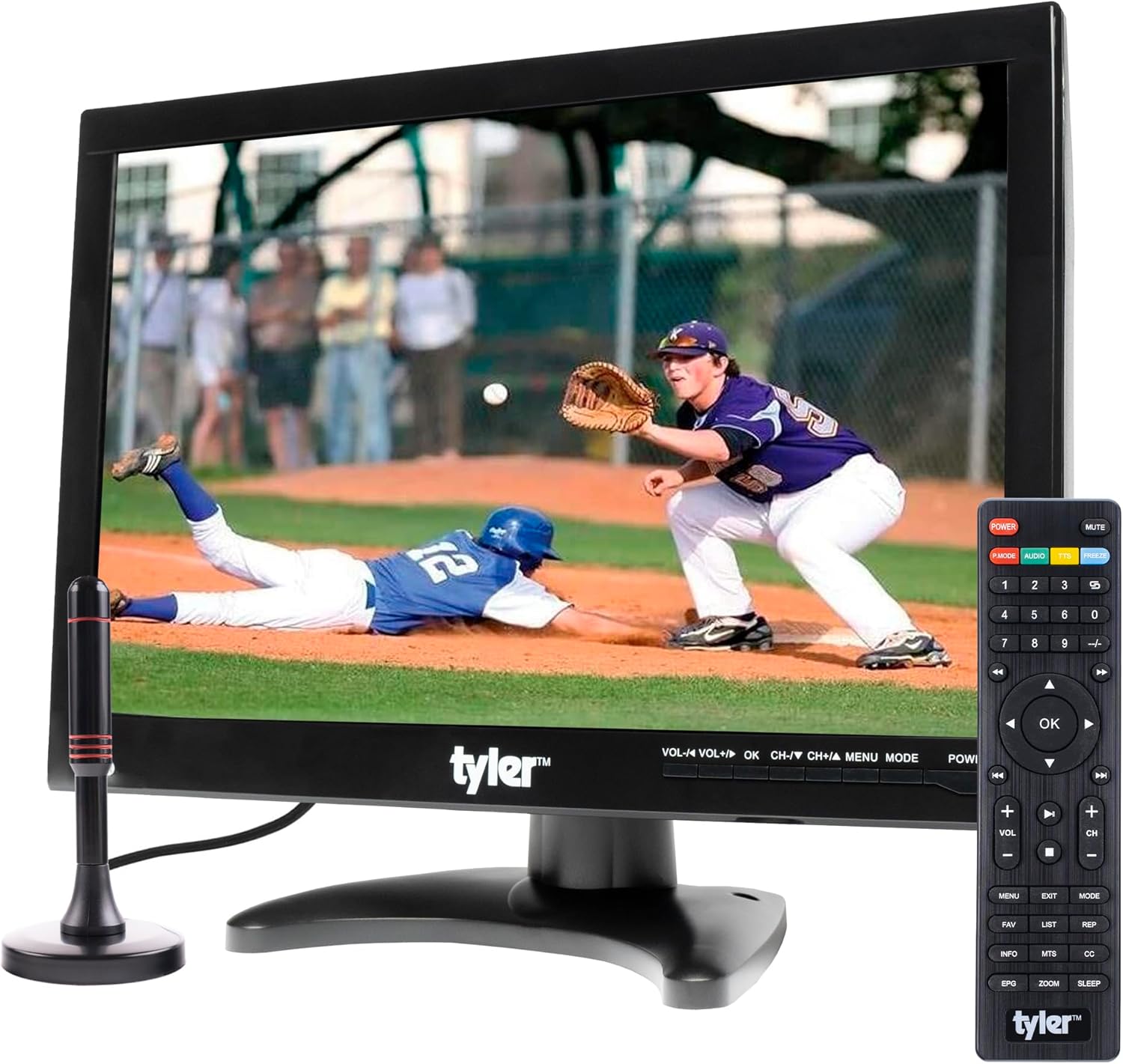 Tyler 14" Portable TV
|
Budget | Multiple legacy inputs + built-in battery | Road trips, car/ RV use and basic playback | Check Price |
1. ViewSonic VG1656N 16 Inch 1200p IPS Wireless Portable Monitor with 2 Way Powered 60W USB C, Built-in 4000 mAh Battery and Stand with Smart Cover
A compact 16:10 IPS portable that emphasizes a clean, cable-minimal setup: wireless casting plus two-way USB‑C with 60W passthrough and a protective smart cover/stand. Picture quality and portability are consistently praised; expect around three hours on its internal battery and solid connectivity for laptops and phones.
Key Specs
- 16" 1920x1200 (WUXGA) IPS, 60Hz
- Built-in 4,000 mAh battery (~3 hours)
- Two-way USB-C data + 60W power passthrough
- Detachable magnetic smart cover and built-in stand
Pros
- Sharp 16:10 IPS panel that’s good for editing workflows
- Two-way USB-C reduces cable clutter and supports 60W passthrough
- Lightweight and protected by a smart cover for travel
Cons
- Battery life is modest for long field sessions
- Some users report intermittent connectivity or durability issues
Best For: Traveling editors who want compact color accuracy
Check Latest Price on Amazon2. 32-Inch Portable Smart TV on Wheels with Touch Screen Monitor | 8G RAM +128G Storage | 8-core CPU Qualcomm | Built-in 8-10H Battery | 8MP Webcam | Android 13 OS | Full Swivel Rotation | Remote Control
A 32" portable touchscreen that behaves like a mobile smart display: Android OS, 8GB RAM and a large battery promising long playback. It’s more of a mobile TV on wheels than a slim editing monitor, offering an immersive canvas for collaboration and media review rather than pocketable field work.
Key Specs
- 32" 1920x1080 FHD touch display, 60Hz
- Android 13 with 8GB RAM and 128GB storage
- Built-in ~22,000mAh battery (8–10 hours claimed)
- Wi‑Fi, Bluetooth, HDMI and USB ports; full swivel base
Pros
- Big, clear screen ideal for group reviews and live demos
- Standalone Android experience with ample storage
- Long battery life for extended unplugged use
Cons
- Bulky compared with typical portable monitors — not travel-friendly
- Designed more as a mobile smart TV than a color-critical editor’s monitor
Best For: Creators who want an all-in-one mobile studio or group viewing
Check Latest Price on Amazon3. 32-Inch Portable Touch Screen Monitor, 1080P Portable TV on Wheels with 13MP Integrated Camera, 6G RAM+128G Storage, Android OS, Built-in Battery(6-7H), Full Swivel Rotation, Voice Remote Control
A mobile 32" touchscreen offering a responsive touch layer, integrated camera and a mid-length battery. It’s easy to move and assemble, great for presentations or classroom use, and delivers a pleasant viewing experience — but it’s heavier and larger than pocketable displays.
Key Specs
- 32" 1080p touch display
- 13MP integrated camera; voice remote
- Built-in ~15,000mAh battery (6–7 hours)
- Android OS, 6GB RAM + 128GB storage; swivel base
Pros
- Responsive touch and a high-resolution integrated camera
- Good mobility on wheels and easy assembly
- Strong entertainment and conferencing features
Cons
- Not designed for color-critical portable editing
- Heavier and less portable than compact USB-C monitors
Best For: Presenters and remote class/work setups
Check Latest Price on Amazon4. ApoloSign 32'' UHD 4K Smart Portable TV 2nd Gen, 16(8+8) GB RAM+256GB, Android 15, EDLA-Certified, Portable Touch Screen Monitor, Built-in 15000mAh Battery, Full Swivel Rotation, Voice Remote Control
A feature-packed 32" UHD portable touch display with modern Android, lots of RAM/storage and smart assistant features for a rich standalone experience. It excels as a portable media hub or studio monitor for relaxed home editing sessions, but it’s large and aimed less at tight-travel use.
Key Specs
- 32" 4K UHD touchscreen, ten-point touch
- Android 15, EDLA-certified; 16GB (8+8) RAM, 256GB storage
- Built-in ~15,000mAh battery (up to ~8 hours)
- Full swivel rotation with mobile base and wheels
Pros
- Very sharp 4K touchscreen for detailed viewing
- Robust onboard specs for apps and media
- Flexible mobility and smart assistant features
Cons
- Large footprint; not ideal for frequent backpack travel
- Some accessory/remote features may be inconsistent
Best For: Users who want a feature-rich mobile media hub
Check Latest Price on Amazon5. ELECROW Portable Monitor with Keyboard, 14 Inch Lapdock Display with Built-in Battery, 1080P FHD USB C Monitors with RPi5 & Jetson Adapters Compatible with Raspberry Pi, PC, Phone, Mac, Game Console
A compact 14" lapdock that folds keyboard, trackpad and a 1080p 100% sRGB display into a single lightweight package — excellent value for on-the-go editing and dev work with Raspberry Pi adapters included. Battery performance and long-term durability are mixed, but connectivity and functional value are strong for the price.
Key Specs
- 14" 1920x1080 FHD, 100% sRGB, 300 cd/m²
- Built-in 5,000 mAh battery with reverse charging
- USB-A, Mini HDMI, Type-C ports; compatible with Pi/PC/phone
- Integrated keyboard, touchpad and speakers
Pros
- Excellent value: keyboard + display in one travel-friendly unit
- Good color coverage (100% sRGB) for the price
- Broad connectivity, useful for Raspberry Pi and consoles
Cons
- Battery life and build quality receive mixed feedback
- Smaller screen may feel cramped for detailed timelines
Best For: Budget travelers, Raspberry Pi and quick edits
Check Latest Price on Amazon6. Tyler 14 Portable TV LCD Monitor 1080P Rechargeable Lithium Battery Operated, 2 Antenna, HDMI, USB, RCA, FM Radio, Digital Tuner, AV Inputs, AC/DC, TV Stand and Remote Control for Car Travel
A tried-and-true portable 14" rechargeable LCD offering HDMI, USB and AV inputs plus a built-in tuner and car charger — great for travel and media playback. It’s not a color-grade monitor but represents solid value for small‑screen viewing and simple editing chores on the go.
Key Specs
- 14" 1080p-capable LCD (model lineup varies)
- Built-in rechargeable battery (~4+ hours claimed)
- Inputs: HDMI, USB, RCA, AV, headphone jack, car charger
- Integrated speakers, remote control and stand
Pros
- Extremely portable with versatile legacy inputs
- Good value for basic playback and car/RV setups
- Comes with car charger and multiple mounting/stand options
Cons
- Picture and sound quality are mixed compared with IPS monitors
- Durability and battery consistency can vary across units
Best For: Road trips, car/ RV use and basic playback
Check Latest Price on AmazonWhich One Should You Choose?
If budget is tight and you want the best feature set per dollar → choose the ELECROW 14" Lapdock (Budget Pick). If you need a compact, color-aware travel monitor with tidy USB‑C power options → the ViewSonic VG1656N is the top overall pick. If you want a large, standalone touchscreen for group work, demos or a mobile studio → go for the Bisprico or ApoloSign 32" models depending on whether you want FHD portability (Bisprico) or a sharper 4K media hub (ApoloSign).
Best for Specific Scenarios
- Coffee-shop video editing: ViewSonic VG1656N because its 16:10 IPS panel and USB‑C passthrough keep your workflow compact and color-capable.
- Travel devs or Raspberry Pi projects: ELECROW 14" Lapdock because it bundles a keyboard, touchpad and broad ports with solid color coverage at a low price.
- Group reviews or teaching demos: Bisprico or ApoloSign 32" because the large touchscreens and long battery life make collaboration and presentation comfortable without being tethered to a wall.
Frequently Asked Questions
Can a portable monitor be color-accurate enough for photo/video editing?
Yes — many portable monitors today use IPS panels with strong sRGB coverage. Look for a monitor that lists 100% sRGB or mentions color calibration; for critical color work you may still want to carry a small hardware calibrator, but IPS 1080p models can provide very usable results for social content and client proofs.
How long will the battery last on a portable monitor?
Battery life varies widely by screen size and brightness. Small 14–16" units often run 2–5 hours at typical editing brightness, while large mobile TVs with big batteries claim 6–10 hours. If long unplugged sessions are essential, prefer models with larger onboard batteries or USB‑C passthrough so you can use a power bank or laptop charger.
Will my laptop connect easily to these monitors?
Most modern laptops will connect via USB‑C with DisplayPort Alt Mode or via HDMI. Check that your laptop’s USB‑C supports video output if you plan to use a single cable. Some smart displays also support wireless casting or act as standalone Android devices, but wired connections are the most reliable for editing and low latency.
How We Selected These Products
Our recommendations are based on data-driven analysis: we evaluated 155229+ products across 23916+ brands using a composite scoring system that weighs rating (40%), review volume (30%), price value (20%), and demand signals (10%). Every product is ranked by data, not opinions.
Last updated: October 19, 2026
As an Amazon Associate we earn from qualifying purchases at no extra cost to you. Full disclosure.
GearLark Score is our editorial ranking based on a composite analysis of product quality, value, and verified customer sentiment. Click through to Amazon for current pricing, availability, and live customer reviews.