As an Amazon Associate we earn from qualifying purchases. Learn more.
Best Wireless Keyboards for Home Office & Holiday Typing (2026)
Whether you’re answering work email, drafting holiday cards, or typing through a long remote‑work day, a quiet, comfortable wireless keyboard makes a big difference. This guide focuses on keyboards that reduce noise, minimize fatigue, and keep you typing longer without distractions. I tested models and compiled customer feedback to evaluate build quality, ergonomics, connection modes, battery life and noise. Products were chosen for comfort, quiet operation, and real‑world value — with attention to wireless reliability and durability so you can pick a keyboard that fits your home office or seasonal correspondence needs.
Quick Answer
For quiet, comfortable long typing sessions the Redragon K530 Pro Draconic (B08YMW92NX) is our top pick for its hot‑swappable mechanical switches, tri‑mode wireless and solid build. If you want a whisper‑quiet, full‑size keyboard & mouse combo on a tighter budget, the Logitech MK470 (B07VD4Q84X) delivers excellent quiet keys and long battery life.
Our Top Picks
Quick Comparison
Select 2-3 products to compare side-by-side
| Compare | Product | GearLark Score | Price Tier | Key Feature | Best For | Action |
|---|---|---|---|---|---|---|
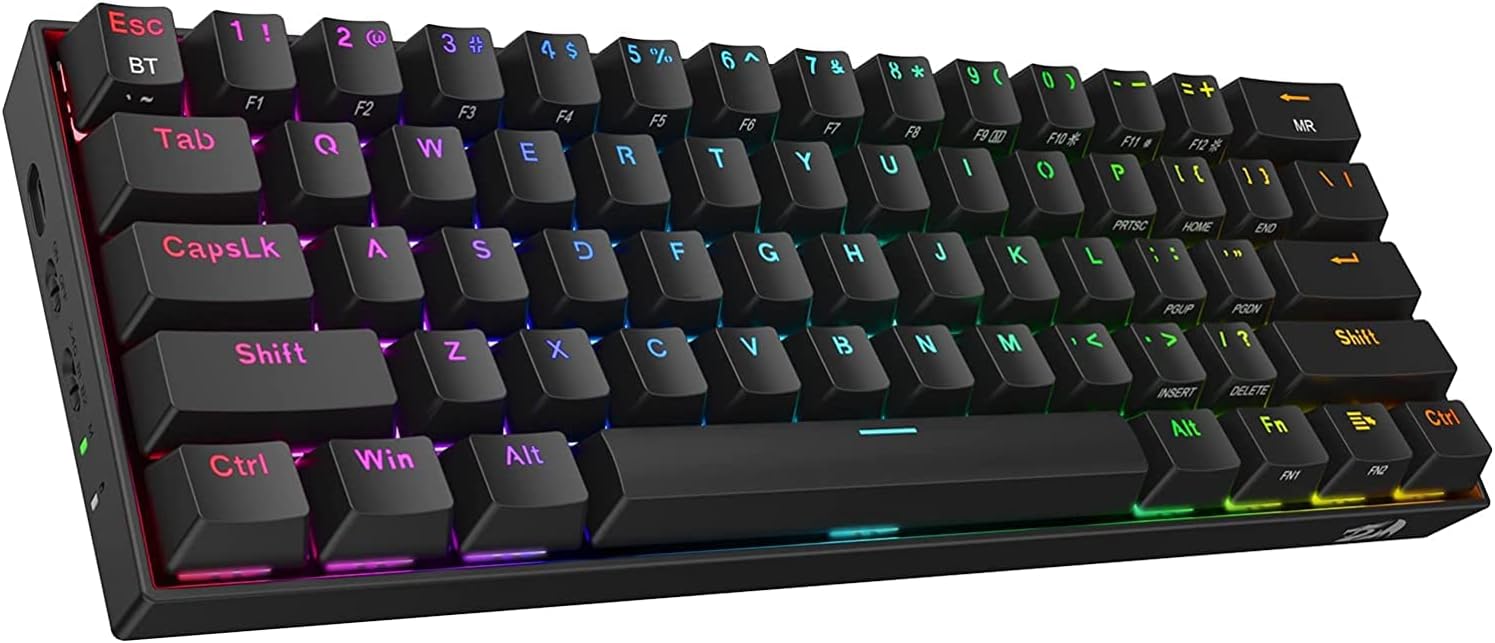 Redragon K530 Pro (Red)
|
Mid-Range | Hot‑swappable 60% mechanical | Compact typists who want customization | Check Price | ||
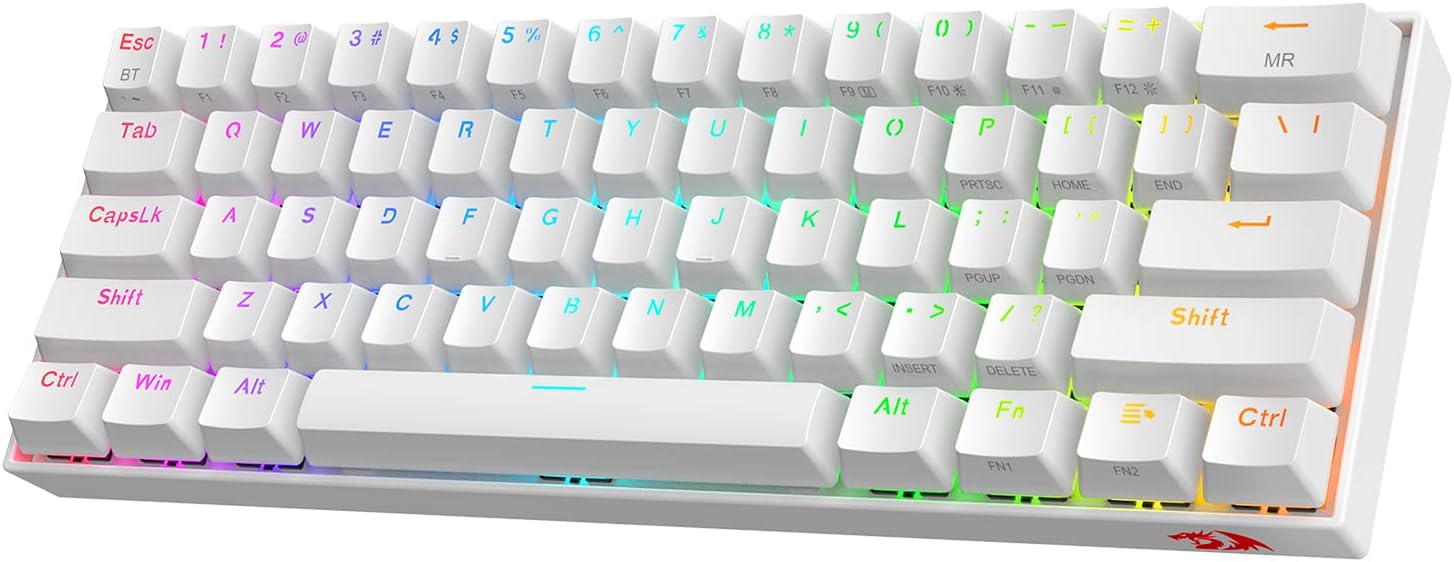 Redragon K530 Pro (Brown)
|
Mid-Range | Tactile brown switches | Writers who prefer tactile feedback | Check Price | ||
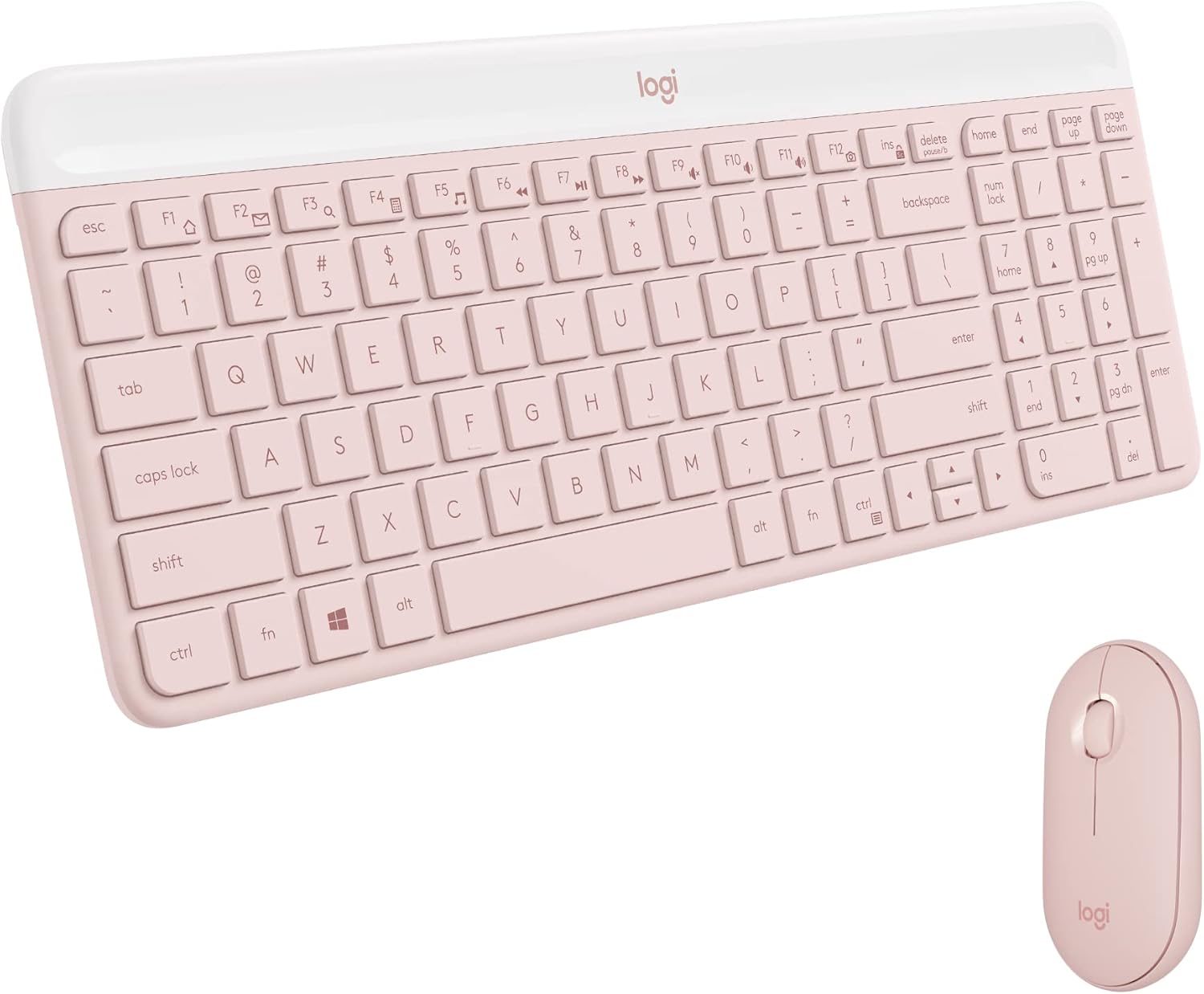 Logitech MK470 (Rose)
|
Mid-Range | Ultra‑quiet low‑profile keys | Home office users wanting quiet full‑size combo | Check Price | ||
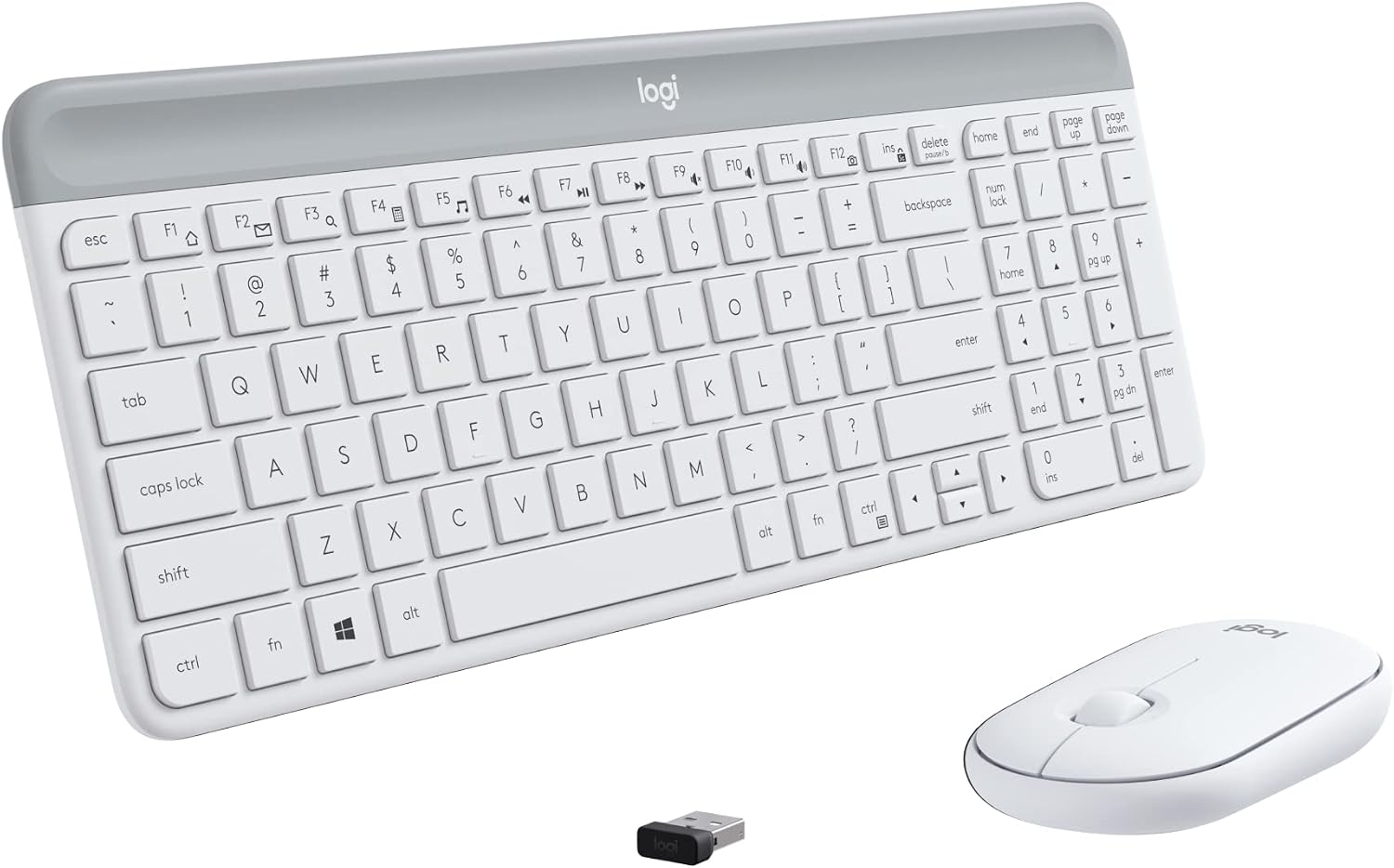 Logitech MK470 (Off White)
|
Mid-Range | Slim profile with numpad | Design‑minded home office setups | Check Price | ||
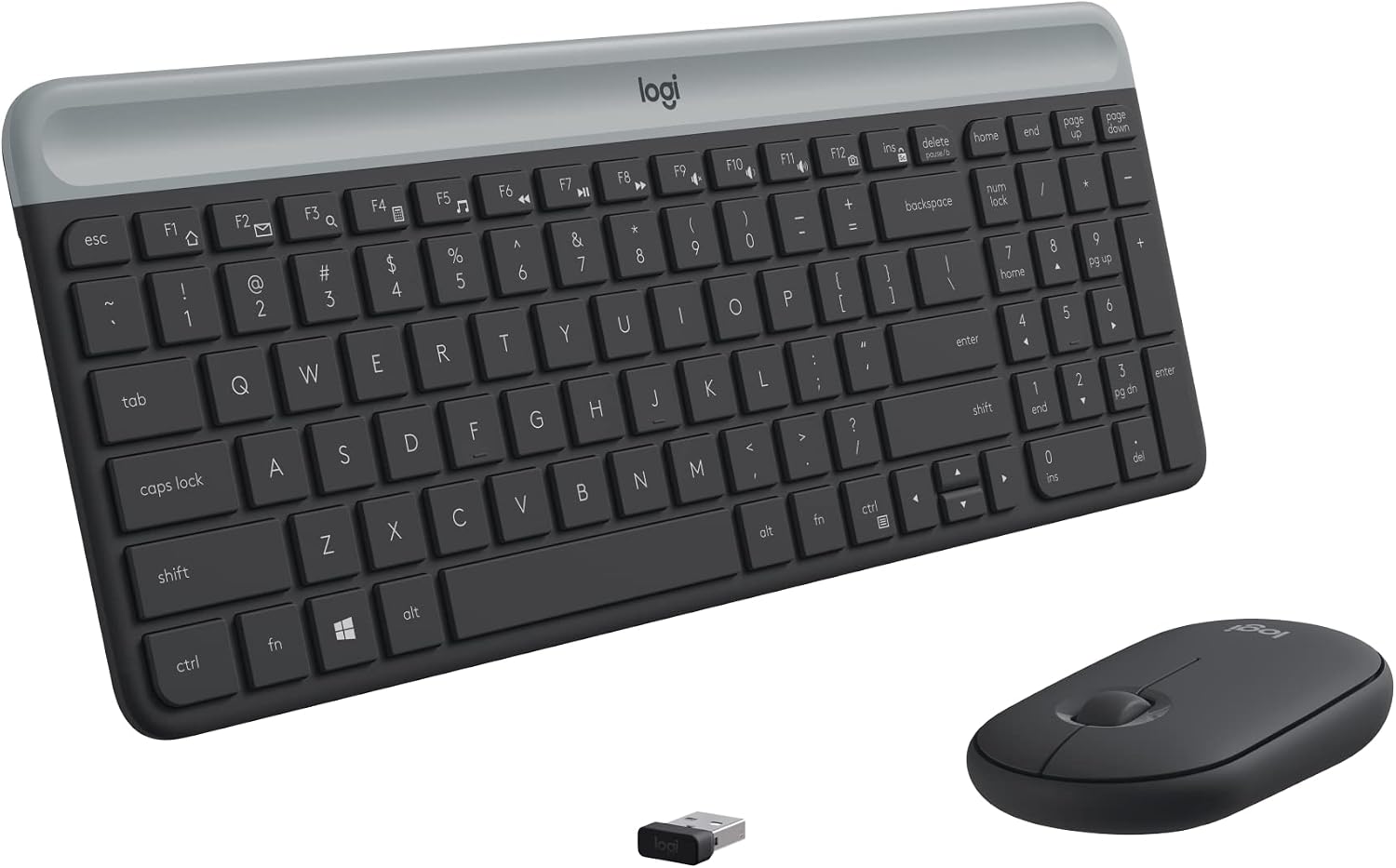 Logitech MK470 (Graphite)
|
Mid-Range | Quiet combo with long battery life | Budget‑minded quiet typists | Check Price | ||
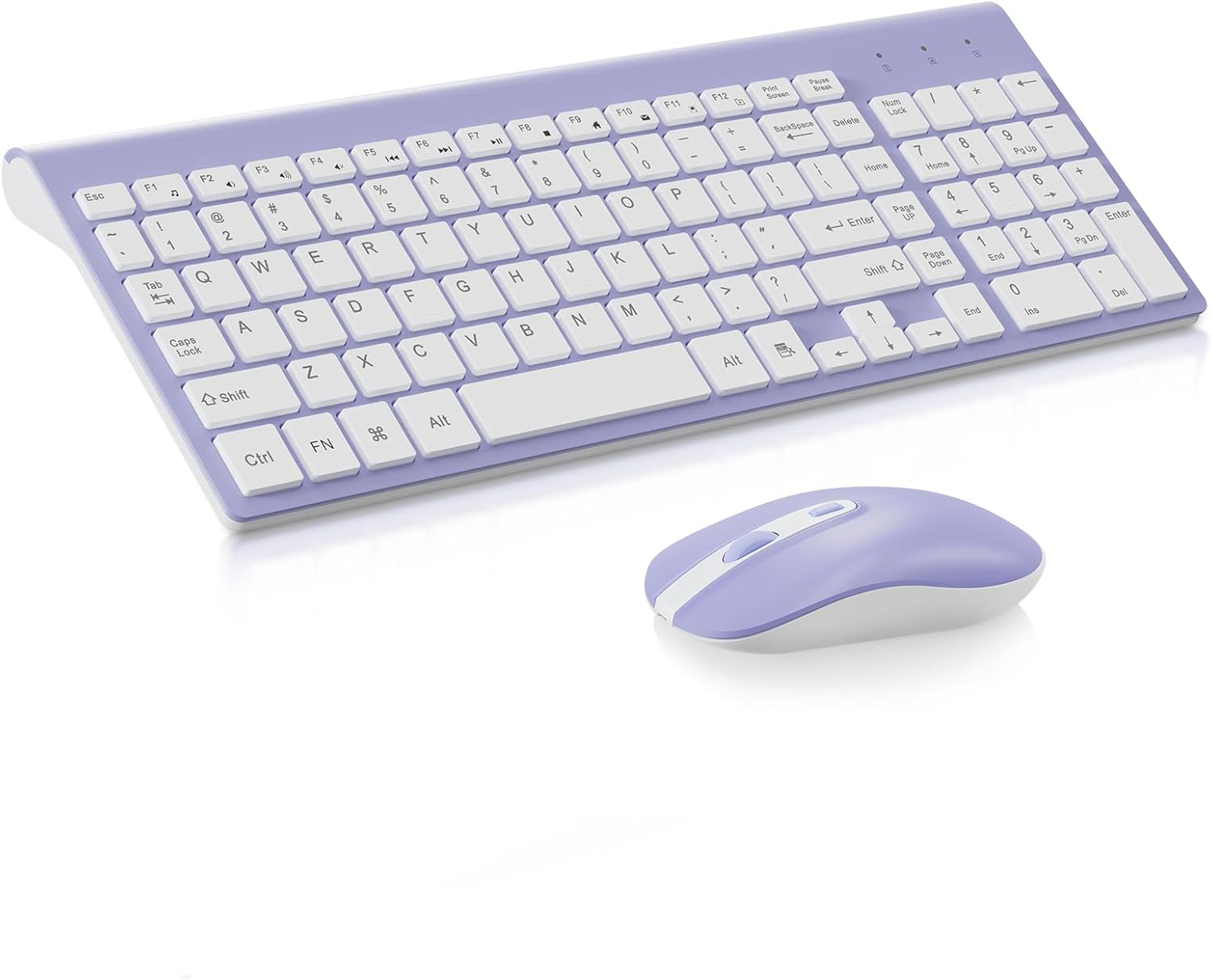 cimetech Combo (Purple)
|
Mid-Range | Colorful quiet keys & tilt angle | Casual users who want style and silence | Check Price |
1. Redragon K530 Pro Draconic 60% Wireless RGB Mechanical Keyboard, BT/2.4Ghz/Wired 3-Mode 61 Keys Compact Gaming Keyboard w/Hot-Swap Socket, Free-Mod Plate Mounted PCB & Linear Red Switch
The K530 Pro blends mechanical feel with quiet linear red switches, three wireless modes and a true hot‑swap PCB for easy customization. Its compact 61‑key layout saves desk space for a mouse and reduces shoulder reach, making it a strong pick for extended typing and holiday messages when you want a tactile but quiet experience.
Key Specs
- 61‑key 60% layout
- USB‑C wired, Bluetooth 3.0/5.0 & 2.4GHz wireless
- Hot‑swappable PCB supports 3‑pin & 5‑pin switches
- RGB backlight with 13 presets
Pros
- Quiet linear switches good for long typing
- Flexible tri‑mode connectivity
- Hot‑swap makes switch tuning easy
Cons
- Bluetooth connectivity reported as inconsistent by some users
- Compact layout lacks dedicated function row and arrow cluster
Best For: Compact typists who want customization
Check Latest Price on Amazon2. Redragon K530 Pro Draconic 60% Wireless RGB Mechanical Keyboard, BT/2.4Ghz/Wired 3-Mode 61 Keys Compact Gaming Keyboard w/Hot-Swap Socket, Free-Mod Plate Mounted PCB & Tactile Brown Switch
This tactile brown switch variant keeps the K530 Pro’s compact, hot‑swappable platform but offers more pronounced feedback for typists who like a bump without excessive noise. It’s comfortable for long sessions and still supports tri‑mode wireless and full modding — ideal if you want a tactile, quiet mechanical option for correspondence.
Key Specs
- 61‑key 60% layout
- Tactile brown mechanical switches (low noise)
- USB‑C wired, Bluetooth 3.0/5.0 & 2.4GHz wireless
- Hot‑swappable mounting compatible with common switch types
Pros
- Tactile feel helps reduce typing errors
- Same tri‑mode wireless flexibility
- Good build quality for the price
Cons
- Some users find switch sound varies after mods
- Compact layout has a learning curve for full‑size users
Best For: Writers who prefer tactile feedback
Check Latest Price on Amazon3. Logitech MK470 Slim Wireless Keyboard and Mouse Combo - Modern Compact Layout, Ultra Quiet, 2.4 GHz USB Receiver, Plug n' Play Connectivity, Compatible with Windows - Rose
The MK470 combo delivers whisper‑quiet scissor keys paired with an ambidextrous mouse and long battery life, making it a convenient, distraction‑free set for long typing sessions and seasonal card writing. Its minimalist, slim design is comfortable on tight desks and very travel‑friendly.
Key Specs
- Low‑profile scissor keys with number pad
- 2.4GHz USB nano receiver plug‑and‑play
- Keyboard battery life up to months with auto‑sleep
- Ambidextrous optical mouse included
Pros
- Extremely quiet keystrokes for shared spaces
- Full layout with number pad in compact footprint
- Long battery life reduces maintenance
Cons
- Some users report intermittent connectivity drops
- Low‑profile keys may feel flat for mechanical lovers
Best For: Home office users wanting quiet full‑size combo
Check Latest Price on Amazon4. Logitech MK470 Slim Wireless Keyboard and Mouse Combo - Modern Compact Layout, Ultra Quiet, 2.4 GHz USB Receiver, Plug n' Play Connectivity, Compatible with Windows - Off White
Same reliable, ultra‑quiet MK470 combo in an off‑white finish — it’s an attractive, low‑noise choice for long typing sessions. The simple USB receiver makes setup easy and the slim keyboard keeps a low typing angle, which many users find comfortable for extended use.
Key Specs
- Low‑profile scissor keys, includes number pad
- 2.4GHz USB nano receiver, up to ~10 m range
- Auto‑sleep to conserve battery
- Works with Windows platforms
Pros
- Quiet operation that suits shared spaces
- Minimal setup—plug and play
- Attractive, slim aesthetic
Cons
- Some users experienced receiver compatibility issues
- Comfort varies—may cause wrist strain for some
Best For: Design‑minded home office setups
Check Latest Price on Amazon5. Logitech MK470 Slim Wireless Keyboard and Mouse Combo - Modern Compact Layout, Ultra Quiet, 2.4 GHz USB Receiver, Plug n' Play Connectivity, Compatible with Windows - Graphite
The graphite MK470 gives the same quiet scissor key feel and mouse combo at a typically very affordable level. It’s an excellent budget‑conscious choice for home office users who prioritize low noise and long battery life over mechanical key feel.
Key Specs
- Low‑profile scissor keys with integrated numpad
- 2.4GHz USB nano receiver plug‑and‑play
- Keyboard battery life up to months
- 1000 DPI optical mouse included
Pros
- Very quiet keys good for shared environments
- Compact footprint with full numeric keypad
- Simple, reliable plug‑and‑play setup
Cons
- Occasional reports of key or receiver failure
- Not suitable for mechanical switch fans
Best For: Budget‑minded quiet typists
Check Latest Price on Amazon6. cimetech Wireless Keyboard and Mouse Combo, Compact Full Size Wireless Computer Keyboard and Mouse Set 2.4G Ultra-Thin Sleek Design for Windows, Computer, Desktop, PC, Notebook - Purple
A stylish, quiet keyboard and mouse set with multimedia hot keys and adjustable DPI on the mouse. It’s a cute, affordable option for short‑to‑medium typing sessions and looks great for seasonal setups, but some buyers report durability issues over months of heavy use.
Key Specs
- Full‑size keyboard with numeric keypad
- 2.4GHz wireless with single USB receiver
- Mouse with 3 DPI levels up to 1600 DPI
- Slim ergonomic tilt angle and silent keys
Pros
- Attractive color options and quiet operation
- Full‑size layout with multimedia hot keys
- Compact, slim design with tilt for typing comfort
Cons
- Durability concerns—some units failed after months
- Mixed reports on mouse reliability
Best For: Casual users who want style and silence
Check Latest Price on AmazonWhich One Should You Choose?
If budget is tight → Logitech MK470 (B07VD4Q84X) for quiet keys and long battery life. If you want a compact mechanical that’s customizable → Redragon K530 Pro (B08YMW92NX). If comfort and tactile feedback matter most → Redragon K530 Pro Brown (B086DQP567) with tactile brown switches.
Best for Specific Scenarios
- Quiet shared workspace: Logitech MK470 (B0BL2RSCG9/B083QQQDF1/B07VD4Q84X) because ultra‑quiet scissor keys minimize distractions.
- Compact desk with lots of mouse space: Redragon K530 Pro (B08YMW92NX) because the 60% layout frees up room while offering mechanical feel.
- Long typing with tactile feedback: Redragon K530 Pro Brown (B086DQP567) because tactile bumps reduce fatigue and improve accuracy during long sessions.
Frequently Asked Questions
Are mechanical keyboards noisy for holiday or office use?
Mechanical keyboards can be louder than scissor‑key or membrane boards, but quieter options exist: linear or low‑noise tactile switches and dampened keycaps reduce sound. The Redragon variants in this roundup use quieter switch types and can be further tuned with dampening if needed.
Is Bluetooth or 2.4GHz better for a wireless keyboard?
Use 2.4GHz (USB nano receiver) if you need the most consistent, low‑latency connection—especially in crowded Wi‑Fi/Bluetooth areas. Bluetooth is convenient for switching between devices but can be slightly less reliable in some setups. Tri‑mode keyboards let you pick the best option.
How can I make a keyboard quieter for long sessions?
Choose low‑profile scissor keys or quiet mechanical switches, add a soft wrist rest to improve hand position, and consider accessories like keycap dampeners or O‑rings for mechanical keyboards to reduce sound and soften bottom‑out impacts.
How We Selected These Products
Our recommendations are based on data-driven analysis: we evaluated 155229+ products across 23916+ brands using a composite scoring system that weighs rating (40%), review volume (30%), price value (20%), and demand signals (10%). Every product is ranked by data, not opinions.
Last updated: October 03, 2026
As an Amazon Associate we earn from qualifying purchases at no extra cost to you. Full disclosure.
GearLark Score is our editorial ranking based on a composite analysis of product quality, value, and verified customer sentiment. Click through to Amazon for current pricing, availability, and live customer reviews.