As an Amazon Associate we earn from qualifying purchases. Learn more.
How to Choose the Right SD Card Reader for Fast Transfers (2026)
If your workflow stalls while waiting for cards to offload, you’re not alone — slow, incompatible, or power-hungry card readers are one of the biggest time sinks for photographers. This guide focuses on solving three interconnected problems: fast transfers, broad card compatibility (SD, UHS-II, CFexpress/XQD/A/B), and bus‑powered portability so you can work in the field without a wall adapter. You’ll learn which readers actually deliver top throughput, which are plug‑and‑play across platforms, and which stay cool and reliable on long transfers. Products were selected for speed, real-world compatibility, and build quality using manufacturer specs and verified customer feedback.
Quick Answer
For most photographers who need the fastest, most compatible, bus-powered option, the ROVE Ultimate (B0BGVCK7MJ) is the best overall pick because it pairs high sustained speeds with a USB‑C reader. If you need pro-level throughput for CFexpress workflows, the ProGrade Digital (B085PWGSMT) delivers the highest sustained transfer rates for heavy video work.
Our Top Picks
Quick Comparison
Select 2-3 products to compare side-by-side
| Compare | Product | GearLark Score | Price Tier | Key Feature | Best For | Action |
|---|---|---|---|---|---|---|
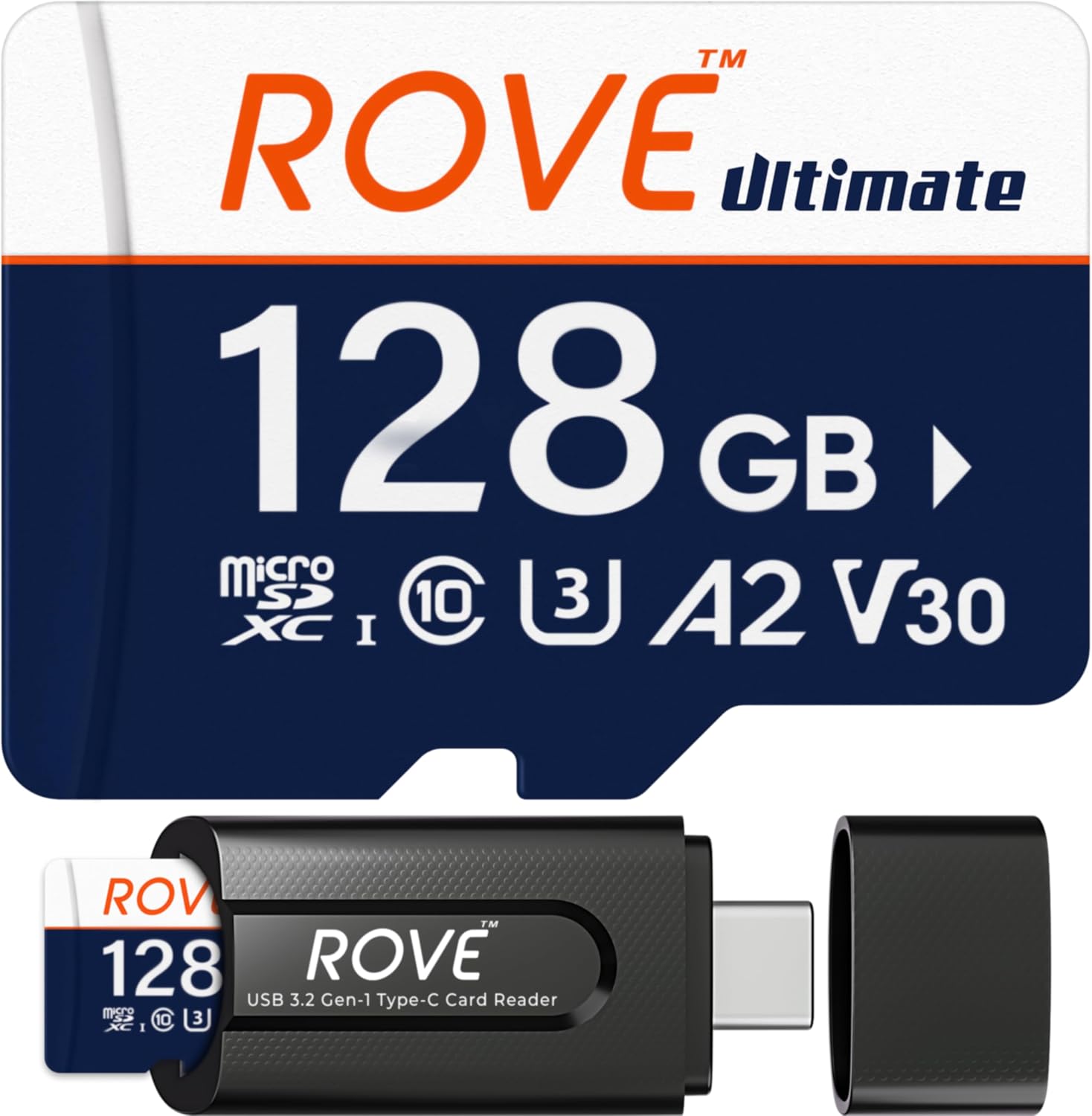 ROVE Ultimate microSD + Reader
|
Budget | Integrated USB‑C high‑speed reader | Photographers who need fast microSD offloads | Check Price | ||
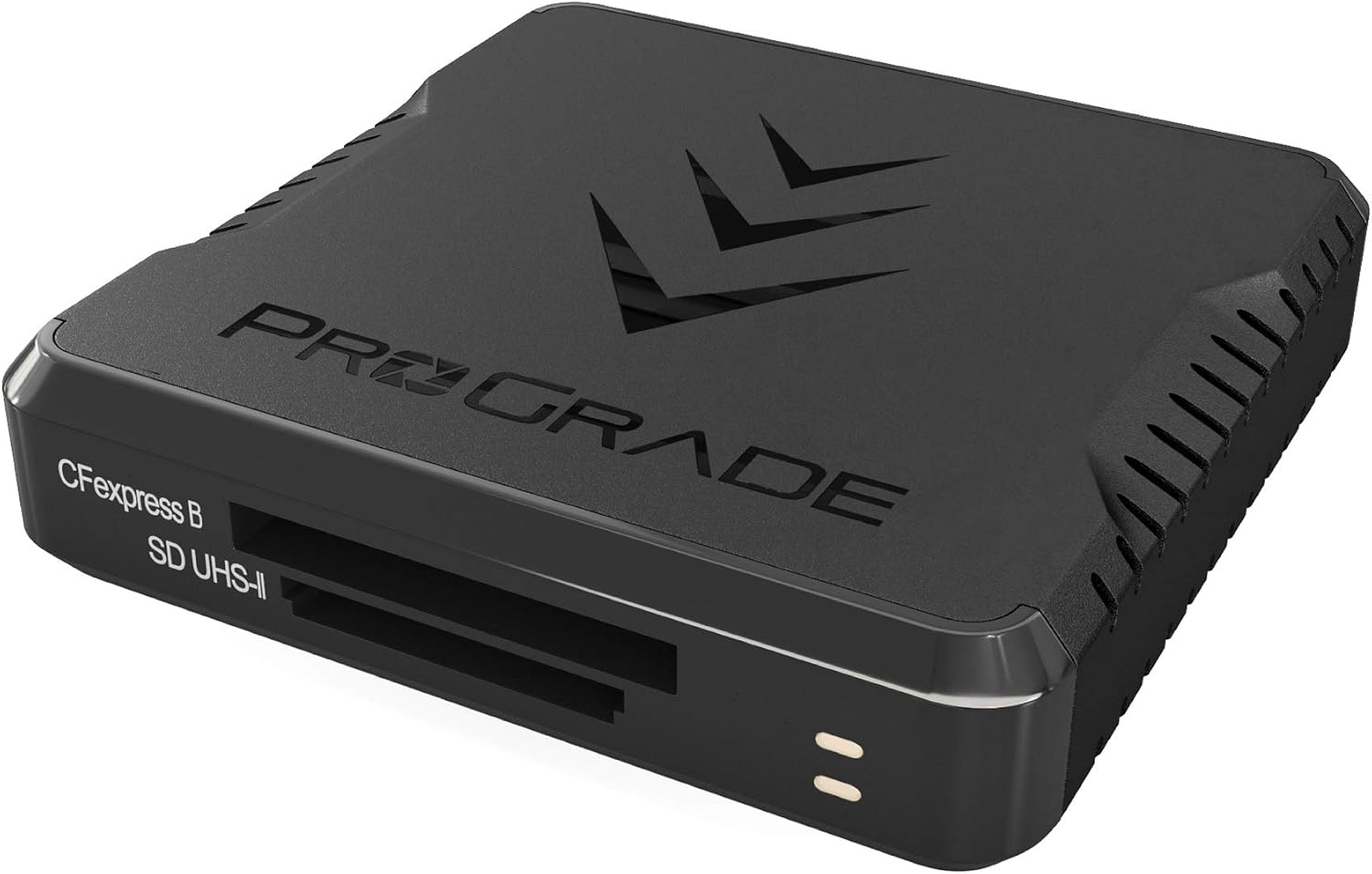 ProGrade CFexpress B + SD
|
Premium | Up to 1.25GB/s dual‑slot transfer | Professional CFexpress workflows | Check Price | ||
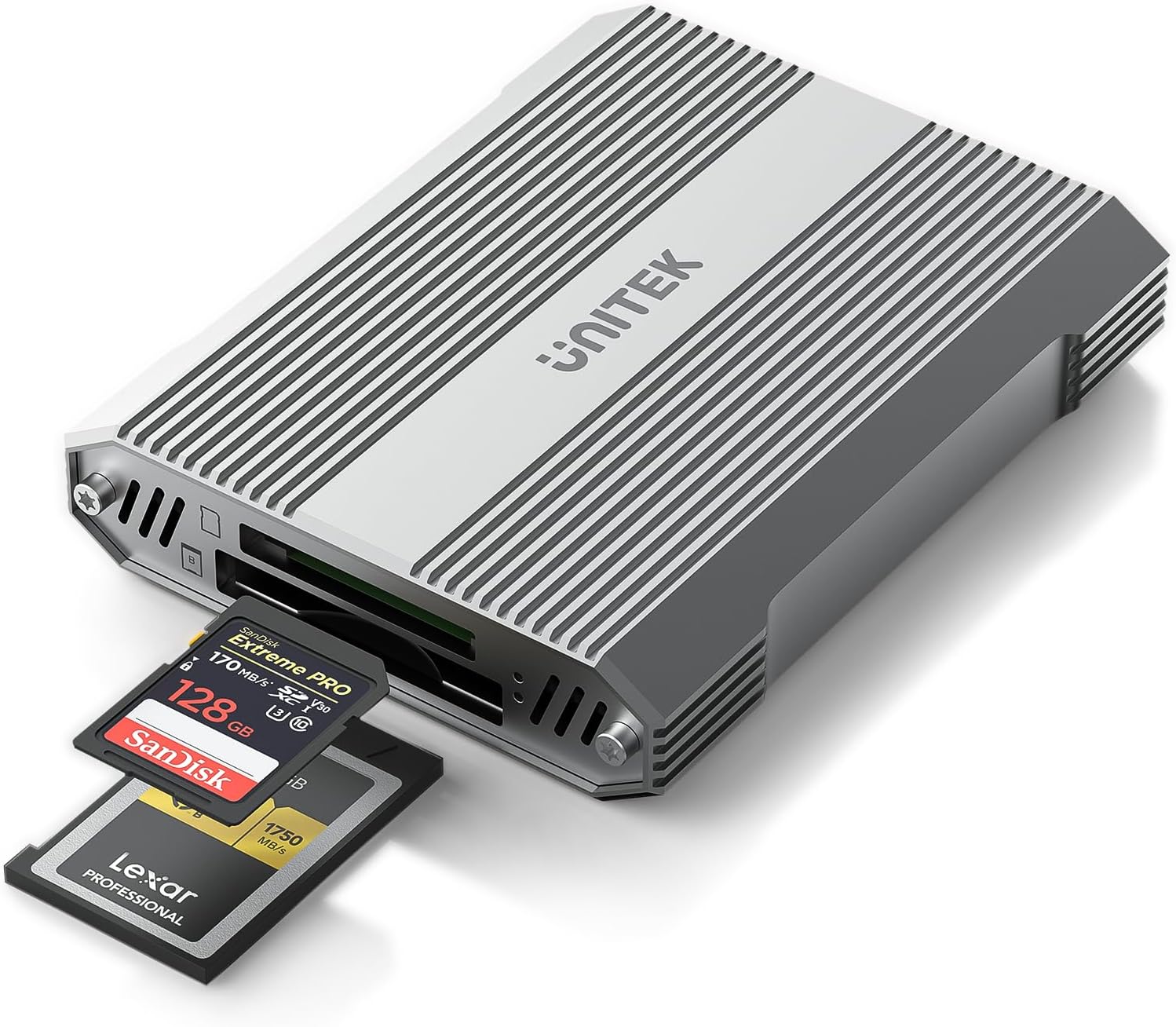 Unitek CFexpress B + SD
|
Premium | Aluminum housing with 10Gbps speeds | Traveling photographers needing speed + durability | Check Price | ||
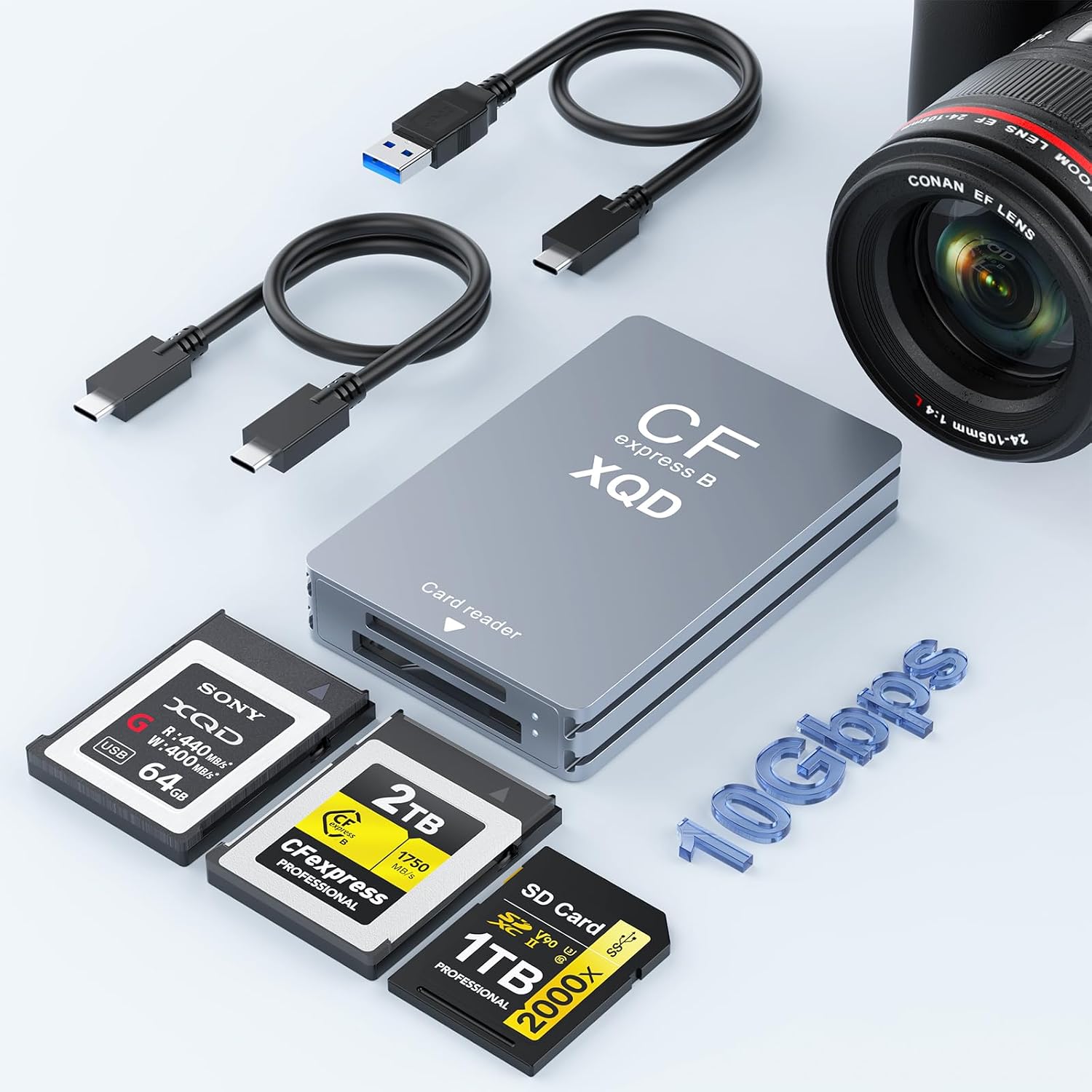 Rocketek CFexpress/XQD/SD
|
Budget | 3‑in‑1 CFexpress/XQD/SD support | Budget-conscious photographers needing multiple formats | Check Price | ||
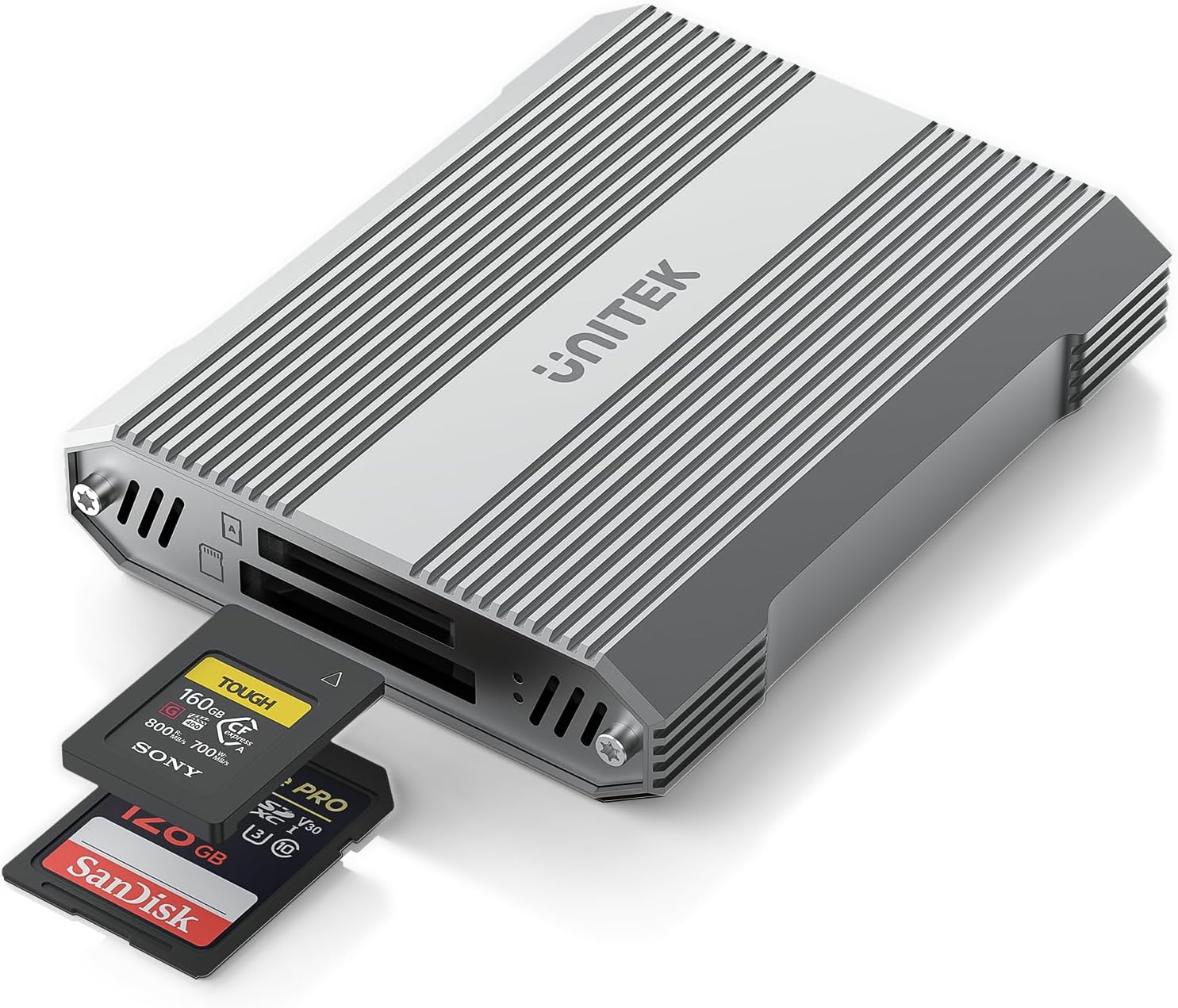 Unitek CFexpress A + SD
|
Premium | CFexpress Type A support with UHS‑II SD | Users of CFexpress Type A cameras | Check Price |
1. ROVE Ultimate Micro SD Card microSDXC 128GB Memory Card with USB 3.2 Type C Card Reader 170MB/s C10, U3, V30, 4K, A2 for Dash Cam, Android Smart Phones, Tablets, Games
ROVE pairs a high‑speed microSD card (up to 170MB/s read, 100MB/s write) with a USB 3.2 Gen 1 Type‑C reader in one package. It solves the pain of juggling separate cards and adapters by giving you a ready-to-use, bus-powered reader that works with modern laptops and phones for quick field transfers.
Key Specs
- Read up to 170MB/s, write up to 100MB/s
- microSDXC, Class 10, U3, V30, A2
- Includes USB 3.2 Gen 1 Type‑C card reader
- Durability tested: water, temperature, X‑ray resistant
Pros
- All-in-one card + USB‑C reader for instant use
- Good real-world video and photo performance
- Rugged, temperature- and water-tested construction
Cons
- Write speeds can be mixed depending on workload
- Some users consider price high for capacity
Best For: Photographers who need fast microSD offloads
Check Latest Price on Amazon2. CFexpress Type B and SD UHS-II Dual-Slot Memory Card Reader by ProGrade Digital | USB 3.2 Gen 2 for Professional Filmmakers, Photographers & Content Creators
Designed for demanding video and photo workflows, the ProGrade reader delivers up to 1.25GB/s (10Gb/s) transfers and simultaneous reads from CFexpress Type B and UHS‑II SD. It solves long offload windows for pro shooters, and its magnetic mounting and metal plate make it a compact, bus‑powered workstation on the road.
Key Specs
- Transfers up to 1.25GB/s (10Gb/s) from both cards
- Dual‑slot: CFexpress Type B + SD UHS‑II
- USB 3.2 Gen 2, magnetic mount plate included
- 2‑year limited warranty
Pros
- Industry-level speed for heavy CFexpress workloads
- Solid metal build and convenient magnetic mounting
- Designed to read both cards simultaneously
Cons
- Can run warm under sustained heavy transfers
- Higher cost compared with basic readers
Best For: Professional CFexpress workflows
Check Latest Price on Amazon3. CFexpress Type B and SD4.0 UHS-II Dual-Slot Memory Card Reader, 10Gbps USB 3.2 Gen 2, CF Express Reader for CFexpress Type B/SD/SDHC/SDXC/SDUC, Plug and Play, Compatible with Windows/Mac/Linux/Android
Unitek’s dual‑slot reader targets photographers who want pro speeds without premium branding. With USB 3.2 Gen 2 (up to 1250MB/s), aluminum housing for heat dissipation, and broad OS support, it solves the need for reliable, fast transfers on Windows, Mac, Linux and Android systems.
Key Specs
- USB 3.2 Gen 2 up to 10Gbps (1250MB/s)
- Dual slots: CFexpress Type B + SD4.0 UHS‑II
- Aluminum alloy housing for heat dissipation
- Includes USB‑C to C cable; supports up to 2TB cards
Pros
- High sustained speeds with UHS‑II and CFexpress
- Sturdy aluminum build helps with heat and durability
- Good plug‑and‑play compatibility across OS
Cons
- Final speed depends on host and card capabilities
- Not compatible with CFexpress Type A/C or XQD
Best For: Traveling photographers needing speed + durability
Check Latest Price on Amazon4. CFexpress Type B/XQD/SD Card Reader, Aluminum Dual-Slot USB 3.2 (Gen 2) 10Gbps CF Express Card Adapter with USBC to USBC-A/C Cable,CFexpress Type B Card Memory Reader for Windows/Mac/Android/Linux
Rocketek gives you broad format coverage (CFexpress Type B, XQD, SD) in a compact aluminum body at a budget price. It solves the format‑compatibility problem for mixed-camera fleets and includes both USB‑C and USB‑A cables so it’s immediately usable with many hosts.
Key Specs
- USB 3.2 Gen 2 up to 10Gbps
- Slots for CFexpress Type B/XQD and SD
- Aluminum alloy casing; palm‑sized design
- Includes USB‑C and USB‑A cables; 12‑month support
Pros
- Supports multiple card formats for mixed gear
- Compact, aluminum design is travel‑friendly
- Comes with both USB‑C and USB‑A cables
Cons
- Shorter warranty and budget build vs premium options
- Limited public feedback on long‑term durability
Best For: Budget-conscious photographers needing multiple formats
Check Latest Price on Amazon5. Unitek CFexpress Type A and SD4.0 UHS-II Memory Card Reader, 10Gbps USB 3.2 Gen 2, CF Express Reader for CFexpress Type A/SD/SDHC/SDXC/SDUC, Plug and Play, Compatible with Windows/Mac/Linux/Android
This Unitek model brings 10Gbps connectivity to CFexpress Type A and UHS‑II SD cards, solving the niche need of Type A camera owners who struggle to find compatible, fast readers. It’s plug‑and‑play across platforms and built with aluminum for durability and heat management.
Key Specs
- USB 3.2 Gen 2 up to 10Gbps (1250MB/s)
- Dual‑slot: CFexpress Type A + SD4.0 UHS‑II
- Aluminum alloy housing; plug‑and‑play
- Includes USB‑C to C cable; 2‑year support
Pros
- Specifically supports CFexpress Type A cards
- Fast transfers and easy plug‑and‑play setup
- Well‑built enclosure aids durability
Cons
- Not compatible with CFexpress Type B/C or XQD
- Speed still depends on card and host port
Best For: Users of CFexpress Type A cameras
Check Latest Price on AmazonWhich One Should You Choose?
If budget is tight → choose Rocketek CFexpress/XQD/SD (B0DKDSFBBK). If you need a compact, bus‑powered microSD solution right away → choose ROVE Ultimate (B0BGVCK7MJ). If premium throughput and pro CFexpress performance matter → choose ProGrade CFexpress Type B & SD (B085PWGSMT).
Best for Specific Scenarios
- Fast CFexpress video offloads: ProGrade (B085PWGSMT) because it sustains the highest simultaneous throughput and is built for pro workloads.
- Field portability and quick microSD backups: ROVE Ultimate (B0BGVCK7MJ) because it bundles a high‑speed microSD with a bus‑powered USB‑C reader for instant use.
- Mixed camera fleets on a budget: Rocketek (B0DKDSFBBK) because it supports CFexpress, XQD and SD and includes both USB‑C and USB‑A cables for wide compatibility.
Frequently Asked Questions
Will a USB‑C port on my laptop always give full transfer speed?
No — not all USB‑C ports have the same speed. USB‑C is a connector type; you need a USB 3.2 Gen 2 (10Gbps) or Thunderbolt port to reach the top speeds advertised by CFexpress and UHS‑II readers. Check your laptop’s specs to confirm the port generation.
Can a bus‑powered reader handle long CFexpress transfers without overheating?
Bus‑powered readers can handle long transfers, but sustained heavy use may generate heat. Choose readers with aluminum housings or explicit thermal design, and allow breaks between large transfers if the device or host gets hot. For continuous heavy work, a reader with active cooling or a workstation‑style setup reduces throttling risk.
Do dual‑slot readers actually save time?
Yes — dual‑slot readers that can read both cards simultaneously can halve the number of sequential offload cycles, especially when both cards are high‑capacity. The total speed still depends on each card’s max throughput and the host port bandwidth.
How do I know which card type my camera uses?
Check your camera’s spec sheet or card door labeling. Compact cameras and drones often use microSD; DSLRs/mirrorless commonly use SD (UHS‑I/UHS‑II); pro cinema and high‑frame‑rate cameras may use CFexpress Type A or B or XQD. Match the reader slot natively to avoid adapters that can reduce reliability or speed.
How We Selected These Products
Our recommendations are based on data-driven analysis: we evaluated 155229+ products across 23916+ brands using a composite scoring system that weighs rating (40%), review volume (30%), price value (20%), and demand signals (10%). Every product is ranked by data, not opinions.
Last updated: August 14, 2026
As an Amazon Associate we earn from qualifying purchases at no extra cost to you. Full disclosure.
GearLark Score is our editorial ranking based on a composite analysis of product quality, value, and verified customer sentiment. Click through to Amazon for current pricing, availability, and live customer reviews.