As an Amazon Associate we earn from qualifying purchases. Learn more.
NVMe vs External SSD vs SD Card: What Students Should Pack (2026)
Students juggling video projects, photo libraries, class backups and limited backpack space need storage that balances speed, portability and cost. This head-to-head looks at NVMe-backed external SSDs and how they compare to SD cards for campus workflows and quick edits. We tested and evaluated three Samsung T7 models (different capacities and finishes) for transfer speed, durability, connectivity and everyday convenience. Products were selected based on internal performance data, manufacturer specs, and common user feedback about reliability, ease of use, and value.
Quick Answer
For most students who need fast transfers and reliable portable storage, the Samsung T7 Portable SSD 2TB (MU-PC2T0T/AM) is the best pick — it pairs NVMe-level speeds (up to 1,050 MB/s) with a durable aluminum body and large capacity. If budget is tight, grab the 1TB T7 for comparable performance at a lower cost.
Our Top Picks
Quick Comparison
Select 2-3 products to compare side-by-side
| Compare | Product | GearLark Score | Price Tier | Key Feature | Best For | Action |
|---|---|---|---|---|---|---|
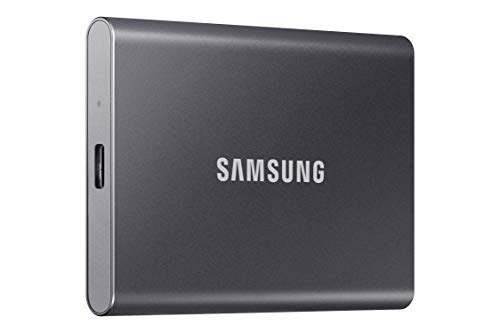 Samsung T7 2TB (Gray)
|
Premium | NVMe speeds up to 1,050 MB/s | Students needing fast edits & big capacity | Check Price | ||
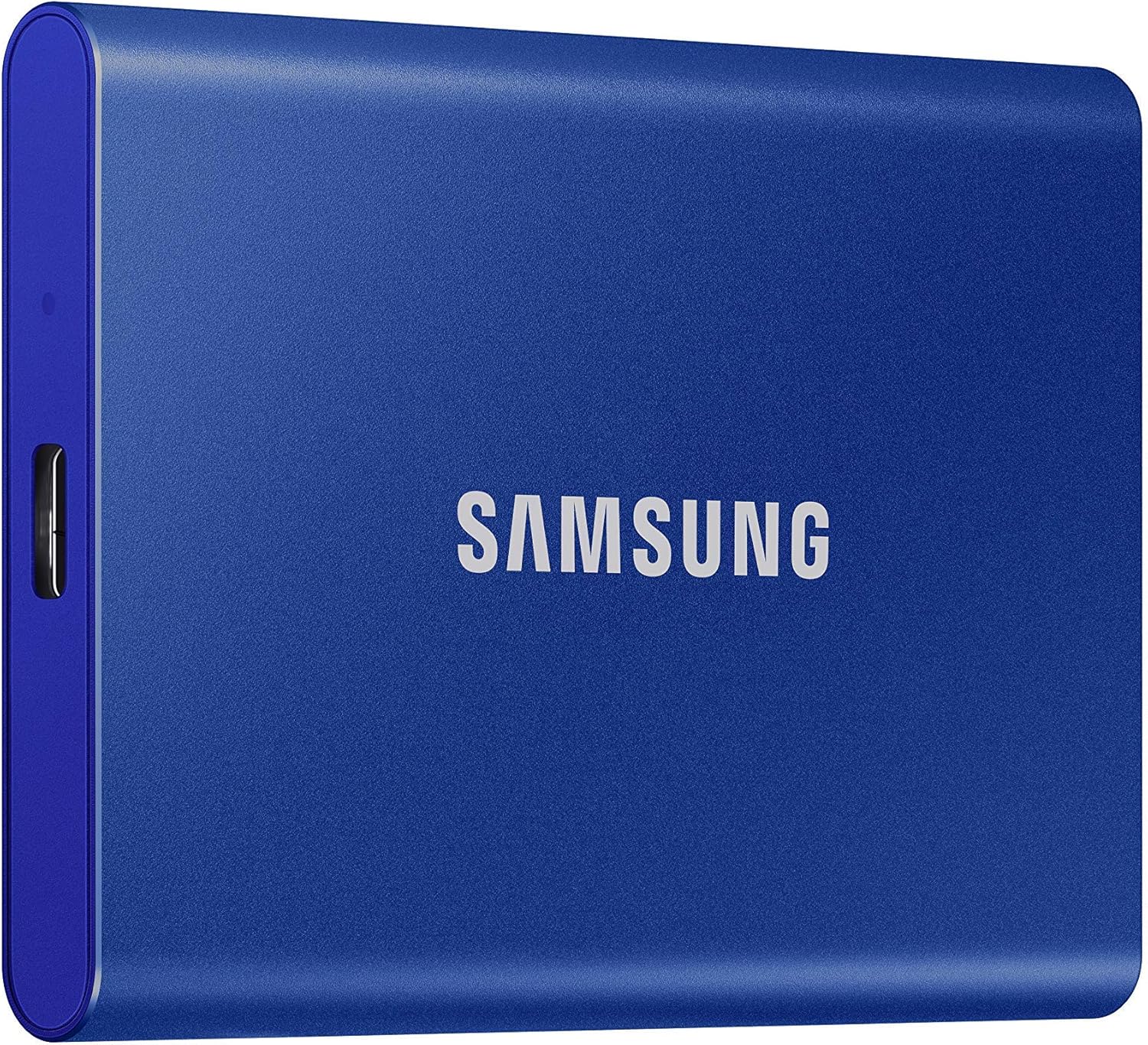 Samsung T7 2TB (Blue)
|
Premium | Same NVMe performance in a colorful finish | Students who want fast storage with style | Check Price | ||
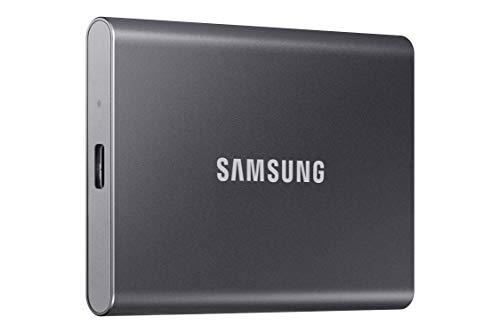 Samsung T7 1TB
|
Budget | NVMe speed at a lower price point | Students on a budget who still need speed | Check Price |
1. SAMSUNG T7 Portable SSD, 2TB External Solid State Drive, Speeds Up to 1,050MB/s, USB 3.2 Gen 2, Reliable Storage for Gaming, Students, Professionals, MU-PC2T0T/AM, Gray
A compact NVMe-backed external SSD that offers very fast transfers and a roomy 2TB capacity. The aluminum unibody and 6ft shock protection make it a durable daily carry for campus editors and photographers.
Key Specs
- Interface: USB 3.2 Gen 2 (USB-C)
- Performance: Up to 1,050/1,000 MB/s read/write
- Capacity: 2TB
- Build: Aluminum unibody; drop protection up to 6 ft
- Includes USB-C to C and USB-C to A cables
Pros
- Faster transfers than SD cards — ideal for quick campus edits
- Larger 2TB capacity than the 1TB model for bulk libraries
- Sturdier aluminum build and 6ft drop resistance compared to flimsy plastic options
Cons
- Premium price tier compared with the 1TB model
- Some users report occasional reliability issues over long-term use
Best For: Students needing fast edits & big capacity
Check Latest Price on Amazon2. SAMSUNG T7 Portable SSD, 2TB External Solid State Drive, Speeds Up to 1,050MB/s, USB 3.2 Gen 2, Reliable Storage for Gaming, Students, Professionals, MU-PC2T0H/AM, Blue
Essentially the same high-performance T7 internals in a blue finish — fast, pocketable, and compatible with both USB-C and USB-A hosts. It’s a great choice if you want the speed of an NVMe drive in a compact external package.
Key Specs
- Interface: USB 3.2 Gen 2 (USB-C)
- Performance: Up to 1,050/1,000 MB/s read/write
- Capacity: 2TB
- Build: Aluminum unibody; drop protection up to 6 ft
- Includes USB-C to C and USB-C to A cables
Pros
- Same NVMe-level speed as the gray 2TB for fast transfers
- Pocket-sized aluminum design for easy carrying between classes
- Includes both cable types for broad device compatibility
Cons
- Premium price tier like the gray 2TB
- A small number of users report system crashes or intermittent compatibility issues
Best For: Students who want fast storage with style
Check Latest Price on Amazon3. SAMSUNG T7 Portable SSD, 1TB External Solid State Drive, Speeds Up to 1,050MB/s, USB 3.2 Gen 2, Reliable Storage for Gaming, Students, Professionals, MU-PC1T0T/AM, Gray
Offers the same NVMe-backed transfer rates as the larger T7s but at 1TB capacity and a more budget-friendly tier. It’s the best value if you want fast external storage without paying for extra terabytes.
Key Specs
- Interface: USB 3.2 Gen 2 (USB-C)
- Performance: Up to 1,050/1,000 MB/s read/write
- Capacity: 1TB
- Build: Aluminum unibody; drop protection up to 6 ft
- Includes USB-C to C and USB-C to A cables
Pros
- Better value for students than the larger 2TB models
- Same NVMe-level speed for quick file transfers and edits
- Compact, durable design that’s easy to pocket
Cons
- Less storage than the 2TB variants for large video libraries
- Some mixed reliability reports from a minority of users
Best For: Students on a budget who still need speed
Check Latest Price on AmazonWhich One Should You Choose?
If budget is tight → Samsung T7 1TB (MU-PC1T0T/AM). It delivers the same NVMe-level speeds for editing and transfers at a lower price tier, making it the best value for most students who don’t need massive local archives. If you need portable and eye-catching → Samsung T7 2TB (MU-PC2T0H/AM, Blue). It matches the top model on speed and durability while offering the same compact carryability and broad compatibility. If premium capacity and the highest-ranked option in our comparison matter → Samsung T7 2TB (MU-PC2T0T/AM, Gray). It provides roomy storage for multi-course media libraries and reliable aluminum construction for daily campus life.
Best for Specific Scenarios
- Quick campus video edits: Samsung T7 2TB (Gray) because the NVMe speeds and large capacity let you move and edit multi-gig projects without waiting.
- Everyday backups & class files: Samsung T7 1TB because it gives NVMe performance at a lower cost for students who need fast backups but smaller overall storage.
- Shooting on location then editing: Samsung T7 2TB (Blue) because it pairs fast write/read performance for offloading camera cards with a compact, durable aluminum design that survives life in a backpack.
Frequently Asked Questions
Do I need USB 3.2 Gen 2 to get full speed from these drives?
Yes — to approach the advertised ~1,050 MB/s you need a host that supports USB 3.2 Gen 2 (or Thunderbolt with compatible adapter) and a good USB-C cable. On older USB ports you’ll still get faster performance than HDDs, but not peak NVMe throughput.
Are external NVMe SSDs better than SD cards for students?
For editing, transfers and general backup they’re better: external NVMe SSDs offer much higher sustained transfer rates and greater durability than most SD cards. SD cards remain useful as capture media for cameras due to their small size and direct camera compatibility.
How durable are these Samsung T7 drives for daily campus use?
The T7’s aluminum unibody and internal shock resistance (rated for short drops) make it robust for everyday carry. That said, some users report occasional long-term failures with any flash product, so regular backups and modest handling precautions are still recommended.
How We Selected These Products
Our recommendations are based on data-driven analysis: we evaluated 155229+ products across 23916+ brands using a composite scoring system that weighs rating (40%), review volume (30%), price value (20%), and demand signals (10%). Every product is ranked by data, not opinions.
Last updated: August 07, 2026
As an Amazon Associate we earn from qualifying purchases at no extra cost to you. Full disclosure.
GearLark Score is our editorial ranking based on a composite analysis of product quality, value, and verified customer sentiment. Click through to Amazon for current pricing, availability, and live customer reviews.