As an Amazon Associate we earn from qualifying purchases. Learn more.
Complete Tech Carry-On Setup for Remote Work Abroad (2026 Guide)
Traveling with just a carry-on doesn't mean you must compromise productivity. This guide walks remote workers through assembling a complete, airline-friendly tech kit centered on portable external screens — the fastest upgrade for a laptop-based mobile office. You'll get a short roster of the best portable monitors for 2026, a full packing checklist by role (power, connectivity, comfort), and a buying guide to match features — like USB-C power, anti-glare IPS panels, magnetic mounting and hybrid-signal compatibility — to how you actually work on the road. Products were selected for portability, real-world functionality, and build quality based on feature sets and common customer feedback.
Quick Answer
For a compact remote-work carry-on setup, the ASUS ZenScreen 15.6 MB16ACE is the best overall pick — it balances screen size, Full HD IPS clarity, and one-cable USB-C convenience. If you need the cheapest option, the CIDETTY 14" extender is the budget choice, while the Duex Plus DS is the most compact travel monitor.
Our Top Picks
Quick Comparison
Select 2-3 products to compare side-by-side
| Compare | Product | GearLark Score | Price Tier | Key Feature | Best For | Action |
|---|---|---|---|---|---|---|
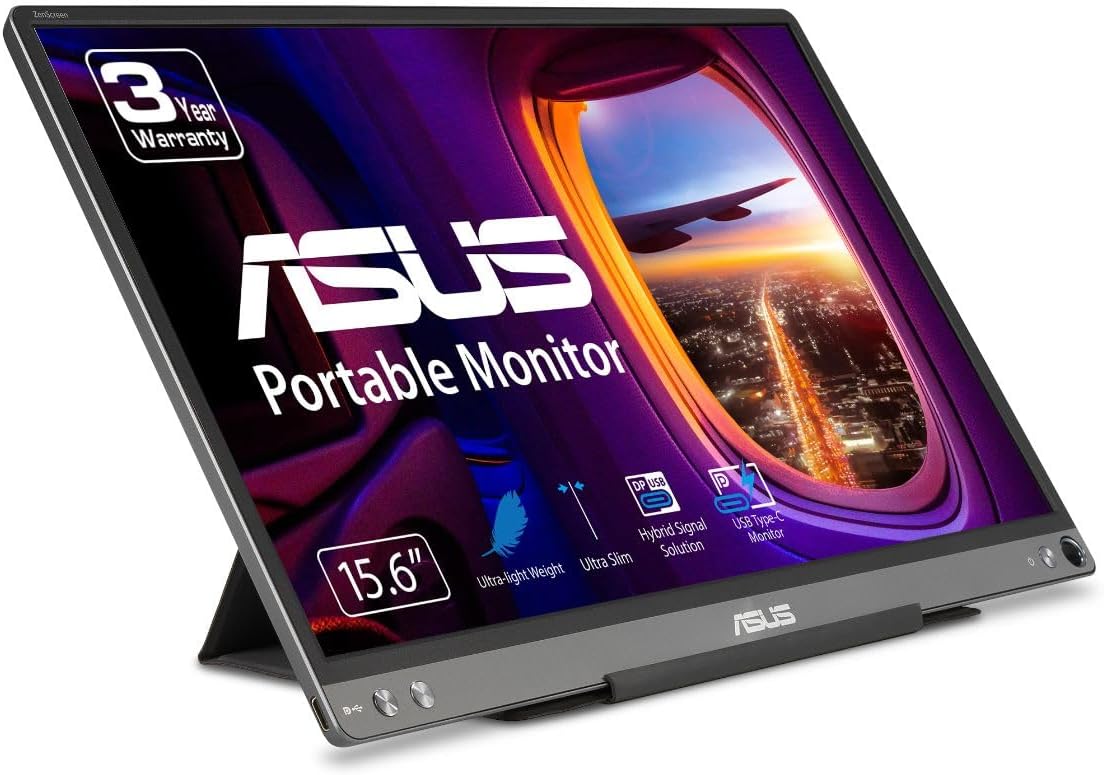 ASUS ZenScreen MB16ACE
|
Mid-Range | One-cable USB-C hybrid signal | Frequent travelers who need bigger portable screen | Check Price | ||
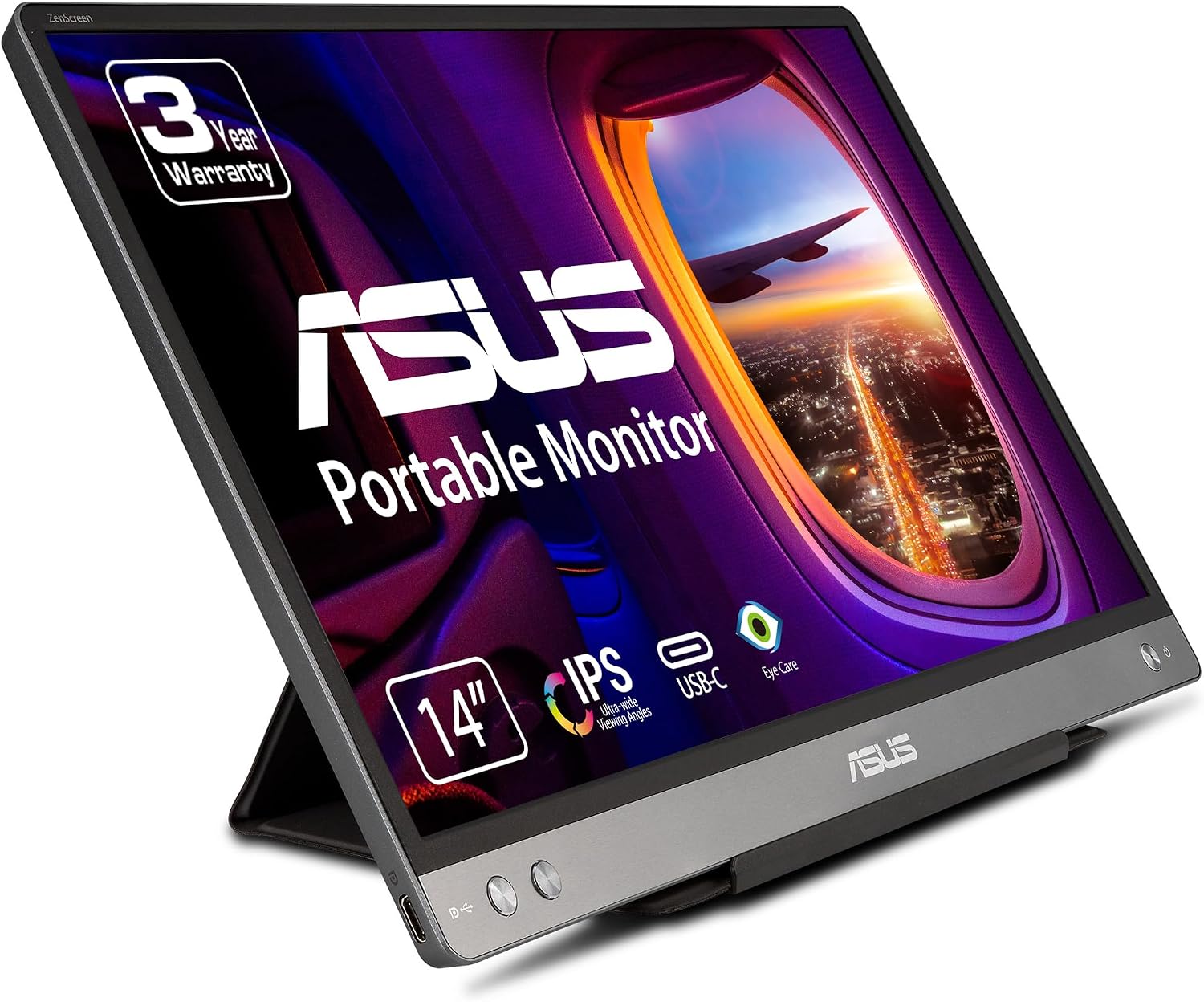 ASUS ZenScreen MB14AC
|
Mid-Range | Slim 14" IPS with hybrid signal | Packable pros who want balance of size and portability | Check Price | ||
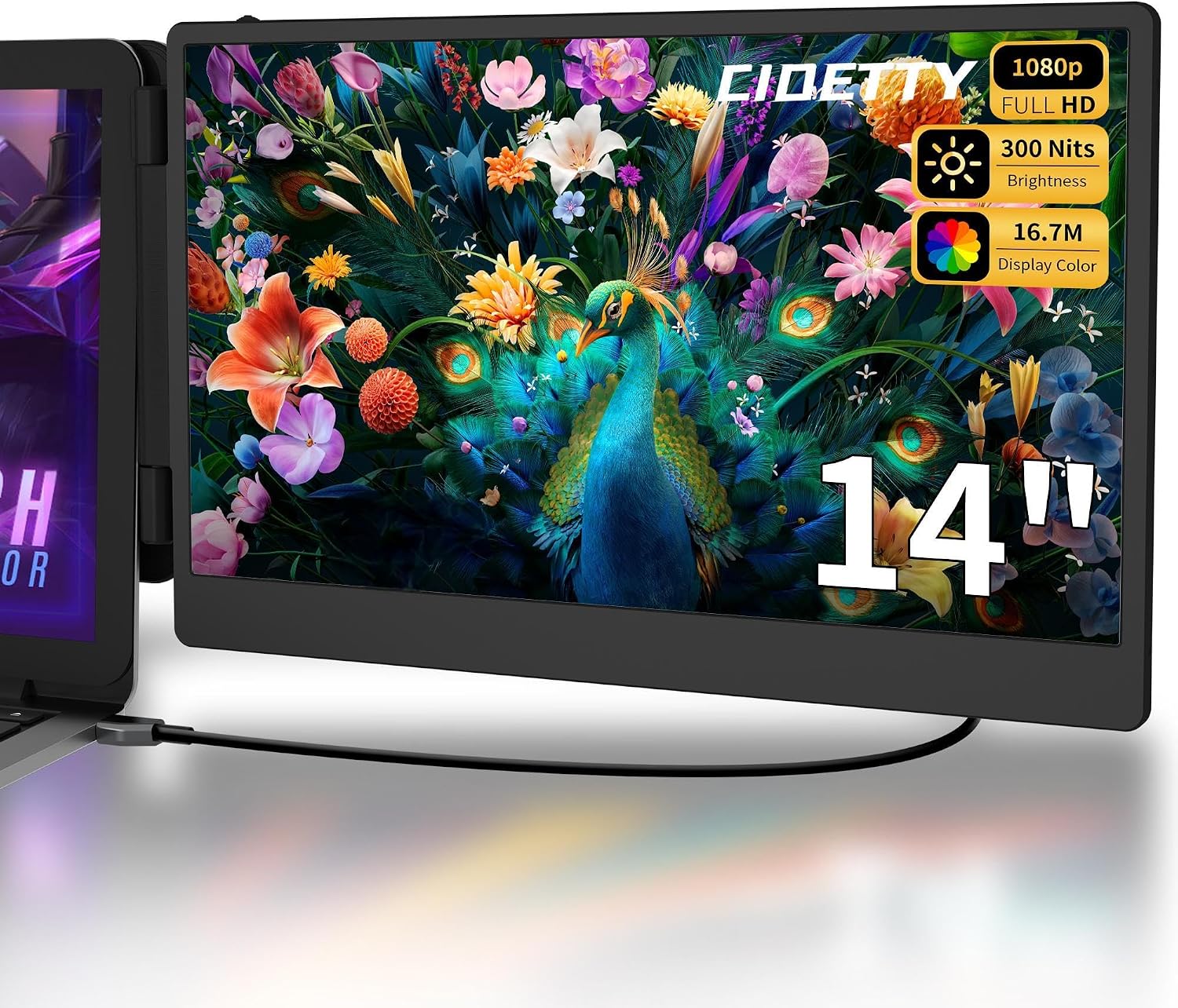 CIDETTY 14" Extender
|
Budget | Broad compatibility and bundled cables | Budget-conscious travelers wanting multiple connection options | Check Price | ||
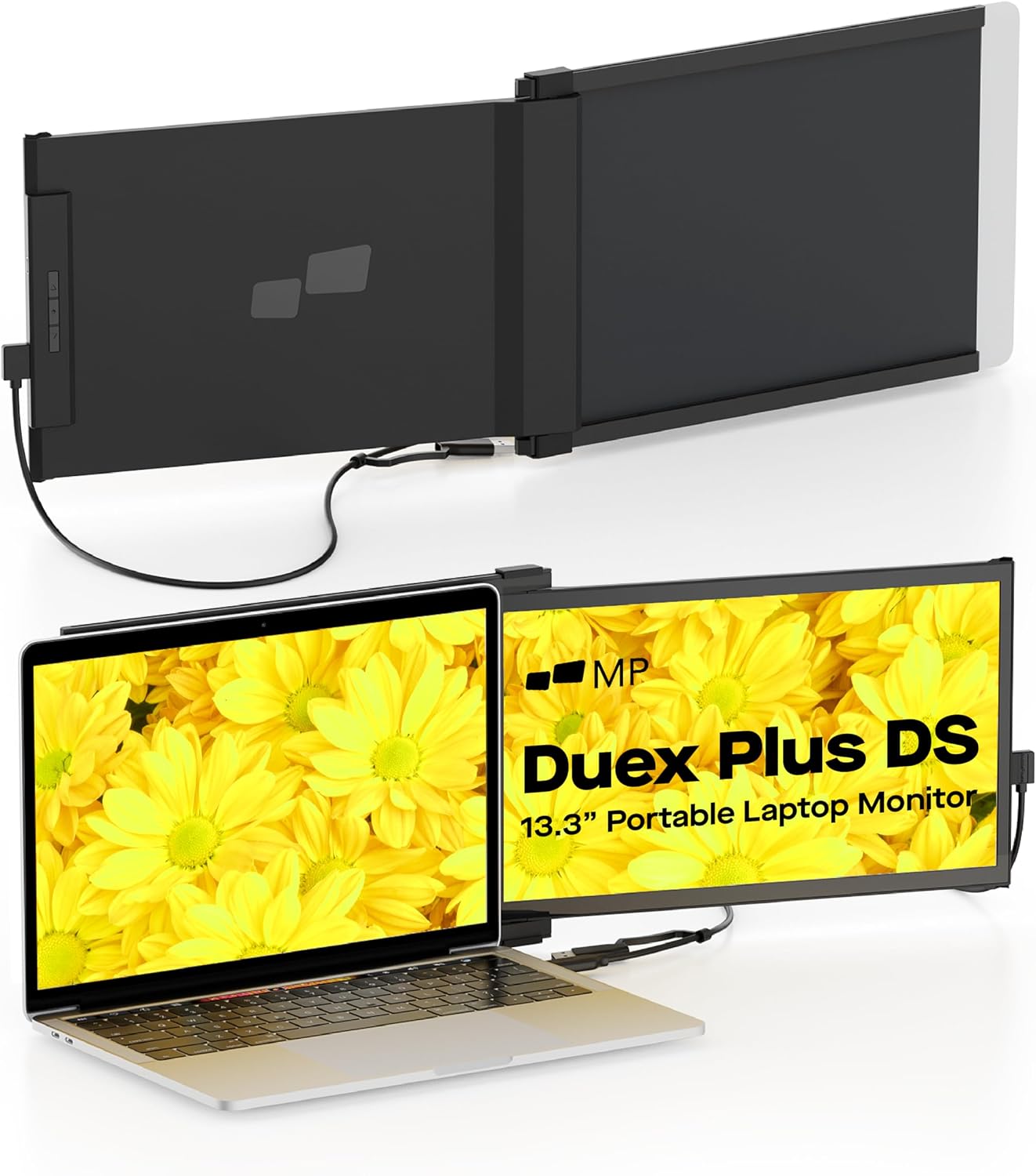 Duex Plus DS 13.3"
|
Mid-Range | Magnetic attach & flexible display modes | Users prioritizing the smallest, fold-flat monitor | Check Price |
1. ASUS ZenScreen 15.6 1080P Portable USB Monitor (MB16ACE) - Full HD (1920 x 1080), IPS, USB Type-C, Eye Care, Anti-Glare Surface, Lite Smart Case, External screen for laptop, 3-Year Warranty,Dark Gray
The ASUS ZenScreen MB16ACE is a 15.6" Full HD portable IPS monitor that balances screen real estate and carry-on friendliness. It uses a hybrid-signal USB solution for single-cable video and power where supported, includes a lite smart case stand, and is widely praised for picture quality and ease of setup.
Key Specs
- 15.6-inch Full HD (1920x1080) IPS panel
- Hybrid-signal (USB-C/USB-A) one-cable support
- Auto-rotation display and anti-glare surface
- Weight ~1.5 lbs; includes Lite Smart Case; 3-year warranty
Pros
- Large, crisp Full HD IPS display ideal for spreadsheets and meetings
- One-cable USB connectivity simplifies setup
- Lightweight enough to slide into a carry-on without bulk
Cons
- Compatibility varies with some laptops/phones — may need adapters
- Some travelers report mixed compatibility with certain MacBook Pro models
Best For: Frequent travelers who need bigger portable screen
Check Latest Price on Amazon2. ASUS ZenScreen MB14AC 14 Portable USB Monitor, 1080P Full HD, IPS, USB Type-C, Eye Care, Anti-glare surface, External Screen for Laptop, Hybrid Signal Solution, 3-Year Warranty , GRAY
The ASUS MB14AC trims the footprint to 14" while keeping Full HD IPS clarity and hybrid-signal USB support. It's built to be ultra-slim and easy to carry, and users frequently praise its portability and display quality for travel workflows and dual-screen setups.
Key Specs
- 14-inch Full HD (1920x1080) IPS display
- Hybrid-signal USB Type-C/Type-A support
- Auto-rotation; anti-glare; 178° viewing angle
- Designed for thin briefcase/backpack carry; includes 3-month Adobe Creative Cloud offer
Pros
- Very portable size fits into small backpacks and briefcases
- Strong picture quality for color and text work
- Simple plug-and-play for most laptops
Cons
- Some users report occasional connectivity quirks with older USB versions
- Brightness is moderate (around 250 cd/m²) — may struggle in very bright outdoor light
Best For: Packable pros who want balance of size and portability
Check Latest Price on Amazon3. Laptop Screen Extender Portable Monitor, Dual Monitor Extender for Laptop, 14" Screen 1080P FHD Display, Fit for 13-17" Laptops, Plug & Play Compatiable with Windows, Mac, Chrome, Android and Switch
The CIDETTY 14" portable monitor is a budget-friendly plug-and-play dual-monitor extender with both USB-C and HDMI options and a generous accessory bundle. It’s a value pick for travelers who want a simple, versatile second screen without a premium price.
Key Specs
- 14-inch FHD 1080P IPS panel with anti-glare
- Includes Type-C and HDMI cables; fits 13.3–17.3" laptops
- Plug-and-play; low blue light and flicker-free features
- Protective case and multiple power cables included
Pros
- Excellent value with multiple cables and a protective case included
- Wide compatibility across Windows, Mac, Android and consoles
- Good image quality for the price
Cons
- Mixed reports of long-term reliability — some units stop working
- Build feels less premium compared with higher-tier models
Best For: Budget-conscious travelers wanting multiple connection options
Check Latest Price on Amazon4. Duex Plus DS Portable Monitor - 2025 Mobile Pixels 13.3" FHD 1080P Laptop Monitors, USB Type-C/HDMI Plug and Play Laptop Monitor Extender for 13"-14.5" Laptops, Windows/macOS/Android/Switch Compatible
Duex Plus DS is a compact 13.3" FHD portable monitor focused on travel convenience: light weight, multiple modes (landscape/portrait/kickstand) and magnetic attachment to laptops. It's a strong pick if you want the smallest possible second screen and quick setup.
Key Specs
- 13.3-inch Full HD (1920x1080) display
- USB-C and HDMI plug-and-play support
- Multiple display modes; magnetic attachment option
- Weighs about 1.3 lbs; travel-friendly carrying case included
Pros
- Extremely travel-friendly size and multiple setup modes
- Quick to mount and launch for short-term workstations
- Good build and clarity for its compact size
Cons
- Magnet attachment strength is mixed — may not hold on all laptops
- Some buyers report durability issues if handled roughly
Best For: Users prioritizing the smallest, fold-flat monitor
Check Latest Price on AmazonWhich One Should You Choose?
If budget is tight → CIDETTY 14" Extender (B0D9CRLRLC) is the best value choice with broad compatibility and bundled cables. If you need the best overall balance of size and easy one-cable setup → ASUS ZenScreen MB16ACE (B081SGZX1X). If absolute minimal pack size and the lightest footprint matter most → Duex Plus DS 13.3" (B0CTKJGXCT). If you want a smaller but still very portable mid-range option → ASUS ZenScreen MB14AC (B08C5MMQBZ).
Best for Specific Scenarios
- Airline carry-on nomads: Duex Plus DS (B0CTKJGXCT) because its compact 13.3" size and quick mounting make setup in cramped spaces fast.
- Power users who run many windows: ASUS ZenScreen MB16ACE (B081SGZX1X) because the larger 15.6" IPS panel gives more usable workspace for spreadsheets, code, and design.
- Budget-conscious travelers: CIDETTY 14" (B0D9CRLRLC) because it includes multiple cables and a protective case so you can start using it immediately without extra purchases.
Frequently Asked Questions
Will a portable monitor work with any laptop?
Most modern portable monitors work with laptops that support USB-C DisplayPort Alt Mode or with HDMI output. Check the monitor’s hybrid-signal specs and your laptop’s ports — you may need a small adapter if your machine only has older USB-A or display outputs.
How do I keep a portable monitor charged while working from cafes or planes?
Choose a monitor with USB-C power delivery or use a compact GaN charger that supports 60–100W to feed both laptop and monitor. A high-capacity USB-C power bank that supports laptop charging can be a lifesaver when AC outlets aren’t available.
Are magnetic mounts reliable for travel?
Magnetic mounts are quick and convenient, but strength varies by model and laptop thickness. If you plan frequent hot-desk changes, prioritize models with reviewed strong magnets or a protective kickstand case; always stow the monitor in a padded sleeve to reduce risk during transit.
How We Selected These Products
Our recommendations are based on data-driven analysis: we evaluated 155229+ products across 23916+ brands using a composite scoring system that weighs rating (40%), review volume (30%), price value (20%), and demand signals (10%). Every product is ranked by data, not opinions.
Last updated: July 29, 2026
As an Amazon Associate we earn from qualifying purchases at no extra cost to you. Full disclosure.
GearLark Score is our editorial ranking based on a composite analysis of product quality, value, and verified customer sentiment. Click through to Amazon for current pricing, availability, and live customer reviews.