As an Amazon Associate we earn from qualifying purchases. Learn more.
ASUS ZenScreen vs Lenovo ThinkVision vs AOC 16: Which Portable Monitor Is Best for Color and Battery (2026 Comparison)
If you use a laptop on the go or need a true portable second screen, color accuracy, power design (bus-powered vs built-in battery), ports and travel extras matter. This head-to-head comparison walks through three 15–16" portable monitors popular with travelers and remote workers: the ASUS ZenScreen MB16AHP, the AOC 16T20, and the AOC e1659Fwu. I focused on color performance, battery and power options, port selection and the travel-friendly accessories that make a real difference. Products were selected from current portable 15–16" offerings with IPS or portable panels, and evaluated using manufacturers’ specs plus common user feedback about durability, ease of setup and portability.
Quick Answer
For the best blend of color and standalone power choose the ASUS ZenScreen MB16AHP — it has an IPS FHD panel plus a built-in 7800mAh battery. If you want a lightweight, mid-range travel monitor choose the AOC 16T20 (USB-C powered). For the cheapest plug-and-play second screen the AOC e1659Fwu is the budget pick.
Quick Comparison
Select 2-3 products to compare side-by-side
| Compare | Product | GearLark Score | Price Tier | Key Feature | Best For | Action |
|---|---|---|---|---|---|---|
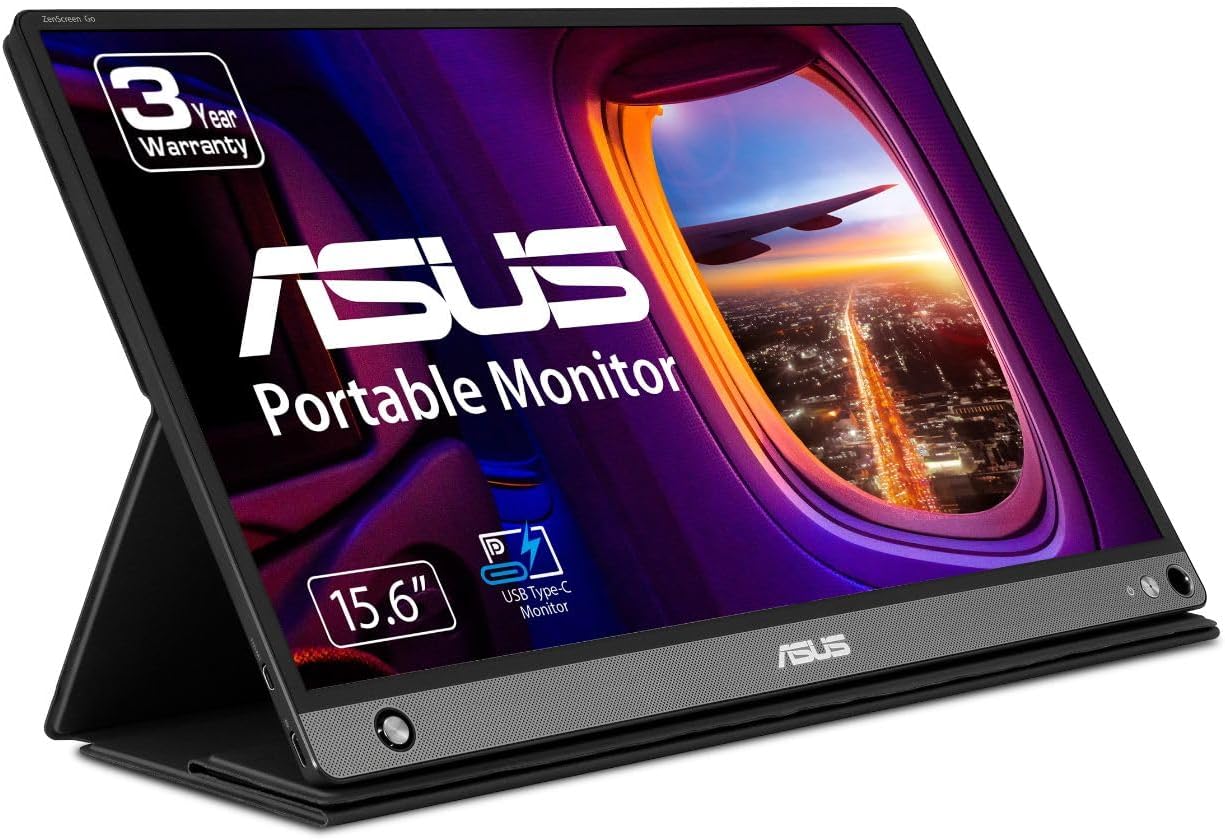 ASUS ZenScreen MB16AHP
|
Premium | Built-in 7800mAh battery | Power users and frequent travelers | Check Price | ||
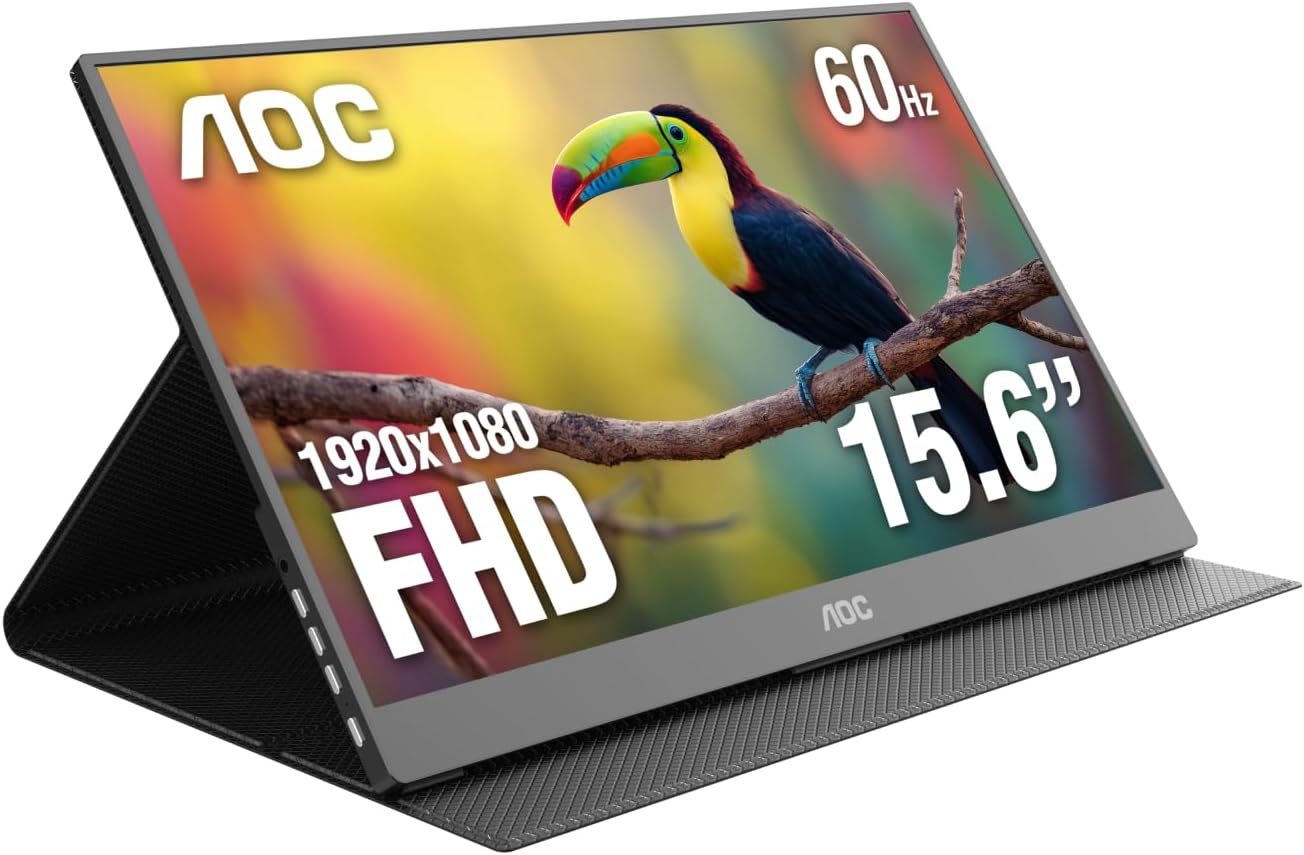 AOC 16T20 (15.6")
|
Mid-Range | Dual USB-C + Mini HDMI | Travelers who use USB-C devices | Check Price | ||
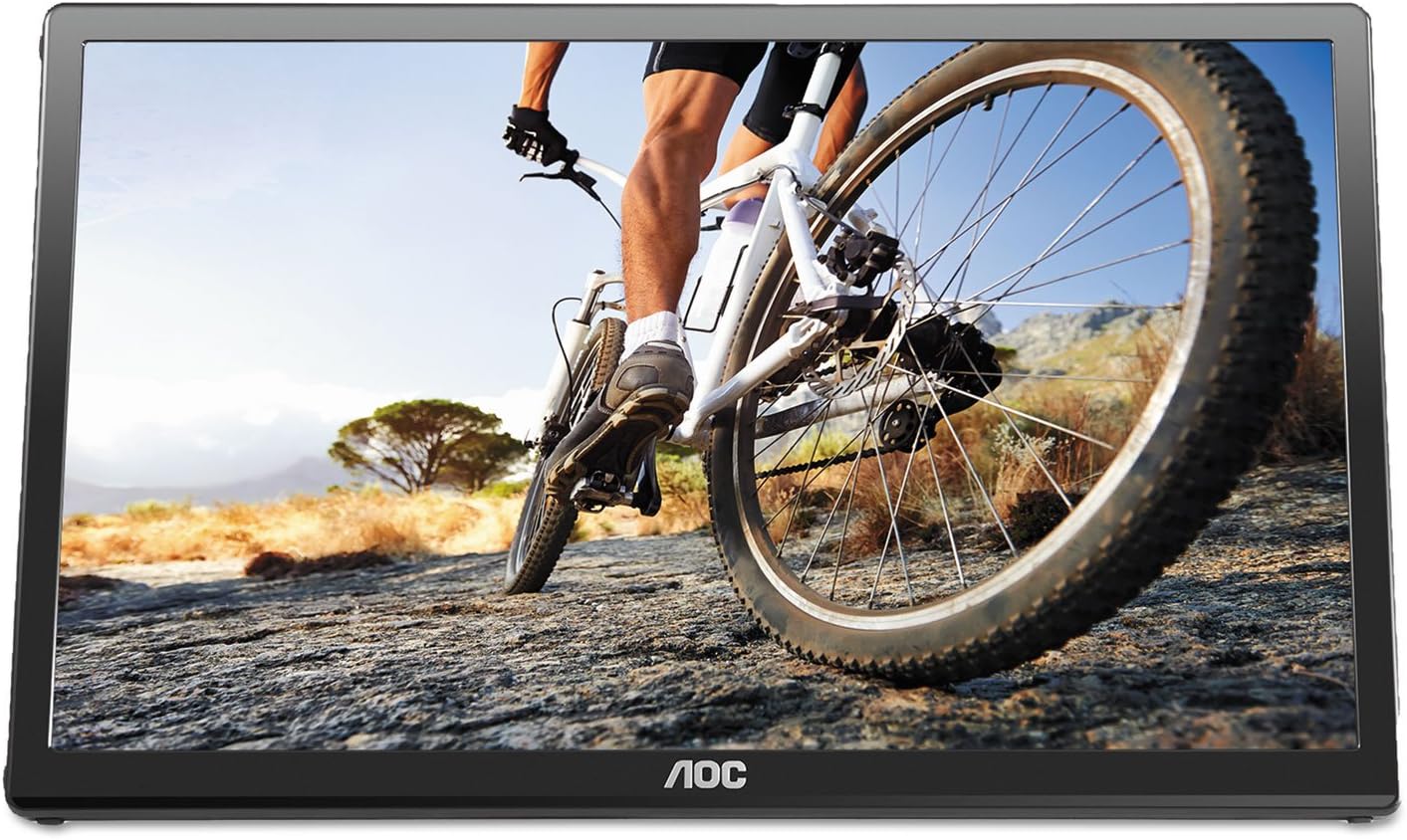 AOC e1659Fwu
|
Budget | Single-cable USB 3.0 power & signal | Cost-conscious travelers and simple second-screen needs | Check Price |
1. ASUS ZenScreen 15.6 1080P Portable USB Monitor (MB16AHP) - Full HD, IPS, Eye Care, Micro HDMI, USB Type-C, Speakers, Built-in Battery, External Screen for Laptop, 3-Year Warranty,Black
The ASUS ZenScreen MB16AHP pairs an IPS Full HD panel with a built-in 7800mAh battery and stereo speakers, making it the most self-sufficient option here. It’s designed for travelers who need color-accurate, plug-free use for presentations, editing or secondary desktop use.
Key Specs
- 15.6" Full HD (1920x1080) IPS anti-glare display
- Built-in 7800mAh battery for untethered use
- Micro HDMI + USB Type-C (display & power)
- 1.9 lbs, 0.3" slim with auto-rotate & smart cover
Pros
- Has a built-in battery — usable untethered unlike both AOC models
- Better color and resolution than the AOC e1659Fwu (IPS FHD vs 1366x768)
- Includes speakers and ASUS Eye Care features for longer sessions
Cons
- More expensive than the AOC alternatives
- Some users report occasional durability/connectivity issues
Best For: Power users and frequent travelers
Check Latest Price on Amazon2. AOC 16T20 Portable Monitor 15.6 Inch FHD 1920x1080, IPS Panel Computer Display, Speakers, USB Type C x2, Mini HDMI x1, Premium Smart Cover, Gaming Console Compatible
The AOC 16T20 is a lightweight, mid-range 15.6" IPS FHD monitor with dual USB-C and mini HDMI inputs and a premium smart cover. It’s a solid travel companion when you want a bright, sharp second screen without the premium price of the ASUS unit.
Key Specs
- 15.6" Full HD (1920x1080) IPS display
- USB Type-C x2 and Mini HDMI x1 for video and power
- Built-in speakers and premium smart cover included
- Wide 170/170° viewing angles
Pros
- Cleaner, simpler USB-C setup for modern laptops and phones
- Lighter and more affordable than the ASUS while keeping FHD IPS
- Smart cover and carrying bag make it travel-friendly
Cons
- No built-in battery — requires host power unlike the ASUS
- Some users report mixed compatibility and occasional functionality problems
Best For: Travelers who use USB-C devices
Check Latest Price on Amazon3. AOC e1659Fwu 15.6-Inch Ultra Slim 1366x768 Res 200 cd/m2 Brightness USB 3.0-Powered Portable LED Monitor w/ Case Black
The e1659Fwu is a budget, USB 3.0-powered portable monitor that prioritizes portability and plug-and-play convenience at the cost of resolution and modern ports. It’s a practical choice for basic productivity and lightweight travel setups.
Key Specs
- 15.6" 1366x768 LED-backlit display
- Single USB 3.0 cable supplies power and video
- 200 cd/m² brightness, 8ms response time
- Includes carry case and removable base; VESA 75 compatible
Pros
- Lowest-cost option and very easy to set up with a single cable
- Ultra-light and comes with a carry case for travel
- Good value for users who need a basic secondary display
Cons
- Lower resolution and less accurate color than the FHD IPS models
- Limited brightness/contrast and older USB-powered design
Best For: Cost-conscious travelers and simple second-screen needs
Check Latest Price on AmazonWhich One Should You Choose?
If you want the most capable portable monitor overall (best color, built-in battery and extras) choose the ASUS ZenScreen MB16AHP — it’s the best pick for presenters, photographers and frequent travelers who need a standalone screen. If budget is tight and you need a reliable, single-cable secondary display for basic productivity pick the AOC e1659Fwu. If you want a modern USB-C travel monitor with flexible inputs and good color at a mid-range price, the AOC 16T20 is the best compromise.
Best for Specific Scenarios
- Frequent presenter or offline work: ASUS ZenScreen MB16AHP because its built-in 7800mAh battery lets you run without a host.
- USB-C laptop traveler: AOC 16T20 because dual USB-C and mini HDMI provide flexible, neat connections for laptops and consoles.
- Lowest-cost second screen: AOC e1659Fwu because the single USB 3.0 cable and included case make it the simplest, most affordable option.
Frequently Asked Questions
Do any of these monitors run without being plugged into a laptop?
Yes — the ASUS ZenScreen MB16AHP includes a built-in 7800mAh battery so it can operate untethered for short sessions. The AOC 16T20 and AOC e1659Fwu require power from the host device (USB-C or USB 3.0), so they won’t run standalone without a power source.
Which one is most color-accurate for photo or video work?
The two Full HD IPS models (ASUS ZenScreen MB16AHP and AOC 16T20) will give noticeably better color consistency and viewing angles than the AOC e1659Fwu’s 1366x768 panel. For critical color work, the ASUS model includes eye-care tuning and generally delivers more consistent color out of the box, though you should still profile any monitor if color accuracy is essential.
Will these work with a MacBook or gaming console?
They can, but compatibility depends on ports. USB-C (DisplayPort Alt Mode) on the AOC 16T20 works well with modern MacBooks and many laptops; the ASUS supports USB-C plus micro HDMI for broader device support. The AOC e1659Fwu uses USB 3.0 with DisplayLink drivers, which can work with Macs but sometimes needs driver setup. Consoles generally require an HDMI input — the AOC 16T20 and ASUS have HDMI inputs (mini or micro) while the e1659Fwu does not.
How We Selected These Products
Our recommendations are based on data-driven analysis: we evaluated 155229+ products across 23916+ brands using a composite scoring system that weighs rating (40%), review volume (30%), price value (20%), and demand signals (10%). Every product is ranked by data, not opinions.
Last updated: June 17, 2026
As an Amazon Associate we earn from qualifying purchases at no extra cost to you. Full disclosure.
GearLark Score is our editorial ranking based on a composite analysis of product quality, value, and verified customer sentiment. Click through to Amazon for current pricing, availability, and live customer reviews.