As an Amazon Associate we earn from qualifying purchases. Learn more.
How to Avoid Neck & Eye Strain With a Portable Monitor Study Setup (2026)
Long study sessions with a laptop and a portable monitor can lead to neck pain and tired eyes if your setup forces you to look down or fight glare. This guide shows students and remote learners how to use ergonomic stands, mounts and blue-light options to reduce strain. I evaluated stands and portable monitors for adjustability, build quality, stability and user feedback on comfort and durability to find options that actually change how you sit and see.
Quick Answer
Raise your portable monitor to eye level and reduce glare — the SHUWEI Tablet Floor Stand (B0D4GVG61C) is the best overall pick because its 59–70.9" height range and sturdy weighted base make it easy to position a monitor to eliminate downward neck tilt. Pair a height-adjustable stand with a low-blue-light screen or monitor settings for best results.
Our Top Picks
Quick Comparison
Select 2-3 products to compare side-by-side
| Compare | Product | GearLark Score | Price Tier | Key Feature | Best For | Action |
|---|---|---|---|---|---|---|
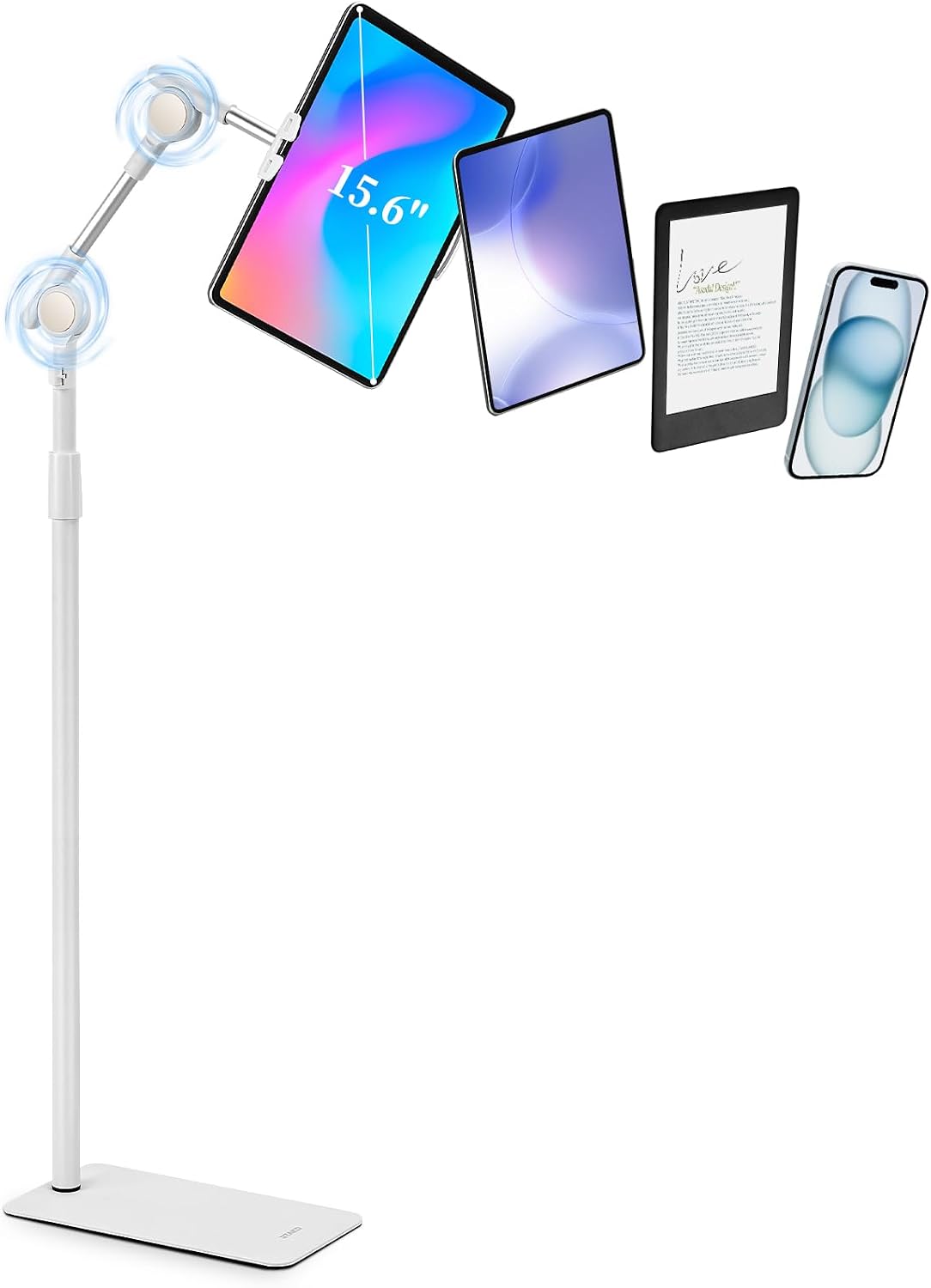 SHUWEI Tablet Floor Stand
|
Mid-Range | 59–70.9" height range | Hands-free eye-level viewing | Check Price | ||
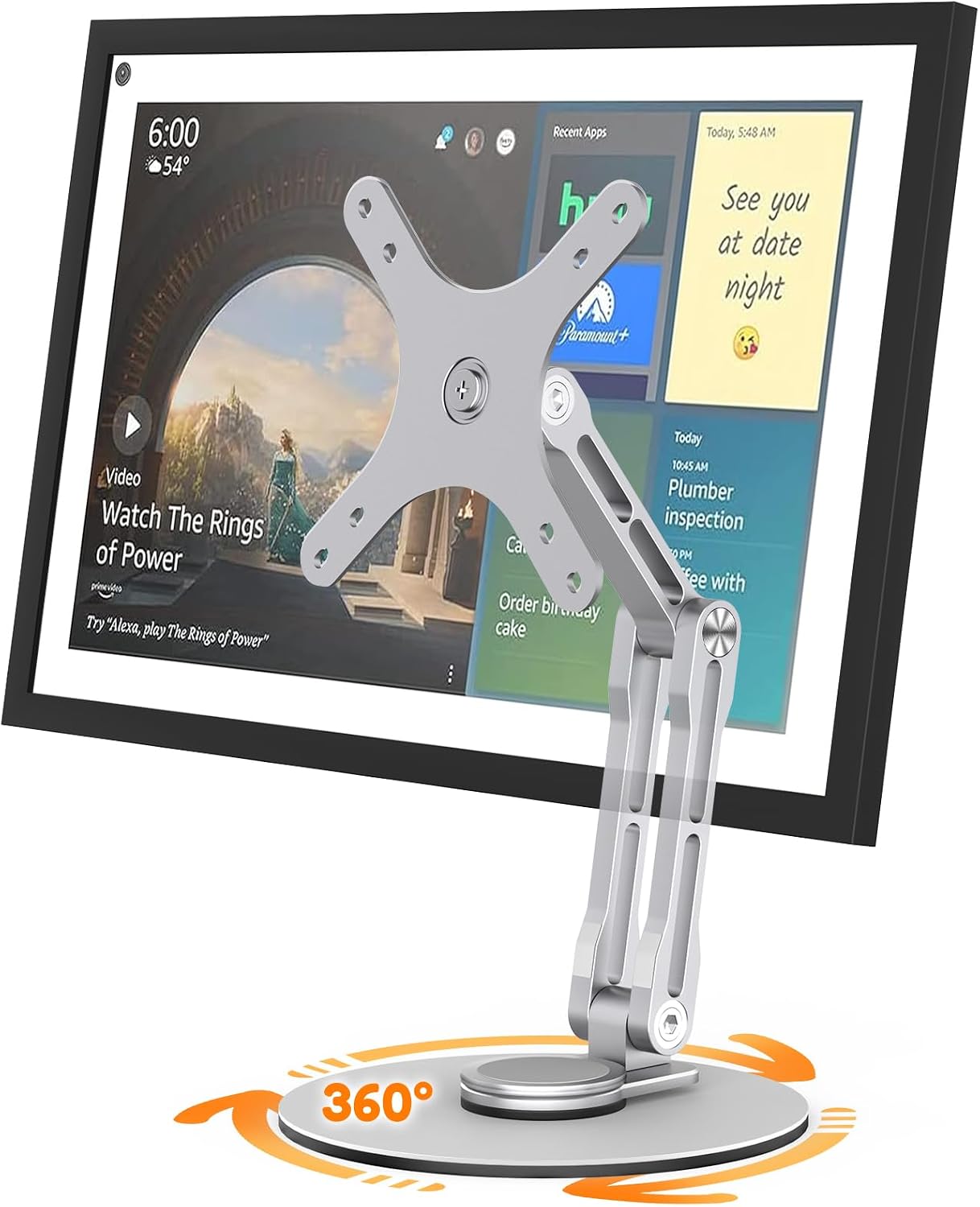 YCNEW Swivel & Tilt (Silver)
|
Budget | Three-hinge angle adjustment | Budget adjustable desktop setups | Check Price | ||
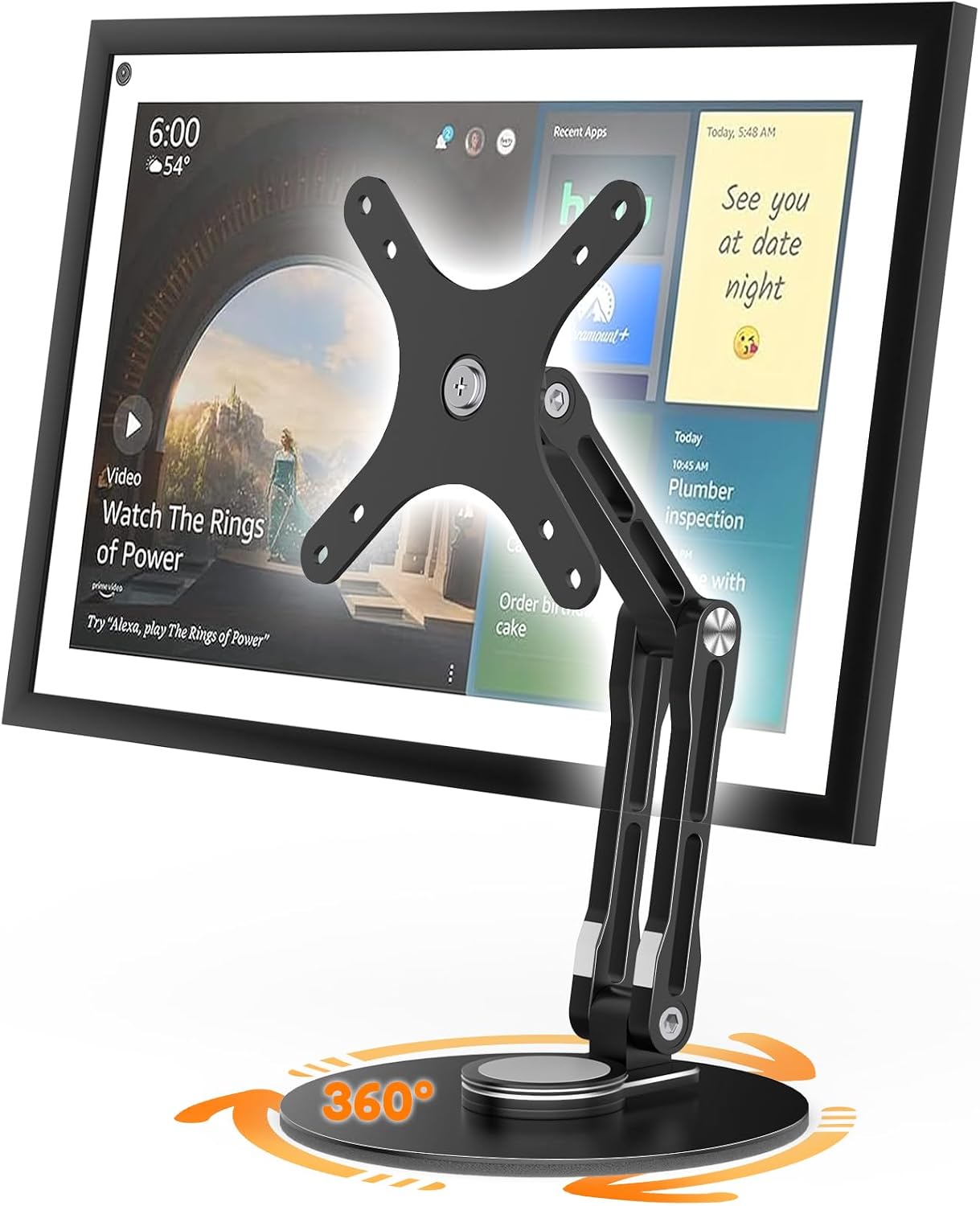 YCNEW Swivel & Tilt (Black)
|
Budget | 360° rotating base | Flexible display orientation | Check Price | ||
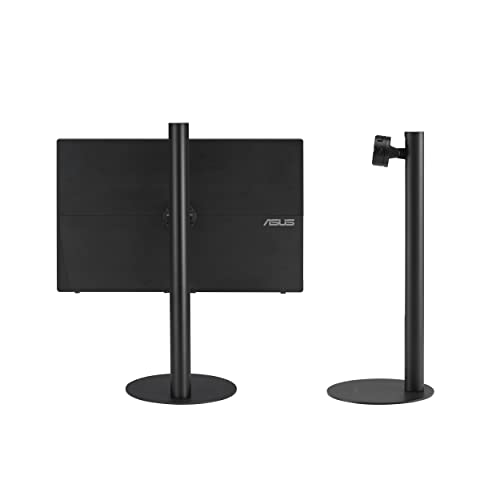 ASUS ZenScreen Stand
|
Premium | Tilt, pivot and height adjustment | Portable monitor owners needing precision | Check Price | ||
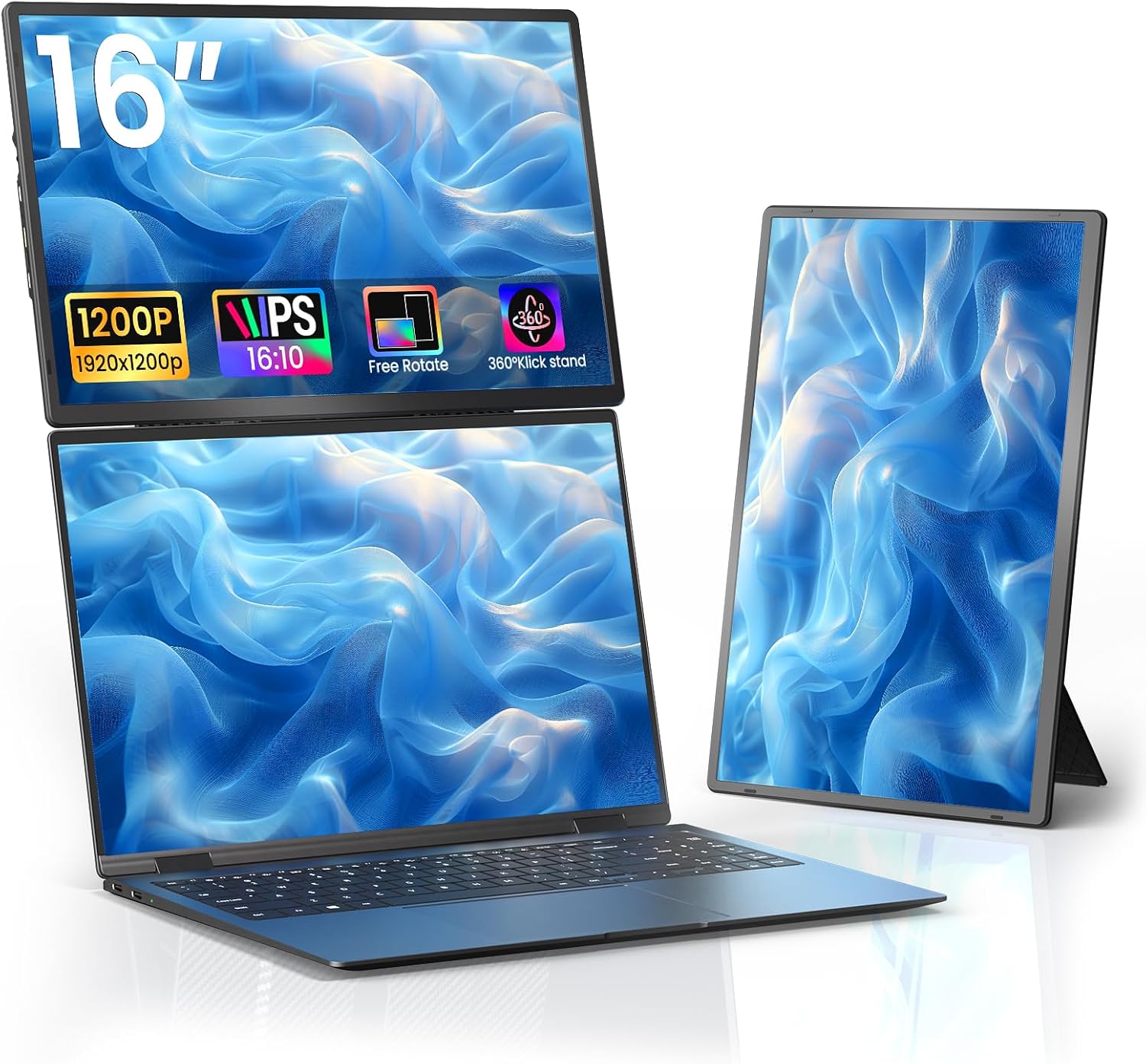 AOKER 16" Portable Monitor
|
Premium | 1200P display + low-blue-light | Portable second-screen with eye-care mode | Check Price |
1. SHUWEI Tablet Floor Stand with Double Self-Locking Worm Gears, 70.9Height Adjustable iPad Floor Stand with 7.5lb Stable Base, Compatible with 4-15.6'' iPad, Kindle, Phone, Portable Monitor, Whtie
A tall, stable floor stand built to lift portable monitors and tablets up to eye level. Its double self-locking worm gears and heavy base help keep the screen steady, reducing forward head tilt and allowing you to study upright for longer.
Key Specs
- Height adjustable from 59 to 70.9 inches
- Fits devices 4.7–15.6 inches
- Weighted carbon steel base (7.5 lb), max load 11 lb
- 360° rotatable clamp and aluminum folding arm
Pros
- Large height range lets you achieve true eye level
- Very stable base praised for firmness
- Simple, quick assembly and easy use
Cons
- Heavy base reduces portability for travel
- 11 lb max load may not suit heavier larger portable monitors
Best For: Hands-free eye-level viewing
Check Latest Price on Amazon2. Swivel and Tilt Stand for Echo Show 15 (Gen 1, Gen 2), Portable Monitor Stand, Adjustable Angle and Height with 360 Rotation Bases, Switching Between Landscape and Portrait Screens (Silver)
A cost-conscious desk stand that lets you tilt, swivel and rotate a portable monitor so you can fine-tune viewing angle and reduce neck twist. The 360° rotating base and three-hinge design make it easy to switch between landscape and portrait for reading or reference work.
Key Specs
- Compatible with VESA-style monitors up to 18.5 inches
- Three-hinge design with adjustable tightness
- Supports up to 30° screen inclination
- 360° rotating base with anti-slip pads
Pros
- Good swivel and tilt functionality for the price
- Perceived as good value by many users
- Lightweight and easy to reposition
Cons
- Build quality and sturdiness reported inconsistently
- Some users find adjustment tightness varies
Best For: Budget adjustable desktop setups
Check Latest Price on Amazon3. Swivel and Tilt Stand for Echo Show 15 (Gen 1, Gen 2), Portable Monitor Stand, Adjustable Angle and Height with 360 Rotation Bases, Switching Between Landscape and Portrait Screens (Black)
The black version offers the same swivel-and-tilt flexibility to let you set a portable monitor at a comfortable angle for long study sessions. It’s a low-cost way to fix viewing angle and reduce neck strain when you can't raise the whole laptop.
Key Specs
- Designed for VESA monitors up to 18.5 inches
- Three-hinge adjustable design
- 30° inclination support
- Rotating base with anti-slip pads
Pros
- Useful swivel function to reduce neck rotation
- Affordable option for angle adjustment
- Functional and simple to use
Cons
- Sturdiness can be hit-or-miss with heavier displays
- Adjustment may loosen over time for some users
Best For: Flexible display orientation
Check Latest Price on Amazon4. ASUS ZenScreen Stand MTS02D - Ergonomic Stand for Portable Monitors, Tilt, Pivot, Height adjustments, 1/4 Tripod Socket Compatible, Work from Home Setup, Home Office,Black
A compact, purpose-built stand made to position compatible portable monitors at eye level to reduce neck and upper-back strain. It’s well engineered for travel and desk use, offering tilt and pivot controls for quick ergonomic adjustments.
Key Specs
- Tilt, pivot and height adjustments
- Compatible with monitors using a 1/4" tripod socket
- Net weight about 2 lbs (compact and portable)
- Supports monitors ~590g–1150g
Pros
- Solid build quality and packable design
- Precise tilt and pivot for ergonomic alignment
- Easy to travel with in a laptop bag
Cons
- Some users report slight wiggle in certain positions
- Limited weight range excludes heavier portable monitors
Best For: Portable monitor owners needing precision
Check Latest Price on Amazon5. Laptop Screen Extender 16" - 1200P FHD Portable Monitor Travel Monitor for Laptop HDMI USB-C Plug & Play 360 Rotating Detachable Stand Height Adjustable for Travel/Work/Study
A full portable monitor that expands screen real estate and includes a low-blue-light mode and a 360° ergonomic stand. Larger, sharper text and an adjustable stand can reduce eye strain and awkward posture when used as a secondary display for studying.
Key Specs
- 16" 1200P HDR display with 16:10 aspect ratio
- Low-blue-light mode for reduced eye fatigue
- 360° ergonomic/detachable magnetic stand, VESA 75x75mm
- Ultra-portable at ~1.68 lbs and 0.3" slim
Pros
- High-resolution display improves readability
- Excellent connectivity (USB-C, HDMI) and included cables
- Very portable with magnetic stand and folio case
Cons
- Long-term durability remains a common buyer concern for premium portable monitors
- Low-blue-light mode helps but doesn’t replace regular breaks and proper lighting
Best For: Portable second-screen with eye-care mode
Check Latest Price on AmazonWhich One Should You Choose?
If your priority is raising a portable monitor to true eye level and stability: choose the SHUWEI floor stand (B0D4GVG61C). If you need an affordable desktop swivel/tilt solution to fix neck twist on a budget: choose the YCNEW Swivel & Tilt Stand (B0D86V8NCB or B0D22YC6FG). If you want a full second screen with built-in eye-care features and travel-ready design: choose the AOKER 16" portable monitor (B0F2HB2X85). If you own a compatible ZenScreen and need a compact, precision stand: choose the ASUS ZenScreen Stand (B0BSMZK7HD).
Best for Specific Scenarios
- Study at home with limited desk space: ASUS ZenScreen Stand (B0BSMZK7HD) because it packs down small and offers precise tilt/pivot control.
- Sitting or standing study sessions: SHUWEI Tablet Floor Stand (B0D4GVG61C) because its tall range moves the screen to eye level whether seated or standing.
- Travel between classes and coffee shops: AOKER 16" Portable Monitor (B0F2HB2X85) because it’s lightweight, includes a folio stand and has a low-blue-light mode for long reads.
Frequently Asked Questions
How do I position a portable monitor to reduce neck strain?
Raise the monitor so the top third of the screen is at or just below eye level and sit back so your neck is neutral. Tilt the screen slightly upward (10–20°) to reduce downward gaze, and position it about an arm’s length away. Use an adjustable stand or floor mount to get and keep that alignment.
Will low-blue-light mode eliminate eye strain?
Low-blue-light and warmer color settings can reduce perceived eye fatigue but won’t eliminate strain entirely. Combine screen settings with proper distance, regular 20–20–20 breaks (every 20 minutes look 20 feet away for 20 seconds), good ambient lighting and an ergonomic viewing angle for best results.
Should I pick a floor stand, desk stand or a full portable monitor?
Choose based on how you study: a floor stand is best if you need large height range or plan to stand, a desk stand works when you have limited vertical space and want a tidy setup, and a portable monitor adds screen real estate plus eye-care modes. Match the stand’s load capacity and mounting style to your device before buying.
How We Selected These Products
Our recommendations are based on data-driven analysis: we evaluated 155229+ products across 23916+ brands using a composite scoring system that weighs rating (40%), review volume (30%), price value (20%), and demand signals (10%). Every product is ranked by data, not opinions.
Last updated: September 16, 2026
As an Amazon Associate we earn from qualifying purchases at no extra cost to you. Full disclosure.
GearLark Score is our editorial ranking based on a composite analysis of product quality, value, and verified customer sentiment. Click through to Amazon for current pricing, availability, and live customer reviews.