As an Amazon Associate we earn from qualifying purchases. Learn more.
Complete Portable Study Setup for Campus Cafés (2026 Guide)
Studying between classes means short setup times, light carry, and reliable battery and connectivity — a compact monitor with a built-in keyboard plus a tidy power and bag solution is all you need. This guide walks campus students through a complete portable study kit for cafés in 2026: a lightweight 14" lapdock monitor, compact keyboard/touchpad combo, power options and a bag that protects and organizes. We selected products based on compatibility (USB-C, HDMI), battery convenience, build and portability, and real customer feedback on functionality, battery life and durability.
Quick Answer
For the most balanced portable café study setup choose the GrowCube Portable Monitor with Keyboard (ASIN B0DP4XV44D) — it pairs a 14" FHD lapdock, 5,000mAh battery and wide device compatibility for lightweight multi-device studying. If budget is tight, the ELECROW Budget 14" Lapdock (ASIN B0F21J5V58) offers similar all-in-one features at a lower price tier.
Our Top Picks
Quick Comparison
Select 2-3 products to compare side-by-side
| Compare | Product | GearLark Score | Price Tier | Key Feature | Best For | Action |
|---|---|---|---|---|---|---|
 GrowCube CrowView Note
|
Mid-Range | Full-feature Type-C + 5000mAh battery | Students who switch devices often | Check Price | ||
 ELECROW CrowView Note (Premium)
|
Premium | All-in-one lapdock with keyboard | Users wanting a laptop-like feel | Check Price | ||
 ELECROW CrowView Note (Budget)
|
Budget | Budget all-in-one lapdock | Students on a tight budget | Check Price |
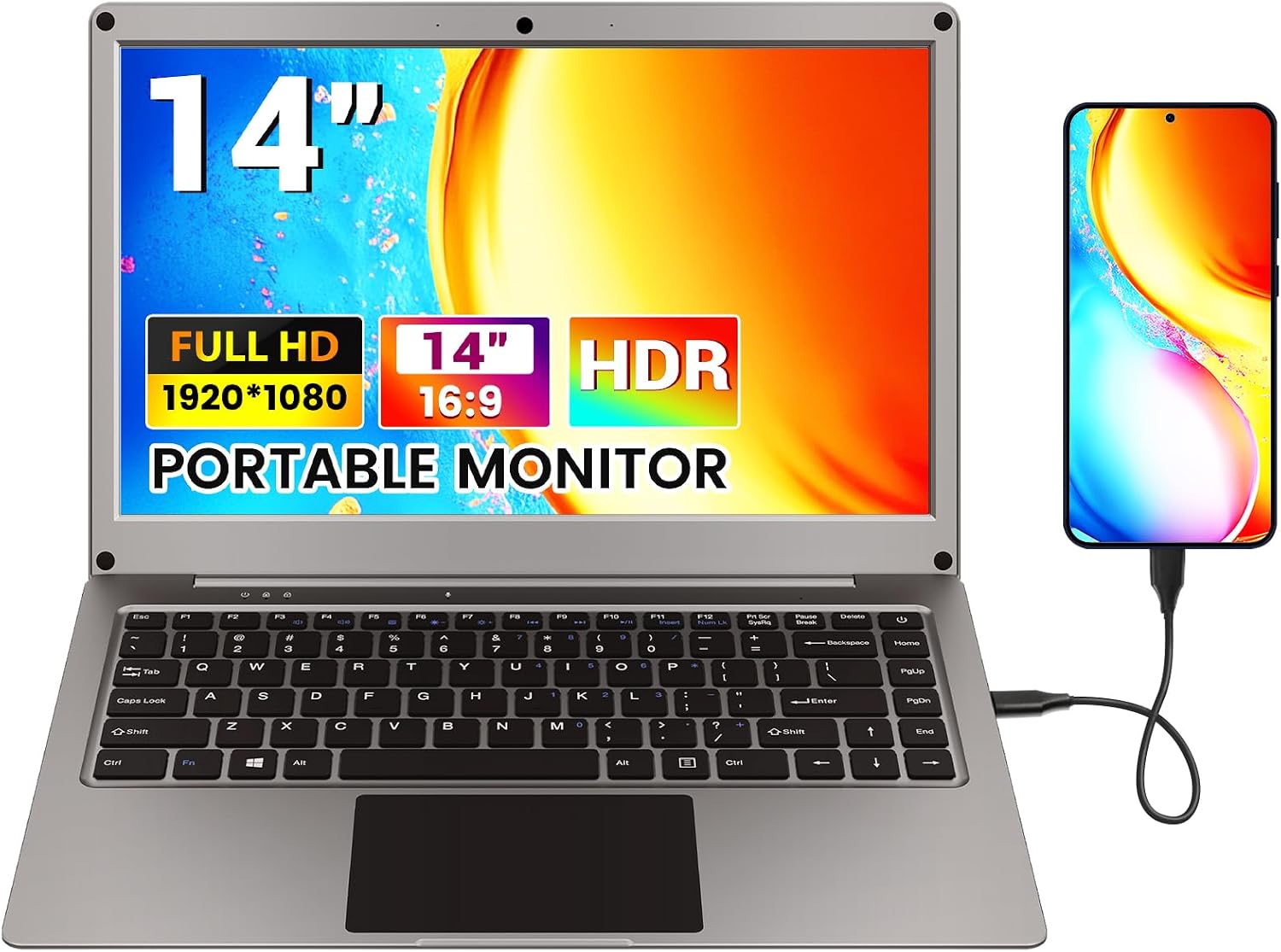
1. Portable Monitor with Keyboard,14inch 1080P FHD Lapdock Compatible with Raspberry Pi/Mini PC/Phone/PC/Game Console,CrowView Note Built-in Battery(Full Feature TypeC & HDMI Cable Included)
The GrowCube CrowView Note is a well-rounded 14" lapdock with full-feature Type-C, included cables and a 5000mAh battery — ideal for phone-to-desktop modes, Raspberry Pi projects, and quick laptop screen expansion. Users praise build quality, picture clarity and compatibility; the included adapter set and instant input switching make café setups fast and reliable.
Key Specs
- 14-inch 1080p FHD IPS display
- Built-in 5000mAh battery with reverse charging
- Full-feature USB-C, Mini HDMI, USB-A ports
- Supports Windows, macOS, Android, Linux; includes cables and 12V-4A adapter
Pros
- Strong device compatibility (Type-C and HDMI)
- Good build quality and portability for café use
- Includes useful cables and power adapter
Cons
- Battery useful but not enough for extended unplugged days
- Larger-than-phone footprint; not the lightest option
Best For: Students who switch devices often
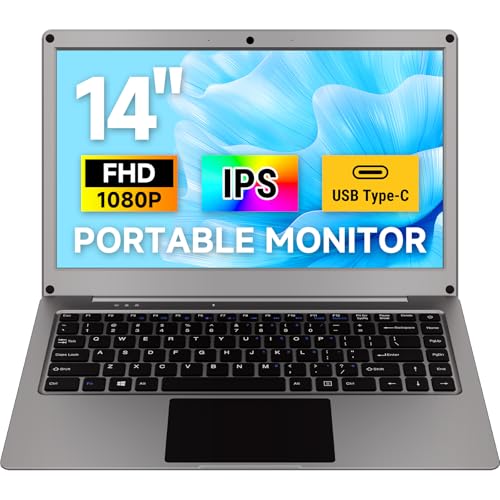
Check Latest Price on Amazon2. ELECROW Portable Monitor with Keyboard, 14 Inch Lapdock Display with Built-in Battery, 1080P FHD USB C Monitors with RPi5 & Jetson Adapters Compatible with Raspberry Pi, PC, Phone, Mac, Game Console
ELECROW's premium CrowView Note mirrors a lightweight laptop: 14" FHD panel, integrated keyboard and touchpad, and multiple ports for broad compatibility. The display quality, on-screen menu and function keys make it versatile for study, light design work and multi-device switching; some users note mixed impressions on battery life versus expectations for a premium tier.
Key Specs
- 14-inch Full HD (1920x1080) display
- 100% sRGB color gamut and 300 cd/m² brightness
- Built-in keyboard, touchpad and speakers
- USB-A, Mini HDMI and Type-C ports; 5000mAh battery
Pros
- Laptop-style all-in-one experience (keyboard + touchpad)
- Vivid color and bright FHD screen for clear text
- Flexible connectivity across phones, PCs and SBCs
Cons
- Battery life receives mixed feedback for heavy sessions
- Some buyers debate value for money in premium tier
Best For: Users wanting a laptop-like feel
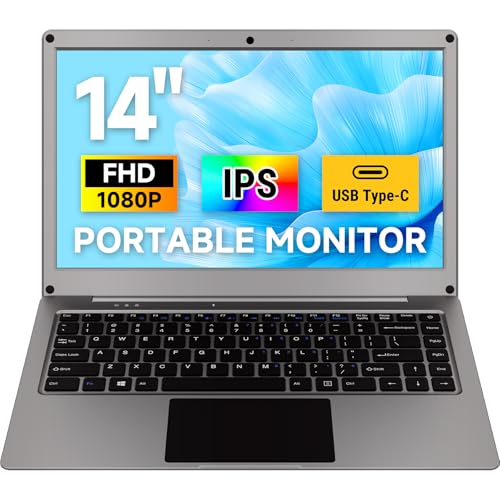
Check Latest Price on Amazon3. ELECROW 14 Inch Portable Monitor with Keyboard, Lapdock 1080P FHD IPS Display with Built-in Battery, USB C External Computer Monitors Compatible with Raspberry Pi, Phone, Mini PC, Mac, Game Console
This budget version of the ELECROW CrowView Note delivers the key lapdock features—14" FHD display, keyboard/touchpad, and multiple ports—while keeping costs down. Customers appreciate the portability and core functionality; common trade-offs are slightly mixed perceptions about battery life and long-term value versus higher-tier models.
Key Specs
- 14-inch Full HD (1920x1080) IPS display
- Built-in keyboard and touchpad
- USB-A, Mini HDMI and Type-C connectivity
- 5000mAh internal battery with power sharing
Pros
- Very portable and easy to set up in cafés
- Good connectivity for phones, mini PCs and consoles
- Affordable way to get an all-in-one lapdock
Cons
- Battery life and long-term durability debated by users
- Fewer bundled accessories compared with higher tiers
Best For: Students on a tight budget
Check Latest Price on AmazonWhich One Should You Choose?
If budget is tight → choose the ELECROW CrowView Note (Budget) (ASIN B0F21J5V58). If you need the most portable, well-rounded option for switching phones, mini-PCs and Raspberry Pi projects → choose the GrowCube CrowView Note (ASIN B0DP4XV44D). If you want an all-in-one laptop-like experience with the brightest screen and refined controls → choose the ELECROW CrowView Note (Premium) (ASIN B0DJQBNRQ8).
Best for Specific Scenarios
- Quick café study sessions: ELECROW (Budget) because it’s light, fast to set up and affordable for short bursts of productivity.
- Phone-to-desktop or maker projects: GrowCube because full-feature Type-C, included cables and stable power make connecting Raspberry Pi, Jetson or phones easier.
- Frequent note-taking and typing: ELECROW (Premium) because the integrated keyboard/touchpad and clear FHD screen give a laptop-like feel when writing essays or taking long notes.
Frequently Asked Questions
Can these lapdock monitors charge my phone or laptop?
Most lapdock models here include a 5000mAh internal battery that can reverse-charge phones via USB-C. Full laptop charging depends on the monitor’s PD output and the laptop’s input needs—very few lapdocks provide enough power to fully charge larger laptops, so use a PD power bank or wall adapter for extended laptop use.
Will the lapdock work with my smartphone?
Yes if your phone supports USB-C video output or desktop mode. Many Android phones can mirror or enter desktop mode over full-feature USB-C; check your phone’s support for DisplayPort/alt mode or manufacturer desktop modes. Models here also offer HDMI for devices that don’t support USB-C video.
How durable are these devices for daily campus use?
Build quality is generally good for mid-range and premium options; customers praise fit and build. Common complaints focus on long-term durability and hinge sturdiness in some lower-cost models. Protect the lapdock with a padded sleeve or backpack and avoid rough handling to extend its life.
How We Selected These Products
Our recommendations are based on data-driven analysis: we evaluated 155229+ products across 23916+ brands using a composite scoring system that weighs rating (40%), review volume (30%), price value (20%), and demand signals (10%). Every product is ranked by data, not opinions.
Last updated: August 05, 2026
As an Amazon Associate we earn from qualifying purchases at no extra cost to you. Full disclosure.
GearLark Score is our editorial ranking based on a composite analysis of product quality, value, and verified customer sentiment. Click through to Amazon for current pricing, availability, and live customer reviews.