As an Amazon Associate we earn from qualifying purchases. Learn more.
Best Docking Stations for Students with MacBooks and Windows Laptops (2026)
Students with MacBooks or Windows laptops face two common needs: reliable single‑cable docking for power and external displays, and fast external storage for backups and large files. This guide tests and compares three cross‑platform docks and storage stations available in 2026 — focusing on single‑cable convenience, display output options, build quality, and real‑world reliability. Products were selected for relevance to students, product score, manufacturer features (PD, video ports, cloning), and common customer feedback about durability and ease of use. Read on to find which dock fits classroom presentations, remote study setups, or heavy data workflows.
Quick Answer
For students who need single-cable charging plus external displays, the Dell WD19 is the best choice because it provides USB-C power delivery and multiple video outputs in a compact dock. If your priority is portable, inexpensive external storage or offline cloning, consider the SABRENT SATA dock (budget) or the Inateck dual-bay dock (cloning & value).
Our Top Picks
Quick Comparison
Select 2-3 products to compare side-by-side
| Compare | Product | GearLark Score | Price Tier | Key Feature | Best For | Action |
|---|---|---|---|---|---|---|
 SABRENT SATA Dock
|
Budget | Tool‑less 10Gbps SATA docking | Students needing cheap high‑capacity storage | Check Price | ||
 Inateck Dual‑Bay Dock
|
Mid-Range | Offline cloning + UASP support | Students who need drive cloning and dual bays | Check Price | ||
 Dell WD19 180W
|
Mid-Range | USB‑C single‑cable charging + multiple displays | Students who need external monitors & laptop charging | Check Price |
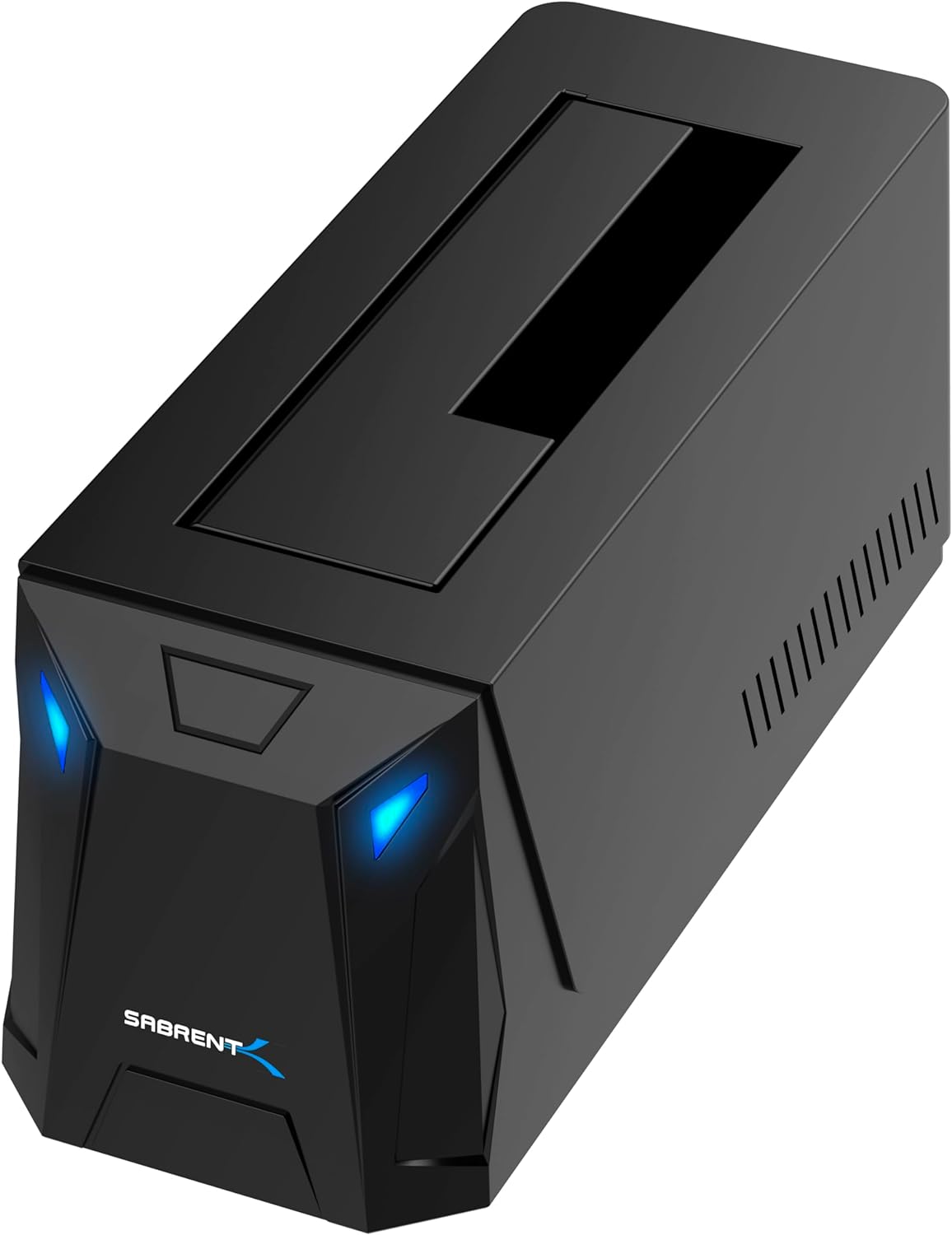
1. SABRENT USB-C Hard Drive Docking Station, 2.5"/3.5" Inch SATA SSD & HDD Tool Free 10Gbps Docking Station, Hot Swappable, Supports 20TB Drives, for Windows and Mac (DS-UC1B)
A straightforward, budget-friendly SATA dock that accepts 2.5" and 3.5" drives and offers a 10Gbps USB 3.2 Gen 2 connection. It’s plug-and-play with hot-swap support and includes both USB-A and USB-C cables, making it a versatile backup solution for Mac and Windows users.
Key Specs
- Interface: USB 3.2 Gen 2x1 (10Gbps), backward compatible
- Supports 2.5" and 3.5" SATA SSDs/HDDs, up to 20TB+
- Tool‑less bay with retractable dust cover
- Includes power adapter for 3.5" drives; hot‑swappable
Pros
- Fast 10Gbps interface for modern SATA drives
- Tool‑less, easy drive insertion and hot‑swap convenience
- Includes both USB‑A and USB‑C cables for cross‑platform use
Cons
- Some users report noisy operation and fan noise
- Occasional reports of drives not being recognized or drive failures
Best For: Students needing cheap high‑capacity storage
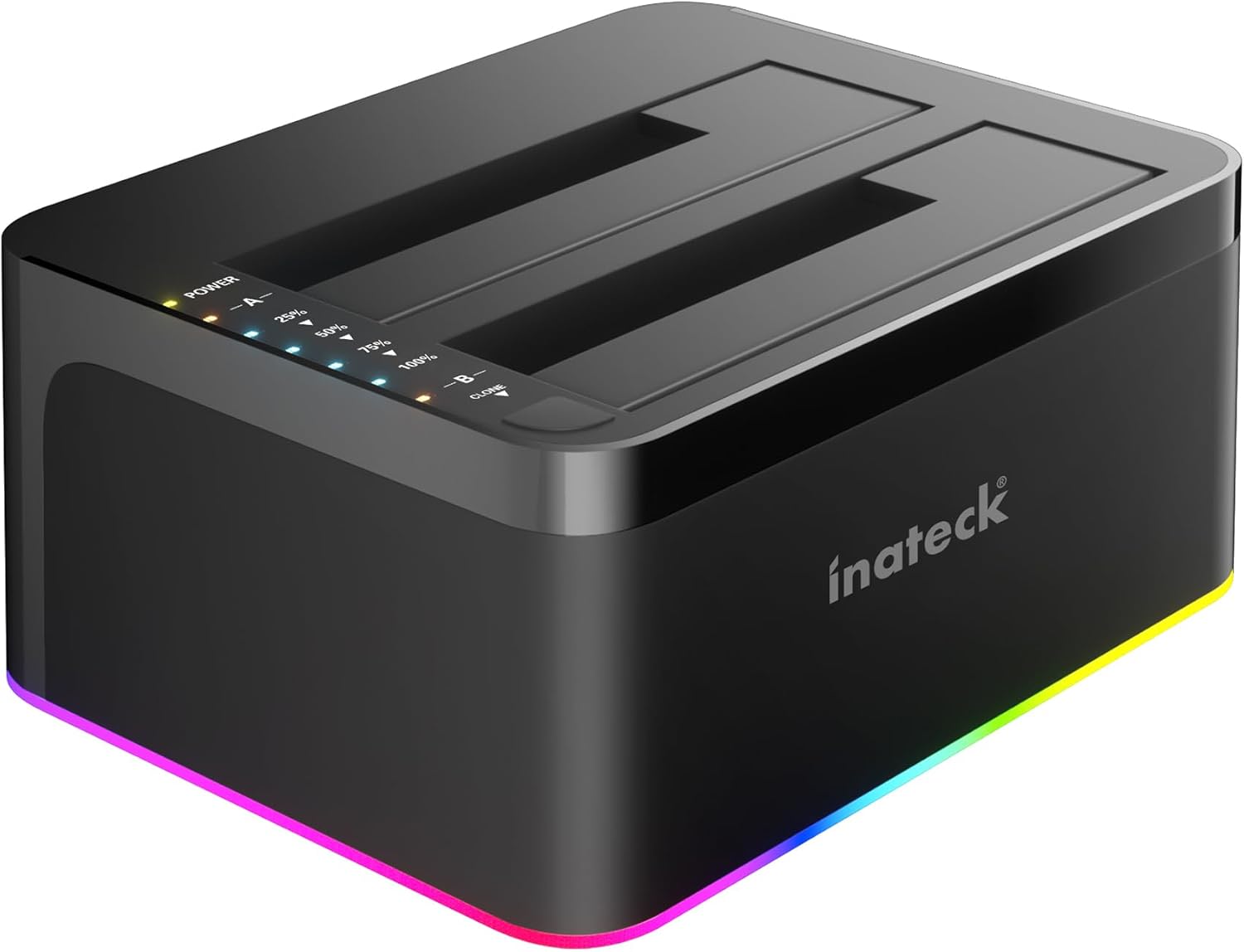
Check Latest Price on Amazon2. Inateck RGB USB 3.0 USB-C Port Hard Drive Docking Station with Offline Cloning, for 2.5/3.5 Inch SATA HDDs and SSDs, 2 x 20TB Dual Bay Docking Station, UASP Supported, SA02003C
A mid‑range dual‑bay docking station that adds offline cloning and UASP support for faster transfers. It supports two 20TB drives, offers RGB status lighting, and is designed for plug‑and‑play backups and cloning tasks without a connected computer.
Key Specs
- Dual 2.5"/3.5" bays; supports up to 2 x 20TB
- Offline cloning function (no PC required)
- USB 3.0 / UASP support for improved transfer rates
- Includes 12V/3A power adapter and USB‑C cable
Pros
- Convenient offline cloning for quick drive duplication
- Good transfer speeds with UASP support
- Well suited to large backups with dual‑bay flexibility
Cons
- Some reports of drives disconnecting unexpectedly
- A few users reported data integrity issues after use
Best For: Students who need drive cloning and dual bays
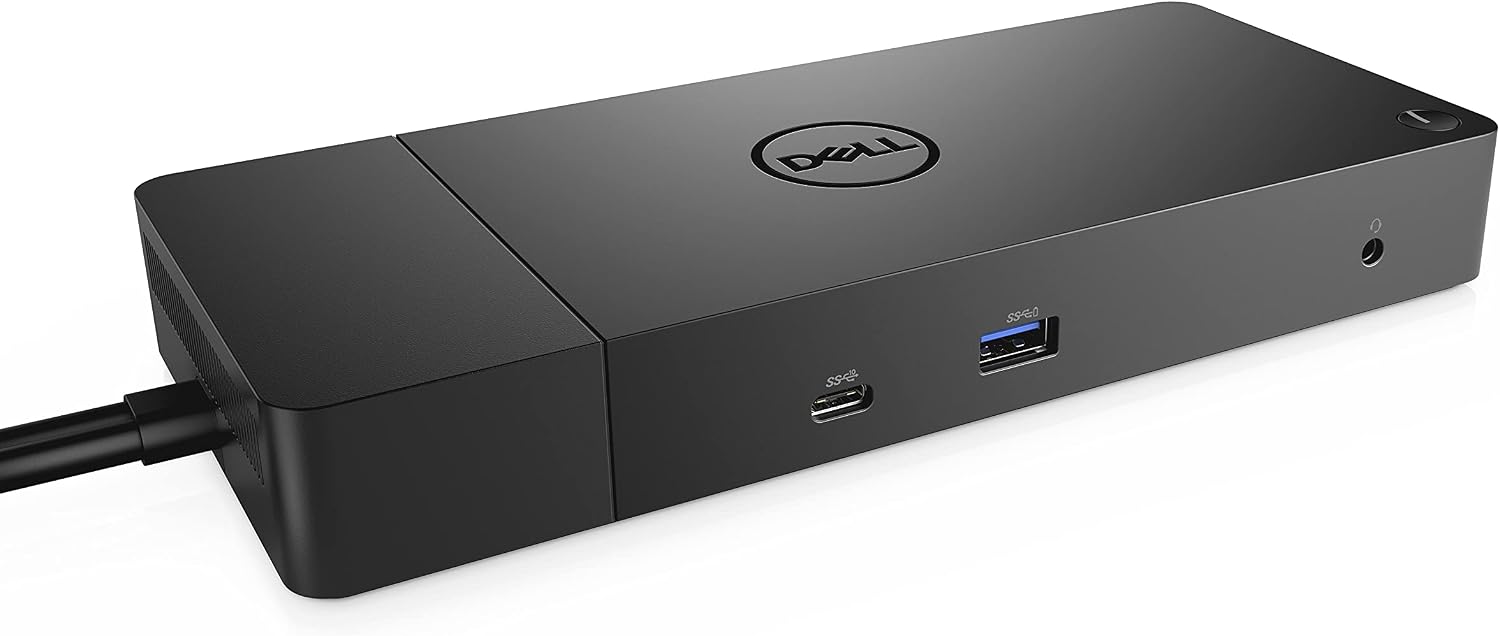
Check Latest Price on Amazon3. Dell WD19 180W Docking Station (130W Power Delivery) USB-C, HDMI, Dual DisplayPort, Black
A full‑featured USB‑C dock that targets students and professionals who want single‑cable docking: it delivers power delivery, multiple video outputs (DisplayPort and HDMI), Ethernet, and several USB ports. Ideal for classroom presentations, study desks, and connecting a compact external workstation.
Key Specs
- Power: 180W adapter; provides up to 130W power delivery to laptop
- Video: 2 x DisplayPort 1.4 and 1 x HDMI (plus USB‑C DisplayPort)
- Ports: Multiple USB‑A, USB‑C, Gigabit Ethernet, audio outputs
- Includes SuperSpeed USB‑C cable (3.3 ft)
Pros
- Single‑cable docking with substantial power delivery
- Multiple display outputs for dual/tri‑monitor setups
- Solid build and desktop‑friendly port layout
Cons
- Power delivery and audio behavior can vary with some laptops
- Some customers report durability concerns over time
Best For: Students who need external monitors & laptop charging
Check Latest Price on AmazonWhich One Should You Choose?
If your top priority is single‑cable charging and external monitors → Dell WD19. It’s the practical pick for classroom presentations and a multi‑display study desk. If you need a budget option for occasional backups and large external storage → SABRENT USB‑C Hard Drive Docking Station. If you need dual‑bay cloning, faster transfers, and value a mid‑range storage solution → Inateck SA02003C.
Best for Specific Scenarios
- Presentations & multi‑monitor study setup: Dell WD19 because it supplies USB‑C power delivery and multiple video outputs with a single cable.
- Routine large backups on a tight budget: SABRENT SATA Dock because it provides 10Gbps SATA access and a tool‑less bay for quick swapping.
- Disk cloning and duplicating drives: Inateck Dual‑Bay Dock because of its offline cloning feature and dual‑drive support for fast workflows.
Frequently Asked Questions
Will these docks charge my MacBook or Windows laptop?
The Dell WD19 supports USB‑C power delivery (up to 130W delivered to the laptop) and can charge compatible laptops over the single USB‑C cable. The SABRENT and Inateck products are storage docks designed for SATA drives and do not provide laptop charging.
Can I use a storage dock (SABRENT/Inateck) as a display dock?
No — the SABRENT and Inateck models are hard drive docking stations focused on storage, cloning, and file transfers. They don't include video outputs or power delivery for single‑cable laptop docking. For external displays, choose a full docking station like the Dell WD19.
Are these docks compatible with both macOS and Windows?
All three products are advertised as cross‑platform and generally work with macOS and Windows. Storage docks typically use driverless USB mass‑storage protocols, while display docks rely on the host laptop supporting USB‑C DisplayPort Alt Mode or Thunderbolt. Always check your laptop’s ports and the manufacturer compatibility notes before buying.
How We Selected These Products
Our recommendations are based on data-driven analysis: we evaluated 155229+ products across 23916+ brands using a composite scoring system that weighs rating (40%), review volume (30%), price value (20%), and demand signals (10%). Every product is ranked by data, not opinions.
Last updated: August 14, 2026
As an Amazon Associate we earn from qualifying purchases at no extra cost to you. Full disclosure.
GearLark Score is our editorial ranking based on a composite analysis of product quality, value, and verified customer sentiment. Click through to Amazon for current pricing, availability, and live customer reviews.