As an Amazon Associate we earn from qualifying purchases. Learn more.
Best Monitors for Teachers Grading Papers at Home (2026)
If you’re a teacher preparing to grade stacks of essays and worksheets this fall, you need a monitor that protects your eyes, shows text and annotations clearly, and fits your home setup and budget. This guide compares seven monitors (24"–27" plus one portable 16") selected for eye‑comfort features (low blue light, flicker‑free panels), readable sizes for side‑by‑side documents, and straightforward connectivity. I prioritized units praised for picture quality, ease of setup, and value, and flagged common complaints like build or connectivity so you can pick the best match for your grading workflow.
Quick Answer
For most teachers grading papers at home, the Samsung 27" S3 (LS27F320GANXZA, ASIN B0F8DY4QKQ) is the best balance of screen size, eye‑comfort features and value. If you need the easiest-on-eyes option with bright colors and docking, consider the HP 527sw (B0BV7HFPQJ).
Quick Comparison
Select 2-3 products to compare side-by-side
| Compare | Product | GearLark Score | Price Tier | Key Feature | Best For | Action |
|---|---|---|---|---|---|---|
 Samsung 27" S3
|
Mid-Range | Eye Saver Mode + IPS color | Teachers wanting larger screen & value | Check Price | ||
 HP 527sw 27"
|
Premium | 99% sRGB with low‑blue filter | Teachers who value color accuracy & comfort | Check Price | ||
 Gawfolk 27" Curved QHD
|
Premium | QHD 180Hz curved VA panel | Teachers wanting crisp text and immersion | Check Price | ||
 Samsung 24" S3
|
Budget | Compact 24" IPS with Eye Saver | Budget-conscious teachers in small spaces | Check Price | ||
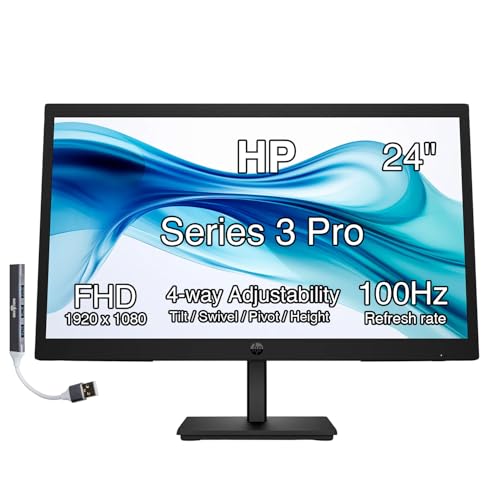 HP Series 5 24"
|
Mid-Range | 24" IPS with speakers & 99% sRGB | Teachers needing built‑in audio & color | Check Price | ||
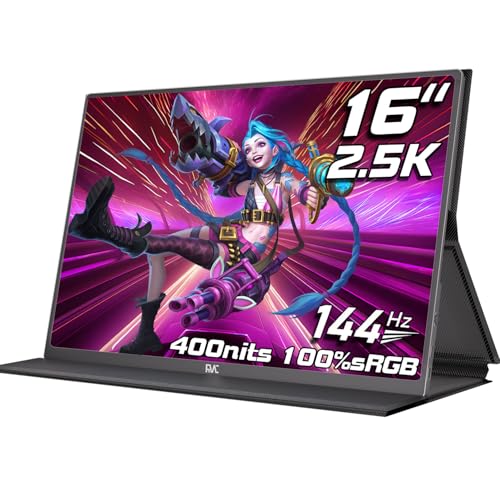 FMC 16" Portable 2.5K
|
Budget | Lightweight 2.5K portable display | Teachers who work between home & classroom | Check Price |
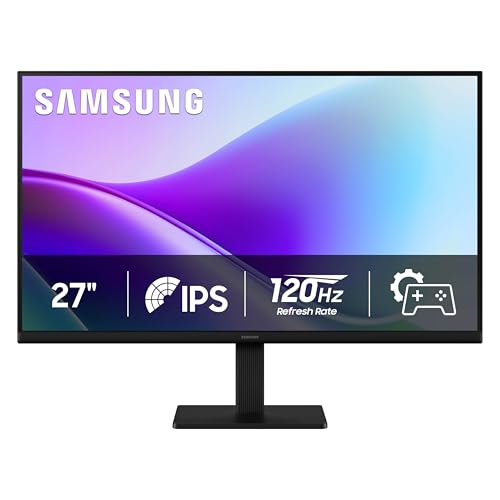
1. Samsung 27" S3 (S32GF) FHD High Resolution 120Hz Monitor with IPS Panel, Flicker Free, Eye Saver Mode, LS27F320GANXZA, 2025
A 27" IPS monitor with strong color and eye‑comfort features that fits teachers who grade lots of documents side‑by‑side. Its 120Hz panel is overkill for grading but keeps motion smooth for video calls; the Eye Saver Mode and flicker‑free tech reduce blue light and strain during long marking sessions.
Key Specs
- 27-inch FHD (1920x1080) IPS panel
- 120Hz refresh rate (default 60Hz adjustable)
- Eye Saver Mode (low blue light) and Flicker Free
- Slim bezels; direct device connectivity
Pros
- Large 27" screen gives roomy side‑by‑side view for papers and gradebook
- IPS panel keeps colors and text consistent at different angles
- Good overall value with easy setup praised by users
Cons
- Power button placement on the back can be awkward
- FHD resolution on 27" is less sharp than QHD for very small text
Best For: Teachers wanting larger screen & value
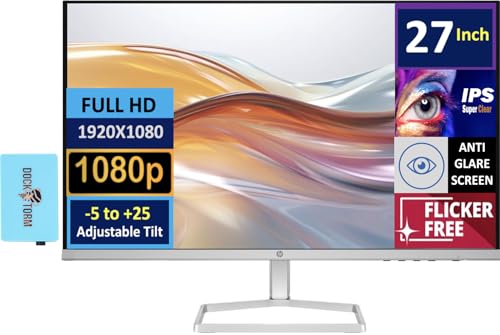
Check Latest Price on Amazon2. HP 527sw Monitor (Replaces Model m27fw) with 75Hz IPS, 27 inch FHD, Anti-Glare,Flicker-Free, 300 nits Display, Adjustable tilt,1 VGA, 2 HDMI, 99% sRGB Color, (2025 Model), w/Dockztorm Hub
A thoughtfully designed 27" IPS monitor that emphasizes eye comfort (low‑blue light, anti‑glare) and color accuracy—helpful when reviewing student art, color-coded rubrics, or detailed PDFs. The included portable USB hub and multiple HDMI ports simplify connecting laptops and doc cameras used in hybrid teaching.
Key Specs
- 27-inch FHD IPS (1920x1080)
- 99% sRGB color coverage; 300 nits brightness
- Flicker‑free, anti‑glare, tilt -5° to +25°
- 2x HDMI, 1x VGA; includes Dockztorm USB hub
Pros
- Excellent eye‑comfort tools and accurate colors for detailed work
- Multiple inputs and included USB hub simplify hybrid setups
- Thin, borderless design fits tidy home desks
Cons
- Stand build quality reported mixed—may feel less sturdy
- FHD on 27" can show softer text vs higher resolution panels
Best For: Teachers who value color accuracy & comfort
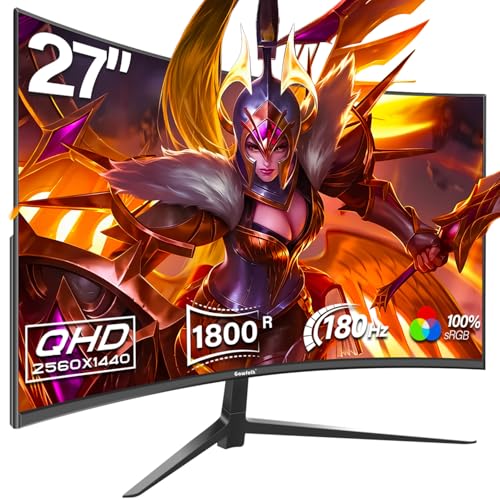
Check Latest Price on Amazon3. 27 Inch Gaming Curved Monitor, 180Hz QHD 2560x1440p PC Monitor with AMD FreeSync, Flicker-Free, HDMI 2.0, DP 1.4, Ultra-Thin Frameless 2K Computer Screen
A 27" QHD curved monitor that gives sharper text and more screen real estate for two‑up grading compared with FHD displays. Eye‑care modes and high contrast on the VA panel help with readability, though build consistency varies among buyers—check for a solid stand or plan a VESA mount.
Key Specs
- 27-inch QHD (2560x1440) VA panel
- 180Hz refresh (DisplayPort), 144Hz via HDMI
- AMD FreeSync; Flicker‑Free and Low Blue Light
- 2x HDMI, 2x DisplayPort
Pros
- Higher resolution makes small handwriting and PDFs easier to read
- Curved screen increases perceived focus area for long sessions
- Good value for QHD image quality
Cons
- Mixed reports on build quality—some buyers saw durability issues
- Curvature and gaming features may be unnecessary for basic grading
Best For: Teachers wanting crisp text and immersion
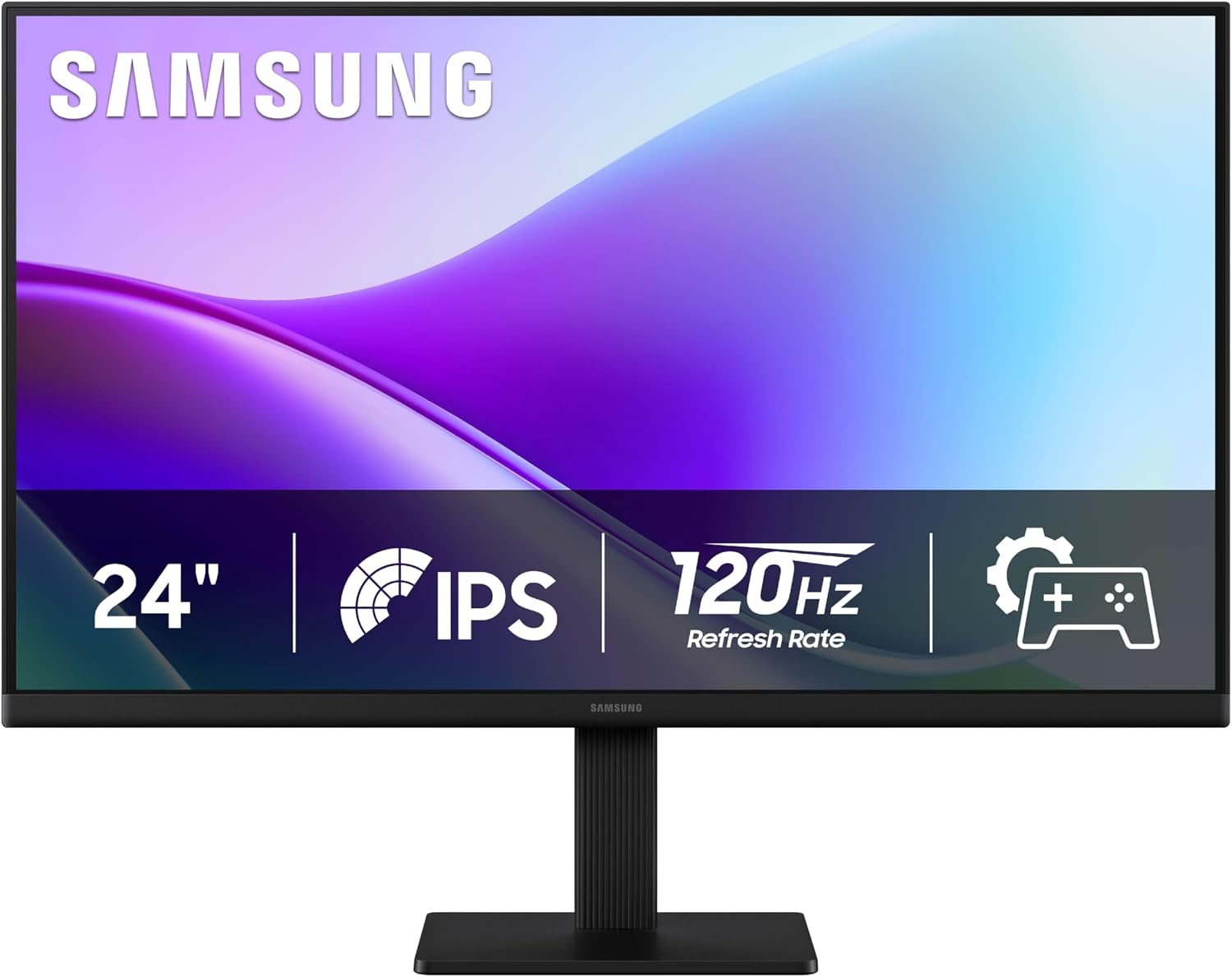
Check Latest Price on Amazon4. Samsung 24" S3 (S32GF) FHD High Resolution 120Hz Monitor with IPS Panel, Flicker Free, Eye Saver Mode, LS24F320GANXZA, 2025
A compact 24" IPS monitor that keeps blue light low and offers solid picture quality at an attractive price. Its size fits small desks or shared home workspaces while still allowing a comfortable two‑window grading setup when paired with a laptop.
Key Specs
- 24-inch FHD (1920x1080) IPS panel
- 120Hz refresh rate (adjustable)
- Eye Saver Mode and Flicker‑Free
- Ultra‑thin bezels; device connectivity
Pros
- Great value for teachers on a tight budget
- Easy setup and reliable picture quality
- Small footprint fits crowded home desks
Cons
- Power button on the back reported awkward by some
- Smaller screen means more switching between documents
Best For: Budget-conscious teachers in small spaces
Check Latest Price on Amazon5. HP Series 5 524sa Monitor with Speakers (Replaces M24fwa) 24" 100Hz IPS FHD 99% sRGB 300 Nits Display, Adjustable Tilt, Flicker-Free, Anti-Glare, White/Silver w/DKZ USB Port Expander
A dependable 24" monitor with integrated speakers and strong color coverage that suits teachers who occasionally review multimedia work or run video lessons. It emphasizes comfort with low‑blue light and anti‑glare, and users praise its picture quality and design.
Key Specs
- 24-inch FHD IPS (1920x1080)
- 100Hz refresh, 99% sRGB, 300 nits
- Tilt adjustable; Flicker‑free, anti‑glare
- Integrated dual 2W speakers; Docztorm USB dock
Pros
- Integrated speakers reduce desk clutter for quick video feedback
- Good color accuracy for grading digital art or color assignments
- Users report solid value and reliable functionality
Cons
- No VESA mount support on this model
- Stand offers tilt only—limited ergonomic adjustment
Best For: Teachers needing built‑in audio & color
Check Latest Price on Amazon6. FMC 2.5K Portable Monitor 144hz QHD 16 inch Monitor Flicker-Free USB-C Side, HDMI Portable Screen for Laptop Compatible with Windows, MacBook, Phone, Switch, Xbox & PS4/5 Gaming
A highly portable 16" QHD monitor with USB‑C and HDMI plug‑and‑play that’s perfect for teachers who move between school and home. It provides a sharper image than typical 1080p portable screens and includes a magnetic leather cover for laptop‑style protection.
Key Specs
- 16-inch 2560x1600 (2.5K) IPS, 16:10 aspect
- 144Hz refresh; 400 nits brightness
- USB‑C and Mini HDMI plug‑and‑play; magnetic cover included
- Blue light reduction and Flicker‑Free tech
Pros
- Ultra‑lightweight for carrying in a teacher bag
- High resolution makes text and rubrics readable on a small screen
- Multiple connection options for school laptops and tablets
Cons
- Some users report mixed compatibility with certain MacBooks
- Smaller screen still limits side‑by‑side document layout
Best For: Teachers who work between home & classroom
Check Latest Price on AmazonWhich One Should You Choose?
If budget is tight → Samsung 24" S3 (B0F8F3LKY2) for an affordable, eye‑friendly display that fits small desks. If you need portable → FMC 2.5K Portable 16" (B0D3Y3DNM8) for sharp, lightweight travel between home and school. If premium comfort and color accuracy matter → HP 527sw (B0BV7HFPQJ) for low‑blue light, anti‑glare, and included USB hub to simplify hybrid teaching. If you want the best balance of size and value for heavy grading at home → Samsung 27" S3 (B0F8DY4QKQ).
Best for Specific Scenarios
- Small home desk & tight budget: Samsung 24" S3 — 24" footprint fits crowded setups and still offers eye‑comfort modes.
- Frequent travel between school and home: FMC 2.5K Portable 16" — lightweight, high resolution and USB‑C make it ideal for a teacher bag.
- Two‑up grading and shared screen lessons: Samsung 27" S3 or HP 527sw — larger 27" panels let you keep a student paper and gradebook side‑by‑side with less scrolling.
Frequently Asked Questions
Do I need a 27" monitor to grade comfortably at home?
Not necessarily. A 24" monitor is fine for most grading tasks and fits smaller desks. A 27" screen helps when you routinely keep two documents open side‑by‑side or read very small handwriting—consider resolution (QHD is sharper) as well as size.
Which features actually reduce eye strain during long grading sessions?
Look for flicker‑free panels, low‑blue‑light or Eye Saver modes, anti‑glare surfaces, and adjustable ergonomics (tilt/height or VESA). Proper monitor height and room lighting are just as important as these features.
Is a portable 16" monitor worth it for a teacher?
Yes if you move between home and classroom regularly. A 16" 2.5K portable monitor gives extra screen real estate for a laptop without adding bulk; however, it won’t replace the comfort of a full desktop monitor for long grading sessions.
How We Selected These Products
Our recommendations are based on data-driven analysis: we evaluated 155229+ products across 23916+ brands using a composite scoring system that weighs rating (40%), review volume (30%), price value (20%), and demand signals (10%). Every product is ranked by data, not opinions.
Last updated: September 24, 2026
As an Amazon Associate we earn from qualifying purchases at no extra cost to you. Full disclosure.
GearLark Score is our editorial ranking based on a composite analysis of product quality, value, and verified customer sentiment. Click through to Amazon for current pricing, availability, and live customer reviews.