As an Amazon Associate we earn from qualifying purchases. Learn more.
Best Portable Monitors for Photo Students & Travel Editors (2026 Guide)
If you’re a photo student juggling assignments across campus or a travel editor editing RAW files from airports and coffee shops, you need a portable monitor that balances color accuracy, build quality and easy power. This guide reviews six portable displays chosen for color performance, lightweight design, and real-world portability — including battery-equipped and USB-C powered options. We ranked monitors by color fidelity, portability, connection flexibility, and user-reported durability to help you pick the right screen for grading, retouching, and mobile workflows.
Quick Answer
For photo students and travel editors who need color accuracy and true portability, the COOLHOOD 18.5inch Portable Dual Monitor (B0DGL3XMCQ) is our top pick for a large, color-focused workspace on the go. If you want OLED-level color and a built-in battery for field editing, the ASUS ZenScreen Duo OLED (B0DHFR5Z7G) is the best premium option.
Our Top Picks
Quick Comparison
Select 2-3 products to compare side-by-side
| Compare | Product | GearLark Score | Price Tier | Key Feature | Best For | Action |
|---|---|---|---|---|---|---|
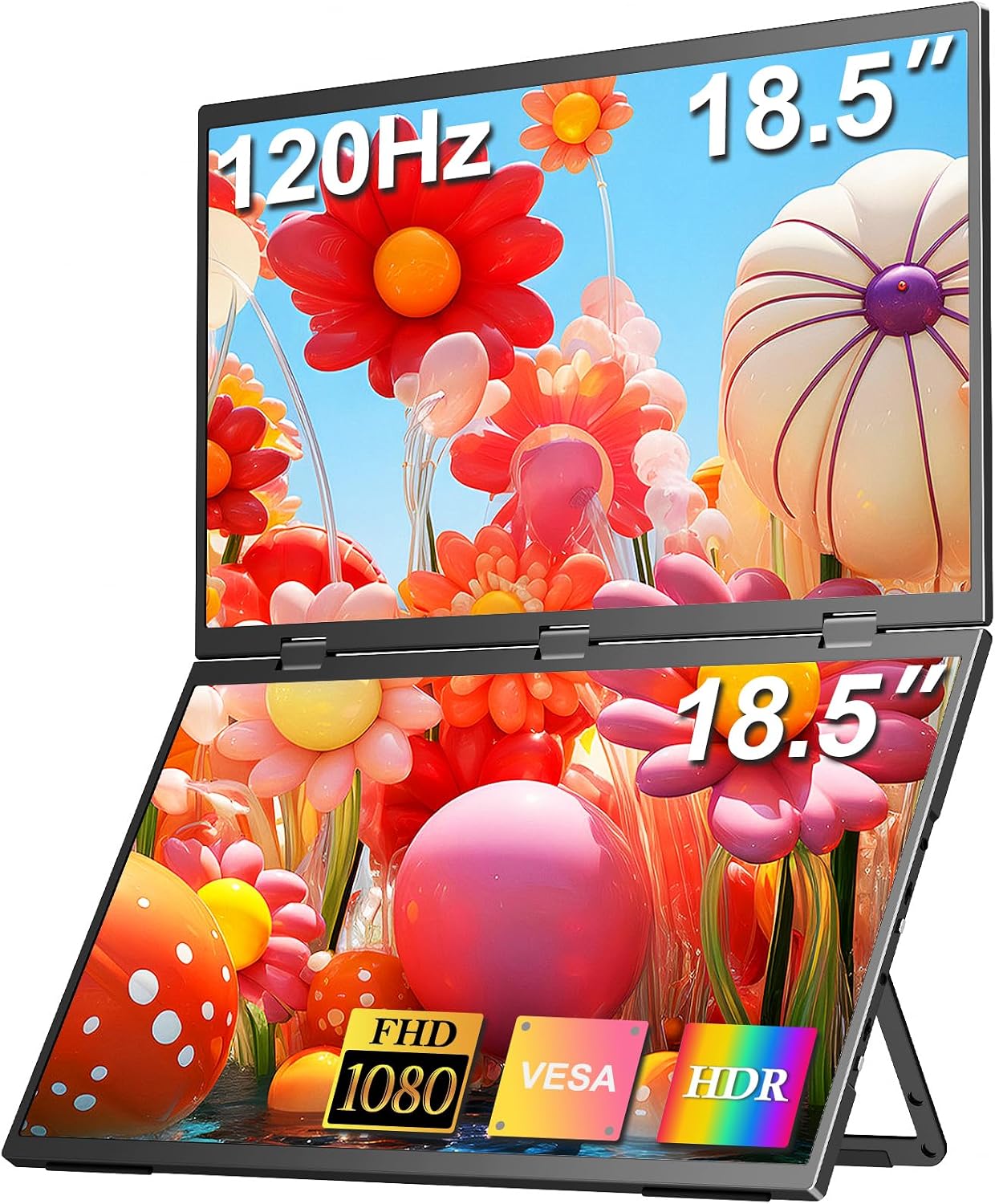 COOLHOOD 18.5" Dual Monitor
|
Premium | Stacked dual 18.5" displays, one-cable | Multi-window on-the-go color workflows | Check Price | ||
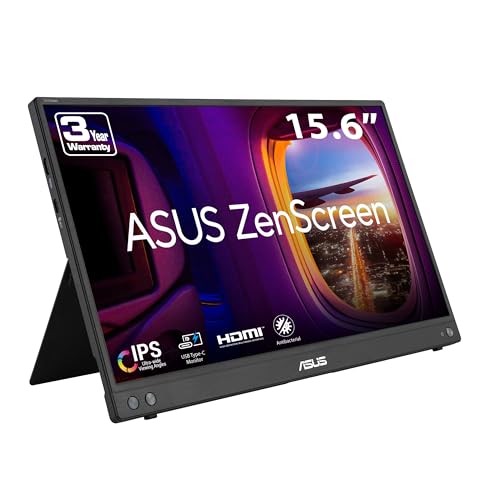 ASUS ZenScreen 16 MB16AHV
|
Budget | Ultra-slim 15.6" with tripod mount | Students on a tight budget who travel | Check Price | ||
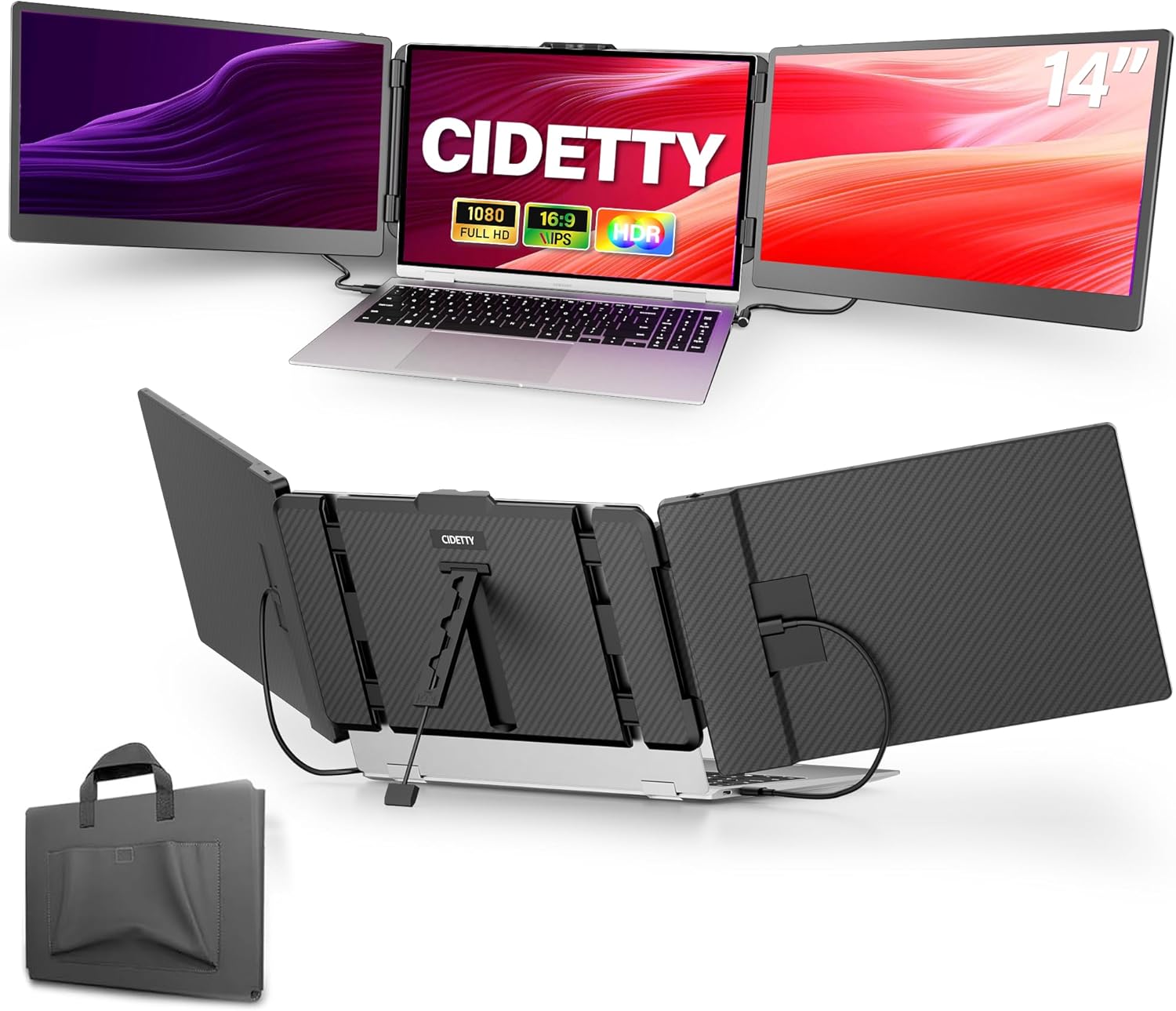 CIDETTY 14" FHD Monitor
|
Mid-Range | Ultra-thin 14" FHD IPS with blue-light filter | Lightweight secondary display for quick edits | Check Price | ||
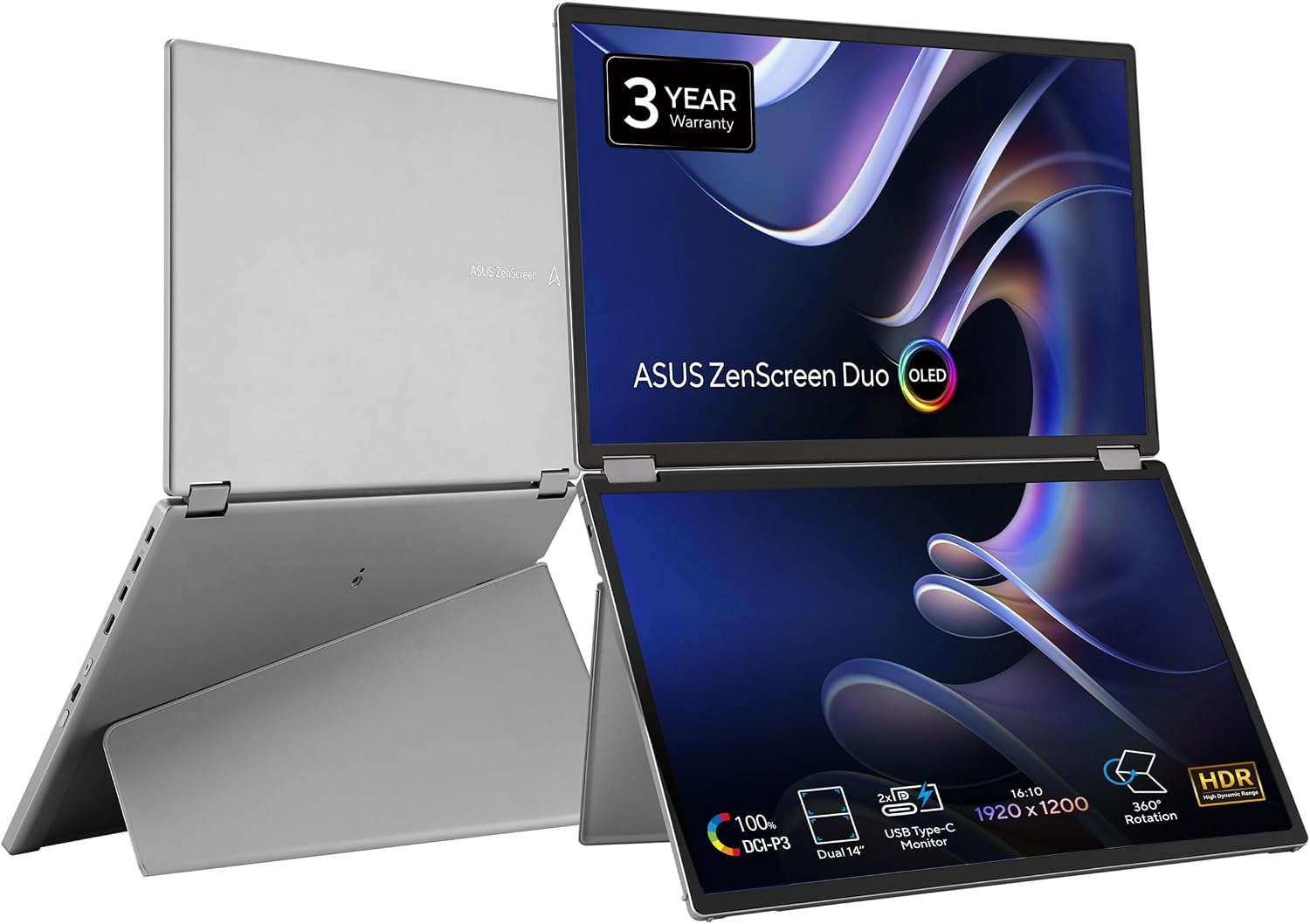 ASUS ZenScreen Duo OLED
|
Premium | Dual OLED, 100% DCI-P3, Delta<2 | Color-critical travel editors | Check Price | ||
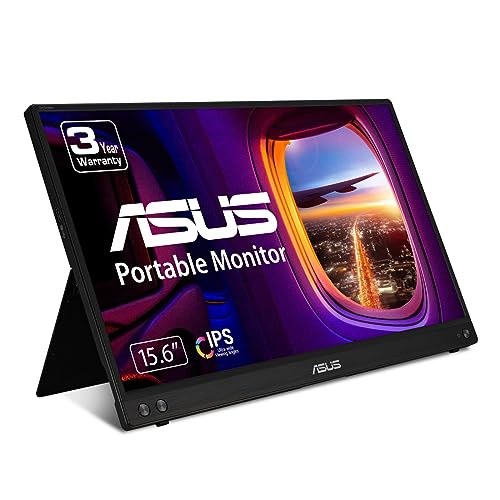 ASUS ZenScreen MB16ACV
|
Mid-Range | USB-C hybrid-signal single-cable | Students needing a simple travel second screen | Check Price | ||
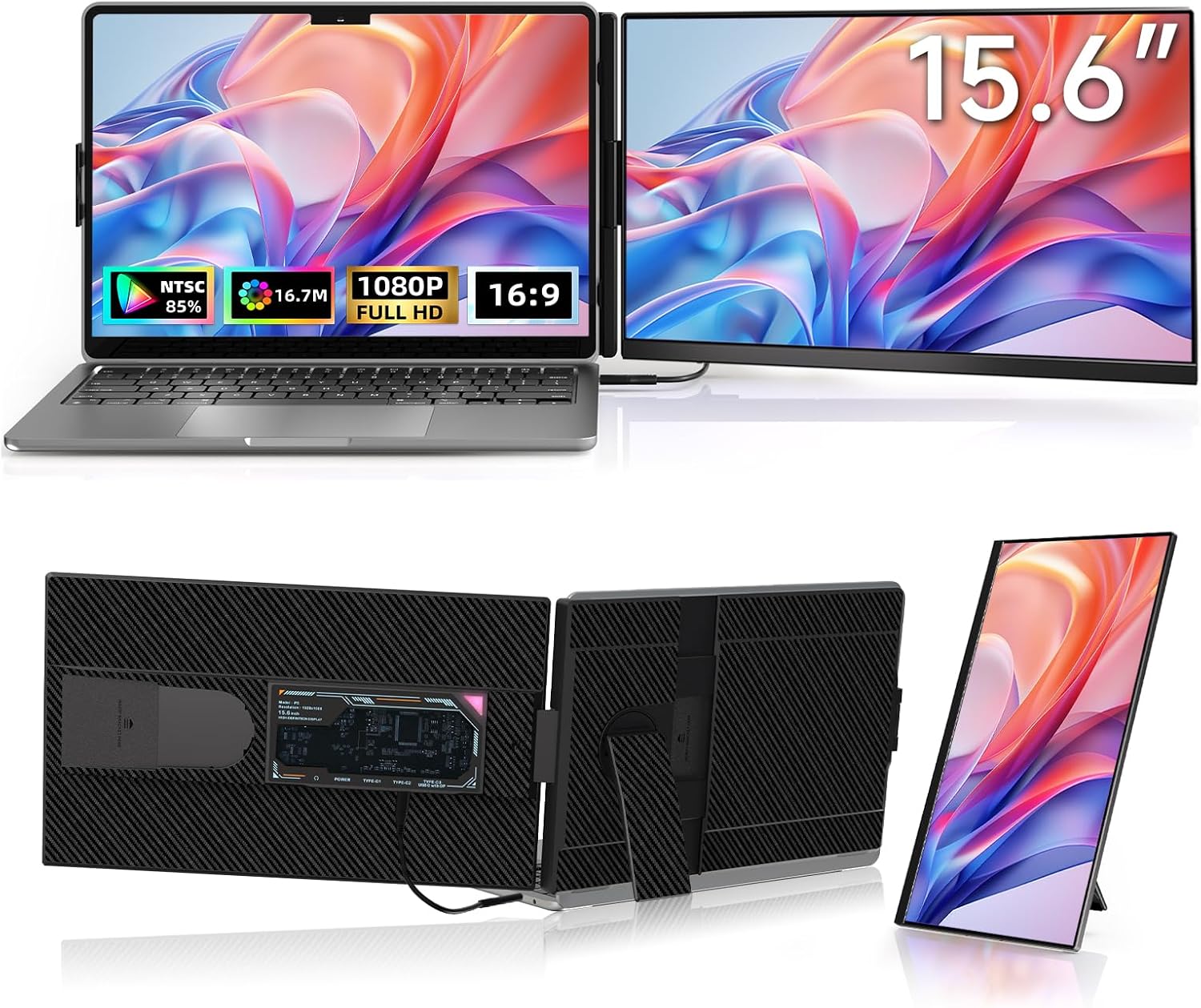 ROYY 15.6" Dual Extender
|
Budget | Detachable 15.6" extender with 85% NTSC | Flexible laptop-attached extra screen | Check Price |
1. 18.5inch Portable Dual Monitor, 1080P FHD 120HZ Triple Laptop Screen Monitor Extender,Dual Speakers USB-C & HDMI Folding Stacked Dual Monitors for Laptop Windows Mac, Stand & VESA
A roomy, color-focused folding dual monitor that expands your laptop workspace for intensive editing and multitasking. Its 120% sRGB claim and E<2 color performance make it a strong travel editing workstation when you need more screen real estate than a single 15–16" display.
Key Specs
- Two 18.5" Full HD IPS matte panels
- 120% sRGB, E<2 color accuracy, 120Hz
- One USB-C cable option for multiple screens
- Aluminum alloy build, VESA mountable
Pros
- Large, dual stacked workspace for editing multiple windows
- Strong color performance and fast 120Hz refresh
- One-cable setup simplifies campus and travel use
Cons
- Premium size makes it heavier to carry than single 15–16" units
- Best performance assumes an external power connection
Best For: Multi-window on-the-go color workflows
Check Latest Price on Amazon2. ASUS ZenScreen 16 (15.6 inch viewable) 1080P USB-C Portable Monitor (MB16AHV) - Full HD, IPS, Blue Light Filter, Anti-glare, Mini HDMI, Kickstand, Tripod Mountable, Protective Sleeve, 3 year warranty
A lightweight, wallet-friendly 15.6" portable IPS screen that slides into a backpack easily and includes tripod compatibility for steady on-location grading. It balances portability and picture quality, making it ideal for students who need a reliable second screen for photo assignments.
Key Specs
- 15.6" Full HD IPS anti-glare display
- Two full-function USB-C ports plus mini HDMI
- Kickstand for portrait/landscape, tripod socket
- Protective sleeve and 3-year warranty
Pros
- Excellent portability and light weight for campus carry
- Good image quality for the price
- Convenient kickstand and tripod mounting
Cons
- USB-C functionality is mixed on some phones and devices
- Limited advanced color controls compared with premium models
Best For: Students on a tight budget who travel
Check Latest Price on Amazon3. Laptop Screen Extender, 14'' FHD 1080P IPS Ultra-Thin Dual/Triple Monitor Display, HDMI/USB-C Plug-Play Portable Monitor for Laptop, Built-in Speakers(Mac, Win, Android)
A compact 14" FHD IPS monitor that’s easy to slip into a camera bag and fast to set up. It’s a good mid-range choice for students who want a secondary screen with eye-care features and broad compatibility for campus machines and travel laptops.
Key Specs
- 14" 1080p IPS display with anti-glare and blue-light filter
- Built-in speakers, ultra-slim 0.24" thickness
- Two USB-C ports and HDMI-to-USB-C connection
- Protective case included
Pros
- Very portable and easy to pack
- Straightforward plug-and-play setup for most laptops
- Protective case and built-in speakers add convenience
Cons
- Compatibility issues with M1/M2/M3 MacBooks and some Surface models
- Not as color-precise as higher-end, Delta-E rated options
Best For: Lightweight secondary display for quick edits
Check Latest Price on Amazon4. ASUS ZenScreen Duo OLED 360 Foldable Portable Monitor (MQ149CD) - Dual 14-inch, 16:10, 1920x1200, DisplayHDR400 True Black, 100% DCI-P3, Delta<2, Dual USB-C, Mini-HDMI, Kickstand, 3 yr Warranty
A foldable dual-OLED solution delivering exceptional color (100% DCI-P3, Delta<2) in a portable form factor and with an integrated hinge for varied layouts. Photo students and editors who need the best color on the go will appreciate the OLED contrast and the option of battery-assisted field use.
Key Specs
- Two 14" OLED panels, 1920x1200, 16:10
- 100% DCI-P3 color gamut, Delta-E <2, DisplayHDR400 True Black
- Dual USB-C and mini-HDMI, tripod mount and fold-out kickstand
- Integrated 360 hinge for versatile orientations
Pros
- Outstanding color accuracy and contrast for grading
- Flexible folding design and tripod/stand options
- Good portability for a dual-screen OLED
Cons
- Mixed reports on battery behavior and occasional durability concerns
- Premium price — value debated by some buyers
Best For: Color-critical travel editors
Check Latest Price on Amazon5. ASUS ZenScreen 15.6 1080P Portable Monitor (MB16ACV) - Full HD, IPS, Eye Care, Flicker Free, Blue Light Filter, Kickstand, USB-C Power Delivery, for Laptop, PC, Phone, Console
A reliable 15.6" portable monitor with hybrid-signal USB-C for easy single-cable connections and eye-care features. It’s well-suited to campus use and short travel sessions, offering convenience and solid picture quality for everyday photo editing.
Key Specs
- 15.6" Full HD IPS display, anti-glare
- Hybrid-signal USB-C connection (power + video)
- TÜV-certified flicker-free and low blue light
- Kickstand and tripod-compatible hole
Pros
- Simple single-cable setup and good portability
- Comfort-minded display with eye-care tech
- Clear picture quality for general editing tasks
Cons
- Some reported durability issues with the stand
- USB-C functionality can be inconsistent on certain devices
Best For: Students needing a simple travel second screen
Check Latest Price on Amazon6. Laptop Screen Extender Dual Monitor - 15.6" Portable Monitor 85% NTSC IPS 1080P FHD Detachable Screen Extended Extra USB-C/HDMI Port Compatible with Wins Mac Dex Chrome Fits 13"-17" Laptops
A versatile and lightweight 15.6" extender that clips or detaches to expand workspace; ideal for students who want a configurable second screen without much extra weight. It’s plug-and-play with wide device compatibility and useful for multi-window editing sessions.
Key Specs
- 15.6" FHD IPS, 85% NTSC color gamut, 300 nits brightness
- Detachable/attachable design, 1 full-featured USB-C or HDMI
- Supports portrait/landscape, 360/90 rotation
- Includes necessary cables for plug-and-play
Pros
- Flexible mounting options to attach or use standalone
- Good portability and straightforward setup
- Solid screen quality for casual editing
Cons
- Color gamut below professional-grade panels
- Some mixed feedback on brightness and security of attachment
Best For: Flexible laptop-attached extra screen
Check Latest Price on AmazonWhich One Should You Choose?
If budget is tight → choose the ASUS ZenScreen 16 (B0CGGLZ8YT) for excellent portability and solid image quality. If you need the largest portable workspace and color-focused multitasking → choose the COOLHOOD 18.5inch Dual Monitor (B0DGL3XMCQ). If premium color accuracy and an OLED panel with folding flexibility matter most → choose the ASUS ZenScreen Duo OLED (B0DHFR5Z7G).
Best for Specific Scenarios
- On-campus grading between classes: ASUS ZenScreen 16 (B0CGGLZ8YT) because it’s light, slips into a backpack, and mounts on a tripod or desk for quick edits.
- Travel editor managing multiple files: COOLHOOD 18.5inch Dual Monitor (B0DGL3XMCQ) because the stacked dual screens let you keep reference shots and RAW previews visible simultaneously.
- Field color-critical edits and client reviews: ASUS ZenScreen Duo OLED (B0DHFR5Z7G) because OLED contrast and Delta<2 color accuracy give you confidence when making final color decisions away from the studio.
Frequently Asked Questions
Do I need an external power supply or battery for portable monitors?
It depends—many modern monitors run from a laptop’s USB-C PD output, which is convenient but can drain your laptop. A few portable monitors include internal batteries; otherwise, a USB-C power bank with PD output is a practical accessory for editing on-location.
How important is Delta-E and DCI-P3/sRGB for student photo work?
Very important if you’re doing color grading or preparing images for print/publication. Aim for monitors with Delta‑E <2 and high DCI‑P3 or close to 100% sRGB coverage for predictable color results. For casual edits, a good IPS panel may be sufficient.
Will these monitors work with my M1/M2 MacBook or phone?
Most USB-C monitors work with recent Macs, but some mid-range models list compatibility caveats (for example, certains models may not support M1/M2/M3 MacBooks or some phone video modes). Check the product’s compatibility notes and ensure your laptop’s USB-C port supports DisplayPort/Thunderbolt or video output.
How We Selected These Products
Our recommendations are based on data-driven analysis: we evaluated 155229+ products across 23916+ brands using a composite scoring system that weighs rating (40%), review volume (30%), price value (20%), and demand signals (10%). Every product is ranked by data, not opinions.
Last updated: September 23, 2026
As an Amazon Associate we earn from qualifying purchases at no extra cost to you. Full disclosure.
GearLark Score is our editorial ranking based on a composite analysis of product quality, value, and verified customer sentiment. Click through to Amazon for current pricing, availability, and live customer reviews.