As an Amazon Associate we earn from qualifying purchases. Learn more.
Best Portable Monitors Under $200 for Students & Remote Classes (2026)
Heading into the fall semester with remote classes? This guide highlights the best portable monitors under $200 that balance screen size, color accuracy, bus-powered operation and lightweight stands — exactly what students need for note-taking, video lectures and multitasking. We tested candidates on value for money, portability, connectivity (USB‑C vs HDMI), build and real customer feedback about durability and ease of use. Read on to find a budget pick for everyday studying, a best-value pick for most students, and a few upgrade options if you want sharper color or a larger screen.
Quick Answer
For most students the HONGO 14" FHD Laptop Screen Extender (B0CQ7KM78W) is the best balance of screen size, picture quality and plug‑and‑play compatibility. If you need the lowest price with a big display, the Pixio PX160 Wave 15.6" (B0F5151Z2J) is the best budget choice.
Our Top Picks
Quick Comparison
Select 2-3 products to compare side-by-side
| Compare | Product | GearLark Score | Price Tier | Key Feature | Best For | Action |
|---|---|---|---|---|---|---|
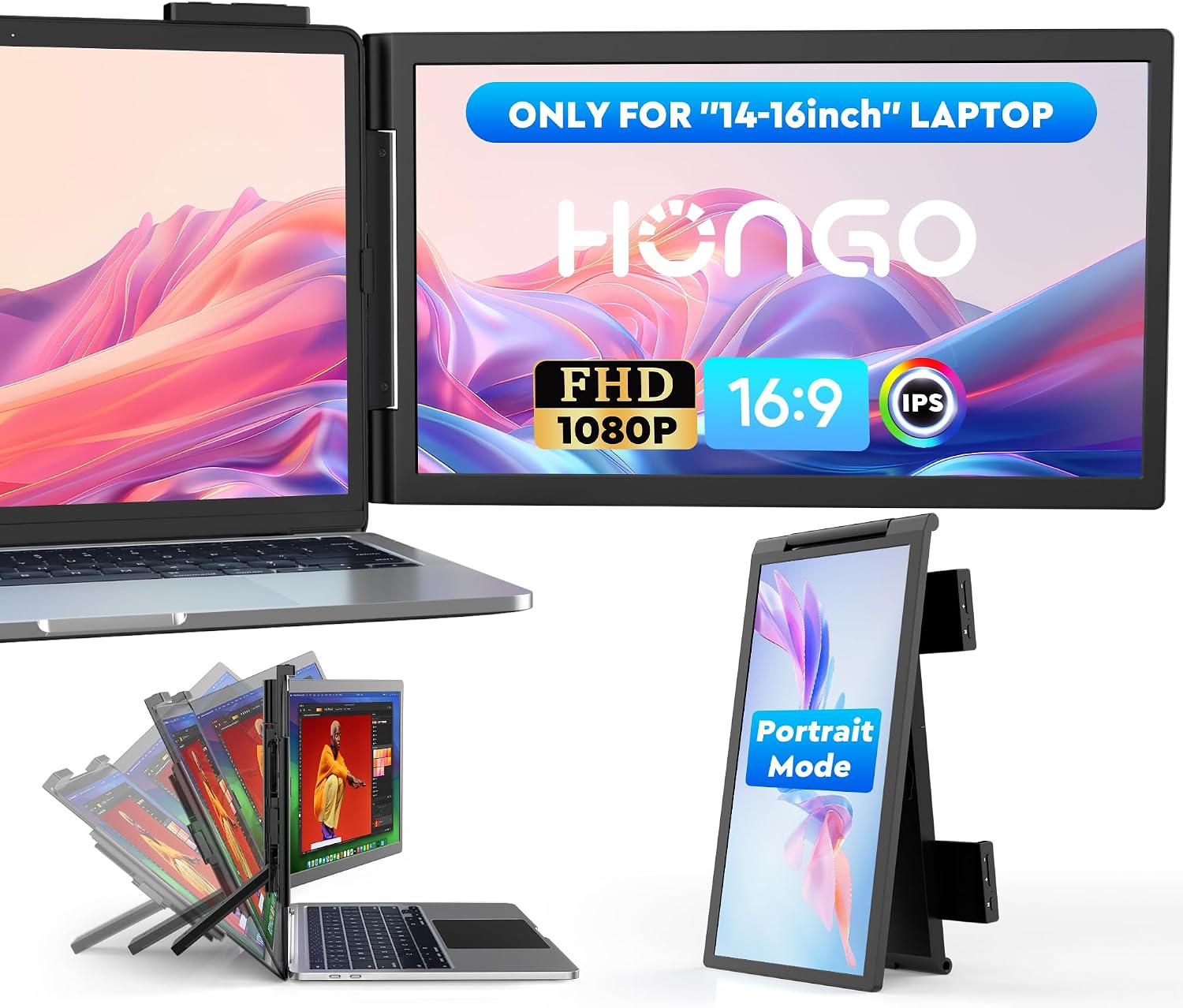 HONGO 14" FHD Extender
|
Mid-Range | Attachable dual-screen extender | Students needing a laptop second screen | Check Price | ||
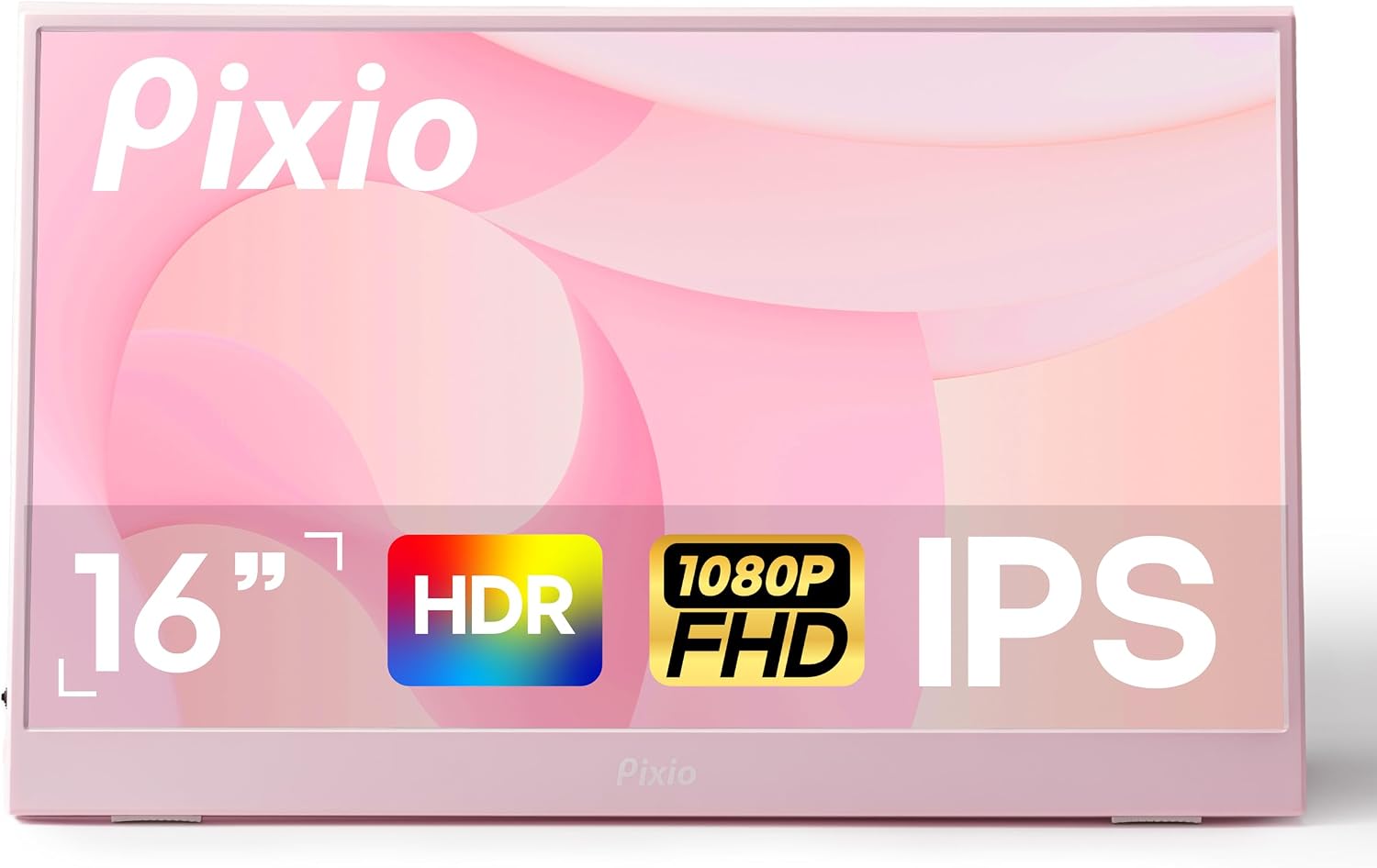 Pixio PX160 Wave 15.6"
|
Budget | 15.6" FHD with HDR | Students wanting a larger budget screen | Check Price | ||
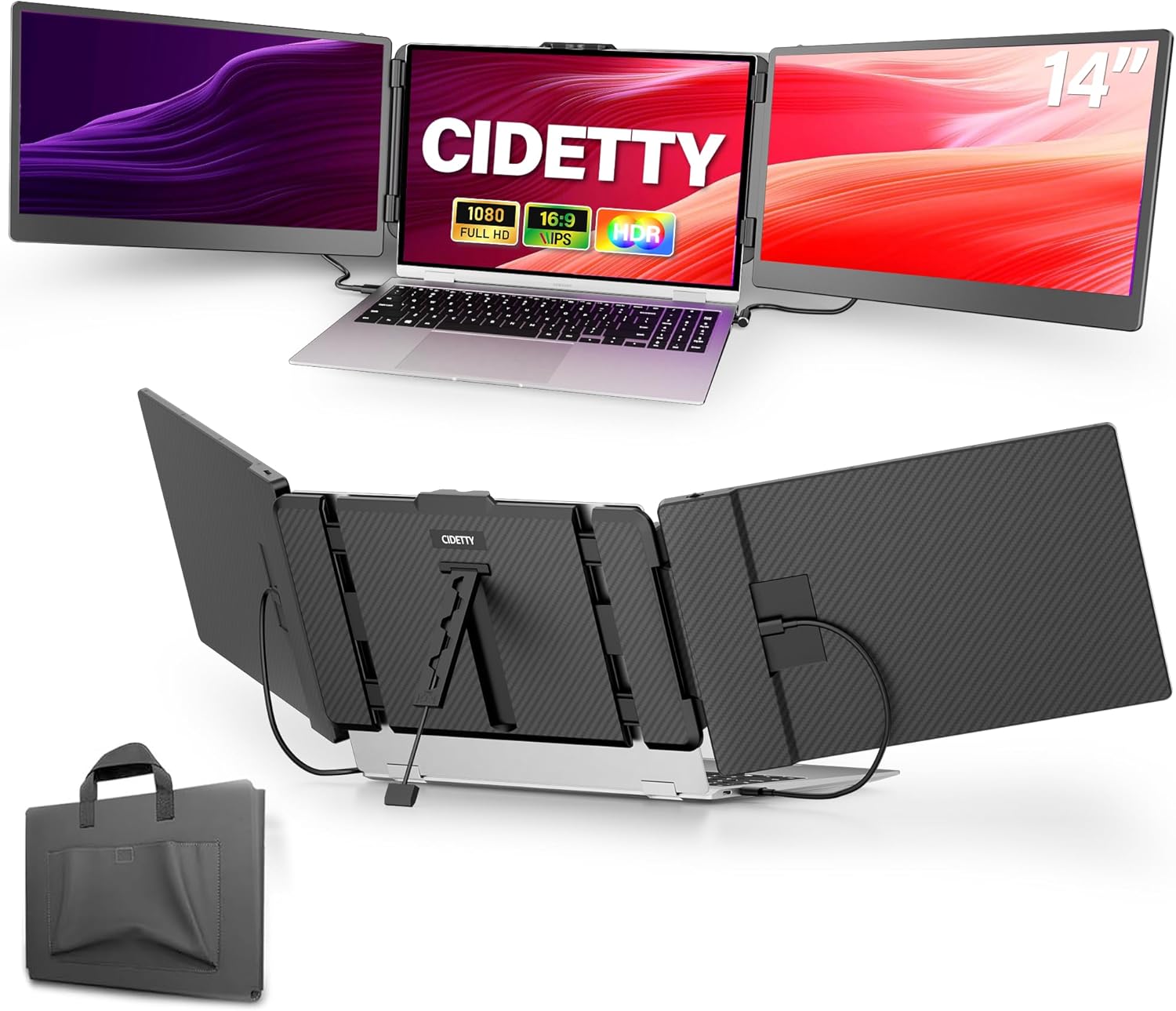 CIDETTY 14" Ultra-Thin
|
Premium | Ultra‑thin with case & triple‑screen support | Students building a small multi‑screen setup | Check Price | ||
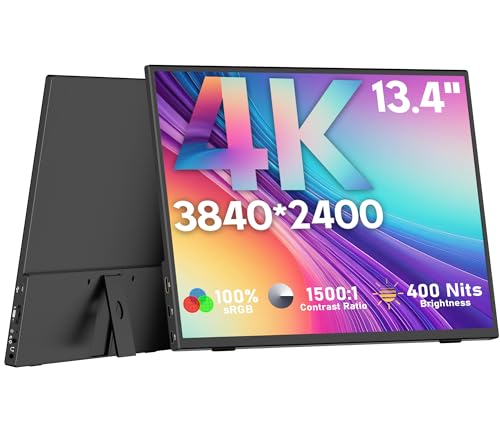 OUNSHLI 13.3" 4K
|
Mid-Range | 13.3" 4K (3840x2160) | Students needing crisp visuals for content work | Check Price | ||
 ZSCMALLS 15.6" FHD
|
Budget | Large 15.6" FHD with included stand | Students who want a big-screen budget extender | Check Price | ||
 ASUS ZenScreen 27"
|
Premium | 27" QHD 100Hz with audio | Students who want a desktop-class portable display | Check Price |
1. Laptop Screen Extender,14" FHD 1080P IPS Dual Screen,Attachment Screen Extended Extra Screen, Portable Monitor for Laptops 14-16" with USB-C/HDMI Port, Plug n Play for Windows/Mac/Android/Switch/PS5
A compact 14" FHD IPS attachable monitor focused on productivity: good brightness and flexible display modes (mirror/extend/portrait). Plug‑and‑play USB‑C/HDMI connectivity and an included foldable stand make it travel-friendly, while a three-year warranty adds confidence.
Key Specs
- 14" FHD IPS (1920x1080)
- Up to 300 nits brightness
- USB‑C & HDMI (plug‑and‑play)
- 270° rotation; mirror & extend modes
- 3‑year warranty
Pros
- Clear, vivid picture quality for the size
- Versatile display modes (portrait/landscape/mirror/extend)
- Easy plug‑and‑play setup and wide compatibility
Cons
- Mixed reports about long‑term durability
- HDMI connection sometimes needs an extra power cable
Best For: Students needing a laptop second screen
Check Latest Price on Amazon2. Pixio PX160 Wave Pink Portable Monitor 15.6 inch 60Hz FHD 1080p IPS Panel HDR Screen Cover Stand USB-C HDMI Laptop Screen Extender Portable Monitor for Laptop, PC, Console, Phone
A colorful 15.6" FHD IPS monitor that delivers strong value: larger viewing area, USB‑C and HDMI inputs and HDR support for more vibrant visuals. It’s a budget-friendly way to gain full‑screen multitasking, though a few users report build and cable longevity concerns.
Key Specs
- 15.6" FHD IPS (1920x1080)
- USB‑C & mini‑HDMI inputs
- 60Hz refresh rate with HDR
- Cover stand included
- Compact, colorful design
Pros
- Big 15.6" screen for multitasking and streaming
- Good picture quality for the price
- Simple USB‑C and HDMI compatibility
Cons
- Some durability and heat reports from users
- Mixed feedback on cable/connectivity reliability
Best For: Students wanting a larger budget screen
Check Latest Price on Amazon3. Laptop Screen Extender, 14'' FHD 1080P IPS Ultra-Thin Dual/Triple Monitor Display, HDMI/USB-C Plug-Play Portable Monitor for Laptop, Built-in Speakers(Mac, Win, Android)
A premium-feeling 14" FHD monitor with anti‑glare, blue‑light filtering and built‑in speakers. It ships with cables, a protective case and supports dual USB‑C plus HDMI for triple‑screen configurations — ideal for focused study sessions and productivity setups.
Key Specs
- 14" FHD IPS (1080p)
- Blue‑light filter & anti‑glare
- 2 x USB‑C + HDMI‑to‑USB‑C (triple screen)
- Built‑in speakers; ultra‑slim 0.24" profile
- Protective case included
Pros
- Excellent display comfort and color for long sessions
- Multiple ports and bundled accessories for easy setup
- Slim, high‑quality build and protective case
Cons
- Not compatible with some Apple M‑series MacBooks and certain Surface models
- Higher price tier compared with basic budget options
Best For: Students building a small multi‑screen setup
Check Latest Price on Amazon4. 4K Portable Monitor, 13.3" 3840 * 2160 IPS for Laptop, Slim Lightweight HDR Travel USB-C HDMI Gaming Monitor With Smart Cover for Laptop PS5/4 Xbox Switch
A surprisingly sharp 13.3" 4K portable monitor with 100% sRGB and a lightweight frame — great for photo editing or watching high‑res lectures. It’s ultra‑portable, VESA‑compatible and offers single‑cable USB‑C power and video on supporting devices.
Key Specs
- 13.3" 4K IPS (3840x2160)
- 100% sRGB; 400 nits brightness
- Dual USB‑C + HDMI; 3.5mm audio
- VESA 75x75 compatible; adjustable stand
- Extremely lightweight (~0.99 lb)
Pros
- Outstanding sharpness and color for small‑format 4K
- Very light and easy to carry in a laptop bag
- Good port variety and single‑cable USB‑C use
Cons
- Smaller 13.3" size can feel cramped for side‑by‑side work
- Some users report compatibility or signal issues with certain laptops
Best For: Students needing crisp visuals for content work
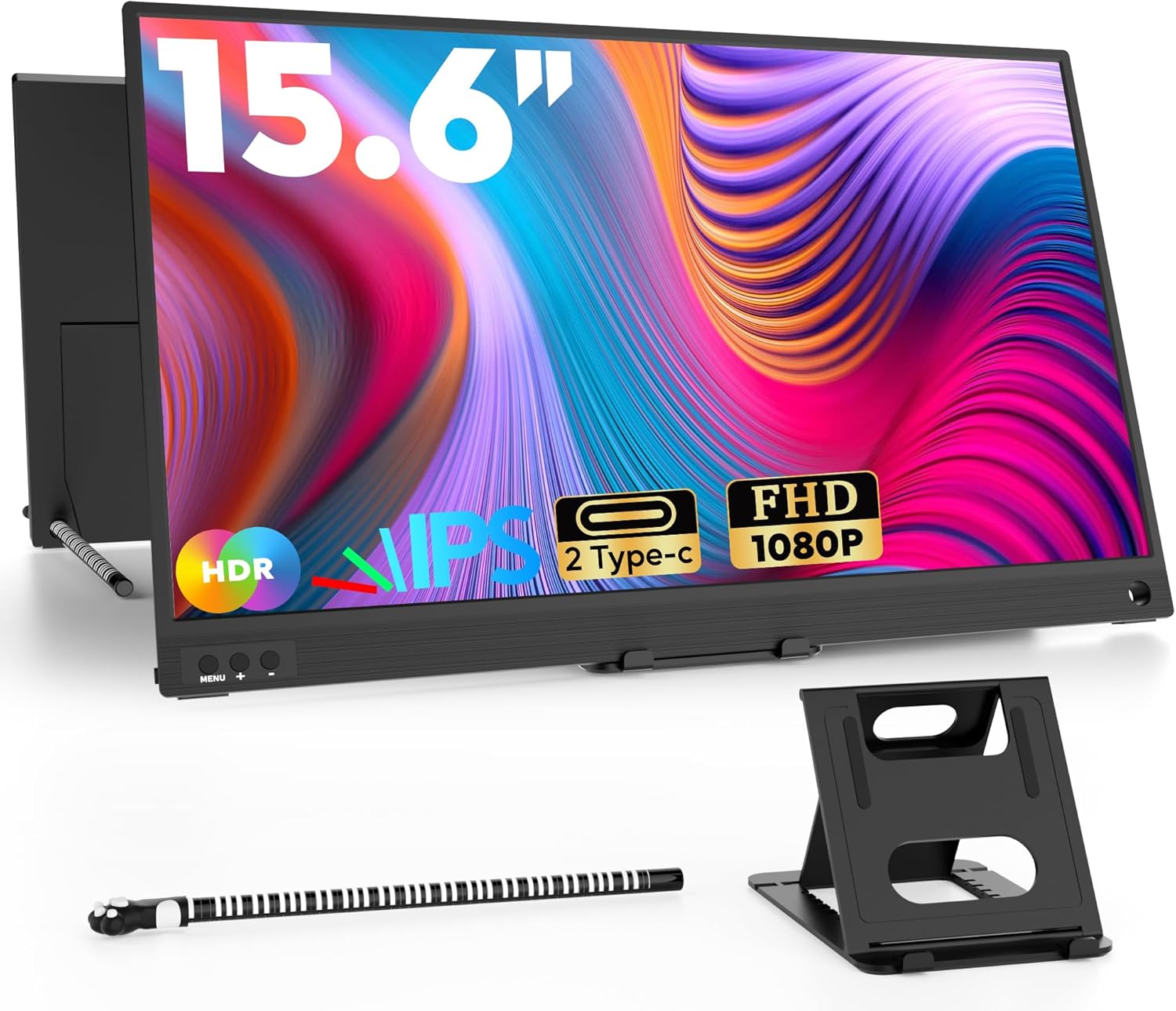
Check Latest Price on Amazon5. ZSCMALLS Portable Monitor, 15.6" 1080P FHD Laptop Monitor USB-C HDMI Computer Display IPS Second Screen, Laptop Extended Screen for PC Phone Mac Xbox PS4/5 Switch
A practical 15.6" FHD portable monitor that emphasizes value: full‑feature Type‑C and mini‑HDMI cables included, a slim profile and a free stand make it an easy plug‑and‑play solution. It’s a sensible choice when screen real estate matters most on a tight budget.
Key Specs
- 15.6" FHD IPS (1920x1080)
- Full‑feature Type‑C + mini‑HDMI included
- Ultra‑thin 0.39" profile; 1.6 lb
- Includes stand, pen and pen holder
- Plug‑and‑play setup
Pros
- Large viewing area for multitasking
- Good value with essential cables and stand
- Lightweight and travel friendly
Cons
- Cable length and some connection options can be limiting
- Occasional reports of the monitor failing after limited use
Best For: Students who want a big-screen budget extender
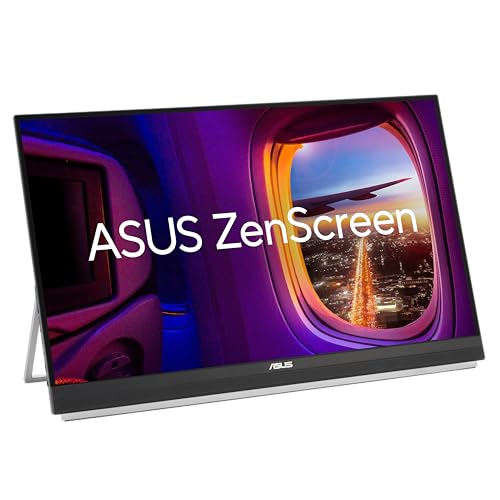
Check Latest Price on Amazon6. ASUS ZenScreen 27 1440P Transportable Monitor (MB27ACF) - QHD (2560 x 1440), IPS, 100Hz, USB-C PD 70W, Speakers, Carrying Handle, Kickstand, C-clamp, Sub-woofer, 2.1 Channel Audio, 3 yr Warranty
A large 27" QHD portable screen that brings near‑desktop visuals and strong onboard audio, plus multiple mounting and stand options. It’s heavier and oriented toward users who prioritize screen real estate and multimedia performance over ultra‑compact travel.
Key Specs
- 27" QHD IPS (2560x1440)
- 100Hz refresh rate
- USB‑C PD 70W + HDMI input
- 2.1‑channel audio with subwoofer
- Multiple stand and mounting accessories
Pros
- Large, sharp panel for desktop‑style productivity
- Flexible mounting and solid accessory set
- Rich onboard audio for media and lectures
Cons
- Larger and heavier than most pocketable options
- Some users report USB‑C/power and occasional sturdiness issues
Best For: Students who want a desktop-class portable display
Check Latest Price on AmazonWhich One Should You Choose?
If budget is tight → choose the Pixio PX160 Wave 15.6" (B0F5151Z2J) or ZSCMALLS 15.6" (B07VFF4TZG) for the largest screens and best entry-level value. If you want the best overall balance of size, brightness and plug‑and‑play flexibility → choose the HONGO 14" FHD Extender (B0CQ7KM78W). If you need premium build, bundled accessories and triple‑screen capability → choose the CIDETTY 14" Ultra‑Thin (B0CL66GVJ5). If you prioritize the sharpest image in a tiny package → the OUNSHLI 13.3" 4K (B0CDC49Z27) is the pick. For a near‑desktop, large display with audio, consider the ASUS ZenScreen 27" (B0DM6RWJDV).
Best for Specific Scenarios
- Dorm room study sessions: Pixio PX160 Wave 15.6" because a larger screen makes multitasking and group study easier on a budget.
- Daily remote classes & note‑taking: HONGO 14" FHD Extender because it attaches neatly to a laptop, supports portrait/landscape and stays bus‑powered for simple setups.
- Photo/video coursework: OUNSHLI 13.3" 4K because the high resolution and wide color gamut give sharper detail for editing on the go.
Frequently Asked Questions
Will a portable monitor work with my phone or MacBook?
Most modern phones and laptops that support DisplayPort Alt Mode over USB‑C will drive a portable monitor with a single cable. Check that your device’s USB‑C port is ‘full‑feature’ (power + data + video). Some products list specific incompatibilities (for example, CIDETTY notes limits with certain Apple M‑series MacBooks and some Surface models), so verify compatibility in the product details before buying.
Do I need extra power or a special cable?
If the monitor supports full‑feature USB‑C and your laptop supplies power, you often need only one cable. If you connect via HDMI, some monitors require an extra USB power cable. Check the product notes — a few models include power cables or warn that HDMI use needs an additional USB‑A/USB‑C power connection.
How important is the stand and build quality for students?
Very important. A stable stand or folio cover prevents wobble during typing and video calls. Lightweight, durable materials and a protective case make a big difference in daily campus use. Read customer feedback about hinges, back supports and included covers — many shoppers praise picture quality but highlight occasional issues with sturdiness or hinge durability.
How We Selected These Products
Our recommendations are based on data-driven analysis: we evaluated 155229+ products across 23916+ brands using a composite scoring system that weighs rating (40%), review volume (30%), price value (20%), and demand signals (10%). Every product is ranked by data, not opinions.
Last updated: August 17, 2026
As an Amazon Associate we earn from qualifying purchases at no extra cost to you. Full disclosure.
GearLark Score is our editorial ranking based on a composite analysis of product quality, value, and verified customer sentiment. Click through to Amazon for current pricing, availability, and live customer reviews.