As an Amazon Associate we earn from qualifying purchases. Learn more.
Best Portable Monitors for Remote Work and Fall Study (2026)
If you study on campus between classes or switch between home and office, a second screen can meaningfully lift productivity. This guide reviews the best portable monitors for remote work and fall study in 2026 with a focus on three priorities students and hybrid workers care about most: panel brightness, battery and power options, and connection flexibility. We selected models across Budget, Mid-Range and Premium tiers and evaluated build quality, ease of setup, portability, and real-world user feedback to surface displays that improve multitasking without adding complexity.
Quick Answer
For most students and hybrid workers the Teamgee 15.6" Laptop Screen Extender (ASIN B0DQY9XPMX) is the best pick thanks to its bright Full HD IPS panel, versatile laptop-mounted or standalone use, and plug-and-play USB-C/HDMI connections. If you need a budget option, the ForHelp 15.6" (ASIN B0BNWWF32B) balances portability and value.
Our Top Picks
Quick Comparison
Select 2-3 products to compare side-by-side
| Compare | Product | GearLark Score | Price Tier | Key Feature | Best For | Action |
|---|---|---|---|---|---|---|
 Teamgee 15.6" Extender
|
Premium | Dual-use laptop-mounted or standalone | Students & hybrid pros who switch setups | Check Price | ||
 ForHelp 15.6"
|
Budget | Two full-featured USB-C ports + mini HDMI | Budget-conscious students and travelers | Check Price | ||
 Yxk 15.6" 4K
|
Premium | 3840x2160 4K IPS panel | Creators and power users needing high resolution | Check Price | ||
 StarXnDa 17.3" 2.5K
|
Budget | Large 17.3" 2.5K 144Hz panel | Users who want a larger portable desktop | Check Price | ||
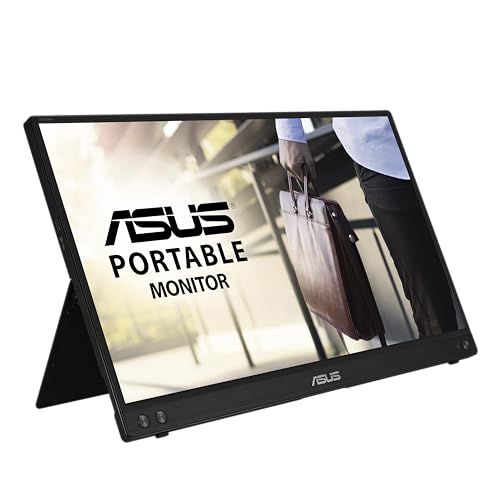 ASUS ZenScreen 15.6"
|
Mid-Range | USB-C hybrid-signal plus kickstand | Frequent travelers and office workers | Check Price | ||
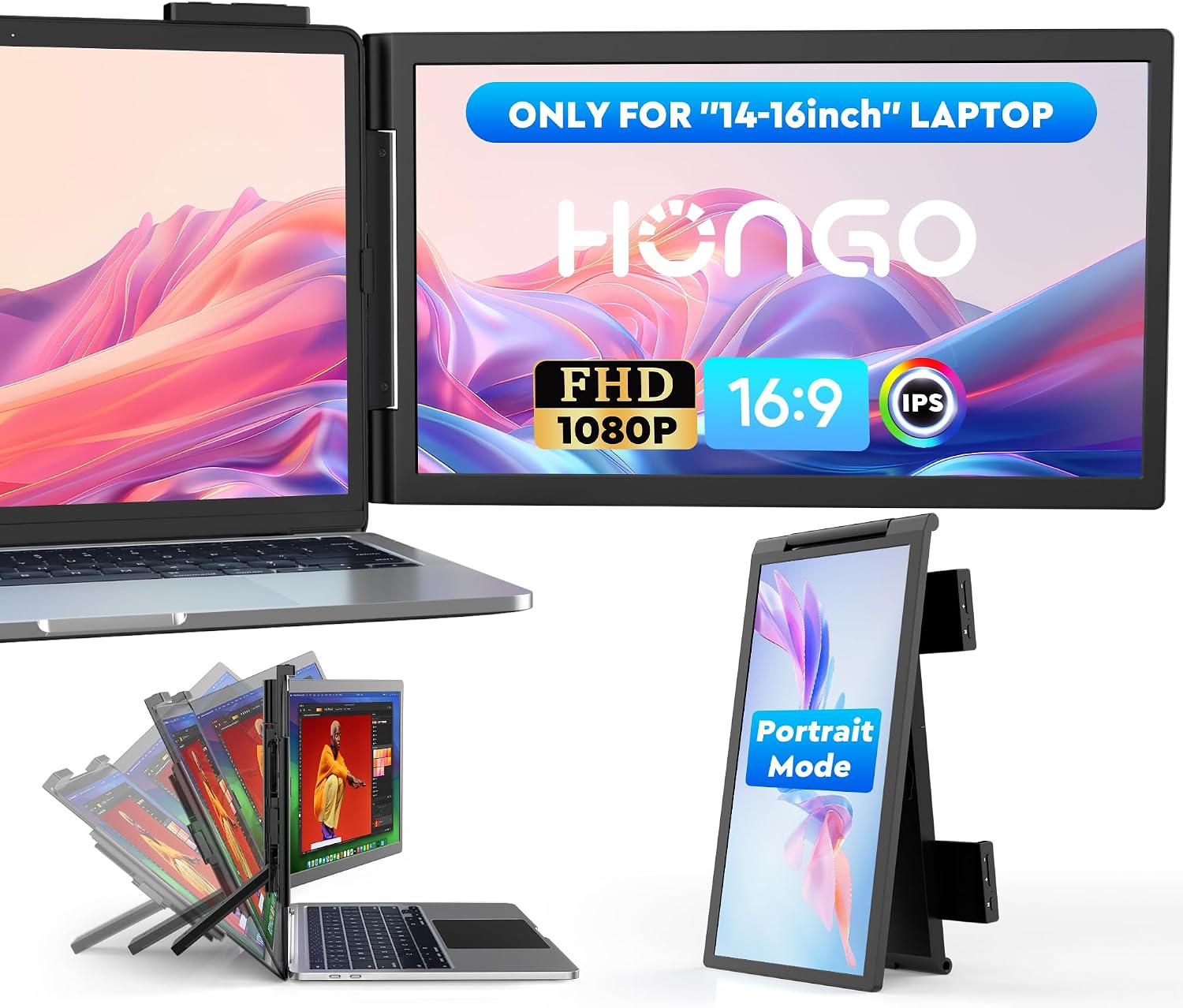 HONGO 14" Extender
|
Mid-Range | Attachable laptop screen extender design | Users who want an attachable dual screen | Check Price |
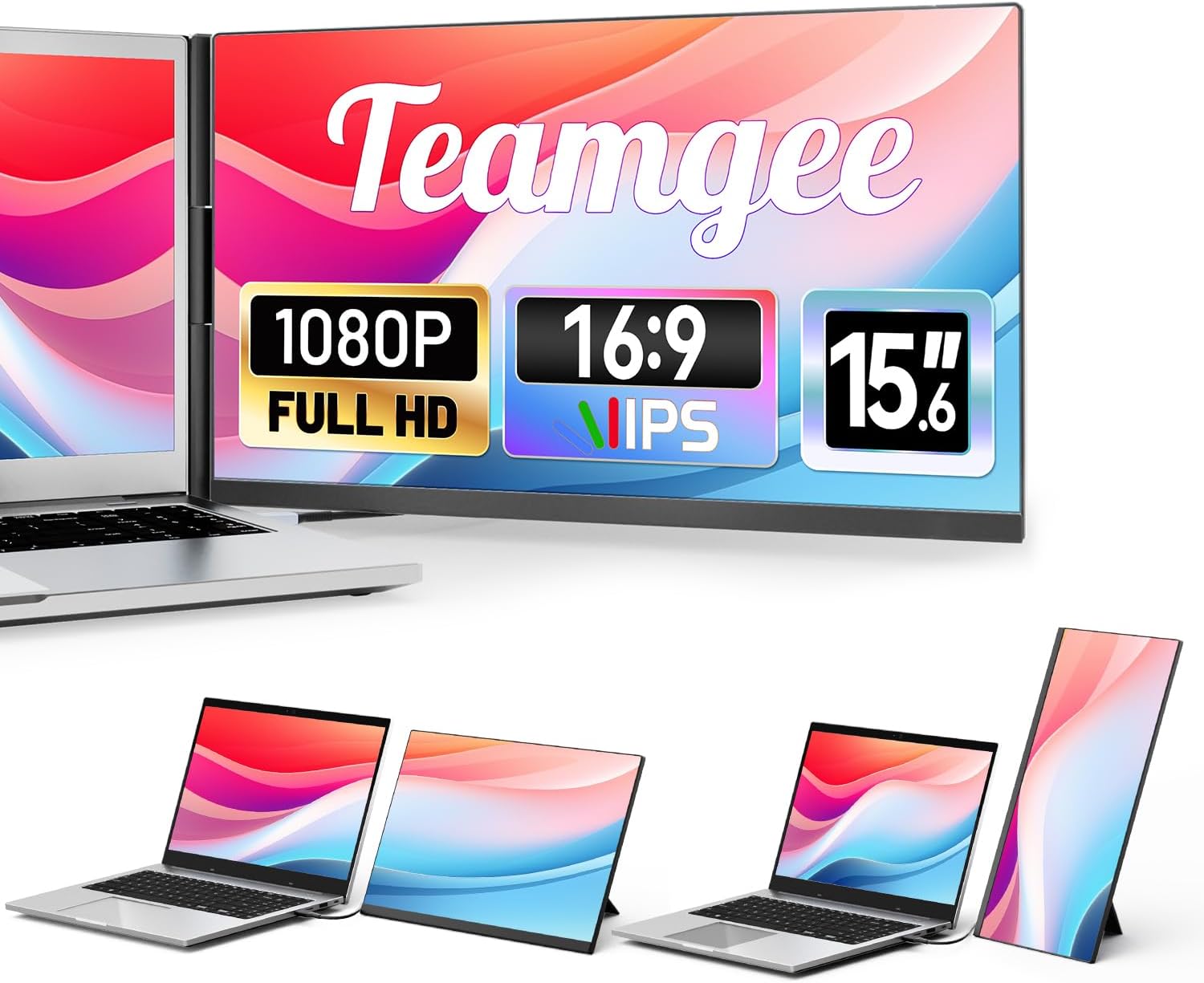
1. Teamgee 15.6" Laptop Screen Extender, Slim & Lightweight Portable Monitor for Laptop, Full HD IPS, 360 Rotating Stand, Detachable, USB-C Plug & Play, RGB Lighting, Thin Bezels
A versatile 15.6" Full HD IPS portable monitor that works as a laptop-mounted extender or a standalone second screen. Users praise sharp picture quality, easy plug-and-play setup via USB-C/HDMI and a lightweight, ergonomic design that balances portability and build quality.
Key Specs
- 15.6-inch Full HD (1920x1080) IPS display
- USB-C and HDMI plug-and-play connectivity
- 360° rotating adjustable stand; detachable laptop mount
- Weight: ~1.3 kg; thin bezels and RGB accent lighting
Pros
- Flexible laptop-mounted or standalone use
- Bright, sharp IPS picture and narrow bezels
- Simple plug-and-play setup via USB-C/HDMI
Cons
- Premium price tier
- No built-in battery (requires host power)
Best For: Students & hybrid pros who switch setups
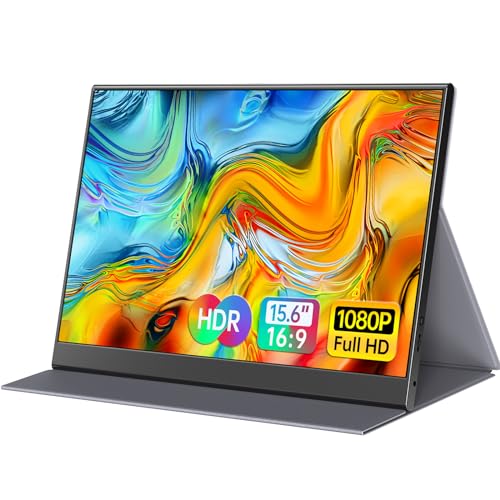
Check Latest Price on Amazon2. 15.6inch Portable Monitor,1080P USB-C HDMI Second External Monitor for Laptop,PC,Mac Phone,PS,Xbox,Swich,IPS Ultra-Thin Zero Frame Gaming Display/Premium Smart Cover
A strong budget option with solid build (aluminum alloy), a matte IPS Full HD panel and a magnetic PU leather smart cover that doubles as a stand. Customers like its portability, picture quality and value for the price — just confirm your device supports USB-C DP Alt Mode for full functionality.
Key Specs
- 15.6-inch Full HD (1920x1080) IPS matte screen
- 2 full-featured USB-C ports + 1 mini HDMI port
- Aluminum alloy body; weight ~1.52 lb and 0.3" thin
- Magnetic PU leather smart cover that acts as a stand; built-in speakers
Pros
- Excellent value and portability
- Aluminum build and protective smart cover
- Easy setup and clear picture quality
Cons
- Requires host support for USB-C DP Alt Mode
- HDMI port placement may be awkward for some setups
Best For: Budget-conscious students and travelers
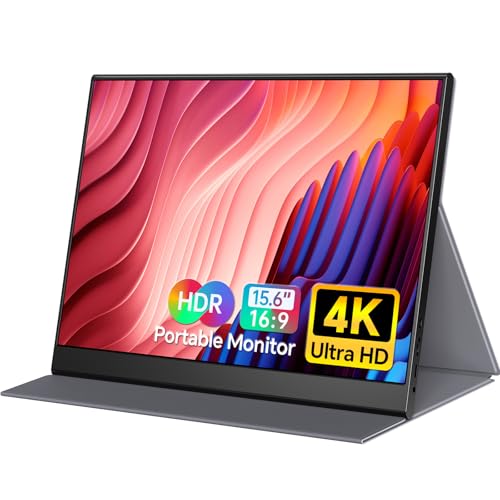
Check Latest Price on Amazon3. Yxk 4K Portable Monitor 15.6" 3840x2160 UHD USB-C HDMI Laptop, 100% RGB IPS Computer Gaming Display HDR Travel Speakers & Smart Cover for Laptop Xbox PS5 Switch PC Phone
A lightweight 15.6" 4K portable display that delivers crisp detail and wide color coverage (100% RGB). Reviewers highlight impressive image quality and easy USB-C/HDMI connectivity — ideal if you prioritize resolution for photo, video or detailed spreadsheets.
Key Specs
- 15.6-inch 4K UHD (3840x2160) IPS display
- USB-C and HDMI connectivity; HDR support
- 100% RGB color coverage and built-in speakers
- Includes smart cover for protection and angled viewing
Pros
- Very sharp 4K resolution for detailed work
- Good color reproduction for creative tasks
- Lightweight and travel-friendly
Cons
- Higher power needs—may not run at 4K on some laptops without sufficient USB-C/PD
- Premium price tier
Best For: Creators and power users needing high resolution
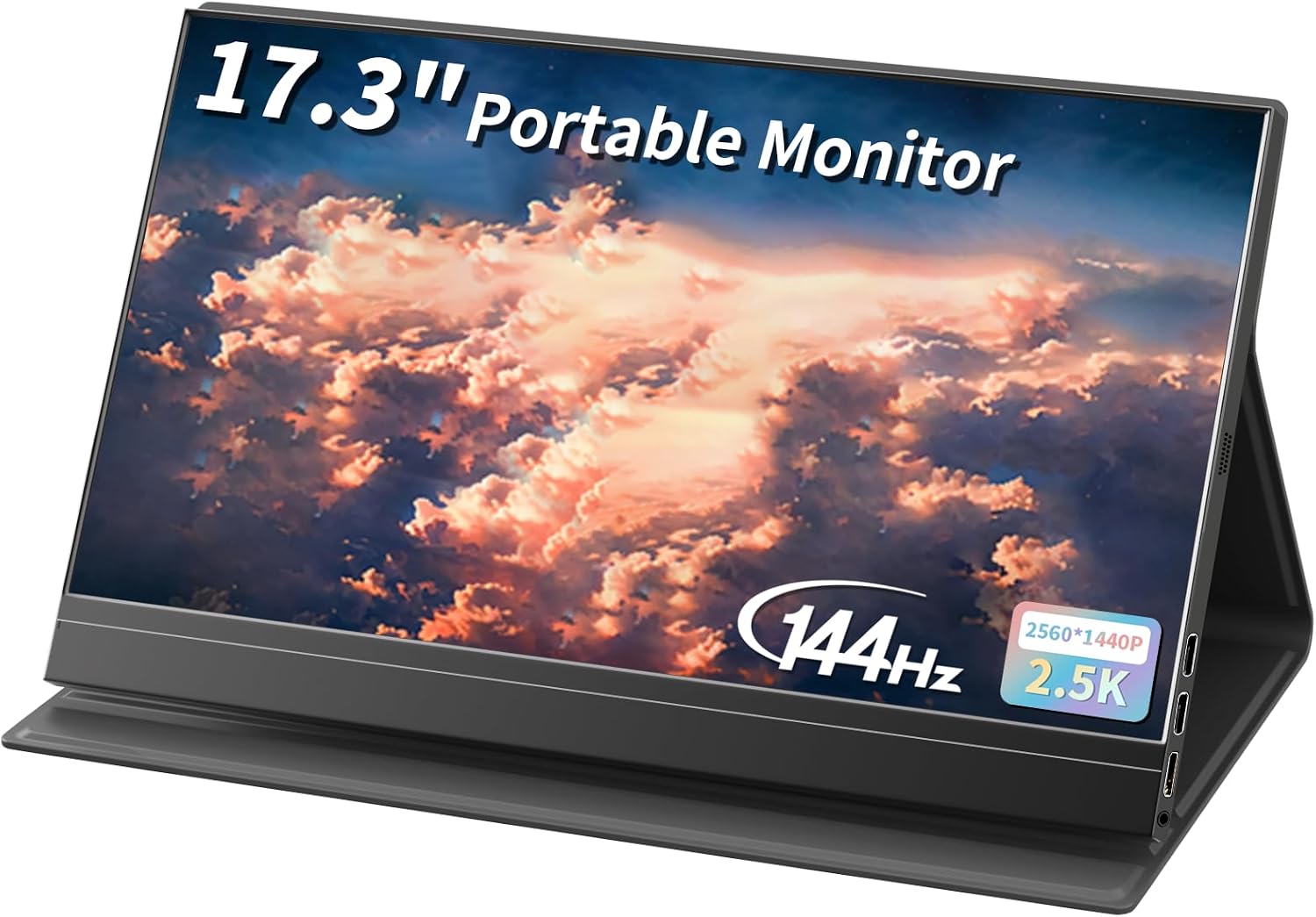
Check Latest Price on Amazon4. 17.3''Portable Laptop Monitor,2.5K(2560 * 1440p) 144hz IPS HDR Gaming,HDMI USB-C Ports Magnetic Case & VESA Portable Monitor for Laptop PC Mac Switch PS5 Xbox
A budget-friendly 17.3" portable monitor with a sharp 2560×1440 panel and 144Hz refresh rate — rare at this size and price. It’s great for multitasking and smoother UI interactions, though brightness and compatibility reports are mixed, so check your device beforehand.
Key Specs
- 17.3-inch 2560×1440 (2.5K) IPS display
- 144Hz refresh rate and HDR technology
- 250 cd/m² brightness, 62% sRGB
- Magnetic protective case that converts to a stand; HDMI and USB-C ports
Pros
- Large workspace useful for spreadsheets and split-screen
- Smooth 144Hz performance for scrolling and light gaming
- Strong value for size and features
Cons
- Brightness reported as mixed by some users
- Compatibility can vary with certain laptops and Macs
Best For: Users who want a larger portable desktop
Check Latest Price on Amazon5. ASUS ZenScreen 15.6 1080P Portable Monitor (MB16ACVR) - Full HD, IPS, Eye Care, Flicker Free, Blue Light Filter, Kickstand, USB-C Power Delivery, for Laptop, PC, Phone, Console
A well-rounded mid-range portable monitor with ASUS’ hybrid-signal USB-C connection and TUV-certified eye-care features. Buyers like its portable build and clear display; a few report mixed sturdiness on the stand and occasional USB-C power quirks.
Key Specs
- 15.6-inch Full HD (1920x1080) IPS anti-glare display
- Hybrid-signal USB-C (power + video) and USB-A compatible
- TUV Flicker-free and Low Blue Light; kickstand and tripod hole
- Includes USB-C cable and sleeve
Pros
- Reliable plug-and-play setup with USB-C hybrid-signal
- Eye-care features for long study/work sessions
- Slim, travel-friendly design with tripod compatibility
Cons
- Stand/sturdiness reported mixed by some users
- Some USB-C power/compatibility quirks reported
Best For: Frequent travelers and office workers
Check Latest Price on Amazon6. Laptop Screen Extender,14" FHD 1080P IPS Dual Screen,Attachment Screen Extended Extra Screen, Portable Monitor for Laptops 14-16" with USB-C/HDMI Port, Plug n Play for Windows/Mac/Android/Switch/PS5
A compact 14" attachable screen extender designed to clip on or sit beside laptops, offering up to 300 nits brightness and plug-and-play single-cable connectivity. Customers value the size, brightness and 3-year warranty, though durability reports are mixed across users.
Key Specs
- 14-inch Full HD (1920x1080) IPS display with up to 300 nits
- USB-C and HDMI (may need extra USB-A power when using HDMI)
- 270° rotation, mirror/extend modes, 3-year warranty
- Auto portrait/landscape support via OSD
Pros
- Good brightness (up to 300 nits) for daylit rooms
- Very portable and sized for laptop-attached use
- Three-year warranty provides added peace of mind
Cons
- Mixed durability reports; some users experienced failures
- Compatibility varies with certain phones and devices
Best For: Users who want an attachable dual screen
Check Latest Price on AmazonWhich One Should You Choose?
If budget is tight → choose the ForHelp 15.6" (ASIN B0BNWWF32B) for a compact, low-cost second screen with a protective smart cover. If you need portable versatility and the cleanest single-cable workflow → pick the ASUS ZenScreen MB16ACVR (ASIN B0D9ZRL5RF). If premium brightness, flexible laptop-mounted use and strong all-around performance matter most → the Teamgee 15.6" (ASIN B0DQY9XPMX) is the best overall choice.
Best for Specific Scenarios
- Campus study sessions: ForHelp 15.6" because it’s lightweight, comes with a smart cover, and offers great value for students on the go.
- Hybrid office work: ASUS ZenScreen MB16ACVR because its hybrid USB-C signal and eye-care features make it easy to plug in at home or at a hot desk.
- Creative work and detailed spreadsheets: Yxk 15.6" 4K because the high resolution and wide color coverage reveal finer detail for photo/video work and dense document layouts.
Frequently Asked Questions
Will a portable monitor work with my MacBook or Windows laptop?
Most modern portable monitors support USB-C with DisplayPort Alt Mode or HDMI. Macs and Windows laptops with USB-C/Thunderbolt typically work via a single cable; for HDMI you may need an additional USB power connection. Check the product notes for DP Alt Mode and any power requirements before buying.
Do portable monitors have built-in batteries and how long do they last?
Some portable monitors include built-in batteries, but many are bus-powered from your laptop or a power bank. If battery life is important, pick a model that lists an internal battery and runtime; otherwise assume you’ll rely on your laptop’s USB-C PD or an external power source.
What connections should I prioritize for remote work and study?
Prioritize USB-C with DP Alt Mode and USB Power Delivery for the simplest single-cable setup. HDMI is useful for consoles and older machines but may require separate power. Also consider a model with multiple USB-C ports or a dedicated power input if you plan to daisy-chain power banks or use the display with several devices.
How We Selected These Products
Our recommendations are based on data-driven analysis: we evaluated 155229+ products across 23916+ brands using a composite scoring system that weighs rating (40%), review volume (30%), price value (20%), and demand signals (10%). Every product is ranked by data, not opinions.
Last updated: September 19, 2026
As an Amazon Associate we earn from qualifying purchases at no extra cost to you. Full disclosure.
GearLark Score is our editorial ranking based on a composite analysis of product quality, value, and verified customer sentiment. Click through to Amazon for current pricing, availability, and live customer reviews.