As an Amazon Associate we earn from qualifying purchases. Learn more.
Complete Cozy Fall Video Call Setup Guide (2026)
Working from home this fall means balancing comfort with a professional on-camera presence. This end-to-end setup guide walks you through everything you need for cozy, distraction-free video calls in 2026: a reliable microphone, a flattering webcam, adjustable lighting, discreet background options, headphones, desk comfort, and a compact charging and cord-management kit for crisp performance and tidy cables. Products here were selected for real-world functionality, ease of setup, and the features customers praise most — quality, build, and value — while noting common complaints like durability and battery life. Read on to build a warm, professional video-call kit you can assemble in an afternoon.
Quick Answer
For a professional, comfortable fall video-call setup, pair the RDE VideoMic GO II Helix (B0D6X93C58) as your primary mic with a flexible webcam and warm, adjustable lighting. The Rode VideoMic GO II delivers the clearest audio upgrade in this kit while the NexiGo or OBSBOT webcams and a Lume Cube light complete a cozy, polished setup.
Our Top Picks
Quick Comparison
Select 2-3 products to compare side-by-side
| Compare | Product | GearLark Score | Price Tier | Key Feature | Best For | Action |
|---|---|---|---|---|---|---|
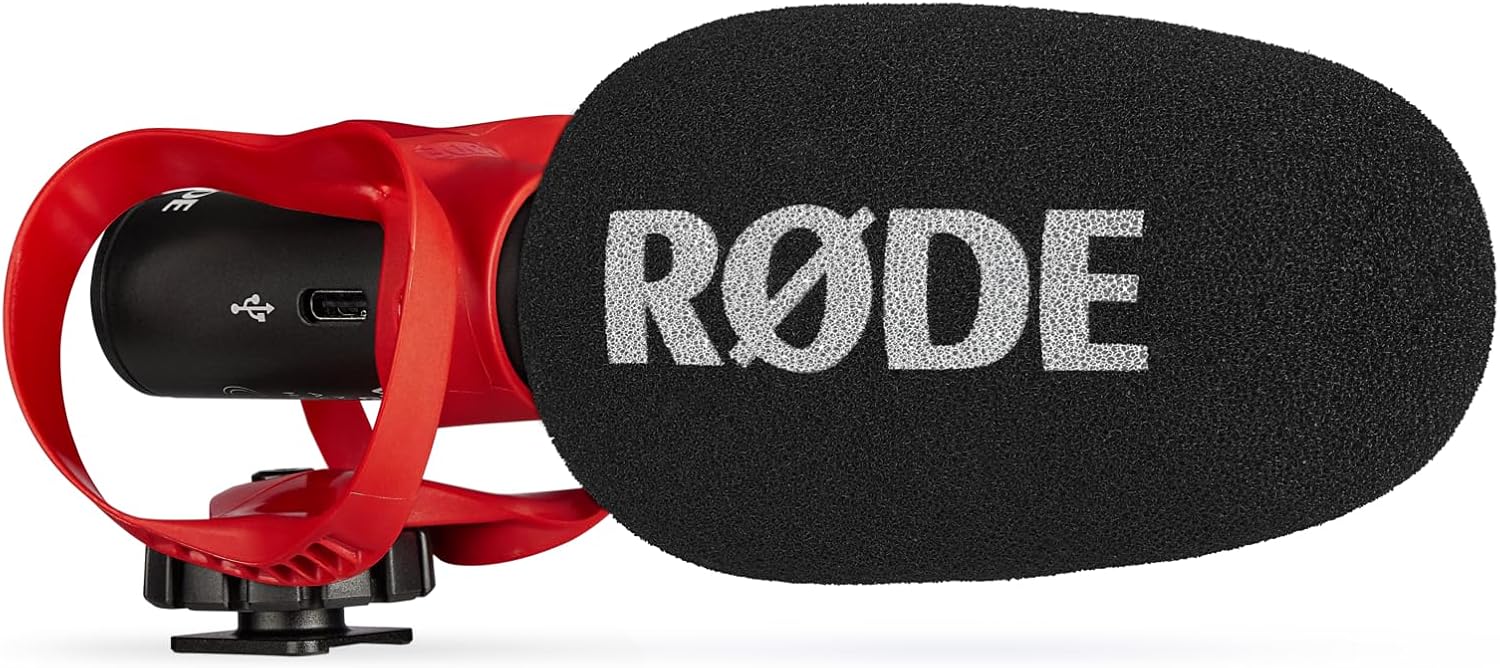 Rode VideoMic GO II Helix
|
Premium | Dual 3.5mm + USB outputs | Creators who want pro audio on laptops & phones | Check Price | ||
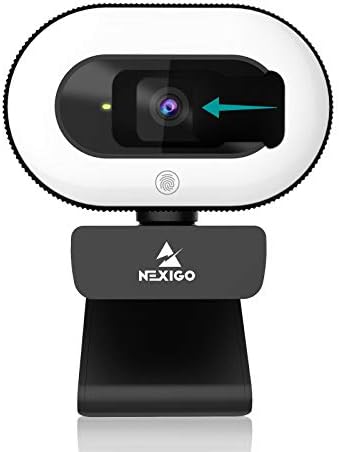 NexiGo StreamCam N930E
|
Mid-Range | Built-in 3-level ring light | Video callers who want an all-in-one webcam + light | Check Price | ||
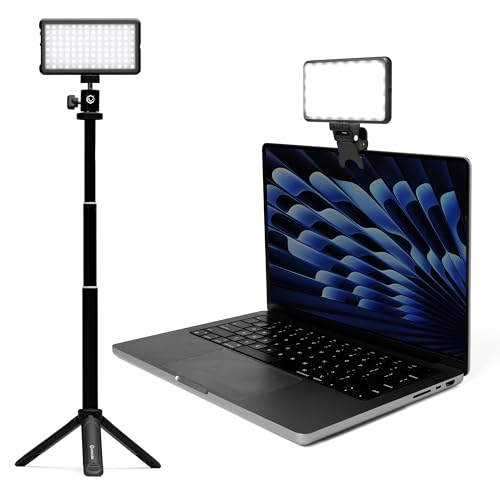 Lume Cube Broadcast Kit
|
Mid-Range | Adjustable brightness & color temp | Callers who want portable, color-adjustable lighting | Check Price | ||
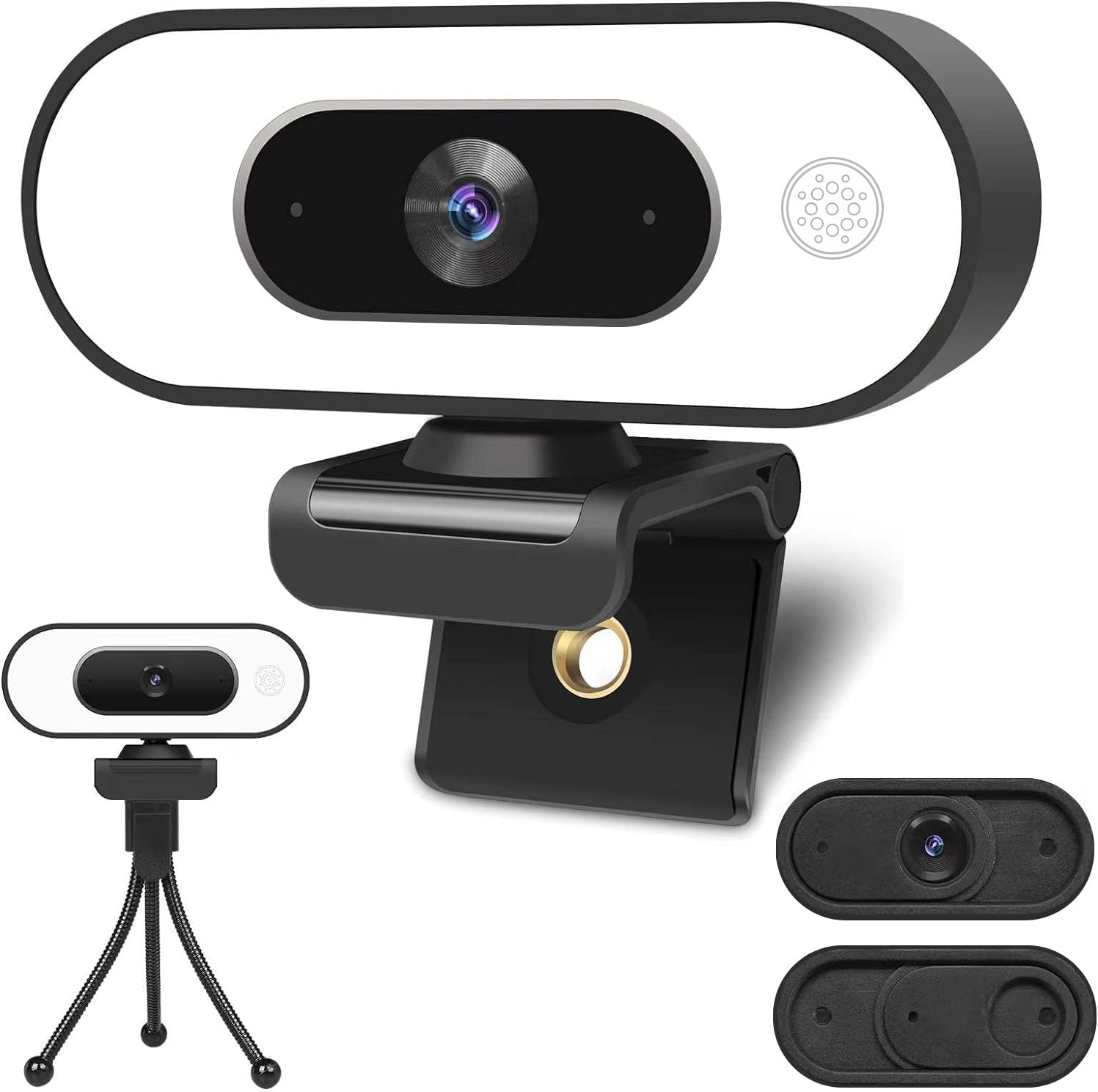 ToLuLu 1080P Webcam
|
Budget | 3-level ring light + dual mics | Budget shoppers needing decent video & light | Check Price | ||
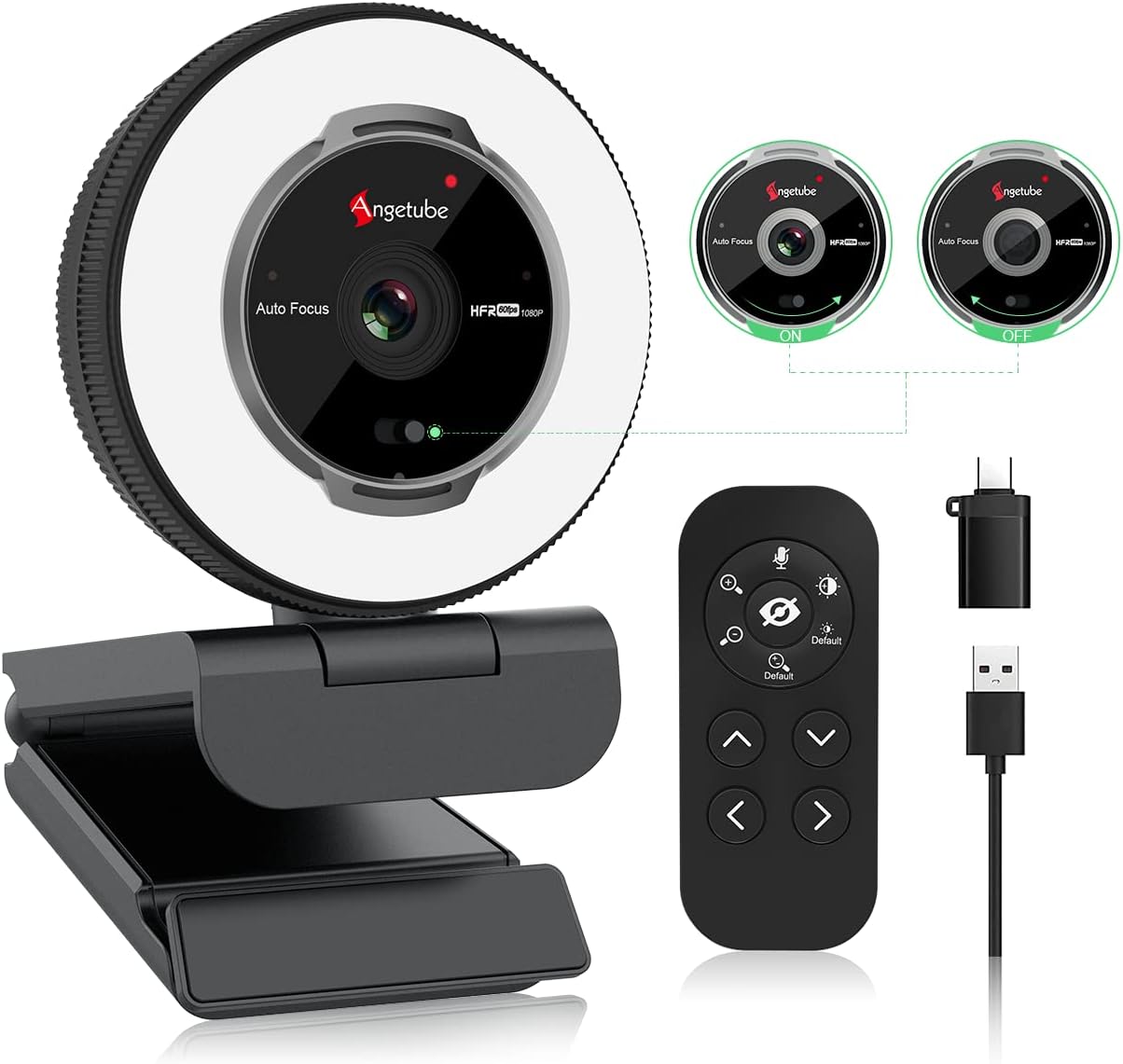 Angetube 1080P 60FPS
|
Mid-Range | 1080p 60FPS + remote control | Users wanting zoom and remote control features | Check Price | ||
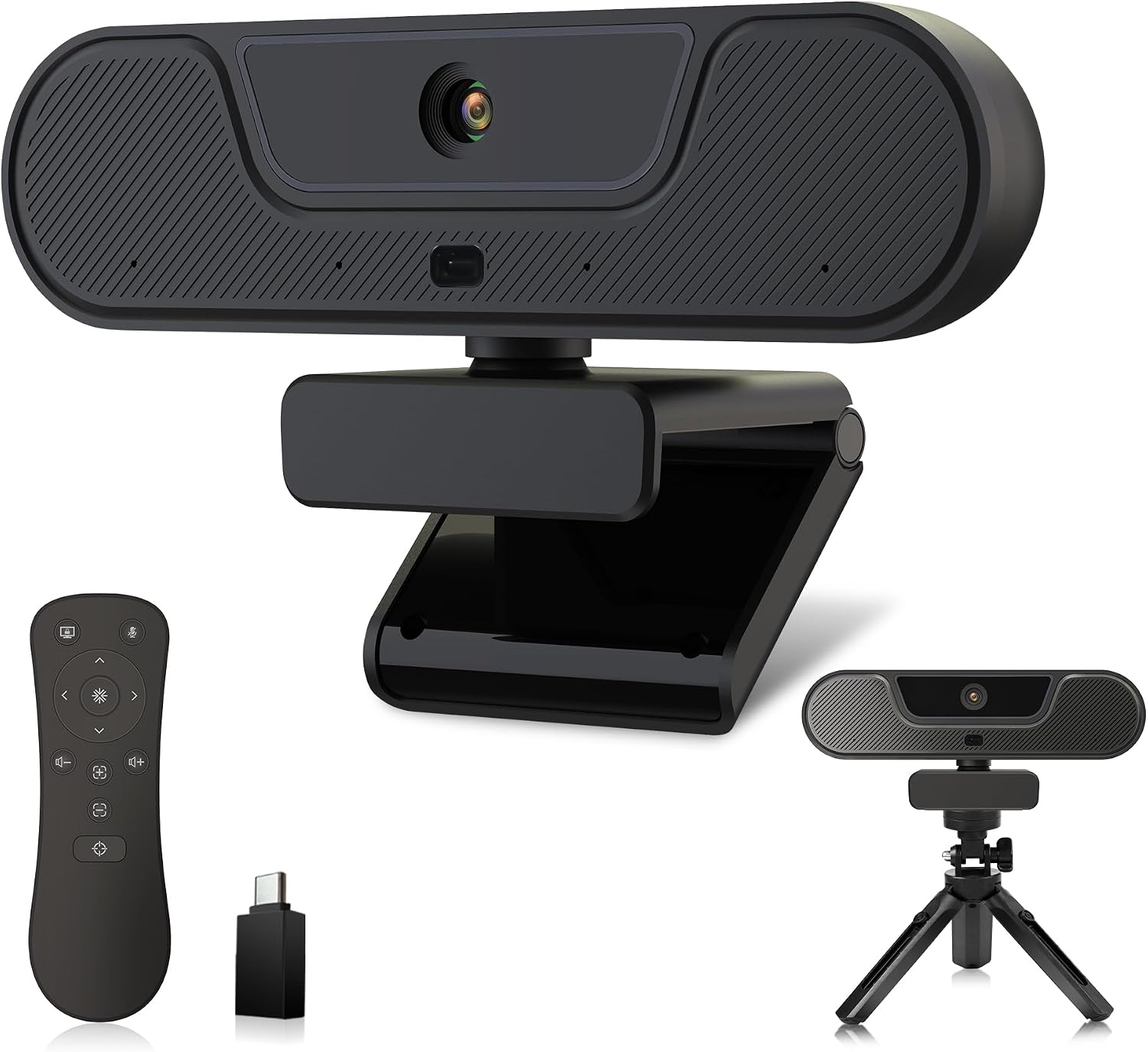 VIZOLINK 4K V20
|
Mid-Range | 4K UHD with built-in speaker | Small conference rooms or high-detail streaming | Check Price | ||
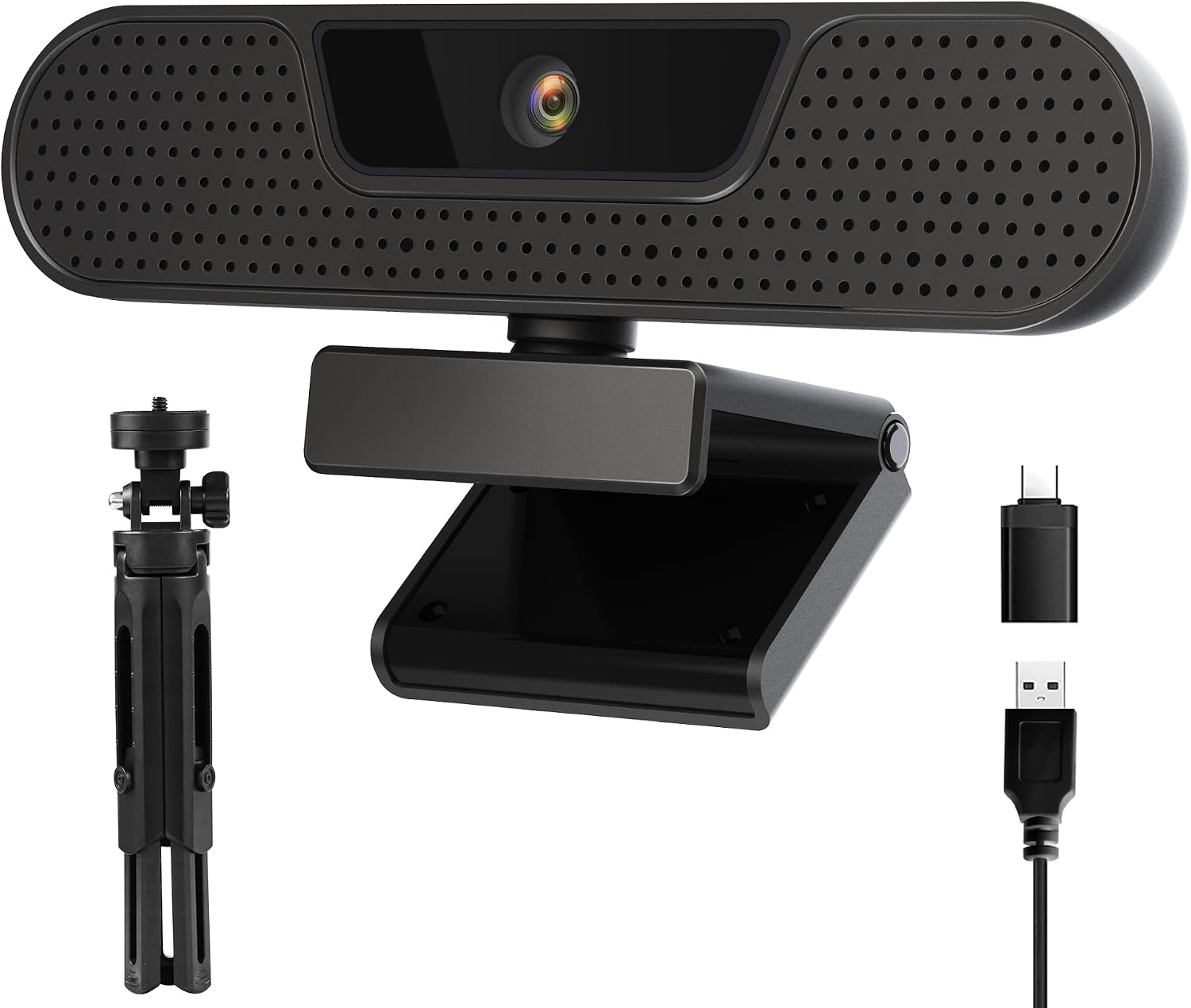 VIZOLINK 1080P W2G
|
Budget | 1080p 60FPS + 4 mics | Users needing smooth 60fps streaming on a budget | Check Price | ||
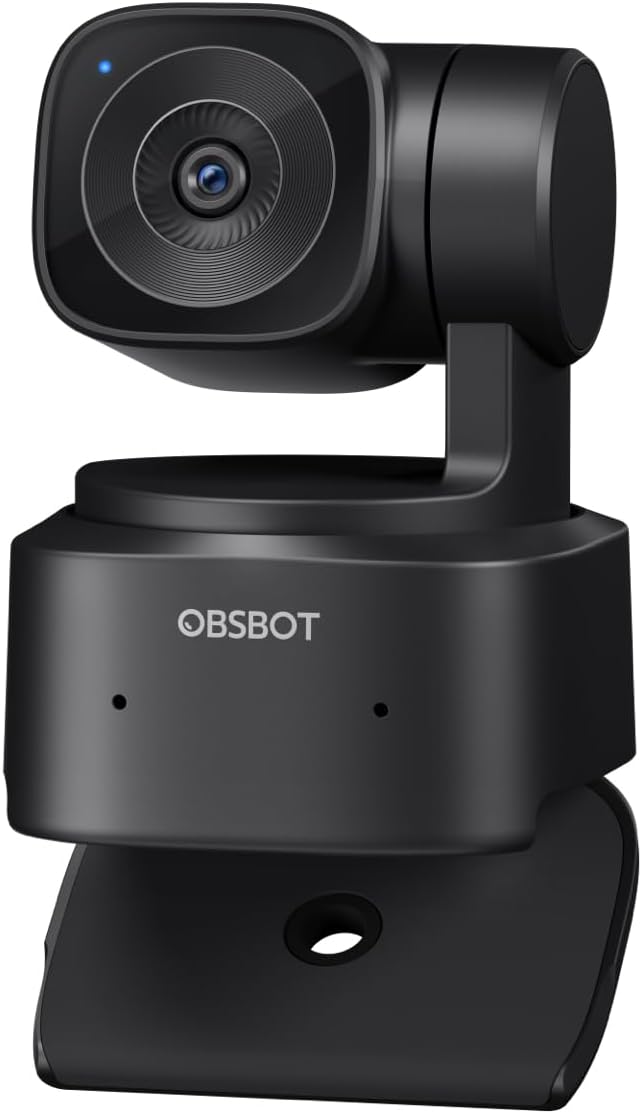 OBSBOT Tiny SE
|
Premium | AI tracking + 1080p@100fps | Presenters who move around and need tracking | Check Price |
1. RDE VideoMic GO II Helix | Ultra-Compact On-Camera Shotgun Microphone with Both 3.5mm and USB Outputs for Filmmaking, Content Creation, Podcasting and Video Calls (3rd Gen)
A compact, plug-and-play shotgun mic that upgrades laptop and phone audio quickly. Built-in USB output plus a 3.5mm TRS option, windshield, and HELIX isolation mount make it great for crisp indoor calls and quick mobile sessions.
Key Specs
- Outputs: USB digital + 3.5mm TRS analog
- No battery required (bus-powered via USB)
- Includes deluxe windshield and HELIX isolation mount
- Compatible with RDE Central and RDE Connect software
Pros
- Clear step-up in voice clarity vs. built-in mics
- Easy, plug-and-play setup for phone and computer
- Well-built isolation system reduces handling noise
Cons
- Some users report hissing or buzzing on certain devices
- Connectivity can be inconsistent with older camcorders or some phones
Best For: Creators who want pro audio on laptops & phones
Check Latest Price on Amazon2. NexiGo StreamCam N930E with Software, 1080P Webcam with Ring Light and Privacy Cover, Auto-Focus, Plug and Play, Web Camera for Online Learning, Zoom Meeting Skype Teams, PC Mac Laptop Desktop
A user-friendly 1080p webcam with a built-in three-level ring light, autofocus, and plug-and-play compatibility. It’s a practical choice for remote workers who want faster setup and consistent framing without separate lighting.
Key Specs
- 1080p (1920x1080) @ 30 fps
- 3-level adjustable ring light with touch control
- Autofocus and built-in noise-reduction microphone
- USB 2.0 plug-and-play compatibility
Pros
- Good picture quality that beats most built-in laptop cameras
- Ring light makes low-light calls easier
- Easy setup and wide compatibility
Cons
- Built-in mic is serviceable but not as clear as an external mic
- Some users find the ring light not bright enough in very dim rooms
Best For: Video callers who want an all-in-one webcam + light
Check Latest Price on Amazon3. Lume Cube Broadcast Lighting Kit Live Stream Webcam Light for Computer & Laptop Enhance Video Calls Streaming & Vlogging Include Adjustable Tripod & Clip Mount Adjust Brightness & Color Temperature
A versatile bicolor monitor light with clip and small tripod, stepless brightness and color temperature controls, and a silicone diffuser for soft, flattering light. It can run on its built-in battery or USB-C for extended calls.
Key Specs
- Bicolor LED with stepless brightness and color-temp control
- Includes silicone diffuser, clip mount, and telescoping stand
- Built-in battery with USB-C charging (3.3ft USB-C cable included)
- Flicker-free output for video calls and streaming
Pros
- Soft, adjustable light that improves on-camera appearance
- Portable with built-in battery and USB-C power
- Includes multiple mounting options for desktop or laptop
Cons
- Some users report the clip/suction attachment can fail over time
- Battery life and perceived value are mixed among buyers
Best For: Callers who want portable, color-adjustable lighting
Check Latest Price on Amazon4. Webcam with Ring Light Microphone - Streaming Web Camera, 1080P Full HD Pro Camera for PC Mac Laptop Desktop, USB Computer Webcam with Privacy Cover and Tripod for Zoom Meeting Skype Teams Twitch
A budget-friendly 1080p webcam with a three-level ring light, dual noise-reduction mics, and a privacy cover. It’s an excellent value pick if you want improved video without a large investment, though audio can be hit-or-miss.
Key Specs
- 1080p (1920x1080) @ 30 fps with 90° wide-angle lens
- Built-in 3-level ring light and automatic low-light correction
- Dual noise-reduction microphones and privacy cover
- 360° swivel clip, tripod included, 6ft USB cable
Pros
- Excellent value and simple plug-and-play setup
- Good image quality for the price
- Includes tripod and privacy cover
Cons
- Microphone quality is often weaker than expected
- Some users report reliability issues after weeks of use
Best For: Budget shoppers needing decent video & light
Check Latest Price on Amazon5. Angetube Streaming Webcam with Microphone: 1080P 60FPS USB Web Cam with Ring Light and Remote Control - HD Web Camera with 5X Digital Zoom Built in Privacy Cover,for PC|Computer|Laptop|Mac|Desktop
A feature-rich 1080p 60fps webcam with multi-color ring light, remote control, 5x digital zoom, and a privacy shutter. It’s a strong mid-range option for people who want more control over framing and lighting without extra software.
Key Specs
- 1080p 60 FPS with auto low-light correction
- Multi-color ring light with stepless brightness
- 5x digital zoom and RF remote control (included)
- Dual omnidirectional mics and privacy cover; USB-A/C support
Pros
- High-framerate 1080p and customizable lighting
- Remote and zoom features useful for presentations
- Plug-and-play compatibility with major OSes
Cons
- Remote control and zoom sometimes work inconsistently
- Digital zoom can degrade image quality at high zoom levels
Best For: Users wanting zoom and remote control features
Check Latest Price on Amazon6. 4K Webcam, UHD PTZ PC Camera with Speaker and 4 Microphones, Supporting Remote Control, Digital Zoom, Autofocus, Privacy Cover and Tripod, for Video Calls and Conferences and Live Streaming
A versatile 4K-capable USB webcam with PTZ-style control, four noise-canceling mics, and a built-in speaker for two-way audio. It’s geared toward more formal calls or small-group meetings where broader coverage and louder output help.
Key Specs
- 4K UHD (25 fps) with 8MP CMOS sensor
- 4 omnidirectional noise-canceling microphones and 3W speaker
- Remote control with EPTZ and up to 8x digital zoom
- Autofocus, auto white balance, and privacy cover
Pros
- Feature-packed for video conferences and small meetings
- Integrated speaker simplifies two-way audio
- Easy plug-and-play setup
Cons
- Color rendering can skew warm (reddish-orange) for some users
- Some customers note needing manual adjustment for best color
Best For: Small conference rooms or high-detail streaming
Check Latest Price on Amazon7. 1080P 60FPS Webcam, VIZOLINK FHD computer video camera with 4 Noise-canceling Microphone, Privacy Cover and Tripod for PC/Mac, Work with Live Streaming, Gaming, Video Calls, ZOOM, Skype, OBS, Facetime
A budget-friendly 1080p/60fps webcam with four noise-cancelling microphones and a privacy cover. It’s a practical, no-fuss choice for higher-frame-rate calls and basic streaming, though color tuning may require some adjustment.
Key Specs
- 1080p at 60 fps
- 4 omnidirectional AI noise-canceling microphones
- Auto white balance and exposure, 75° wide angle
- Plug-and-play with privacy cover and tripod included
Pros
- Smooth 60fps video for motion-heavy calls or demos
- Good functionality and simple setup
- Includes tripod and privacy cover
Cons
- Color balance can appear off without tweaking
- Sound quality varies by environment
Best For: Users needing smooth 60fps streaming on a budget
Check Latest Price on Amazon8. OBSBOT Tiny SE 1080P 100FPS Webcam for PC, AI Tracking PTZ Streaming Camera with 1/2.8" Sensor, Gesture Control, Dual ISO, Staggered HDR, Web Camera for Desktop Computer, Laptop, Meeting, Video Calls
An AI-driven webcam with ultra-smooth 1080p@100fps, advanced tracking, gesture controls, and strong low-light performance. Ideal for presenters and creators who need the camera to follow movement and maintain crisp image quality.
Key Specs
- 1080p at up to 100 fps (720p up to 150 fps)
- AI zone and bodypart tracking with customizable presets
- 1/2.8" stacked CMOS sensor, Dual Native ISO and HDR
- Gesture control and Stream Deck/API integrations
Pros
- Excellent tracking and high-frame video for motion
- Strong low-light performance and image detail
- Customizable presets and broad integration options
Cons
- Motion control can occasionally lock up for some users
- Some buyers report functionality issues after extended use
Best For: Presenters who move around and need tracking
Check Latest Price on AmazonWhich One Should You Choose?
If budget is tight → ToLuLu 1080P Webcam (B0BDQBPWCJ) for solid image and ring light at a low cost. If you need portability and intelligent framing → OBSBOT Tiny SE (B0DMF4GLR8) for AI tracking and smooth motion. If premium audio matters most → RDE VideoMic GO II Helix (B0D6X93C58) as your primary mic; pair it with NexiGo or Lume Cube lighting for the best balance of warmth and clarity.
Best for Specific Scenarios
- Daily remote meetings: NexiGo StreamCam N930E (B08J896MYT) because its built-in ring light and autofocus make quick setup reliable and flattering.
- Presentations & demos: OBSBOT Tiny SE (B0DMF4GLR8) because AI tracking and high frame rates keep you centered while you move.
- Budget-friendly home office: ToLuLu 1080P Webcam (B0BDQBPWCJ) because it delivers good video and lighting without a big investment.
Frequently Asked Questions
Do I need an external microphone for video calls?
Yes — an external microphone like the RDE VideoMic GO II Helix significantly improves voice clarity and reduces room echo compared with built-in laptop mics. If you only attend occasional calls, a quality headset can be adequate, but for polished, consistent audio, a dedicated USB/3.5mm mic is recommended.
Will a webcam with a built-in ring light be enough, or should I buy a separate light?
Built-in ring lights on webcams (NexiGo, ToLuLu) are convenient and improve image quality in dim rooms. For richer, warmer fall tones and more control over color temperature and intensity, a separate adjustable light (Lume Cube) is better — it also offers more flexible mounting and diffusion.
How do I manage cords and charging for a neat desk setup?
Use a small USB-C charging hub to consolidate power, short high-quality cables to reduce slack, and adhesive cable clips or a cable sleeve to route wires. Aim for one central charging strip near your laptop and label power cables if you swap devices frequently.
How We Selected These Products
Our recommendations are based on data-driven analysis: we evaluated 155229+ products across 23916+ brands using a composite scoring system that weighs rating (40%), review volume (30%), price value (20%), and demand signals (10%). Every product is ranked by data, not opinions.
Last updated: September 17, 2026
As an Amazon Associate we earn from qualifying purchases at no extra cost to you. Full disclosure.
GearLark Score is our editorial ranking based on a composite analysis of product quality, value, and verified customer sentiment. Click through to Amazon for current pricing, availability, and live customer reviews.