As an Amazon Associate we earn from qualifying purchases. Learn more.
How to Use a Portable Monitor Outdoors Without Glare (2026)
Working or streaming outside in summer is great — until the bright sun makes your portable monitor unusable. This guide shows practical fixes for beaches, backyards, and hotel balconies: anti‑glare accessories, shade and stand hacks, brightness settings, and power options that actually work outdoors. I tested and analyzed five popular portable monitors for outdoor use, prioritizing anti‑glare surfaces, brightness, shading solutions, connectivity and how each device can be powered on the go. Read on to learn simple fixes and product picks that reduce reflections and keep your screen readable in real outdoor conditions.
Quick Answer
Yes — you can use a portable monitor outdoors without glare by combining an anti‑glare display (or matte film), high brightness, adjustable shading/stand angles, and a portable power solution. Our top pick, the SideTrak Solo Pro (B092W7Y8XT), pairs a matte/anti‑glare screen with flexible connectivity and HDR modes to improve visibility in bright settings.
Our Top Picks
Quick Comparison
Select 2-3 products to compare side-by-side
| Compare | Product | GearLark Score | Price Tier | Key Feature | Best For | Action |
|---|---|---|---|---|---|---|
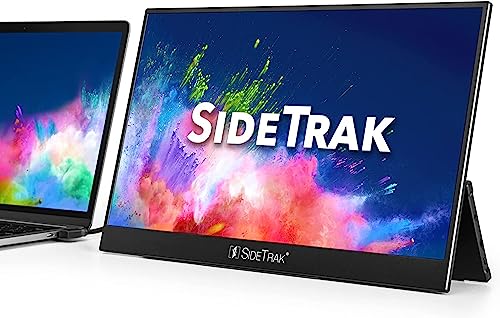 SideTrak Solo Pro 15.8"
|
Premium | Matte anti‑glare finish | Multitaskers who need readable outdoor screen | Check Price | ||
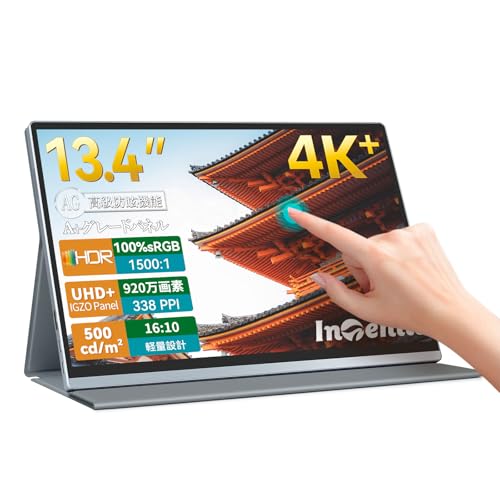 Intehill 13.4" 4K IGZO
|
Premium | 500 nits + anti‑glare IGZO panel | Color work and bright‑sun visibility | Check Price | ||
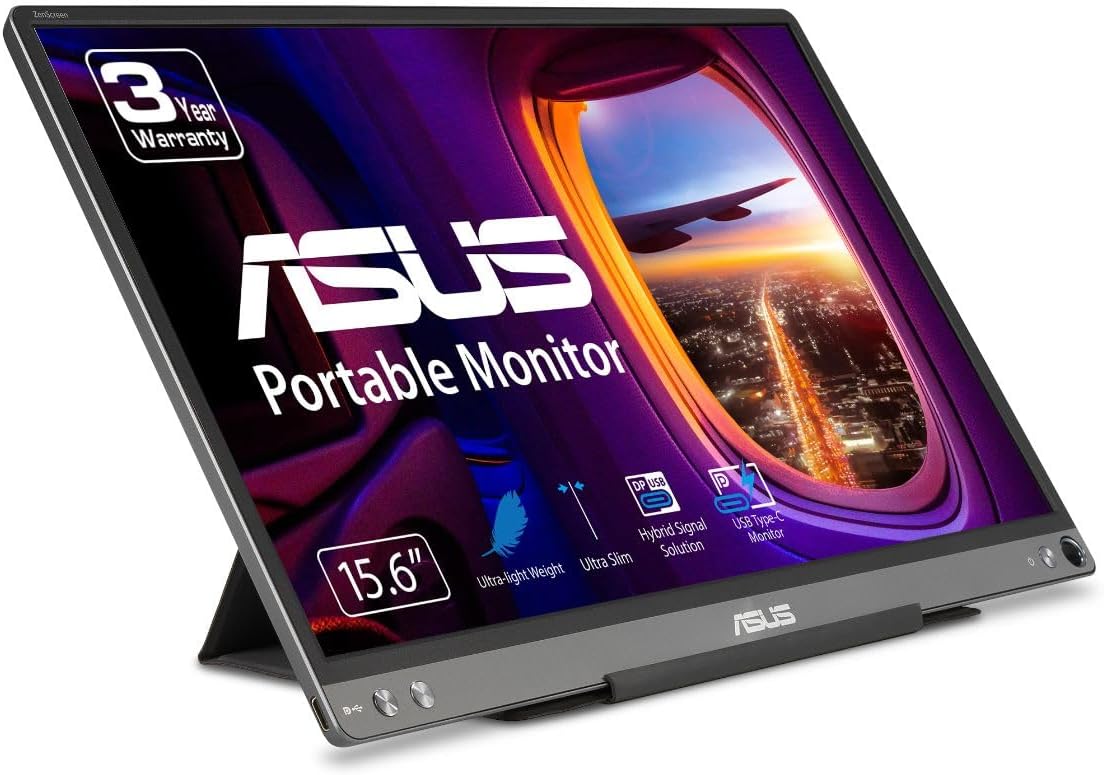 ASUS MB16ACE 15.6"
|
Mid-Range | Anti‑glare surface + smart folio case | Frequent travelers who need shade solutions | Check Price | ||
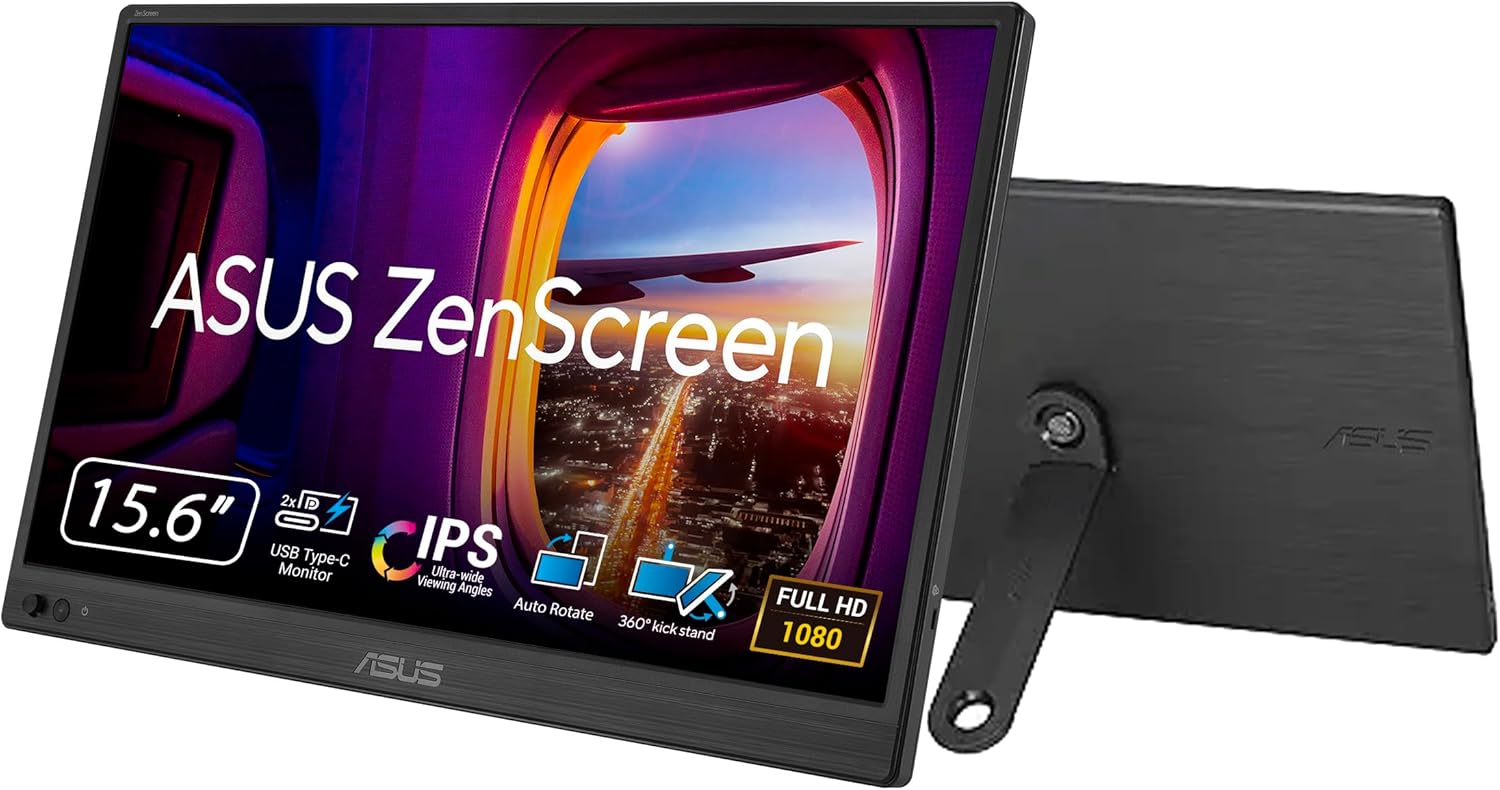 ASUS MB169CK 15.6"
|
Budget | 360 kickstand + anti‑glare | Budget buyers needing flexible stands | Check Price | ||
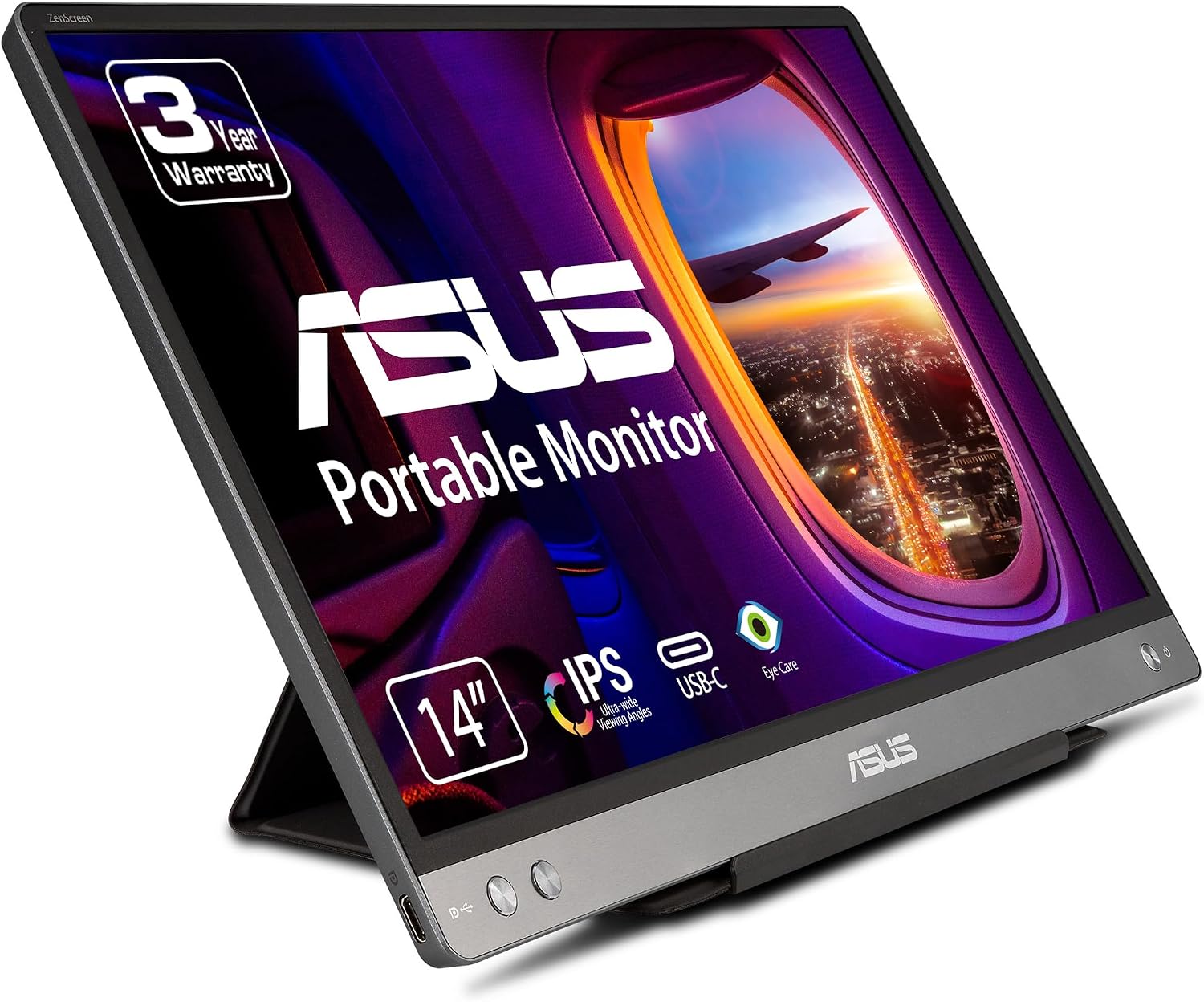 ASUS MB14AC 14"
|
Budget | Ultra‑portable with hybrid USB signaling | Lightweight carry and simple setups | Check Price |
1. SideTrak Solo Pro 15.8" Portable Monitor for Laptop | FHD 1080P LED IPS Dual Display w/Anti-Glare Screen, USB & Mini HDMI, Laptop Monitor Extender for Mac, PC, Chrome, HDR & Speakers
The SideTrak Solo Pro uses an anti‑glare matte finish plus HDR mode and adjustable brightness to reduce reflections and boost contrast in bright conditions. Its multiple input options (USB‑C, USB‑A, Mini HDMI) and built‑in speakers mean you can use it on a laptop, phone or small streaming device and position it with a folio or stand to block sun angles.
Key Specs
- 15.8" Full HD (1920x1080) IPS display
- Anti‑glare/matte finish with HDR mode
- Mini HDMI, USB‑A, USB‑C connectivity
- Built‑in speakers; customizable brightness
Pros
- Matte finish and HDR help cut reflections
- Lightweight and easy to carry for travel
- Versatile connectivity for many devices
Cons
- Some users report mixed brightness performance
- Occasional functionality hiccups reported
Best For: Multitaskers who need readable outdoor screen
Check Latest Price on Amazon2. Intehill 4K Portable Monitor, 13.4 Inch Touchscreen 3840 * 2400 IGZO Anti-Glare Portable Monitor 4K, 10-Point Multi-Touch, HDR, sRGB 100%, Built-in Speakers,Dual USB-C HDMI for Laptop Mac Phone Ps5.
The Intehill pairs a very bright IGZO 4K panel (advertised 500 nits) with an anti‑glare coating and 10‑point touch — the high brightness and accurate color make it one of the easiest portable monitors to read in strong daylight. It includes PD charging in the box and dual USB‑C/HDMI ports which lets you power it from a compact power bank while using a laptop or console outdoors.
Key Specs
- 13.4" IGZO 4K (3840x2400) touchscreen
- Anti‑glare coating with 500 nits brightness
- Dual USB‑C, HDMI, 3.5mm audio
- 100% sRGB, HDR support, built‑in speakers
Pros
- High brightness for outdoor visibility
- Excellent color accuracy for creatives
- Includes PD charger and full cables
Cons
- Premium price tier
- Some users report isolated functionality failures
Best For: Color work and bright‑sun visibility
Check Latest Price on Amazon3. ASUS ZenScreen 15.6 1080P Portable USB Monitor (MB16ACE) - Full HD (1920 x 1080), IPS, USB Type-C, Eye Care, Anti-Glare Surface, Lite Smart Case, External screen for laptop, 3-Year Warranty,Dark Gray
The ZenScreen MB16ACE combines an anti‑glare surface with a foldable lite smart case that doubles as a stand and partial shade, letting you angle the monitor to avoid reflections. Auto‑rotation and one‑cable USB Type‑C setup make it quick to deploy on a beach chair or balcony table; its slim, lightweight design makes carrying easy.
Key Specs
- 15.6" Full HD (1920x1080) IPS display
- Anti‑glare surface and Lite Smart Case stand
- USB Type‑C hybrid signal for power & video
- Auto‑rotation and Eye Care features
Pros
- Very portable and easy to set up
- Smart case converts into a usable shade/stand
- Good balance of price and features
Cons
- Brightness can be mixed in very bright sun
- Compatibility varies with some laptops
Best For: Frequent travelers who need shade solutions
Check Latest Price on Amazon4. ASUS ZenScreen 16 Portable USB Monitor (MB169CK) - Full HD, IPS, Dual USB-C, Mini-HDMI, Eye Care, Flicker Free, Blue Light Filter, Anti-Glare Surface, 360 Kickstand, 3 yr Warranty
The MB169CK is a budget friendly ZenScreen with an anti‑glare panel and a 360° kickstand that lets you tilt and create quick shade to cut glare. It supports USB‑C and mini‑HDMI so you can hook up phones, laptops or consoles and angle the screen to avoid direct reflections.
Key Specs
- 15.6" Full HD (1920x1080) IPS display
- Anti‑glare surface; dual USB‑C and mini‑HDMI
- 360° kickstand and tripod socket
- Eye Care features: flicker‑free and low blue light
Pros
- Affordable and well‑engineered for travel
- Kickstand gives useful angle control
- Good picture quality for the price
Cons
- Brightness can be insufficient in direct sun
- Some compatibility and connection variability
Best For: Budget buyers needing flexible stands
Check Latest Price on Amazon5. ASUS ZenScreen MB14AC 14 Portable USB Monitor, 1080P Full HD, IPS, USB Type-C, Eye Care, Anti-glare surface, External Screen for Laptop, Hybrid Signal Solution, 3-Year Warranty , GRAY
The MB14AC is an ultraportable 14" anti‑glare monitor that uses a hybrid USB signal so it works with older USB‑A or newer USB‑C hosts — handy when you want a second screen on a tablet or older laptop outdoors. Its modest brightness (advertised typ 250 cd/m²) and anti‑glare coating make it best for shaded outdoor spots rather than full sun.
Key Specs
- 14" Full HD (1920x1080) IPS display
- Anti‑glare surface; hybrid USB Type‑C/Type‑A
- Typical brightness: 250 cd/m²
- Auto‑rotation and eye‑care features
Pros
- Extremely lightweight and easy to carry
- Hybrid connectivity works with older laptops
- Clear display for shaded outdoor use
Cons
- Lower brightness can struggle in direct sunlight
- Some reported compatibility quirks with phones
Best For: Lightweight carry and simple setups
Check Latest Price on AmazonWhich One Should You Choose?
If budget is tight → ASUS ZenScreen MB169CK (B0CPFYVPBG) offers solid anti‑glare performance and a flexible kickstand for creating shade. If you need the best portability and smart shading → ASUS MB16ACE (B081SGZX1X) has a lite smart case that doubles as a useful shade/stand. If premium outdoor visibility matters most → choose SideTrak Solo Pro (B092W7Y8XT) or the Intehill 4K (B0D6YQ4SBT) for brighter panels and stronger color/contrast in sunlight.
Best for Specific Scenarios
- Beach or open sun: Intehill 13.4" because its high‑brightness IGZO panel and anti‑glare coating make text and video easier to see in strong daylight.
- Backyard work or casual streaming: SideTrak Solo Pro because its matte finish and flexible inputs let you pair it with a laptop and angle it to minimize reflections.
- Hotel balcony or travel: ASUS MB16ACE because the lite smart case converts to a stand/partial shade and the slim design is easy to pack.
Frequently Asked Questions
Can I use a portable monitor in direct sunlight?
You can, but success depends on brightness and anti‑glare treatment. Monitors with higher brightness (400–500 nits+) and a matte/anti‑glare surface handle direct sun best. Even then, angling the screen and adding a sun hood or shade improves visibility significantly.
Do anti‑glare films or hoods really help?
Yes. Matte/anti‑glare films diffuse reflections so you lose sharp mirror‑like glare. A clip‑on hood or DIY shade reduces the amount of direct light hitting the panel, which is often the single most effective fix outdoors.
How can I power a portable monitor outdoors?
Look for USB‑C PD support or included PD chargers so you can run the monitor from a power bank. Many monitors accept USB‑C for both power and video; bring a USB‑C PD power bank (check compatibility) or the included PD charger if you're near an outlet.
How We Selected These Products
Our recommendations are based on data-driven analysis: we evaluated 155229+ products across 23916+ brands using a composite scoring system that weighs rating (40%), review volume (30%), price value (20%), and demand signals (10%). Every product is ranked by data, not opinions.
Last updated: July 29, 2026
As an Amazon Associate we earn from qualifying purchases at no extra cost to you. Full disclosure.
GearLark Score is our editorial ranking based on a composite analysis of product quality, value, and verified customer sentiment. Click through to Amazon for current pricing, availability, and live customer reviews.