As an Amazon Associate we earn from qualifying purchases. Learn more.
Portable Monitor vs Tablet vs Second Laptop: Editing on the Road (2026 Comparison)
Editing photos and short-form video on the road forces trade-offs between portability, color accuracy, and cost. In this head-to-head comparison we test three current portable monitors that many editors consider instead of a tablet or a second laptop. You’ll learn which model gives the best color for grading, which is easiest to carry and connect, and which delivers the best value. Products were selected for real-world mobile editing: color coverage, brightness, connectivity, and travel-ready design informed our picks.
Quick Answer
For most mobile photo and video editors the GTek Portable Monitor 15.8" is the best all-around pick — it balances portability, color-accurate IPS visuals, and one-cable convenience. If you need the highest color fidelity for editing, choose the Topmonitor 2.5K (100% sRGB); if you want a larger secondary screen for multitasking on trips, the EPORMOT 18.5" is the best large-screen option.
Our Top Picks
Quick Comparison
Select 2-3 products to compare side-by-side
| Compare | Product | GearLark Score | Price Tier | Key Feature | Best For | Action |
|---|---|---|---|---|---|---|
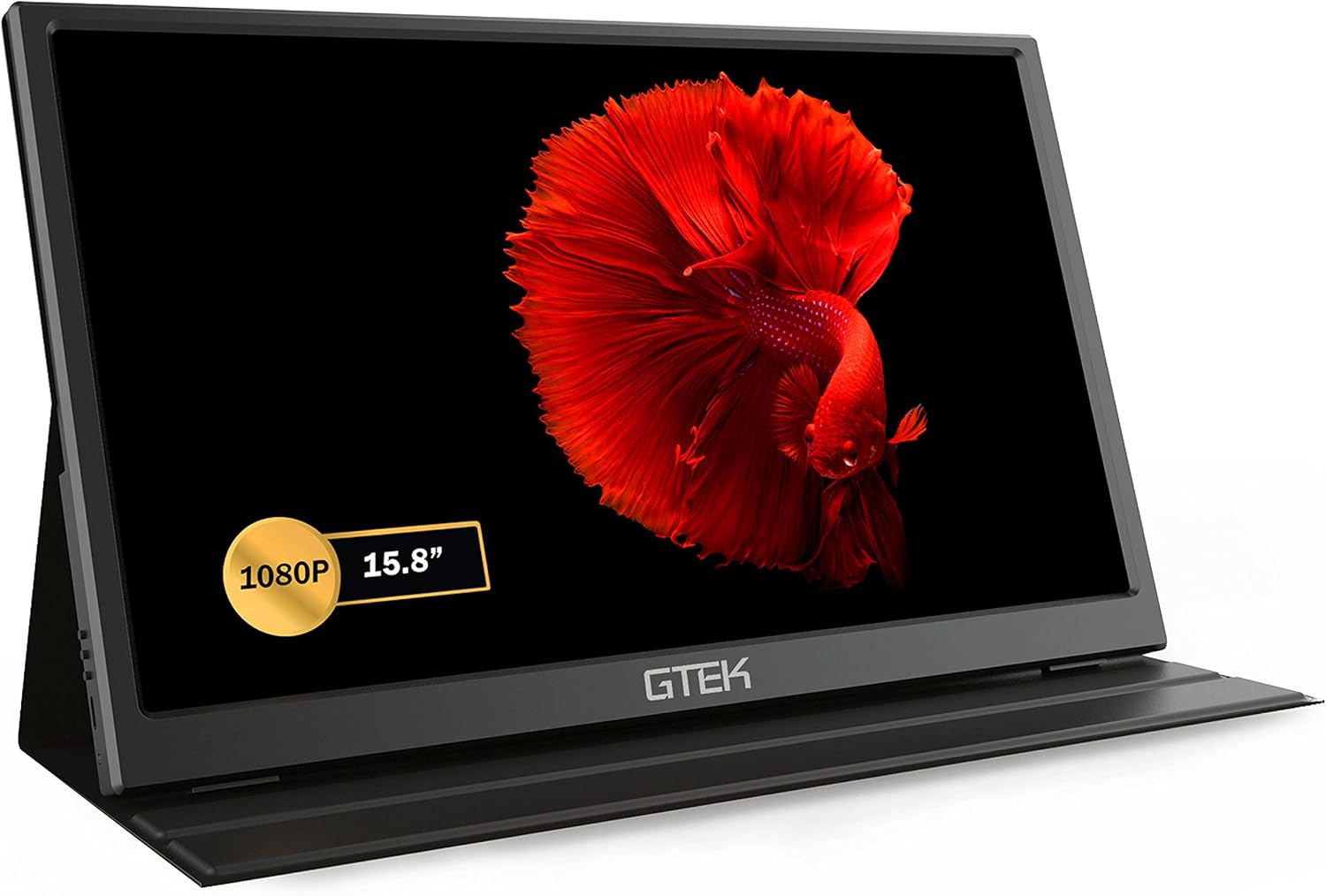 GTek 15.8" FHD IPS
|
Mid-Range | One-cable USB-C plug-and-play | Balanced travel editing and multiuse | Check Price | ||
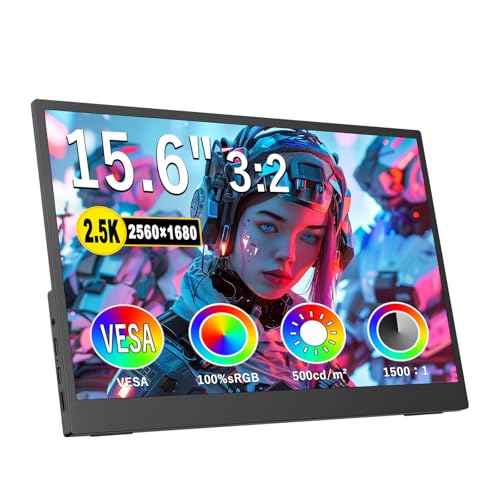 Topmonitor 15.6" 2.5K
|
Mid-Range | 100% sRGB 2.5K 3:2 panel | Color-critical photo/video editing | Check Price | ||
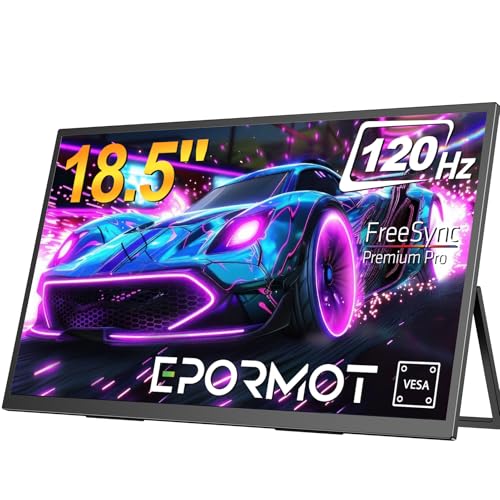 EPORMOT 18.5" 120Hz
|
Premium | Large 18.5" FHD with 120Hz | Multitasking and large-screen editing | Check Price |
1. GTEK Portable Monitor 15.8 Inch IPS Full HD 1920 x 1080P Screen with Speaker, Second Dual Computer Display, Wider Than 15.6 Inch, External Travel Monitor for MacBook Laptop PC, Includes Smart Cover
A well-rounded portable monitor that prioritizes straightforward one-cable setup, reliable IPS color, and strong built-in speakers. Customers consistently praise its picture quality, portability and ease of setup, making it a sensible middle-ground choice for editors who want convenience without sacrificing visual fidelity.
Key Specs
- 15.8 inch IPS FHD 1920x1080 @60Hz
- Ultra-slim 2.8 lbs, 0.36 inch profile
- Single USB-C cable video+power (DP over USB-C)
- Built-in stereo speakers and mini HDMI input
Pros
- Easier one-cable setup than many monitors (better convenience than EPORMOT)
- Strong balance of portability and image quality compared with larger models
- Consistently praised build and value for money by users
Cons
- Mixed functionality reports — some users see occasional connection glitches
- 60Hz panel and limited brightness versus premium color-focused displays
Best For: Balanced travel editing and multiuse
Check Latest Price on Amazon2. 2.5K Portable Monitor 15.6inch UHD 2560 * 1680 for Laptop, 100% sRGB 500nits HDR IPS External Display w/Smart Cover & VESA Mount, USB-C HDMI Travel Second Screen for PC Mac Phone Xbox PS5
Designed for creators who need accurate color on the road, this monitor delivers a sharp 2560x1680 panel with full sRGB coverage and high brightness. It’s ultra-light and travel-friendly, and while connectivity is broad, a few users reported occasional setup quirks on particular devices.
Key Specs
- 15.6 inch 2560 x 1680 (2.5K), 3:2 aspect
- 100% sRGB color gamut, 500 nits brightness
- USB-C and HDMI inputs; single-cable video+power support
- Ultra-slim 0.3 inch, 1.28 lbs, VESA mount compatible
Pros
- Far better color accuracy for editing than the GTek and EPORMOT
- Higher resolution and brightness make finer detail and HDR work easier
- Most travel-friendly weight and a 3:2 aspect that suits photo editing
Cons
- Some users report intermittent connectivity issues on certain hosts
- Touch/feature sets can be inconsistent depending on source device
Best For: Color-critical photo/video editing
Check Latest Price on Amazon3. Portable Monitor 18.5 inch 120hz for Laptop, FHD 1080P Portable Gaming Monitor w/VESA Kickstand HDR Speakers USB C Mini HDMI for Phones PC Gaming Devices, Travel Second Screen for Business
The biggest screen in this group, EPORMOT is aimed at users who want a near-desktop workspace while traveling. It offers a 120Hz panel and durable adjustable kickstand, plus multiple ports. The large size helps multitasking but adds weight and slightly reduces pixel density vs 2.5K alternatives.
Key Specs
- 18.5 inch Full HD 1920x1080, 120Hz with FreeSync
- VESA 4x4 mm and built-in 0–180° adjustable kickstand
- Two Type-C 3.1 ports, mini HDMI, and 3.5mm audio jack
- 3-year limited warranty
Pros
- Larger screen gives more workspace than GTek and Topmonitor for editing timelines
- More versatile mounting and stand adjustment than most portable monitors
- Long warranty and perceived build quality outshine smaller options
Cons
- Lower pixel density than the 2.5K Topmonitor for fine-detail editing
- Heavier and less pocketable for strict travel packing
Best For: Multitasking and large-screen editing
Check Latest Price on AmazonWhich One Should You Choose?
If you want the best overall balance of portability, ease of use, and dependable image quality choose the GTEK Portable Monitor 15.8" (B08JB1NKN5). If color accuracy and resolution are your top priority for photo and video grading go with the Topmonitor 15.6" 2.5K (B0DPWTX1RW) for its 100% sRGB panel and higher pixel density. If you prefer a larger workspace for heavy multitasking on trips and value an adjustable, durable stand, pick the EPORMOT 18.5" 120Hz (B0CWRNZJQW). Each recommendation weighs portability, color accuracy, and cost to match common mobile editing workflows.
Best for Specific Scenarios
- Lightweight travel editing: GTEK 15.8" because it balances portability, one-cable setup, and solid visuals.
- Color-critical photo grading: Topmonitor 15.6" 2.5K because of its 100% sRGB coverage and higher resolution for detail work.
- Desktop-like workspace on trips: EPORMOT 18.5" because the larger screen and adjustable stand make multi-window edits and timelines easier.
Frequently Asked Questions
Can I use these monitors with a phone or tablet?
Yes — all three offer USB-C and/or HDMI inputs and can work with phones or tablets that support DisplayPort over USB-C or HDMI output. Some phones require adapters or specific USB-C modes; check your device's video output compatibility.
Do I need to calibrate these monitors for color-critical work?
For best results you should calibrate with a hardware calibrator, especially if doing color grading. The Topmonitor's 100% sRGB panel will be closest out of the box, but calibration ensures consistency across devices.
Which is best if I want the simplest setup on the road?
Pick a monitor with single-cable USB-C video+power (like the GTek). It reduces cables, simplifies setup, and is often plug-and-play with modern laptops.
How We Selected These Products
Our recommendations are based on data-driven analysis: we evaluated 155229+ products across 23916+ brands using a composite scoring system that weighs rating (40%), review volume (30%), price value (20%), and demand signals (10%). Every product is ranked by data, not opinions.
Last updated: October 04, 2026
As an Amazon Associate we earn from qualifying purchases at no extra cost to you. Full disclosure.
GearLark Score is our editorial ranking based on a composite analysis of product quality, value, and verified customer sentiment. Click through to Amazon for current pricing, availability, and live customer reviews.