As an Amazon Associate we earn from qualifying purchases. Learn more.
Best Laptop Sleeves for Heat Protection in Hot Climates (2026)
If you commute, ride scooters, or spend afternoons working at the beach, ordinary sleeves won’t cut it in 2026’s hotter summers. This guide is written for people who move with their laptops through sun, sand and crowded transit — you’ll learn which sleeves actually reduce heat transfer, which protect against splashes and bumps, and how to pick the right size and materials for your routine. Products were chosen for thermal performance, portability, weather resistance and real-world customer feedback on fit and durability.
Quick Answer
For commuters and beachgoers in hot climates, the PHOOZY Insulated Thermal Sleeve is the top pick for heat protection thanks to its NASA-derived Chromium Thermal Barrier and lightweight, carry-ready design. If you need a lower-cost option, the SafeSleeve 12–14" case delivers solid heat shielding and a practical mouse pad workstation.
Our Top Picks
Quick Comparison
Select 2-3 products to compare side-by-side
| Compare | Product | GearLark Score | Price Tier | Key Feature | Best For | Action |
|---|---|---|---|---|---|---|
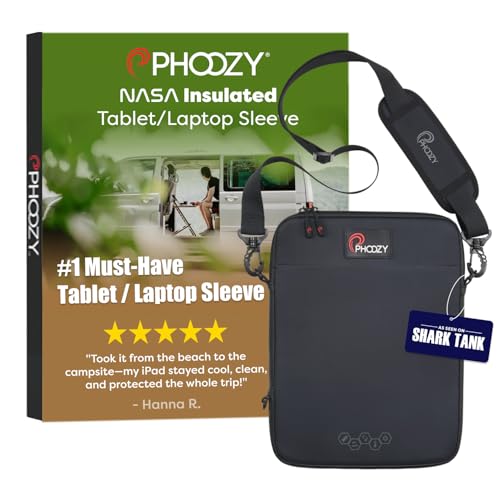 PHOOZY Thermal Sleeve
|
Budget | Chromium Thermal Barrier | Active commuters & beach days | Check Price | ||
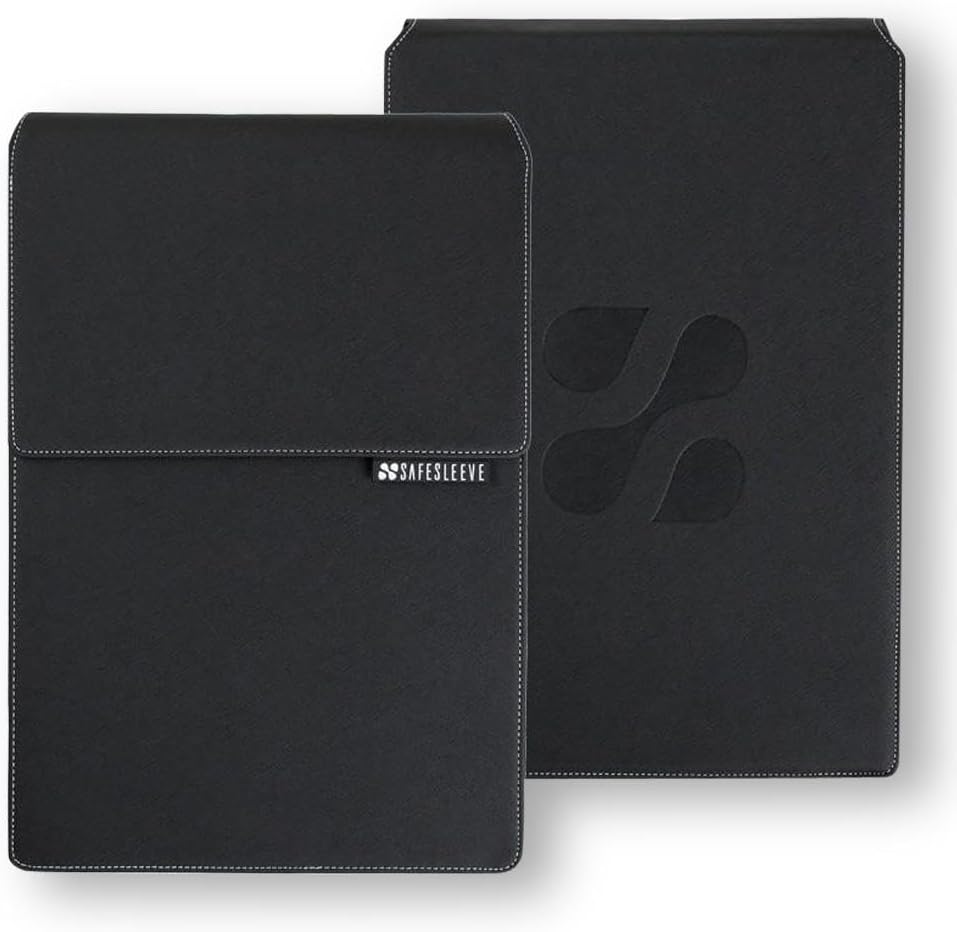 SafeSleeve 12–14"
|
Mid-Range | EMF shielding + heat airflow | Value-conscious beach commuters | Check Price | ||
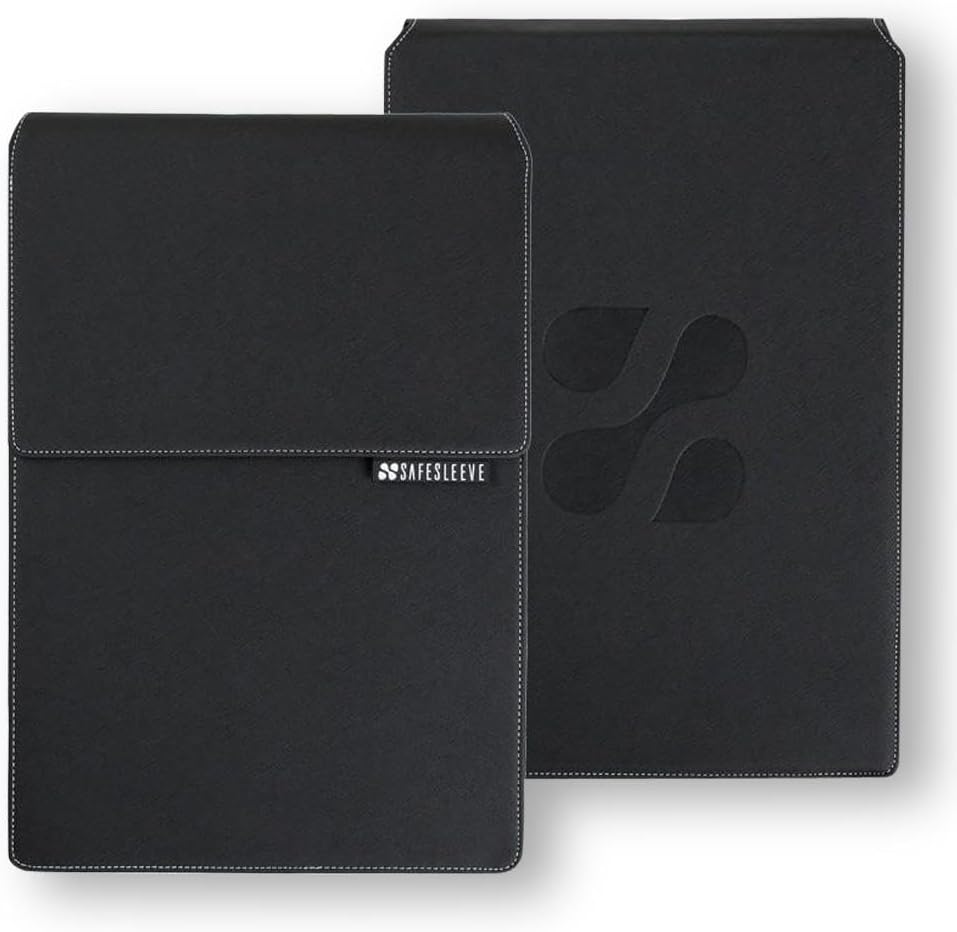 SafeSleeve 15–16"
|
Premium | Large-laptop heat shielding | Users with 15–16" laptops | Check Price |
1. PHOOZY Insulated Thermal Sleeve for Laptops, iPads, MacBooks & Similar Sized Tablets or Laptops up to 11" - Patented NASA Thermal Technology Extends Battery Life in The Cold (Cosmic Black)
PHOOZY uses a NASA-derived reflective layer to keep devices away from direct solar gain and adds shock and splash protection in a lightweight package with an optional shoulder strap. It’s a practical pick for people who carry their laptop across hot urban routes or sit near noon sun at the beach.
Key Specs
- Interior dimensions: 12.50" x 9.25" x 0.75" (fits up to ~13")
- Chromium Thermal Barrier reflecting >90% of sun heat
- Impactor Core 2.0 shock protection up to 4 ft
- HydroGuard water resistance (IP55) and detachable strap
Pros
- Strong thermal reflectivity for sun-facing exposure
- Lightweight and easy to carry with shoulder strap
- Integrated shock and splash protection
Cons
- Mixed user reports on effectiveness inside extremely hot vehicles
- Limited to smaller laptops/tablets (up to ~13")
Best For: Active commuters & beach days
Check Latest Price on Amazon2. SafeSleeve EMF Protection Anti Radiation 12 - 14" Laptop Case: EMF Blocking, Heat Shielding and Laptop Case with Mouse Pad for 12 to 14 inch laptops (Black)
SafeSleeve combines EMF-blocking fabric with a heat-conscious interior and a fold-out mouse pad for mobile work. For commuters who need a tidy workstation on the go and a sleeve that supports fan airflow, this model balances protection and everyday functionality.
Key Specs
- Designed to fit laptops up to 13.5" x 9.5" x 1.2"
- Lab-tested shielding layer for EMF and heat management
- Built-in flip-out mouse pad to create a mobile workstation
- Materials engineered for impact resistance
Pros
- Practically designed workstation on the go with mouse pad
- Optimized to allow fan airflow and reduce heat retention on lap
- Professional look and secure fit for 13–14" laptops
Cons
- Some shoppers question long-term value for money
- Durability concerns reported over extended heavy use
Best For: Value-conscious beach commuters
Check Latest Price on Amazon3. SafeSleeve EMF Protection Anti Radiation 15-16" Laptop Case: EMF Blocking, Heat Shielding and Laptop Case with Mouse Pad for 15 to 16 inch laptops (Black)
This larger SafeSleeve brings the same EMF shielding and heat-management features tuned for 15–16" machines, plus the practical mouse-pad flap. It’s aimed at users who need heat protection for bigger systems they move between home, cafe and outdoor spots.
Key Specs
- Fits up to 14.8" x 10.5" x 1.2" devices (15–16" laptops)
- EMF-blocking interior layers and heat-aware design
- Flip-out mouse pad and breathable surfaces
- Impact-resistant construction
Pros
- Sized for larger laptops that need heat and EMF shielding
- Useful built-in mouse pad and portable workstation features
- Designed to allow airflow around laptop fans
Cons
- Higher price tier with debated value relative to alternatives
- Reports of mixed durability under heavy daily use
Best For: Users with 15–16" laptops
Check Latest Price on AmazonWhich One Should You Choose?
If budget is tight → choose the SafeSleeve 12–14" (B00H278OY8). It gives heat-conscious design and a handy mobile workstation at a lower mid-range cost. If you need the most portable, sun-blocking option for commutes and beach days → go with the PHOOZY Insulated Thermal Sleeve (B07TYQN8DD) for its NASA-derived reflective barrier and lightweight carry features. If you use a larger 15–16" laptop and want a premium, workstation-ready sleeve → the SafeSleeve 15–16" (B00H27D9ES) is tailored to that size and use case.
Best for Specific Scenarios
- Hot-city commuter with frequent transfers: PHOOZY (B07TYQN8DD) because its reflective outer layer and shoulder strap let you keep your device shielded and hands-free between trains and scooters.
- Beach afternoon editing photos: SafeSleeve 12–14" (B00H278OY8) because it balances heat shielding and a clean, fold-out mouse pad so you can edit on a towel or picnic table while limiting sand and splash exposure.
- Laptop-heavy remote worker with a 15–16" machine: SafeSleeve 15–16" (B00H27D9ES) because it’s sized for larger laptops and adds workstation-friendly features while managing heat around bigger components.
Frequently Asked Questions
Will a heat-protective sleeve prevent my laptop from overheating in direct sun?
A thermal sleeve reduces heat transfer from direct sunlight and slows internal temperature rise, but it isn’t a guarantee against overheating in extreme conditions. For best results, avoid leaving a powered-on laptop in direct sun or inside a closed car; use shade and allow fans to run when working.
Can I keep my laptop inside the sleeve while it’s powered on?
Most sleeves are designed for transport and short-term protection. Some models (like the SafeSleeve cases) are optimized to allow fan airflow, but many manufacturers advise against storing a powered laptop inside a fully sealed sleeve for long periods. Check the product notes for guidance and ensure vents aren’t blocked.
How do I pick the right size sleeve?
Measure your laptop’s width, height and thickness (including any case or keyboard). Compare those dimensions to the sleeve’s interior measurements and choose a sleeve that provides a snug fit without stretching the seams. If you carry accessories, look for sleeves with extra pockets or plan to use a secondary pouch.
How We Selected These Products
Our recommendations are based on data-driven analysis: we evaluated 155229+ products across 23916+ brands using a composite scoring system that weighs rating (40%), review volume (30%), price value (20%), and demand signals (10%). Every product is ranked by data, not opinions.
Last updated: August 25, 2026
As an Amazon Associate we earn from qualifying purchases at no extra cost to you. Full disclosure.
GearLark Score is our editorial ranking based on a composite analysis of product quality, value, and verified customer sentiment. Click through to Amazon for current pricing, availability, and live customer reviews.