As an Amazon Associate we earn from qualifying purchases. Learn more.
How to Choose a Laptop Sleeve for Heat Protection (2026)
Overheating inside a closed backpack is one of the fastest ways to shorten battery life, throttle performance, and risk hardware damage. If you carry your laptop in a bag while commuting, hiking, or just leaving it in a hot car momentarily, a sleeve designed for heat protection reduces thermal soak and helps your machine run cooler when you unpack. This guide explains materials, ventilation strategies and how each reviewed sleeve actually solves overheating in backpacks. Products were selected for thermal design, ventilation-friendly features, build quality and sizing compatibility, and filtered by customer feedback about protection and durability.
Quick Answer
A thermal, ventilated sleeve is the fastest way to reduce overheating in backpacks — top pick: PHOOZY Insulated Thermal Sleeve (B07TYQN8DD) because its reflective Chromium barrier and insulated layers block solar gain and slow heat transfer while offering shock and water protection.
Our Top Picks
Quick Comparison
Select 2-3 products to compare side-by-side
| Compare | Product | GearLark Score | Price Tier | Key Feature | Best For | Action |
|---|---|---|---|---|---|---|
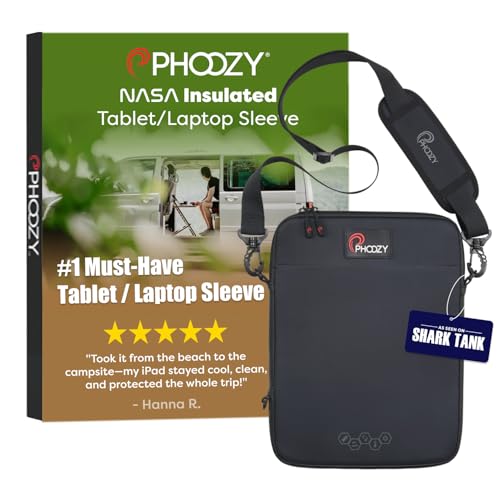 PHOOZY Insulated Sleeve
|
Budget | Chromium Thermal Barrier (reflects heat) | Small laptops/tablets up to 13" | Check Price | ||
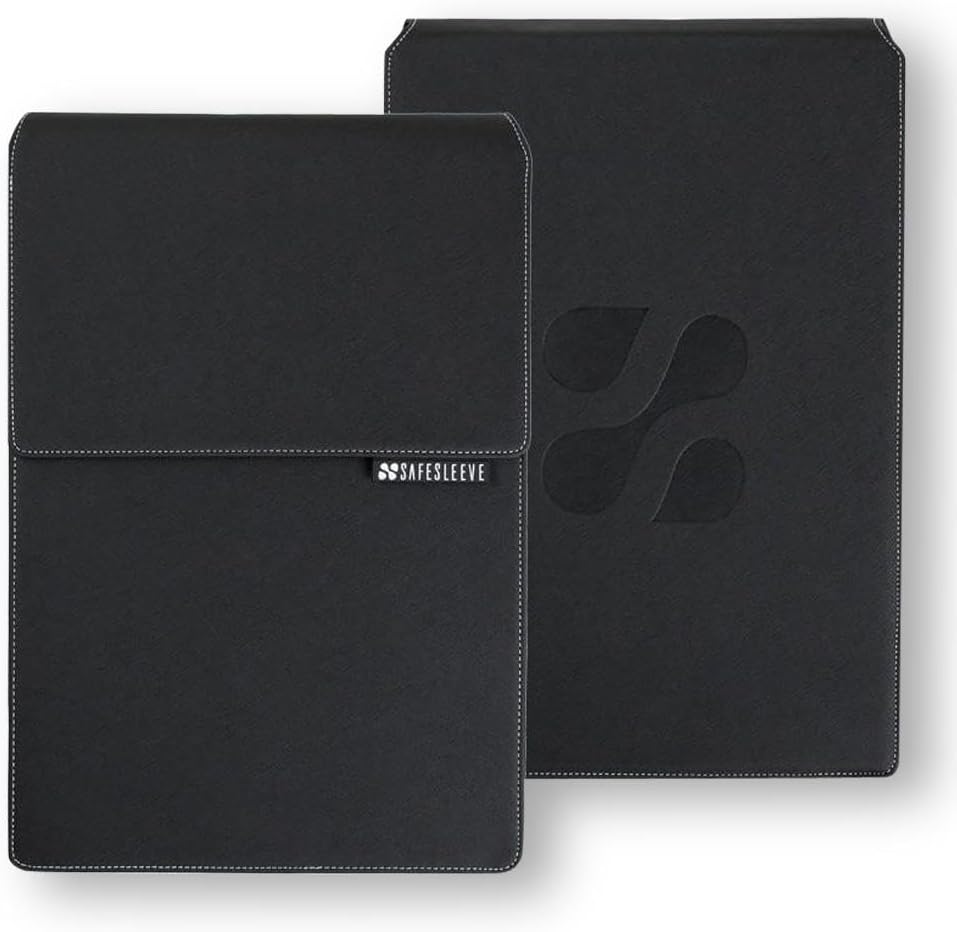 SafeSleeve 12–14"
|
Mid-Range | Lab-tested EMF & heat shielding | 13–14" laptops needing airflow | Check Price | ||
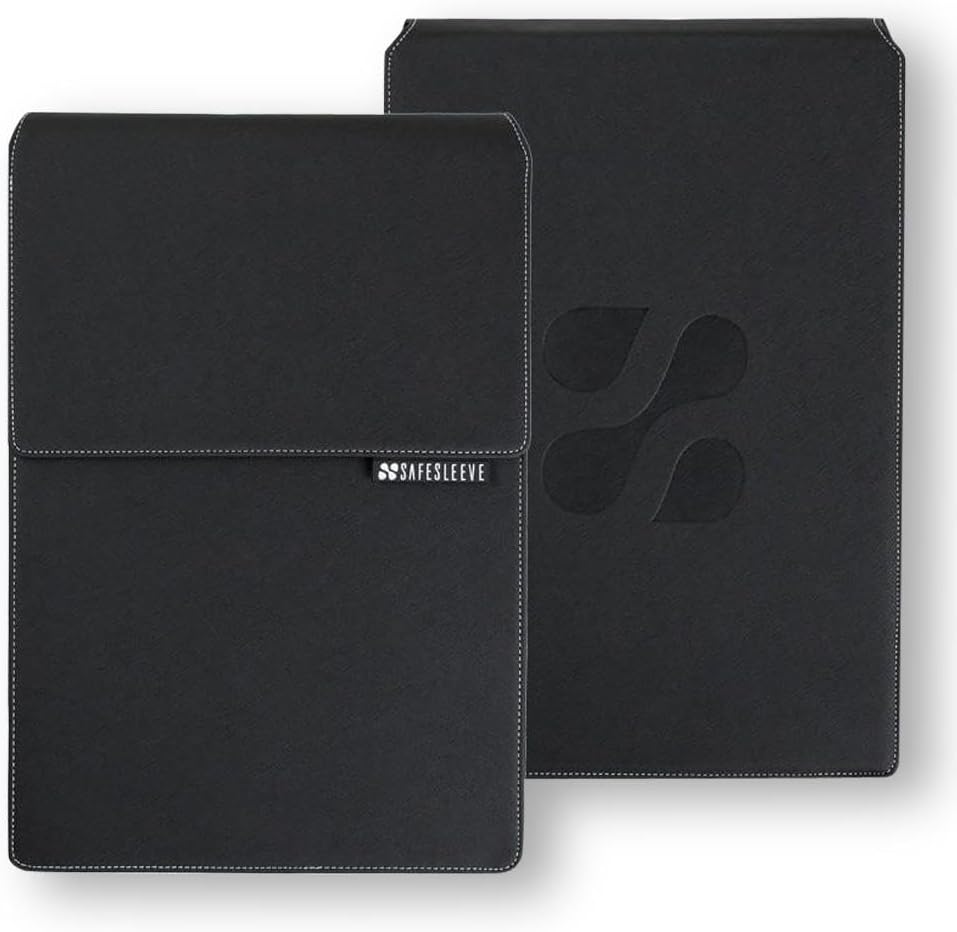 SafeSleeve 15–16"
|
Premium | Large-size EMF & heat shield | 15–16" laptops that need shielding | Check Price |
1. PHOOZY Insulated Thermal Sleeve for Laptops, iPads, MacBooks & Similar Sized Tablets or Laptops up to 11" - Patented NASA Thermal Technology Extends Battery Life in The Cold (Cosmic Black)
PHOOZY uses a reflective Chromium thermal barrier and insulating inner layers to reduce solar heat gain and slow temperature changes inside a backpack. It solves overheating by reflecting >90% of solar radiation away from the device, adding insulation so hot external air doesn't instantly raise internal temps, and combining water/shock protection for real-world commutes.
Key Specs
- Interior dimensions: 12.50" x 9.25" x 0.75"
- Chromium Thermal Barrier derived from NASA tech
- Impactor Core 2.0 military-grade shock protection
- HydroGuard IP55 water-resistant layer
- Detachable adjustable shoulder strap and MOLLE panel
Pros
- Reflective outer layer reduces solar heat gain
- Insulating inner layers slow temperature changes
- Integrated shock and water protection for transit
Cons
- Some users report mixed temperature-control in hot vehicles
- Size is limited to smaller laptops/tablets (up to ~13")
Best For: Small laptops/tablets up to 13"
Check Latest Price on Amazon2. SafeSleeve EMF Protection Anti Radiation 12 - 14" Laptop Case: EMF Blocking, Heat Shielding and Laptop Case with Mouse Pad for 12 to 14 inch laptops (Black)
SafeSleeve combines lab-tested shielding layers with breathable surfaces so the laptop's fans can still move air while inside a sleeve or when used as a quick desktop. It addresses overheating in backpacks by creating a heat-reflective barrier and by providing design details (breathable zones) that avoid trapping heat directly against vents.
Key Specs
- Fits up to 13.5 x 9.5 x 1.2 inches (12–14" laptops)
- FCC-accredited lab-tested shielding technology
- Breathable surfaces to let laptop fans vent
- Built-in mouse pad / flip-out desktop workstation
Pros
- Lab-tested shielding that reduces radiative heat transfer
- Breathable surfaces designed to allow fan airflow
- Convenient built-in mouse pad and workstation feature
Cons
- Some buyers debate its value for money
- Durability and long-term sturdiness reported as mixed
Best For: 13–14" laptops needing airflow
Check Latest Price on Amazon3. SafeSleeve EMF Protection Anti Radiation 15-16" Laptop Case: EMF Blocking, Heat Shielding and Laptop Case with Mouse Pad for 15 to 16 inch laptops (Black)
This larger SafeSleeve model uses the same shielding and airflow-minded construction as the smaller unit but fits bigger laptops. It reduces overheating in backpacks by combining radiative shielding with materials that avoid sealing laptop vents, plus a flip-out mouse pad for quick workstation use when you unpack.
Key Specs
- Fits up to 14.8 x 10.5 x 1.2 inches (15–16" laptops)
- Embedded shielding tested in accredited labs
- Impact-resistant materials for transit protection
- Flip-out mouse pad and portable workstation design
Pros
- Sized for larger laptops while retaining shielding
- Designed to allow some airflow to laptop fans
- Sturdy, professional appearance and functional layout
Cons
- Higher price tier leads some to question value
- Reports of mixed long-term durability
Best For: 15–16" laptops that need shielding
Check Latest Price on AmazonWhich One Should You Choose?
If you want the simplest, most targeted heat-blocking solution for a tablet or small laptop, choose the PHOOZY Insulated Thermal Sleeve (B07TYQN8DD) — it focuses on reflection and insulation plus transit protection. If you need a budget-friendly balance of heat shielding and airflow for a 13–14" laptop, go with the SafeSleeve 12–14" (B00H278OY8). If you carry a larger 15–16" machine and want the same shielding with a bigger fit, pick the SafeSleeve 15–16" (B00H27D9ES).
Best for Specific Scenarios
- Commuters who leave bags in the sun: PHOOZY (B07TYQN8DD) because its reflective Chromium barrier reduces solar heat gain.
- Students or remote workers using quick desks: SafeSleeve 12–14" (B00H278OY8) because the flip-out mouse pad and breathable surfaces let you set a pop-up workstation without trapping vents.
- Professionals with 15–16" laptops: SafeSleeve 15–16" (B00H27D9ES) because it scales shielding and impact protection to larger machines while keeping ventilation-minded design.
Frequently Asked Questions
Will a thermal sleeve stop my laptop from overheating in a backpack?
A thermal sleeve reduces radiant heat gain and slows how quickly external heat raises your laptop’s temperature, which helps prevent heat soak from sun exposure or a hot car. It won't fully prevent overheating if the laptop is running heavy workloads inside a sealed bag—combine a thermal sleeve with ventilation-friendly packing or remove the sleeve when the laptop is under load.
Do heat-reflective sleeves trap heat from the laptop itself?
They can if the sleeve fully seals the laptop and the device is actively generating heat. Look for sleeves that balance a reflective outer layer with breathable panels or a design that lets you operate the laptop partially exposed (like flip-out workstation styles) so fans can vent.
Can I charge my laptop while it’s in a protective sleeve in my bag?
It’s generally not recommended to charge inside a closed sleeve and bag—charging raises internal temperatures and closed sleeves can inhibit airflow. If you must charge in a bag, use a sleeve with airflow channels, avoid tight fits over vents, and monitor temperatures. When possible, charge in an open area or remove the sleeve.
How We Selected These Products
Our recommendations are based on data-driven analysis: we evaluated 155229+ products across 23916+ brands using a composite scoring system that weighs rating (40%), review volume (30%), price value (20%), and demand signals (10%). Every product is ranked by data, not opinions.
Last updated: August 03, 2026
As an Amazon Associate we earn from qualifying purchases at no extra cost to you. Full disclosure.
GearLark Score is our editorial ranking based on a composite analysis of product quality, value, and verified customer sentiment. Click through to Amazon for current pricing, availability, and live customer reviews.