As an Amazon Associate we earn from qualifying purchases. Learn more.
Best Laptop Sleeves for Heat Protection and Portability (2026)
If you carry your laptop between work, coffee shops and travel, a sleeve that blocks heat, cushions bumps and resists spills is essential. This guide looks at sleeves in 2026 that prioritize heat management and portability — including EMF/heat shielding designs, sleeves with cooling brackets, and slim protective options. We evaluated materials, airflow features, padding, build quality and real-customer feedback (fit and functionality are commonly praised; durability and value are frequent concerns) to surface the best choices for different needs.
Quick Answer
For a balance of heat shielding, impact protection and everyday portability, the SafeSleeve EMF Protection 12–14" Laptop Case is the best overall pick. If you need a budget-friendly option with a built-in cooling stand, choose the Berfea Stand Case for compatible Dell 14" models.
Our Top Picks
Quick Comparison
Select 2-3 products to compare side-by-side
| Compare | Product | GearLark Score | Price Tier | Key Feature | Best For | Action |
|---|---|---|---|---|---|---|
 SafeSleeve 12-14"
|
Mid-Range | Lab-tested EMF & heat shielding | Commuters who want heat protection | Check Price | ||
 SafeSleeve 15-16"
|
Premium | Larger heat/EMF shielding for 15–16" laptops | Users with larger laptops needing heat control | Check Price | ||
 Berfea Stand Case
|
Budget | Built-in cooling bracket / stand | Budget buyers with compatible Dell 14" models | Check Price |
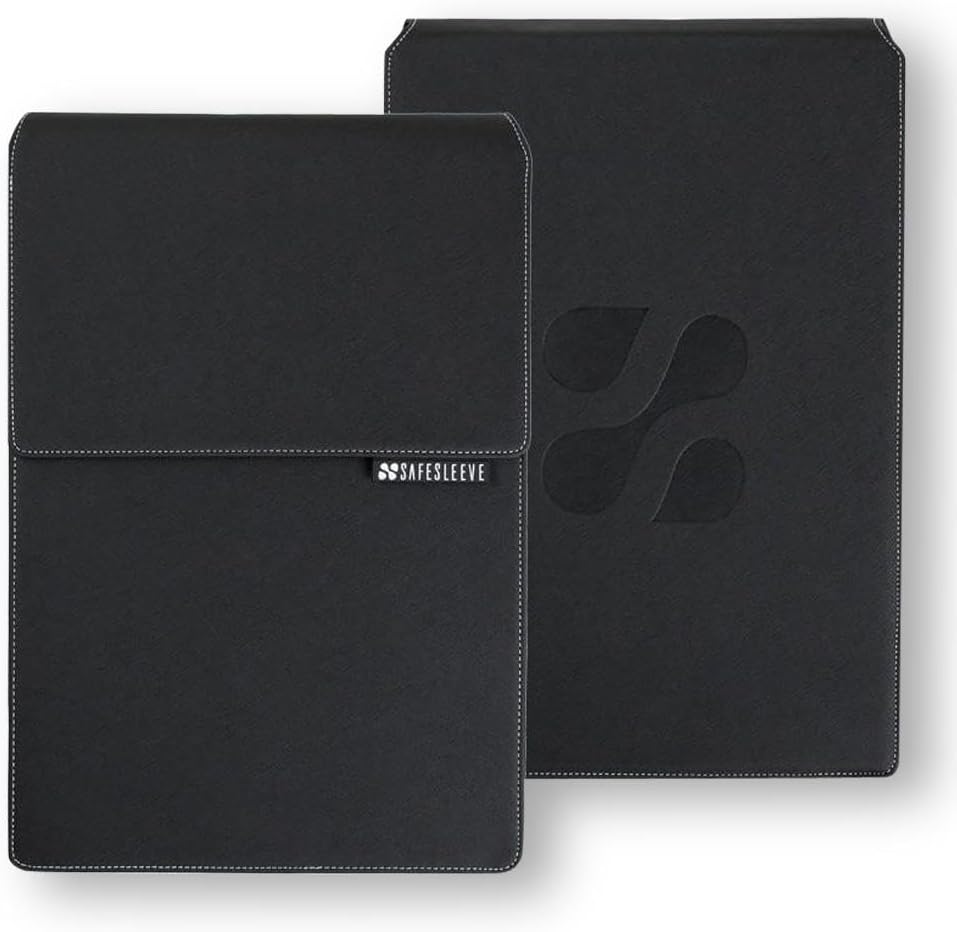
1. SafeSleeve EMF Protection Anti Radiation 12 - 14" Laptop Case: EMF Blocking, Heat Shielding and Laptop Case with Mouse Pad for 12 to 14 inch laptops (Black)
A thoughtfully engineered sleeve that combines lab-tested EMF shielding with heat-management features and a built-in mouse pad. It offers military-grade, impact-resistant materials and a professional look while keeping airflow around laptop fans.
Key Specs
- Lab-tested shielding technology (blocks up to 99% EMF as specified by the maker)
- Fits up to 13.5 x 9.5 x 1.2 inches (13" MacBook and many 13–14" PCs)
- Built-in mouse pad / desktop workstation flap
- Breathable surfaces and airflow-optimized design
Pros
- Effective heat-shielding design that helps keep laptop and lap cooler
- Sturdy, impact-resistant construction with a professional finish
- Built-in mouse pad turns the sleeve into a portable workstation
Cons
- Some buyers question the value for the price
- A bit bulkier than minimalist sleeves, reducing pocketability
Best For: Commuters who want heat protection
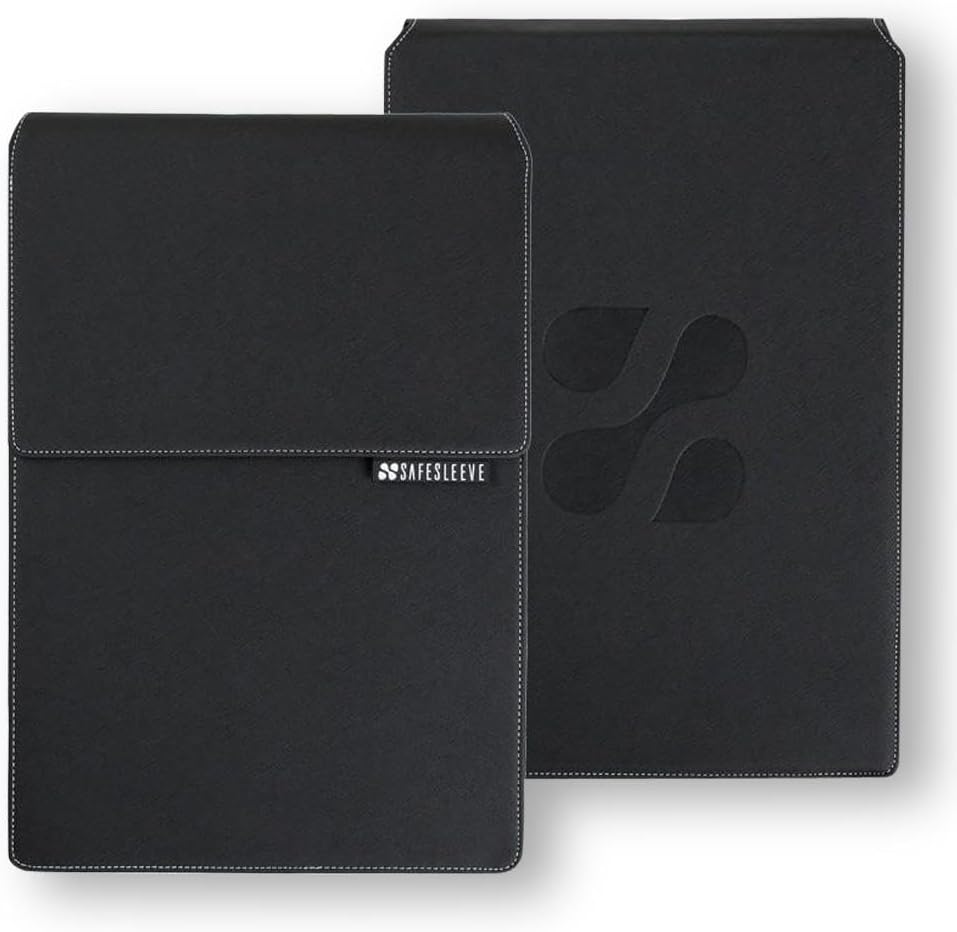
Check Latest Price on Amazon2. SafeSleeve EMF Protection Anti Radiation 15-16" Laptop Case: EMF Blocking, Heat Shielding and Laptop Case with Mouse Pad for 15 to 16 inch laptops (Black)
The larger sibling to SafeSleeve’s 12–14" option, this case brings the same lab-tested shielding, airflow optimization and built-in mouse pad to 15–16" machines. It’s aimed at professionals who want a sturdy, protective sleeve with heat-management built in.
Key Specs
- FCC-accredited lab-tested shielding technology
- Fits up to 14.8 x 10.5 x 1.2 inches (15" MacBook and many 15–16" PCs)
- Impact-resistant, military-grade materials
- Flip-out mouse pad and breathable surfaces for cooling
Pros
- Designed to manage heat for larger laptops and maintain airflow
- Robust protection with a professional appearance
- Same desktop/workstation flip-out mouse pad for on-the-go use
Cons
- Premium-priced compared with simple sleeves
- Larger size reduces portability inside tight backpacks or messenger bags
Best For: Users with larger laptops needing heat control
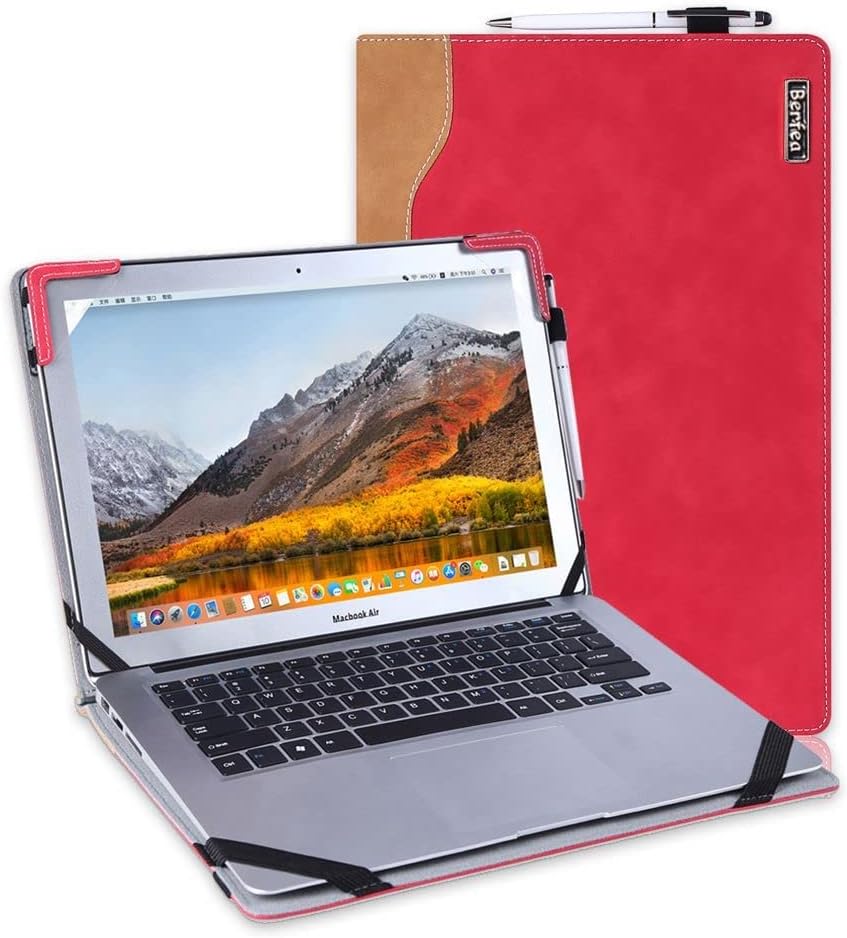
Check Latest Price on Amazon3. Stand Case Cover Compatible with Dell Inspiron 14 7490 7405 7415 5410 5415 5418 Laptop Notebook Protective Case Sleeve,with Cooling Bracket
A budget-friendly protective hard sleeve that doubles as a stand with an inner cooling bracket. Made of PU leather with a soft interior lining, it’s lightweight and convenient for day-to-day travel for compatible Dell 14" laptops.
Key Specs
- Designed for specific Dell Inspiron 14 models (check model fit carefully)
- Hard cover with PU leather exterior and soft interior lining
- Inner bracket that raises the laptop for better cooling and typing angle
- Cut-outs for access to ports and a pen holder
Pros
- Affordable option with a practical cooling/stand feature
- Slim, lightweight design that’s easy to carry
- Soft interior lining protects against scratches; accessible cut-outs
Cons
- Limited compatibility — built for select Dell 14" models only
- Build quality and long-term durability may trail premium sleeves
Best For: Budget buyers with compatible Dell 14" models
Check Latest Price on AmazonWhich One Should You Choose?
If you want the best mix of heat protection and everyday portability → SafeSleeve EMF Protection 12–14" (B00H278OY8). If you need a budget-friendly sleeve with a cooling stand and your laptop is one of the supported Dell 14" models → Berfea Stand Case (B09K4WVQNL). If you use a larger 15–16" laptop and want the same shielding features in a bigger size → SafeSleeve EMF Protection 15–16" (B00H27D9ES).
Best for Specific Scenarios
- Daily commuter who uses a laptop on their lap: SafeSleeve 12–14" because its airflow optimization and heat shielding help keep both lap and laptop cooler during long rides.
- Budget-conscious student with a compatible Dell 14": Berfea Stand Case because it adds a cooling bracket and basic hard-shell protection without a big price tag.
- Mobile professional with a 15–16" laptop: SafeSleeve 15–16" because it scales the heat-management, protective materials and portable workstation features to larger machines.
Frequently Asked Questions
Do heat-shielding sleeves really reduce laptop heat?
Heat-shielding sleeves help manage heat by enabling airflow around fan vents, using breathable surfaces, or adding thermal layers that redirect heat away from your lap. They don’t replace proper ventilation — keep vents clear and avoid using a laptop on soft surfaces for best cooling.
Will a sleeve interfere with charging or using ports?
Many sleeves offer cut-outs or allow charging without removing the laptop; models with a desktop flap or built-in mouse pad typically require you to remove the sleeve for heavier docking. Always check the product’s access features and measurements before buying.
How should I measure my laptop to ensure a good fit?
Measure width, depth and thickness at the widest points (often the hinge and any tapered edges). Compare those dimensions to the sleeve’s listed internal dimensions and leave a small allowance for protective padding — a close but not overly tight fit is ideal.
How We Selected These Products
Our recommendations are based on data-driven analysis: we evaluated 155229+ products across 23916+ brands using a composite scoring system that weighs rating (40%), review volume (30%), price value (20%), and demand signals (10%). Every product is ranked by data, not opinions.
Last updated: August 02, 2026
As an Amazon Associate we earn from qualifying purchases at no extra cost to you. Full disclosure.
GearLark Score is our editorial ranking based on a composite analysis of product quality, value, and verified customer sentiment. Click through to Amazon for current pricing, availability, and live customer reviews.