As an Amazon Associate we earn from qualifying purchases. Learn more.
Complete Back-to-School Classroom Tech Setup for Teachers (2026 Guide)
Getting your classroom ready for 2026 means more than a projector — teachers need a simple, reliable kit that covers multi-device charging, easy presentation connections, and portable audio with student privacy in mind. This guide focuses on the presentation screen portion of that kit and shows which portable screens work best for small-to-medium classrooms, assemblies, and flexible learning spaces. We tested and selected options with priorities that teachers value most: durability, simplicity of setup, clear image, portability, and sensible value. Products were chosen based on design features, documented specs, customer feedback on build and functionality, and how well each screen fits a teacher-focused tech kit.
Quick Answer
For an easy, durable classroom presentation setup in 2026, the KSAN 120-inch Projector Screen with Stand (ASIN B0BTXYXQFZ) is the best overall pick — it combines a large viewing area, quick setup, and portability. If you need the cheapest option, the KSAN 120-inch Budget model (ASIN B0CYZNS4JR) delivers good picture and value.
Our Top Picks
Quick Comparison
Select 2-3 products to compare side-by-side
| Compare | Product | GearLark Score | Price Tier | Key Feature | Best For | Action |
|---|---|---|---|---|---|---|
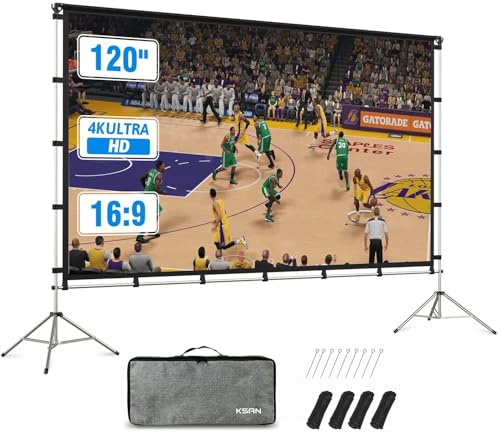 KSAN 120" Tripod Screen
|
Mid-Range | Large 120" viewing area | Large classrooms & outdoor lessons | Check Price | ||
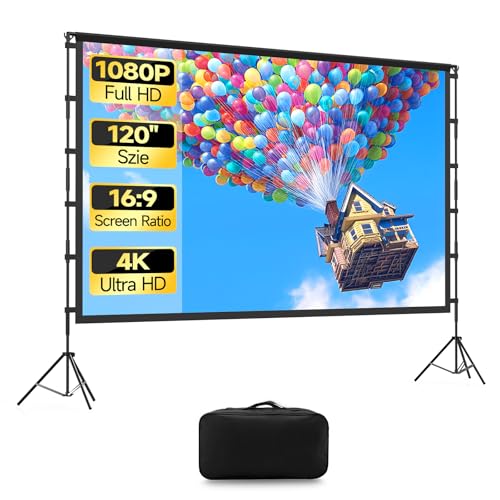 KSAN 120" Budget
|
Budget | Affordable 120" portable kit | Teachers on a tight budget | Check Price | ||
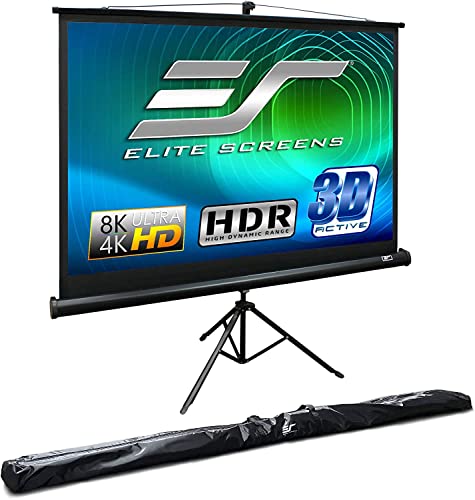 Elite 100" Tripod
|
Mid-Range | MaxWhite 2, 1.1 gain material | Daily classroom use & portability | Check Price | ||
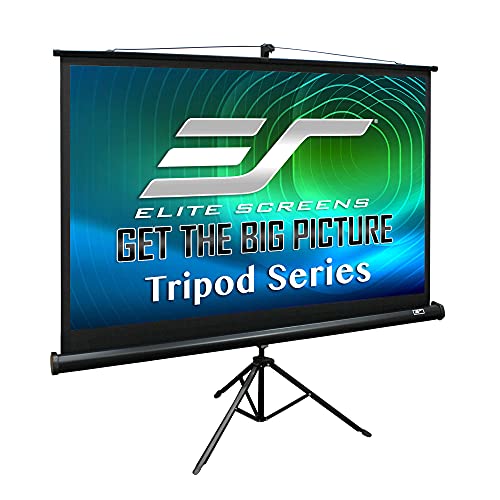 Elite 120" Tripod
|
Mid-Range | 120" heavy-duty tripod screen | Large rooms & assemblies | Check Price | ||
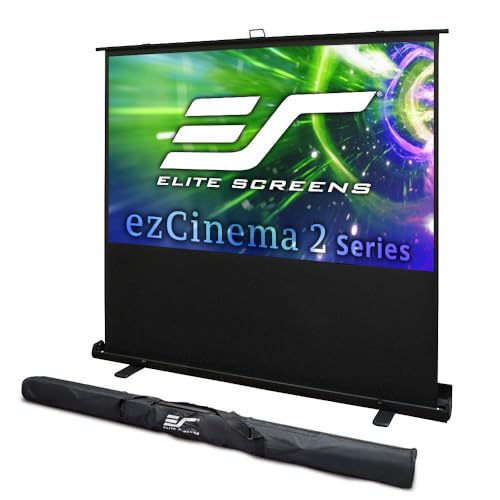 Elite ezCinema 70"
|
Premium | Scissor-backed quick pull-up | Small classrooms & on-cart setups | Check Price | ||
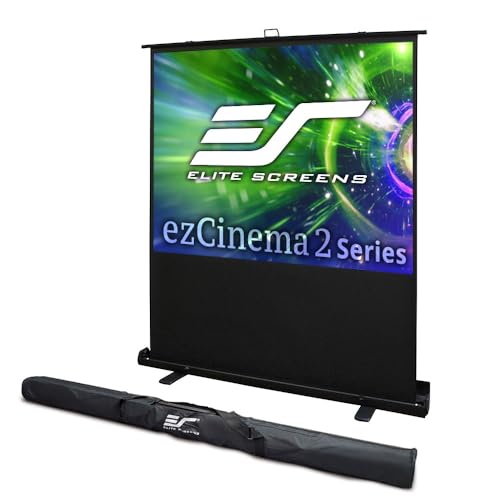 Elite ezCinema 120"
|
Premium | 120" scissor-backed floor screen | Large mobile presentations | Check Price | ||
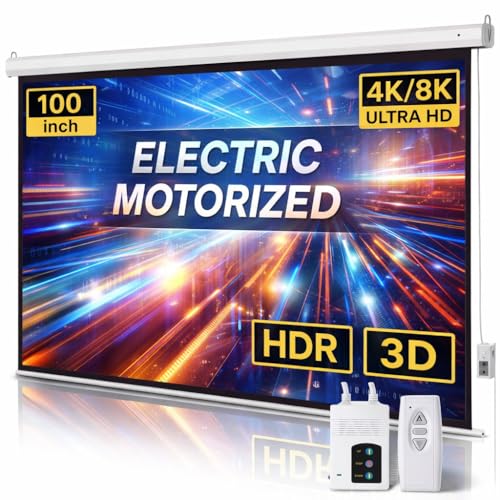 AMZOSS Motorized 100"
|
Budget | Motorized remote control | Ceiling/wall-mounted classroom installs | Check Price |
1. Projector Screen Outdoor, 120 inch Projection Screen with Stand, Foldable Anti-Crease Movie Portable Projector Screen with Carrying Bag, for Home Theater, Office, Classroom, Party, Games
A roomy, teacher-friendly portable screen with a two-tripod stand and carrying bag. It’s lightweight and fast to assemble, giving a large, clear viewing area ideal for group instruction; some users report mixed sturdiness in windy or very heavy-use conditions.
Key Specs
- 120-inch diagonal viewing area
- Tripod stand with two foldable tripods
- Portable, folds into carrying bag
- Anti-crease surface; easy pole/velcro setup
Pros
- Very large viewing area for classrooms
- Quick, tool-free setup
- Lightweight and easy to transport
Cons
- Sturdiness is mixed — may need extra anchoring outdoors
- Not as rugged as heavy-duty classroom screens
Best For: Large classrooms & outdoor lessons
Check Latest Price on Amazon2. KSAN 120 inch Projection Screen with Stand, 16:9 Foldable Anti-Crease, Movie Portable Projector Screen with Carrying Bag for Outdoor Indoor Home Theater, Office, Classroom, Party, Games
A very affordable 120-inch portable screen that delivers good picture size and clear images for lessons or small events. The setup is straightforward and it folds into a carrying bag — tradeoffs include mixed reports on long-term durability and stability in harder use.
Key Specs
- 120-inch diagonal, 16:9 aspect
- Unique tripod design with ground stakes
- Foldable, lightweight with carrying bag
- Anti-crease material; easy assembly
Pros
- Great value for the size
- Easy to put up and take down
- Lightweight and transportable
Cons
- Durability can vary between units
- May need extra securing in breezy conditions
Best For: Teachers on a tight budget
Check Latest Price on Amazon3. Elite Screens Tripod, 100-Inch 4:3 Portable Projector Screen with Stand MaxWhite 2, 1.1 Gain, Adjustable Indoor Outdoor Pull Up Projection Screen for Home Theater, Office & Classroom, T100UWV1, Black
A well-engineered 100-inch tripod screen with a matte MaxWhite 2 surface that produces crisp, even images. It’s built for frequent handling (heavy-duty casing and adjustable height), making it a solid choice for teachers who move between rooms or need reliable daily use.
Key Specs
- 100-inch diagonal, 4:3 aspect ratio
- MaxWhite 2 matte material, 1.1 gain
- Auto-locking adjustable height
- Heavy-duty casing; US-based warranty/support
Pros
- Consistently praised image quality
- Sturdy construction and handy features
- Good portability for a classroom screen
Cons
- Size can be bulky for small vehicles
- Some users report retraction handling quirks
Best For: Daily classroom use & portability
Check Latest Price on Amazon4. Elite Screens Tripod, 120-Inch 4:3 Portable Projector Screen with Stand MaxWhite 2, 1.1 Gain, Adjustable Indoor Outdoor Pull Up Projection Screen for Home Theater, Office & Classroom, T120UWV1, Black
A larger version of Elite’s tripod model built for bigger classrooms and auditoriums. It offers excellent picture quality and adjustable viewing height, though there are occasional reports of durability issues with very heavy use.
Key Specs
- 120-inch diagonal, 4:3 aspect ratio
- MaxWhite 2 material, 1.1 gain
- Auto-locking viewing height adjustments
- Rugged casing with included carrying bag
Pros
- Excellent image fidelity for large groups
- Designed for portability despite its size
- Feature-rich for classroom flexibility
Cons
- Large footprint — needs more storage/transport space
- A few reports of parts failing after heavy use
Best For: Large rooms & assemblies
Check Latest Price on Amazon5. Elite Screens ezCinema 2, 70-inch 16:9, Manual Floor Pull Up Scissor Backed Projector Screen, Portable Home Theater Office Classroom Projection Carrying Bag, US Based Company 2-Year Warranty, F70XWH2
A compact, premium manual floor screen with a scissor-backed mechanism for seconds-quick setup. The MaxWhite 2 material performs well with 4K content; it's lightweight and travel-ready, but a small number of users report occasional rollability or breakage issues.
Key Specs
- 70-inch diagonal, 16:9 aspect ratio
- MaxWhite 2 front projection material, 1.1 gain
- Scissor-backed manual pull-up; aluminum casing
- Lightweight; carrying bag included; 2-year warranty
Pros
- Fast, tool-free deployment
- Great picture quality even with high-res sources
- Very portable and compact
Cons
- Some mixed feedback on sturdiness and rollability
- Smaller view size not ideal for large groups
Best For: Small classrooms & on-cart setups
Check Latest Price on Amazon6. Elite Screens ezCinema 2, 120-inch 4:3 Aspect Ratio Portable Manual Floor Pull Up with Scissor Backed Projector Projection Screen Office Classroom Church Home Theater + Carrying Bag, F120NWV2
A premium, travel-able floor screen that gives large classrooms a high-quality viewing surface and quick setup. It offers a wide viewing angle and pro-level material, though a few teachers note occasional flatness or sturdiness issues after heavy handling.
Key Specs
- 120-inch diagonal, 4:3 aspect ratio
- MaxWhite 2 material, 1.1 gain
- Scissor-backed floor pull-up; aluminum casing
- Wide viewing angle; carrying bag included
Pros
- High-quality image across wide angles
- Quick deployment and professional finish
- Good for traveling presenters
Cons
- Reports of flatness/lean on some units
- Larger size increases transport complexity
Best For: Large mobile presentations
Check Latest Price on Amazon7. Motorized Projector Screen with Remote Control, 100 Inch 4:3 Auto-Locking Portable Projection Screen, Manual Projector Screen Pull Down for Home Theater Office Classroom TV Usage (80" W x 60" H)
A budget-friendly motorized screen with remote and self-locking positions — ideal for a clean, mounted classroom setup. The PVC matte surface and quiet motor provide good image quality and convenience; buyers should note that budget motorized units can vary in long-term robustness.
Key Specs
- 100-inch diagonal (80" x 60" viewing area), 4:3 aspect
- PVC matte white screen, 1.3 gain
- Remote/RF control and prewired power cord
- Dual-purpose wall/ceiling installation; quiet motor (<42dB)
Pros
- Convenient motorized operation and remote control
- Black-backed surface improves contrast
- Silently deploys and locks at chosen positions
Cons
- Build quality can be variable in budget motorized models
- Remote requires a specialty battery (included) and may be easy to misplace
Best For: Ceiling/wall-mounted classroom installs
Check Latest Price on AmazonWhich One Should You Choose?
If budget is tight → choose the KSAN 120" Budget model (ASIN B0CYZNS4JR) for large size and value. If you need the most balanced, teacher-friendly option → choose the KSAN 120" with tripod stand (ASIN B0BTXYXQFZ) for size and portability. If portable daily use and build quality are top priorities → choose the Elite Screens Tripod 100" (ASIN B0998DY31P). For a tidy permanent installation with remote operation → consider the AMZOSS motorized 100" (ASIN B0BRPQS283) and pair it with a do-not-disturb mount and school AV cabling.
Best for Specific Scenarios
- Mobile teacher who travels between rooms: Elite Screens Tripod 100" (B0998DY31P) because of its balance of durability, compact case, and quick setup.
- Large classroom or outdoor lesson: KSAN 120" Tripod (B0BTXYXQFZ) because it gives a very large viewing area and folds into a carry bag.
- Mounted, polished classroom install: AMZOSS Motorized 100" (B0BRPQS283) because the motorized drop keeps the room tidy and is easy to deploy during lessons.
Frequently Asked Questions
Should I get a 4:3 or 16:9 screen for my classroom?
Pick the screen aspect ratio that matches your most-used projector and content. For classic data/projector setups and legacy projectors, 4:3 works well; for modern video lessons and widescreen content, 16:9 is preferable. Matching reduces black bars and maximizes readable area.
Is a motorized screen worth it for a classroom?
Motorized screens look neat and are convenient when permanently mounted, but they usually cost more and can be trickier to repair. If you move the screen often, a sturdy portable tripod or scissor-backed floor screen will be more flexible and lower risk.
How can I improve stability for a lightweight tripod screen?
Use the included ground stakes where appropriate, anchor the base with low-profile sandbags or classroom-safe weights, and position screens away from active walkways. For repeated heavy use, consider upgrading to a heavy-duty casing model or a floor pull-up with scissor backing.
How We Selected These Products
Our recommendations are based on data-driven analysis: we evaluated 155229+ products across 23916+ brands using a composite scoring system that weighs rating (40%), review volume (30%), price value (20%), and demand signals (10%). Every product is ranked by data, not opinions.
Last updated: August 28, 2026
As an Amazon Associate we earn from qualifying purchases at no extra cost to you. Full disclosure.
GearLark Score is our editorial ranking based on a composite analysis of product quality, value, and verified customer sentiment. Click through to Amazon for current pricing, availability, and live customer reviews.