As an Amazon Associate we earn from qualifying purchases. Learn more.
How to Choose a Laptop Backpack That Prevents Overheating (2026)
Laptops overheat when stored in tight, unventilated bags or when hot devices are sandwiched against insulating materials — leading to thermal throttling and shorter battery life. This guide is for commuters, students, and remote workers who carry high‑performance laptops and want to avoid heat-related slowdowns. You’ll learn how breathable materials, airflow-friendly constructions, and insulating sleeves stop overheating and which real products put those ideas into practice. I evaluated design details, materials and customer feedback to pick bags that manage heat without sacrificing organization or durability.
Quick Answer
Pick a backpack with airflow channels and a ventilated tech compartment to prevent laptop overheating. The Troubadour Pioneer Backpack 3.0 stands out because its padded tech section plus vented compartments and sculpted straps improve airflow and reduce trapped heat.
Our Top Picks
Quick Comparison
Select 2-3 products to compare side-by-side
| Compare | Product | GearLark Score | Price Tier | Key Feature | Best For | Action |
|---|---|---|---|---|---|---|
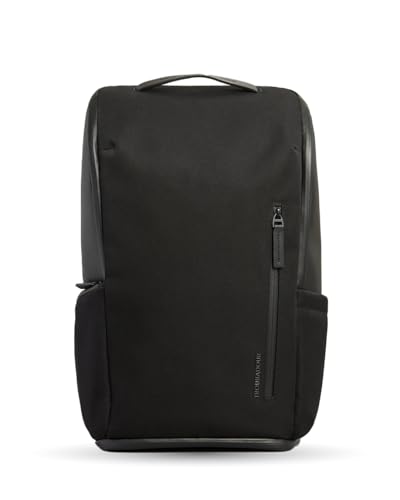 Troubadour Pioneer 3.0
|
Premium | Padded tech section + vented shoe compartment | Daily commuters who carry gear and want airflow | Check Price | ||
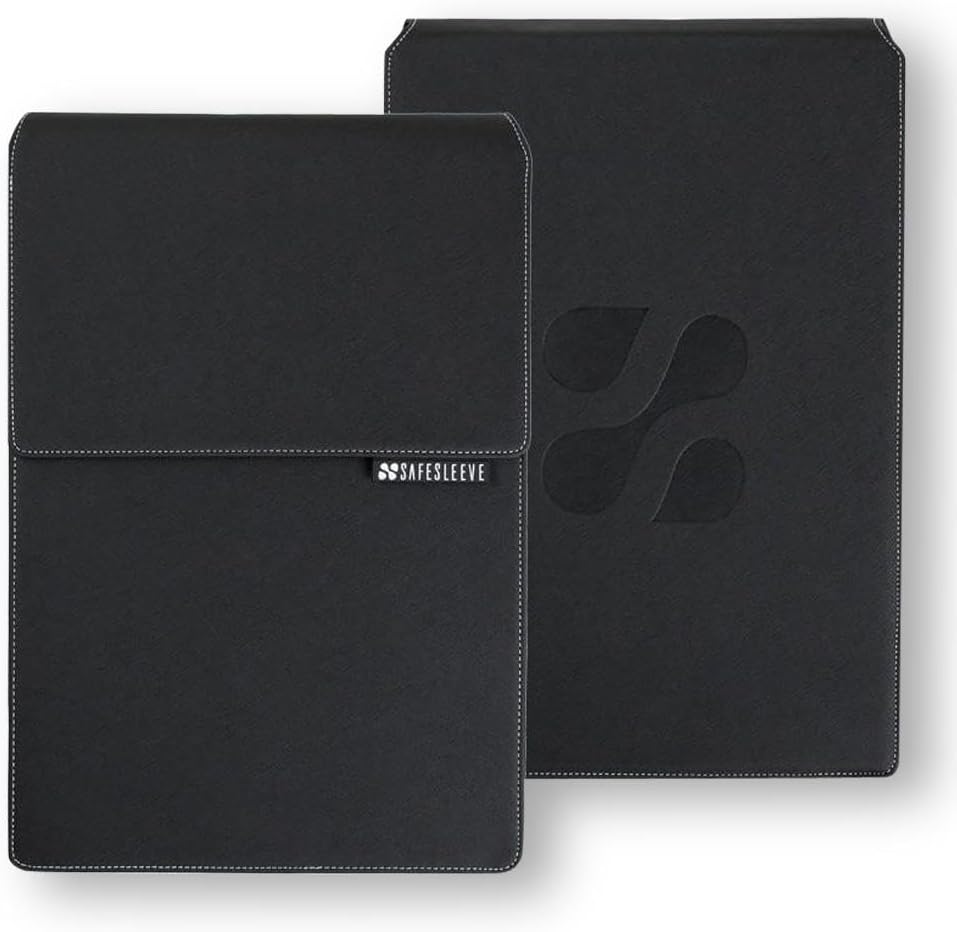 SafeSleeve 12-14" Case
|
Budget | Heat-shielding lining + breathable surfaces | Lightpackers who want a low-cost cooling sleeve | Check Price | ||
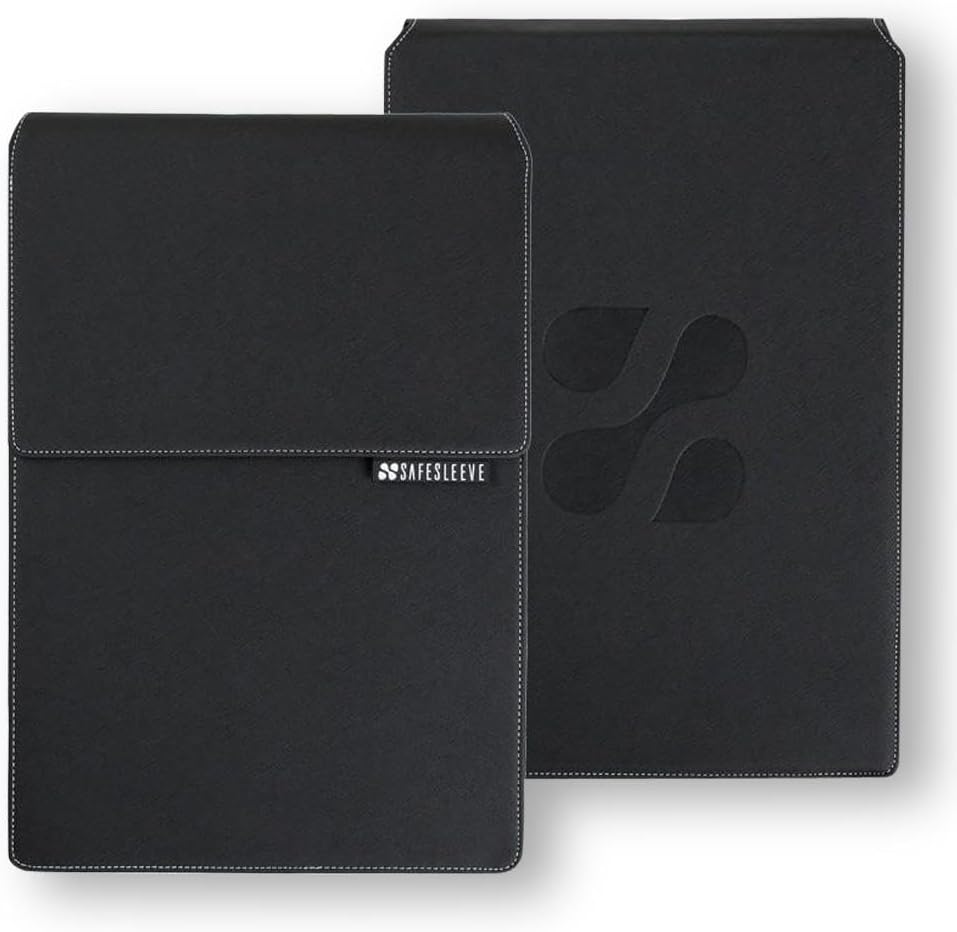 SafeSleeve 15-16" Case
|
Mid-Range | Larger heat-shielding sleeve for 15–16" laptops | Users with larger laptops who want airflow-friendly protection | Check Price |
1. Troubadour Pioneer Backpack 3.0 - Premium Everyday Bag with Padded Laptop Section, Ventilated Shoe Compartment & Sustainable Waterproof Material - All-Day LIghtweight Comfort Design - Black
The Pioneer 3.0 reduces trapped heat by combining a structured, padded laptop pocket with larger vented compartments and sculpted shoulder straps that keep the pack off your back. Durable weather‑resistant fabrics and a clamshell opening make it easy to access devices without stuffing them into tight gaps that block airflow.
Key Specs
- Clamshell front opening for easy access
- Padded tech section for laptop and iPad
- Vented shoe compartment to channel air
- Waterproof zippers and recycled fabric
Pros
- Well-engineered organization keeps devices from being compressed
- Sculpted straps and structure create natural air gaps behind the back
- High-quality materials and weather-resistant finish
Cons
- Premium price may affect perceived value for money
- Heavier than minimalist sleeves
Best For: Daily commuters who carry gear and want airflow
Check Latest Price on Amazon2. SafeSleeve EMF Protection Anti Radiation 12 - 14" Laptop Case: EMF Blocking, Heat Shielding and Laptop Case with Mouse Pad for 12 to 14 inch laptops (Black)
This sleeve uses heat‑shielding materials and breathable panels designed to let laptop fan exhaust breathe while you carry it. Its slim profile and built-in mouse pad make it a practical, low-cost way to prevent heat from being trapped inside a dense bag.
Key Specs
- EMF shielding fabric (lab-tested)
- Breathable surfaces to allow fan airflow
- Built-in mouse pad / desk workstation flap
- Fits most 12–14" laptops
Pros
- Slim, portable protection that reduces trapped heat
- Quality construction with a professional look
- Keeps laptop fans less obstructed compared with padded sacks
Cons
- Less storage and organization than a full backpack
- Some buyers debate value for money relative to basic sleeves
Best For: Lightpackers who want a low-cost cooling sleeve
Check Latest Price on Amazon3. SafeSleeve EMF Protection Anti Radiation 15-16" Laptop Case: EMF Blocking, Heat Shielding and Laptop Case with Mouse Pad for 15 to 16 inch laptops (Black)
The 15–16" SafeSleeve applies the same heat-shielding and breathable surface approach to bigger laptops, helping fan exhaust remain effective when the device is stored or carried. It’s an easy add-on for a larger laptop that would otherwise be boxed into a filled backpack compartment.
Key Specs
- Optimized airflow-friendly lining
- Military-grade shielding and impact-resistant materials
- Desk workstation flap with mouse pad
- Fits up to 15–16" laptops
Pros
- Good fit and protection for larger machines
- Sturdy construction that limits heat retention
- Functional mouse-pad flap useful for on‑the‑go work
Cons
- Limited internal organization compared with backpacks
- Value perception varies among shoppers
Best For: Users with larger laptops who want airflow-friendly protection
Check Latest Price on AmazonWhich One Should You Choose?
If budget is tight → choose the SafeSleeve 12–14" laptop case for an inexpensive, airflow-oriented sleeve that prevents fan blockage. If you need protection for a larger workstation laptop → pick the SafeSleeve 15–16" case to preserve exhaust airflow for bigger machines. If premium quality and everyday versatility matter → the Troubadour Pioneer Backpack 3.0 combines a padded tech section, vented compartments and ergonomic straps that reduce trapped heat and improve comfort.
Best for Specific Scenarios
- Daily commuter with lots of gear: Troubadour Pioneer 3.0 because its structured, clamshell design and vented compartments keep hot gear from being compressed against your laptop.
- Minimalist who wants a cooling sleeve: SafeSleeve 12–14" because it’s slim, shields heat and has breathable surfaces so fan exhaust isn’t blocked.
- Student with a 15" laptop: SafeSleeve 15-16" because it’s sized for larger laptops and includes heat-shielding features that help prevent thermal throttling in crowded bags.
Frequently Asked Questions
Can a backpack really cause my laptop to overheat?
Yes. A tight, fully enclosed compartment blocks fan exhaust and traps heat from both the CPU and battery. Compression by other items and insulating materials increases case temperature, which can lead to thermal throttling and reduced battery life. Choosing a bag with ventilation or using a breathable sleeve reduces that risk.
Are insulating or heat-shielding sleeves safe to use while the laptop is running?
They can be, but only if the sleeve allows fan exhaust to breathe. Look for sleeves with breathable panels or designed flaps that let air escape; fully insulated or tightly padded sleeves can trap heat and should be avoided when the laptop is doing heavy work. When in doubt, open the bag or remove the laptop during intensive tasks.
What features most effectively reduce thermal throttling when carrying a laptop?
Effective features are ventilated/back panels and sculpted straps that create an air gap, clamshell openings for flat access, dedicated tech compartments that prevent compression, and breathable sleeves or reflective linings that deflect external heat. Also separate power bricks and accessories into external pockets so they don’t heat the laptop compartment.
How We Selected These Products
Our recommendations are based on data-driven analysis: we evaluated 155229+ products across 23916+ brands using a composite scoring system that weighs rating (40%), review volume (30%), price value (20%), and demand signals (10%). Every product is ranked by data, not opinions.
Last updated: September 11, 2026
As an Amazon Associate we earn from qualifying purchases at no extra cost to you. Full disclosure.
GearLark Score is our editorial ranking based on a composite analysis of product quality, value, and verified customer sentiment. Click through to Amazon for current pricing, availability, and live customer reviews.