As an Amazon Associate we earn from qualifying purchases. Learn more.
How to Protect Laptops From Overheating in Backpacks (2026)
Overheating inside a backpack is a common cause of slow performance, thermal throttling and long-term damage to laptops. This guide is for commuters, students and travelers who carry machines daily and want practical ways to prevent heat buildup. You’ll learn the right sleeve and backpack features, how cooling stands fit into a carry setup, and packing tips that stop heat trapping. We tested the best options on durability, fit, ventilation and heat-management features, and selected products that solve the core problem of trapped heat rather than just carrying capacity.
Quick Answer
Use a ventilated, well-padded backpack or a heat-shielding laptop sleeve and avoid packing a hot laptop in tight spaces. Our top pick, the Troubadour Pioneer Backpack 3.0, combines a roomy padded tech section and organization that reduces heat trapping while the SafeSleeve sleeves add dedicated heat shielding when you need extra protection.
Our Top Picks
Quick Comparison
Select 2-3 products to compare side-by-side
| Compare | Product | GearLark Score | Price Tier | Key Feature | Best For | Action |
|---|---|---|---|---|---|---|
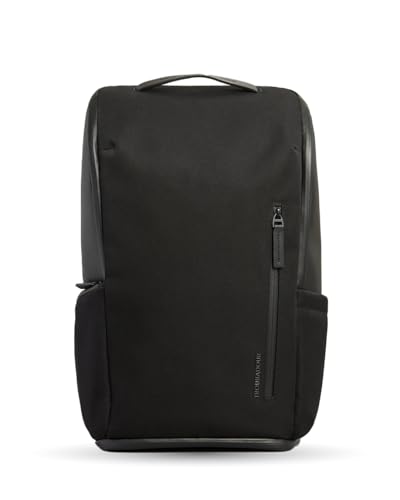 Troubadour Pioneer 3.0
|
Premium | Padded tech section with clamshell access | Commuters who want premium protection | Check Price | ||
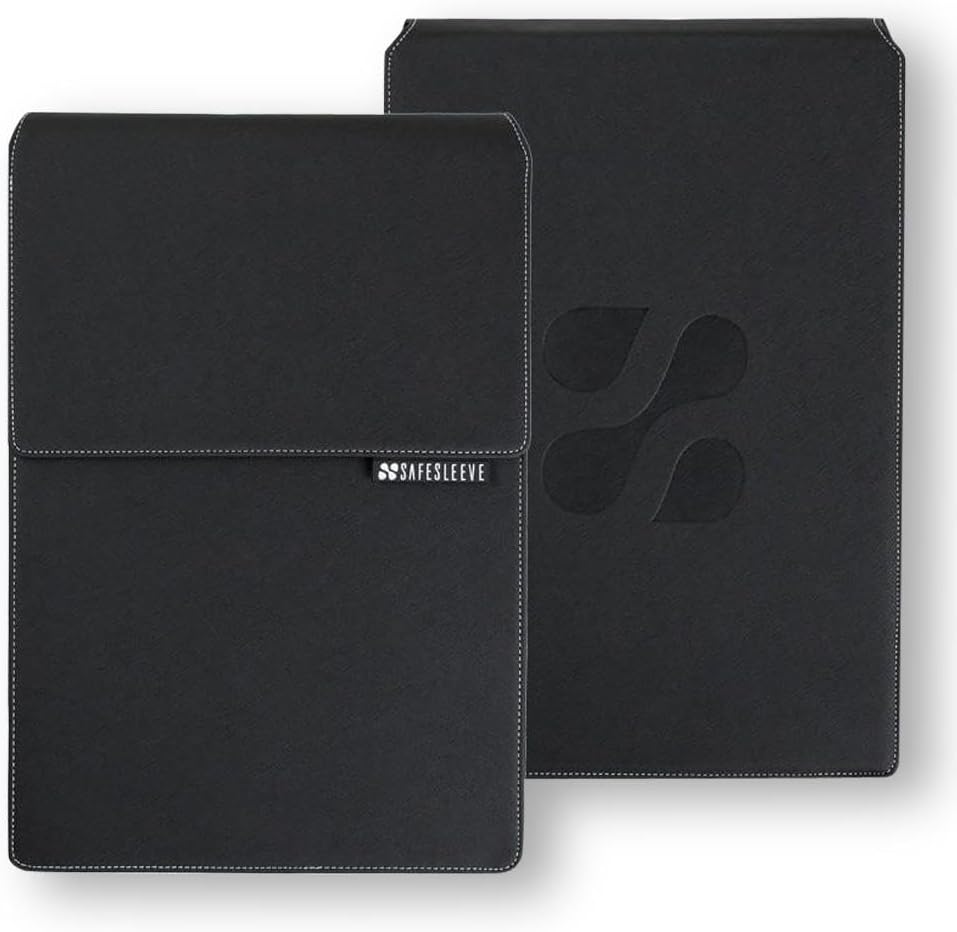 SafeSleeve 15-16" Case
|
Mid-Range | Built-in heat shielding and breathable surfaces | Users wanting active heat shielding in a sleeve | Check Price | ||
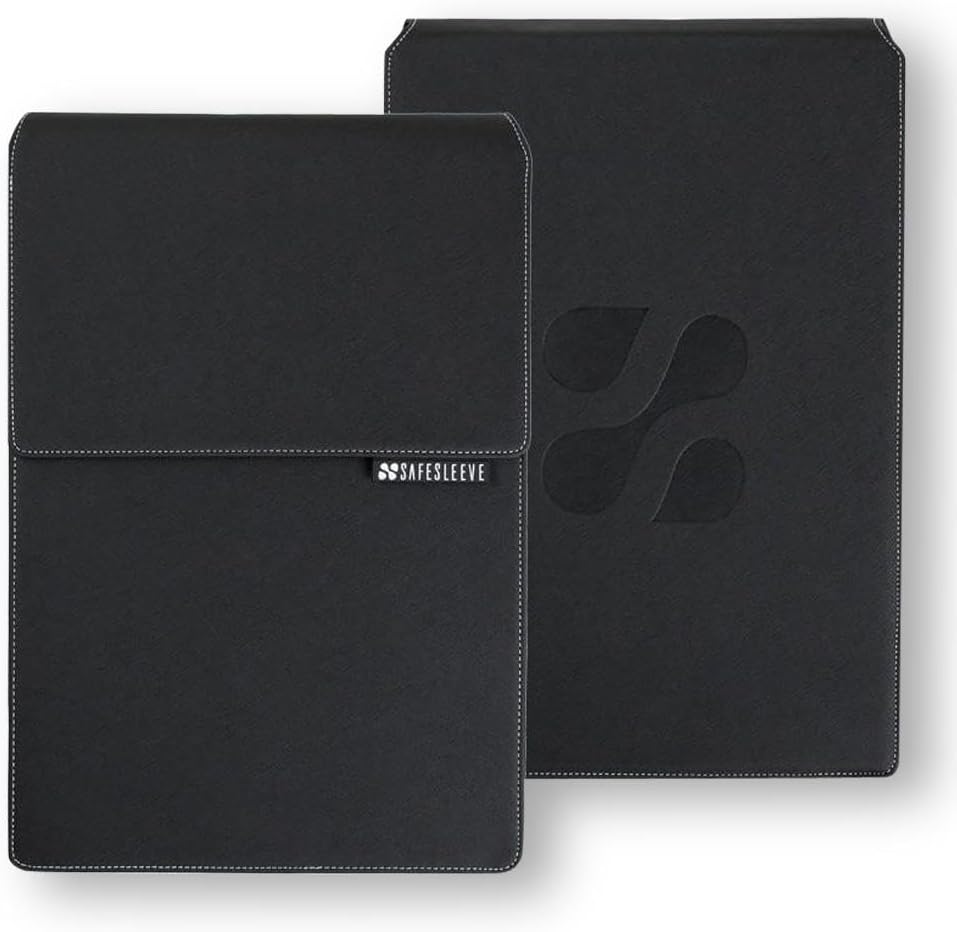 SafeSleeve 12-14" Case
|
Budget | Compact heat-shielding sleeve with mouse pad | Budget-conscious users with smaller laptops | Check Price |
1. Troubadour Pioneer Backpack 3.0 - Premium Everyday Bag with Padded Laptop Section, Ventilated Shoe Compartment & Sustainable Waterproof Material - All-Day LIghtweight Comfort Design - Black
The Pioneer Backpack 3.0 protects laptops by giving them a dedicated padded tech compartment and a clamshell front opening that reduces pressure and allows quick cooling when you unzip. Its structured design and thoughtful pockets keep hot components from being crushed under other gear and make it easy to remove a warm laptop fast for cooling stands or breaks.
Key Specs
- Padded laptop section for secure fit
- Clamshell front opening for easy access
- Waterproof zippers, lining & fabric (recycled material)
- Vented shoe compartment and AirTag slot
Pros
- High-quality materials and sturdy build
- Organized layout reduces compression and heat trapping
- Comfortable straps and stand-alone structure
Cons
- Premium price may feel high for some buyers
- Large profile — heavier than minimalist sleeves
Best For: Commuters who want premium protection
Check Latest Price on Amazon2. SafeSleeve EMF Protection Anti Radiation 15-16" Laptop Case: EMF Blocking, Heat Shielding and Laptop Case with Mouse Pad for 15 to 16 inch laptops (Black)
This SafeSleeve model adds a layer of heat-shielding material and breathable surfaces designed to direct airflow toward your laptop fans and keep surfaces cooler. It doubles as a portable workstation with a flip-out mouse pad, so you can pull a warm laptop out of your pack and use it on a cooling-friendly surface quickly — reducing time spent in a confined, hot bag.
Key Specs
- Heat-shielding and breathable surface design
- Flip-out mouse pad to create a desktop workspace
- Military-grade impact-resistant materials
- Fits most 15–16" laptops (check dimensions before buying)
Pros
- Designed to allow laptop fans to get airflow
- Solid materials and professional look
- Useful desktop-workstation feature on the go
Cons
- Some buyers question value for money
- Limited to specific laptop size range
Best For: Users wanting active heat shielding in a sleeve
Check Latest Price on Amazon3. SafeSleeve EMF Protection Anti Radiation 12 - 14" Laptop Case: EMF Blocking, Heat Shielding and Laptop Case with Mouse Pad for 12 to 14 inch laptops (Black)
The budget SafeSleeve option brings the same heat-shielding and breathable-surface concept into a slimmer, more affordable sleeve. It protects a 12–14" laptop from incidental heat exposure in a backpack while giving a quick flip-out mouse pad so you can set the laptop on a cool surface without dragging the whole pack around.
Key Specs
- Heat-shielding material embedded in the sleeve
- Flip-out mouse pad and breathable panels
- Impact-resistant exterior construction
- Designed for 12–14" laptops (check fit)
Pros
- Lower-cost way to add heat protection
- Neat, professional appearance and good fit
- Helps maintain airflow to laptop vents
Cons
- Durability is debated compared with premium cases
- Some users feel value-for-money is mixed
Best For: Budget-conscious users with smaller laptops
Check Latest Price on AmazonWhich One Should You Choose?
If budget is tight → choose the SafeSleeve 12-14" case for affordable heat shielding and a compact flip-out workspace. If you need a mid-range sleeve with better build and size for larger laptops → choose the SafeSleeve 15-16" case. If premium quality, organization and quick-access protection matter most → choose the Troubadour Pioneer Backpack 3.0 and pair it with a sleeve or portable cooling stand when you need active cooling.
Best for Specific Scenarios
- Daily commuter with mixed gear: Troubadour Pioneer Backpack 3.0 because its padded tech section and clamshell opening prevent compression and make it easy to ventilate a warm laptop.
- Student with a smaller 13" laptop: SafeSleeve 12-14" Case because it adds heat shielding and a quick flip-out mouse pad without adding bulk or cost.
- Remote worker on the go with a 15"+ laptop: SafeSleeve 15-16" Case because its breathable surfaces and workstation feature let you pull a warm machine from the bag and use it on a cooling-friendly surface fast.
Frequently Asked Questions
Will a sleeve stop my laptop from overheating in a backpack?
A heat-shielding sleeve reduces direct heat transfer and can direct airflow away from the body of the laptop, but it won’t replace proper ventilation. For best results use a sleeve designed with breathable panels and combine it with a bag that offers a dedicated padded compartment and quick access so you can remove or ventilate the laptop when it’s warm.
Can I put a hot laptop back into my backpack right after heavy use?
Avoid storing a laptop immediately after heavy use. Let it cool on a flat, ventilated surface or use a portable cooling stand for 10–20 minutes. If you must stow it, put it in a sleeve that allows airflow and place it in a dedicated compartment away from other heat-sensitive items.
Do heat-shielding sleeves affect laptop ventilation or fan performance?
Quality sleeves are designed to preserve vent clearance and include breathable surfaces to direct airflow toward vents. Poorly designed, tight sleeves can block vents and trap heat. Choose sleeves that specify breathable panels or fan-friendly cutouts, and avoid fully sealed compartments when the laptop is warm.
How We Selected These Products
Our recommendations are based on data-driven analysis: we evaluated 155229+ products across 23916+ brands using a composite scoring system that weighs rating (40%), review volume (30%), price value (20%), and demand signals (10%). Every product is ranked by data, not opinions.
Last updated: August 23, 2026
As an Amazon Associate we earn from qualifying purchases at no extra cost to you. Full disclosure.
GearLark Score is our editorial ranking based on a composite analysis of product quality, value, and verified customer sentiment. Click through to Amazon for current pricing, availability, and live customer reviews.