As an Amazon Associate we earn from qualifying purchases. Learn more.
USB-C Hub vs Docking Station vs Portable Monitor: Which to Pack for Coffee-Shop Presentations (2026)
If you often set up presentations in coffee shops, campus lounges or study rooms, choosing between a USB‑C hub, docking station or portable monitor matters. This guide compares portability, ports, power delivery and presentation reliability so you pack the right kit. We tested and ranked three portable monitors (selected for portability, port options, power delivery support and real‑user feedback) and compare them to the general tradeoffs you’d see with hubs and docks. Read on to find the fastest, most reliable setup for student and small‑group presentations.
Quick Answer
For most students and presenters who want minimal fuss and reliable on-the-go displays, a portable monitor is the best choice — the Kado Portable Monitor 15.6" (ASIN B0DLW48Y7R) offers the best balance of screen size, connectivity and plug‑and‑play reliability. If you need the cheapest extra screen, the ALOLG 13.5" is the budget pick; the ALOLG 10.5" is a premium compact option.
Our Top Picks
Quick Comparison
Select 2-3 products to compare side-by-side
| Compare | Product | GearLark Score | Price Tier | Key Feature | Best For | Action |
|---|---|---|---|---|---|---|
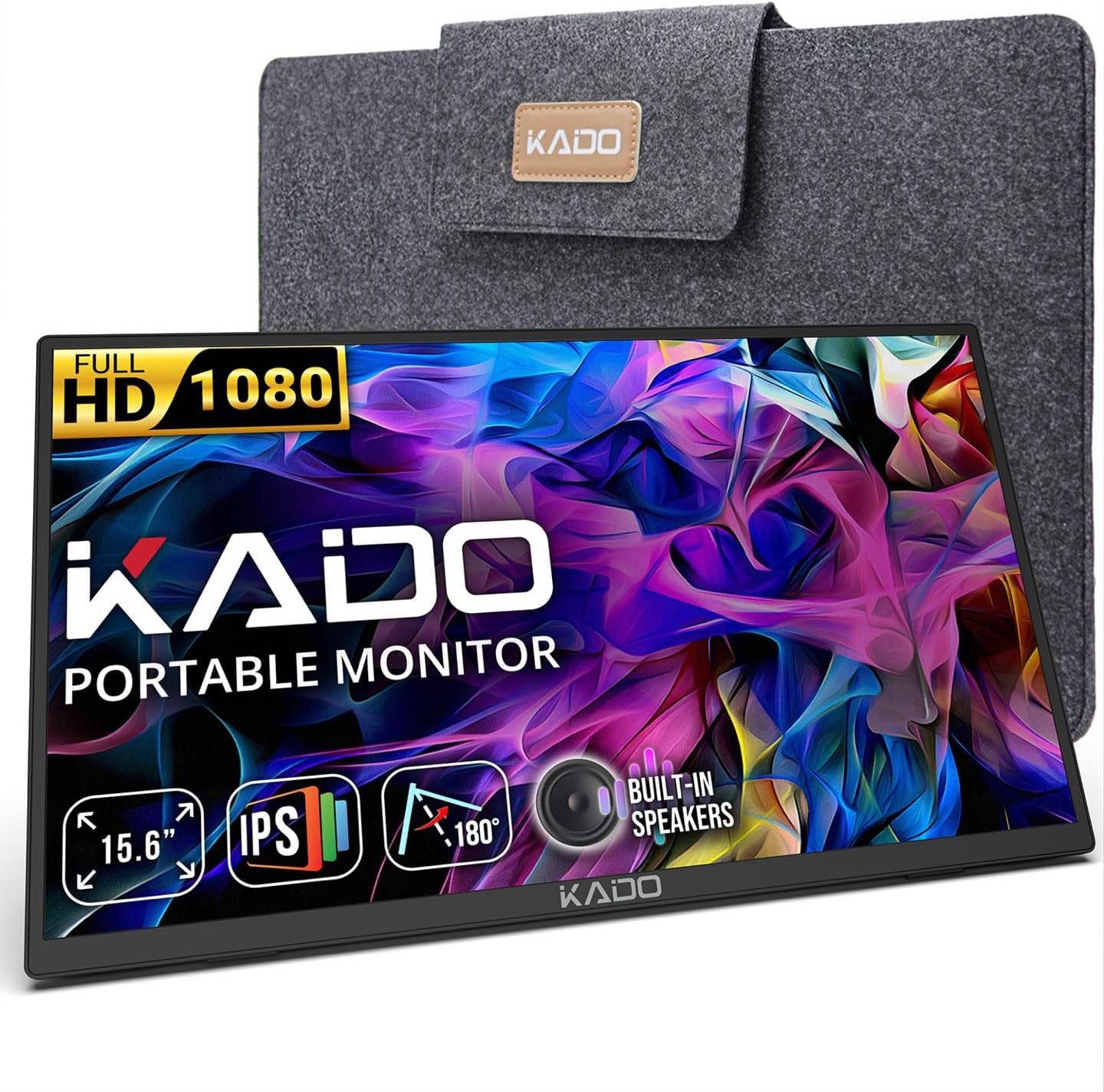 Kado 15.6" Portable
|
Mid-Range | Large 15.6" FHD IPS with VESA mount | Presenters who want a roomy, reliable second screen | Check Price | ||
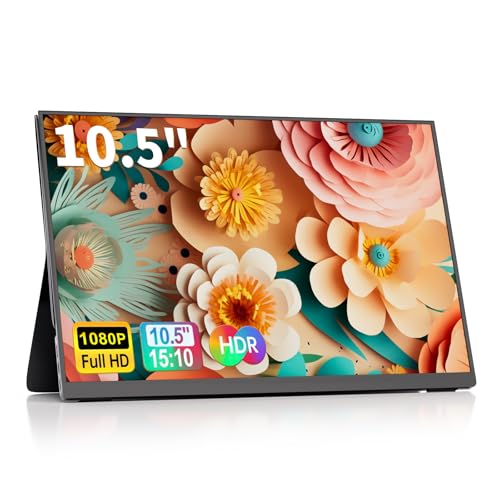 ALOLG 10.5"
|
Premium | Ultra‑slim 10.5" 1920x1200 with HDR | Presenters needing the smallest, most travel‑friendly display | Check Price | ||
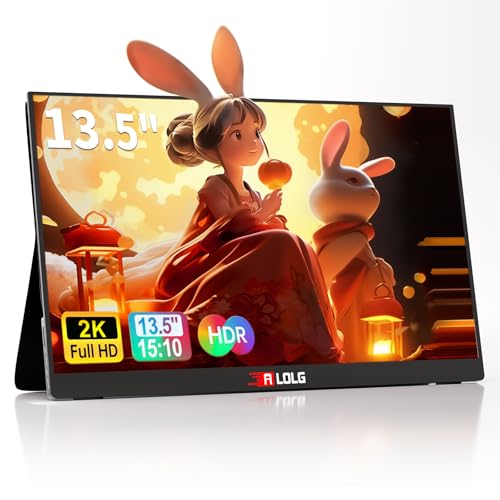 ALOLG 13.5"
|
Budget | Higher-res 13.5" 2256x1504 panel | Budget-minded presenters who want more screen than pocket tablets | Check Price |
1. Kado Portable Monitor 15.6-Inch FHD 1080p, USB-C mini-HDMI Gaming Monitor IPS Display Built-in Speakers, External Display 180 Kickstand Wall/Arm Mount for Laptop PC Phone Mac Xbox PS4/PS5 Switch
A balanced portable monitor that leans toward presentation reliability: full HD clarity, USB‑C and mini‑HDMI inputs, built‑in speakers and a stable kickstand. Customers note straightforward setup and solid value for the quality delivered.
Key Specs
- 15.6" Full HD IPS display (1920x1080)
- USB‑C and mini‑HDMI inputs
- Built‑in speakers and 180° kickstand
- 100x100mm VESA mountable
Pros
- Better screen size for group presentations than the ALOLG 10.5"
- Easier setup and connectivity than many basic budget monitors
- More versatile mounting (VESA) than the ALOLG smart cover
Cons
- Larger footprint than the ALOLG 10.5" makes it slightly less pocketable
- Not positioned as premium build as leather‑covered small-screen alternatives
Best For: Presenters who want a roomy, reliable second screen
Check Latest Price on Amazon2. 10.5''Portable Monitor for latop ,2K FHD 60HZ Laptop Monitor Screen,USB-C and HDMI Inputs, Ultra-Slim IPS Panel with HDR and Premium Smart Cover & Speakers for Laptop,PC,Phone,PS4/5,Switch,Mac,Xbox
A compact, premium‑positioned portable monitor with HDR, dual USB‑C and mini‑HDMI. The smart PU leather cover and slim profile make it very travel friendly, but some users report mixed cable/connectivity experiences.
Key Specs
- 10.5" IPS display 1920x1200, 60Hz with HDR
- Two USB‑C ports plus mini‑HDMI and 3.5mm audio input
- PU leather smart cover with two viewing grooves
- Plug‑and‑play (no drivers)
Pros
- More compact and travel friendly than the Kado 15.6"
- Premium smart cover finish compared with the budget 13.5" model
- Higher pixel density than larger Full HD panels
Cons
- Some buyers report inconsistent cable connectivity compared with the Kado
- Smaller screen may be too tight for group viewing compared with 15.6" options
Best For: Presenters needing the smallest, most travel‑friendly display
Check Latest Price on Amazon3. 13.5''Portable Monitor for latop ,2K FHD 60HZ Laptop Monitor Screen,USB-C and HDMI Inputs, Ultra-Slim IPS Panel with HDR and Premium Smart Cover & Speakers for Laptop,PC,Phone,PS4/5,Switch,Mac,Xbox
A budget‑friendly 13.5" portable monitor with a sharper‑than‑usual resolution (2256x1504), dual USB‑C and mini‑HDMI support, and a smart PU leather cover. Offers strong picture quality for the price but has mixed notes about connectivity consistency.
Key Specs
- 13.5" IPS display 2256x1504, 60Hz with HDR
- Two USB‑C ports plus mini‑HDMI and 3.5mm audio input
- 0.4" thin, ~1.63 lb lightweight design
- PU leather smart cover stand with two viewing grooves
Pros
- Better screen real estate/value than the 10.5" for group work
- Lighter and thinner than many mid‑range portable monitors
- Stronger value proposition than some pricier compact options
Cons
- Connectivity and cable inclusion reports are mixed compared with the Kado
- Build/sturdiness can feel less robust than premium small models
Best For: Budget-minded presenters who want more screen than pocket tablets
Check Latest Price on AmazonWhich One Should You Choose?
If budget is tight → Choose the ALOLG 13.5" (ASIN B0DFYNGZFG). It gives the best screen size/value balance for small group presentations without a big spend. If you need the most reliable, easy‑to‑read portable screen for coffee‑shop presentations → Choose the Kado 15.6" (ASIN B0DLW48Y7R). Its larger display, simple plug‑and‑play connectivity and VESA option make it the most presentation‑friendly pick. If premium build and the smallest footprint matter (you prioritize packability and a high pixel density) → Choose the ALOLG 10.5" (ASIN B0DYNJZ54W). It’s the smallest, dressiest option but expect to double‑check cable compatibility before a critical presentation.
Best for Specific Scenarios
- Solo student study sessions: ALOLG 10.5" — compact and high pixel density makes reading and note‑taking easy on the go.
- Group coffee‑shop presentations: Kado 15.6" — bigger screen area and simple HDMI/USB‑C inputs keep audiences focused and reduce squinting.
- Low‑budget portability: ALOLG 13.5" — more screen than a tablet for a lower price, good for classmates and small groups.
Frequently Asked Questions
Do portable monitors charge my laptop via USB‑C?
Some portable monitors support USB‑C power delivery (PD) and can pass power to your laptop while receiving video. Check the product specs for PD or pass‑through support; if not listed, you’ll need your laptop charger.
Will these monitors work with a phone or a Switch?
Yes — all three models include USB‑C video and mini‑HDMI, so they’ll work with phones that support USB‑C video and with consoles like the Nintendo Switch (via HDMI). Phones often need full USB‑C video support (alt mode), so verify your phone’s compatibility.
What should I pack to avoid connectivity issues at a coffee shop?
Bring a short USB‑C to USB‑C video cable, a mini‑HDMI cable (and adapter if your laptop uses full HDMI), and a compact charger if your monitor doesn’t supply PD. Also pack the monitor’s smart cover/stand and, if possible, test the setup at home before a live presentation.
How We Selected These Products
Our recommendations are based on data-driven analysis: we evaluated 155229+ products across 23916+ brands using a composite scoring system that weighs rating (40%), review volume (30%), price value (20%), and demand signals (10%). Every product is ranked by data, not opinions.
Last updated: September 29, 2026
As an Amazon Associate we earn from qualifying purchases at no extra cost to you. Full disclosure.
GearLark Score is our editorial ranking based on a composite analysis of product quality, value, and verified customer sentiment. Click through to Amazon for current pricing, availability, and live customer reviews.