As an Amazon Associate we earn from qualifying purchases. Learn more.
Best Compact Docking Stations for Small Home Offices (2026)
Working with a small desk but running dual monitors or a laptop + external display? This guide looks at compact docking solutions and vertical laptop docks that free up surface area without sacrificing connectivity. You'll learn which picks save the most space, which handle dual-monitor setups best, and trade-offs around build quality, portability, and longevity. Products were selected for compactness, connectivity for external displays, and real-user feedback on fit, sturdiness and ease of use.
Quick Answer
For most small home offices the HumanCentric Vertical Laptop Stand (Matte Black, B07RV556B7) is the best space-saving choice — it frees desk area for monitors and accessories while securely docking a laptop. If you need an all-in-one powered dock with HDMI for dual displays, consider the Lenovo GaN Charging Dock (B0F8NZW65K).
Our Top Picks
Quick Comparison
Select 2-3 products to compare side-by-side
| Compare | Product | GearLark Score | Price Tier | Key Feature | Best For | Action |
|---|---|---|---|---|---|---|
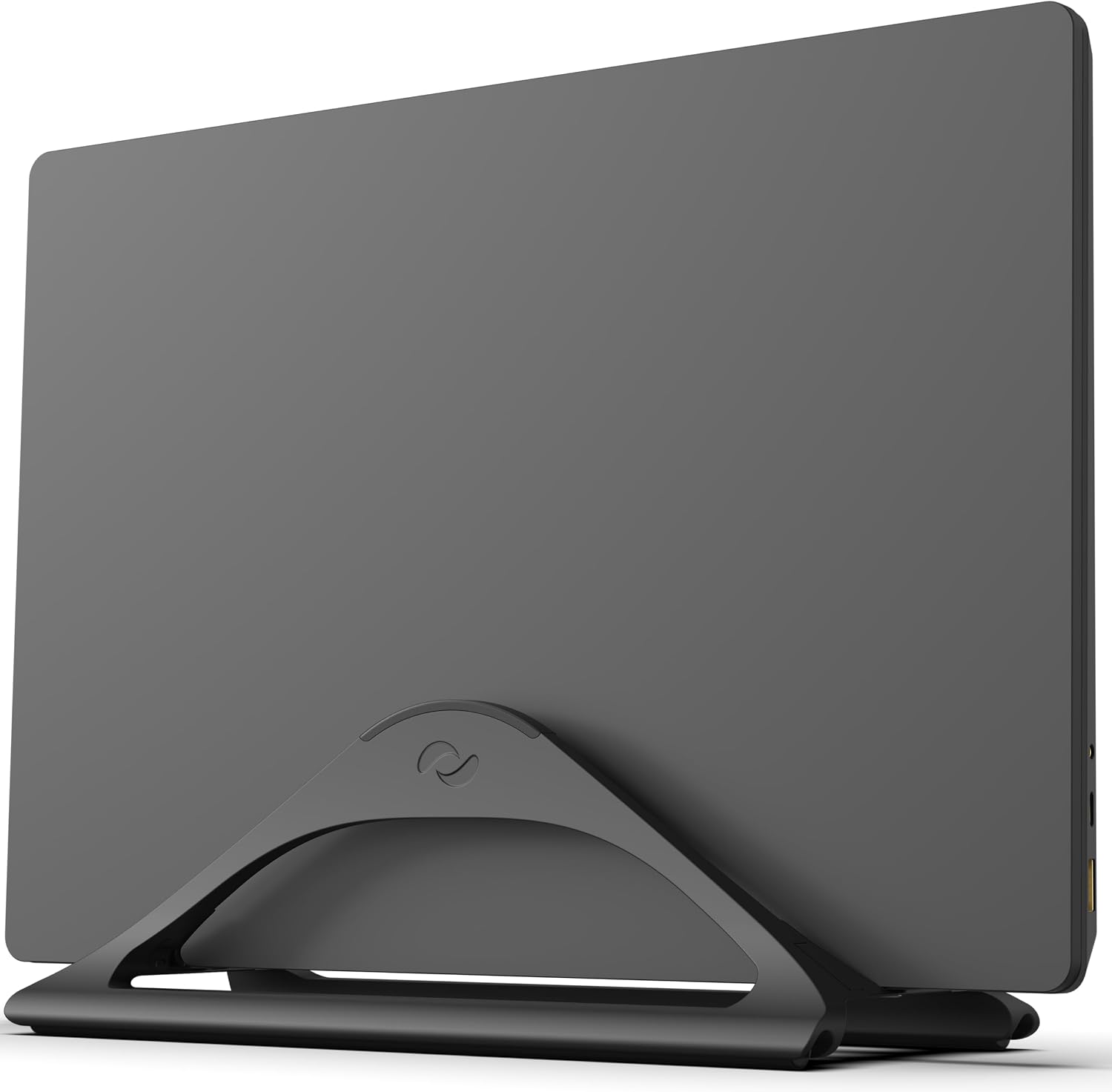 HumanCentric Vertical Stand (Black)
|
Budget | Automatic adjustable vertical grip | Small desks that need cleared surface space | Check Price | ||
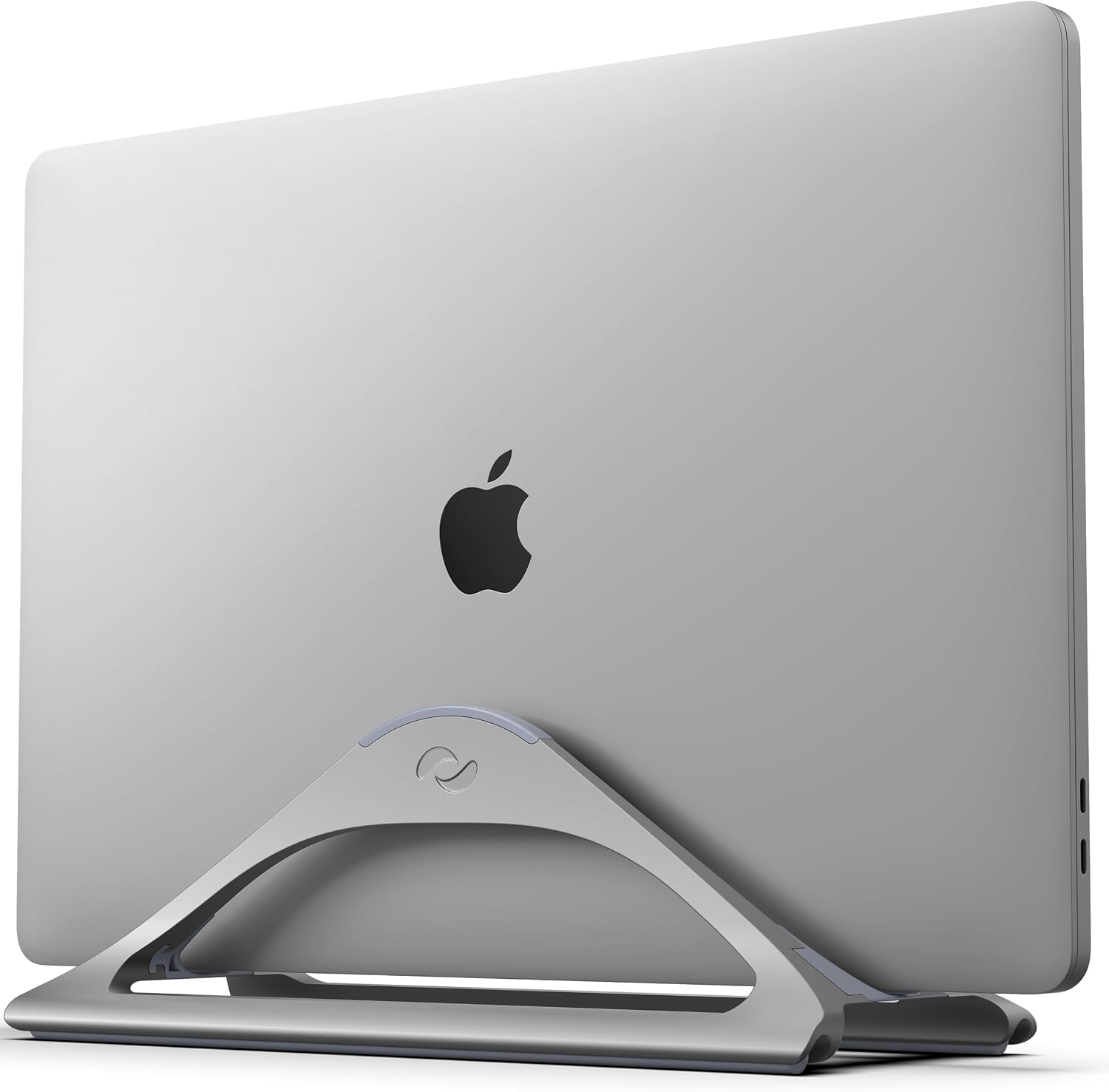 HumanCentric Vertical Stand (Grey)
|
Budget | Color-matched aluminum finish | Budget-conscious users who want a tidy desk | Check Price | ||
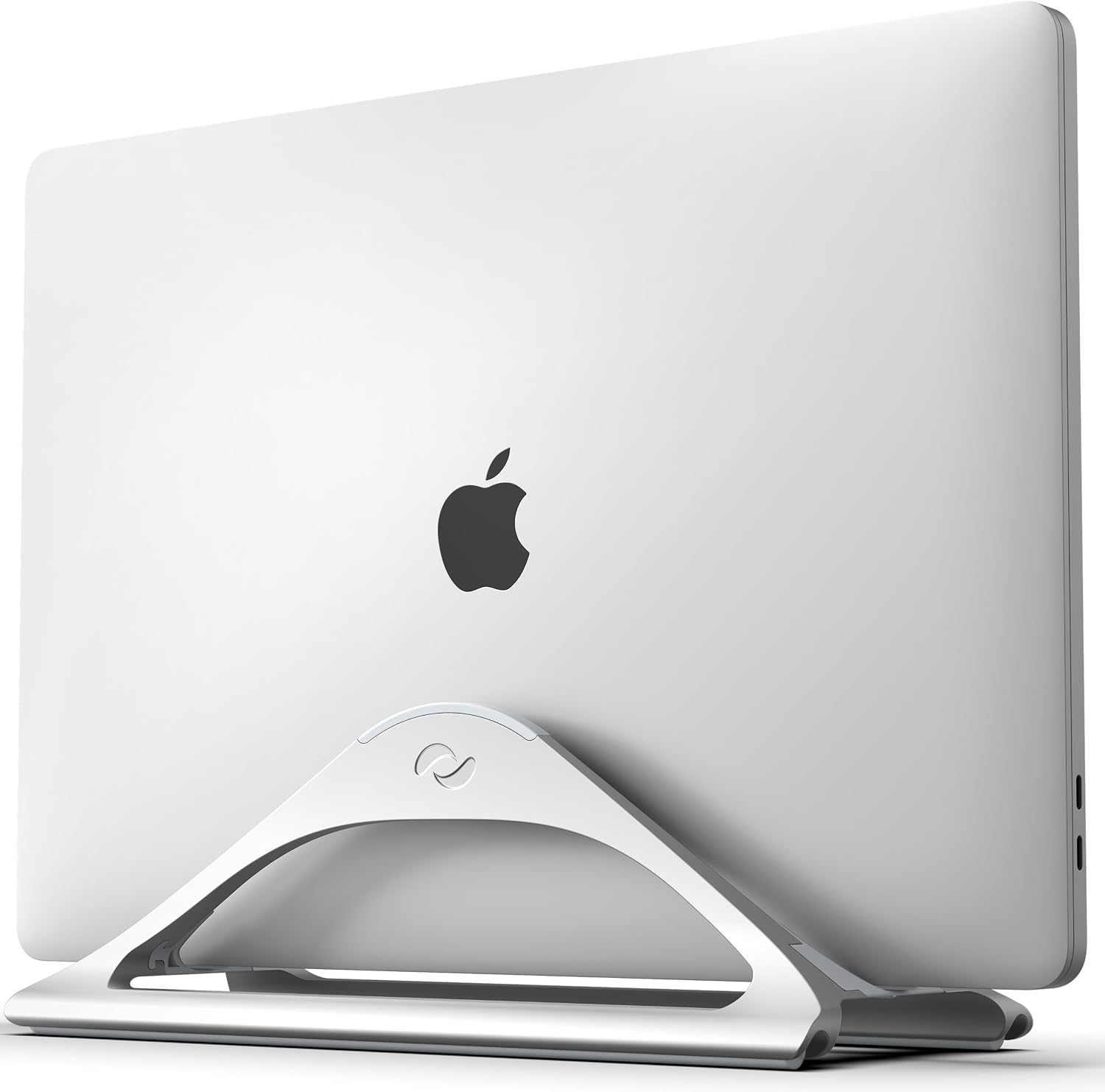 HumanCentric Vertical Stand (Silver)
|
Budget | Scratch-resistant silicone protection | Users who want consistent desk aesthetics | Check Price | ||
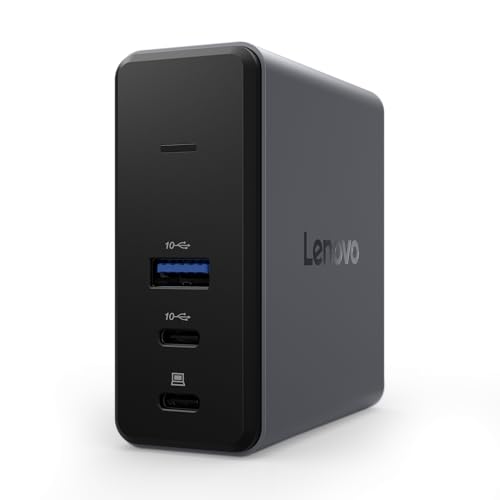 Lenovo GaN Charging Dock
|
Premium | 60W GaN power + HDMI 2.1 | Dual-monitor setups and travel-ready power | Check Price |
1. HumanCentric Vertical Laptop Stand for Desks in Matte Black, Upright Adjustable Holder to Dock Apple MacBook, MacBook Pro, and Other Laptops to Organize Work & Home Office, Automatic Grip
A compact anodized-aluminum vertical stand that docks laptops upright to free desk space for monitors and peripherals. It’s easy to use and fits many laptops up to 1" thick, though stability and fit for the largest 16" models can be hit-or-miss.
Key Specs
- Material: Anodized aluminum alloy
- Fits laptops up to 1 inch thickness
- Automatic grip — no tools or inserts
- Silicone pads and feet for scratch protection
Pros
- Slim, space-saving profile for small desks
- Good build appearance and aluminum finish
- Simple, tool-free setup and use
Cons
- Stability varies with some heavier laptops
- Some users report tight or loose fit on certain models
Best For: Small desks that need cleared surface space
Check Latest Price on Amazon2. HumanCentric Vertical Laptop Stand for Desks in Space Grey, Upright Adjustable Holder to Dock Apple MacBook, MacBook Pro, and Other Laptops to Organize Work & Home Office, Automatic Grip
Nearly identical to the matte-black model but in space grey to match modern laptops — it saves precious desk area and looks premium for the price. Expect generally reliable quality, though opinions on value and long-term sturdiness are mixed.
Key Specs
- Anodized aluminum alloy with space grey finish
- Fits most MacBooks and laptops up to 1" thick
- Silicone feet and pads to prevent scratches
- Tool-free automatic adjustment
Pros
- Attractive finish that matches modern laptops
- Lightweight and simple to reposition
- Affordable way to free desk real estate
Cons
- Not ideal for very large 16" laptops
- Some users report occasional tipping with uneven loads
Best For: Budget-conscious users who want a tidy desk
Check Latest Price on Amazon3. HumanCentric Vertical Laptop Stand for Desks in Silver Color, Upright Adjustable Holder to Dock Apple MacBook, MacBook Pro, and Other Laptops to Organize Work & Home Office, Automatic Grip
The silver variant offers the same compact, tool-free docking as other HumanCentric stands with a finish that complements silver laptops. It’s a straightforward space-saver, though buyers should check fit for thicker laptops and balance concerns for heavier machines.
Key Specs
- Silver anodized aluminum construction
- Fits laptops up to 1" thickness
- Silicone pads for grip and scratch resistance
- Patent-pending minimalist design
Pros
- Clean, minimalist look that blends with many setups
- Protects laptops from desk spills and scratches
- Quick to dock and remove devices
Cons
- Mixed feedback on long-term durability under heavy use
- Some laptops may feel loose or too snug
Best For: Users who want consistent desk aesthetics
Check Latest Price on Amazon4. Lenovo GaN Charging Dock, Multiport Docking Station w/ 60W PD, HDMI, USB-C, USB-A, Micro SD, Power Adapter & Dock in One, Compact Design, Sustainable Materials, Home Office Gaming Dock Stand Console
A compact GaN-powered multiport dock that combines 60W PD with HDMI 2.1 (4K@60Hz), high-speed USB ports and a Micro SD slot. It’s small enough for tight desks or travel and uses recycled materials, but some buyers report mixed results on advanced functionality depending on their setup.
Key Specs
- GaN technology with 60W maximum power delivery
- HDMI 2.1 supporting 4K at 60Hz
- 2 x USB-C (up to 10Gbps), 1 x USB-A (up to 10Gbps), Micro SD
- Made from 90% post-consumer recycled materials; includes cables and silicone stand
Pros
- Small, portable dock with real power delivery
- Good mix of ports for dual-monitor and peripheral setups
- Sustainable construction and included travel accessories
Cons
- Functionality can vary with different laptops and cables
- Premium tier — higher cost than basic hubs
Best For: Dual-monitor setups and travel-ready power
Check Latest Price on AmazonWhich One Should You Choose?
If budget is tight → pick a HumanCentric vertical stand (B07RT2C23Y or B07RT28Z6N) to reclaim desk space affordably. If you need portable power + video for dual monitors → choose the Lenovo GaN Charging Dock (B0F8NZW65K). If you want the best balance of look, functionality and broad fit for a small office → the HumanCentric Matte Black (B07RV556B7) is the most versatile space-saver.
Best for Specific Scenarios
- Tiny apartment desk: HumanCentric Vertical Stand (B07RV556B7) because it frees horizontal space so you can fit a full monitor and keyboard.
- Travel and coworking: Lenovo GaN Charging Dock (B0F8NZW65K) because it combines power delivery, HDMI and fast ports in a pocketable design.
- Budget clean setup: HumanCentric Space Grey (B07RT2C23Y) because it’s inexpensive, attractive, and simple to use for home-office decluttering.
Frequently Asked Questions
Can a vertical laptop stand handle a 16-inch MacBook Pro?
It depends. HumanCentric stands fit laptops up to 1" thick, but some users report fit and stability issues with the largest 16" models. Measure your laptop thickness and consider cases or skins before buying; if you run a heavier 16" model frequently, a sturdier stand or a powered dock may be a better choice.
Will the Lenovo GaN Dock power my laptop and run two external monitors?
The Lenovo GaN Charging Dock supplies up to 60W PD and includes HDMI 2.1 for 4K@60Hz; it's well-suited for single high-resolution displays and most dual-monitor workflows when paired with compatible hardware. Check your laptop’s display-out capabilities and whether your setup requires a second active video connection or a display splitter.
Do these docks/stands require tools to set up?
No — the HumanCentric vertical stands adjust automatically and need no tools, and the Lenovo dock comes with cables, a silicone stand, and a travel pouch for simple plug-and-play setup. You may need to route cables or configure display settings in your OS for dual-monitor use.
How We Selected These Products
Our recommendations are based on data-driven analysis: we evaluated 155229+ products across 23916+ brands using a composite scoring system that weighs rating (40%), review volume (30%), price value (20%), and demand signals (10%). Every product is ranked by data, not opinions.
Last updated: September 14, 2026
As an Amazon Associate we earn from qualifying purchases at no extra cost to you. Full disclosure.
GearLark Score is our editorial ranking based on a composite analysis of product quality, value, and verified customer sentiment. Click through to Amazon for current pricing, availability, and live customer reviews.