As an Amazon Associate we earn from qualifying purchases. Learn more.
Best Dual Monitor Setups for Small Holiday Hosts Working Remotely (2026)
If you host family or guests during the holidays but still need to work remotely in tight spaces, this guide is for you. We tested and compared compact portable monitors that pair well as a second screen or part of a dual-monitor setup that tucks away when guests arrive. Youll learn which screens and docks save surface area, which need extra power or adapters, and which deliver the best picture and build quality for small, seasonal workstations. Products were selected for portability, compact footprint, connectivity, ease of installation, and real-world customer feedback on durability and value.
Quick Answer
For small holiday hosts who need compact dual-monitor setups, the InnoView 18 Inch 260Hz Portable Monitor (ASIN B0DFM16BQ7) is the top pick for its large 16:10 workspace, vivid color, and multiple mounting options. For tight budgets the MP Duex Plus DS 13.3" (ASIN B0CJQTMJKG) delivers slim portability and reliable plug-and-play value.
Our Top Picks
Quick Comparison
Select 2-3 products to compare side-by-side
| Compare | Product | GearLark Score | Price Tier | Key Feature | Best For | Action |
|---|---|---|---|---|---|---|
 InnoView 18" 2K Portable |
Premium | Large 18" 16:10 2K display | Hosts needing bigger workspace | Check Price | ||
 MP Duex Plus DS 13.3" |
Mid-Range | Ultra-slim 0.25 in profile | Hosts who need portability | Check Price | ||
 Duex Plus DS 2025 |
Mid-Range | Magnet-attach dual modes | Hosts wanting integrated extender | Check Price | ||
 Duex Plus DS Premium |
Premium | Robust PC-ABS and aluminum build | Hosts who want premium build | Check Price | ||
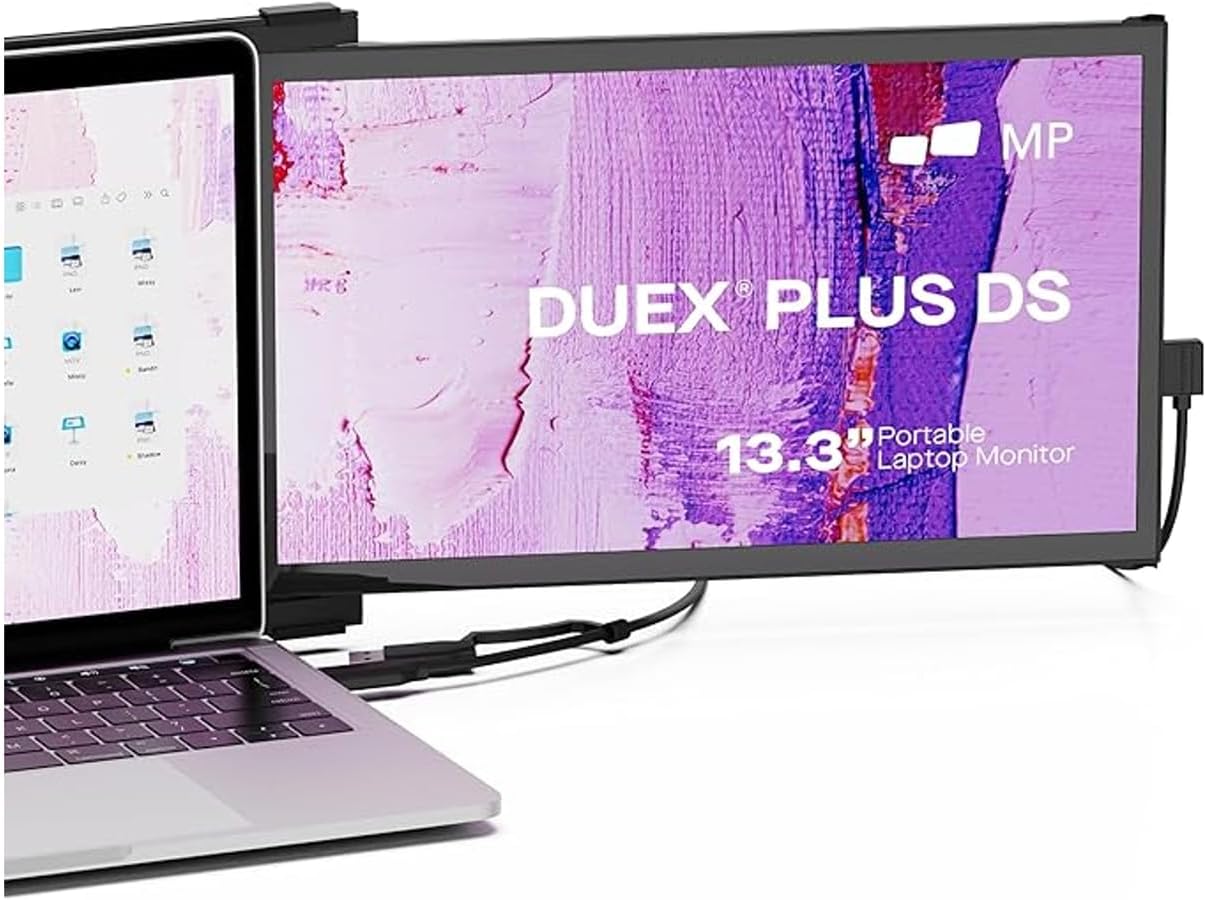 MP Duex Plus Budget |
Budget | Affordable 13.3" FHD extender | Cost-conscious seasonal hosts | Check Price | ||
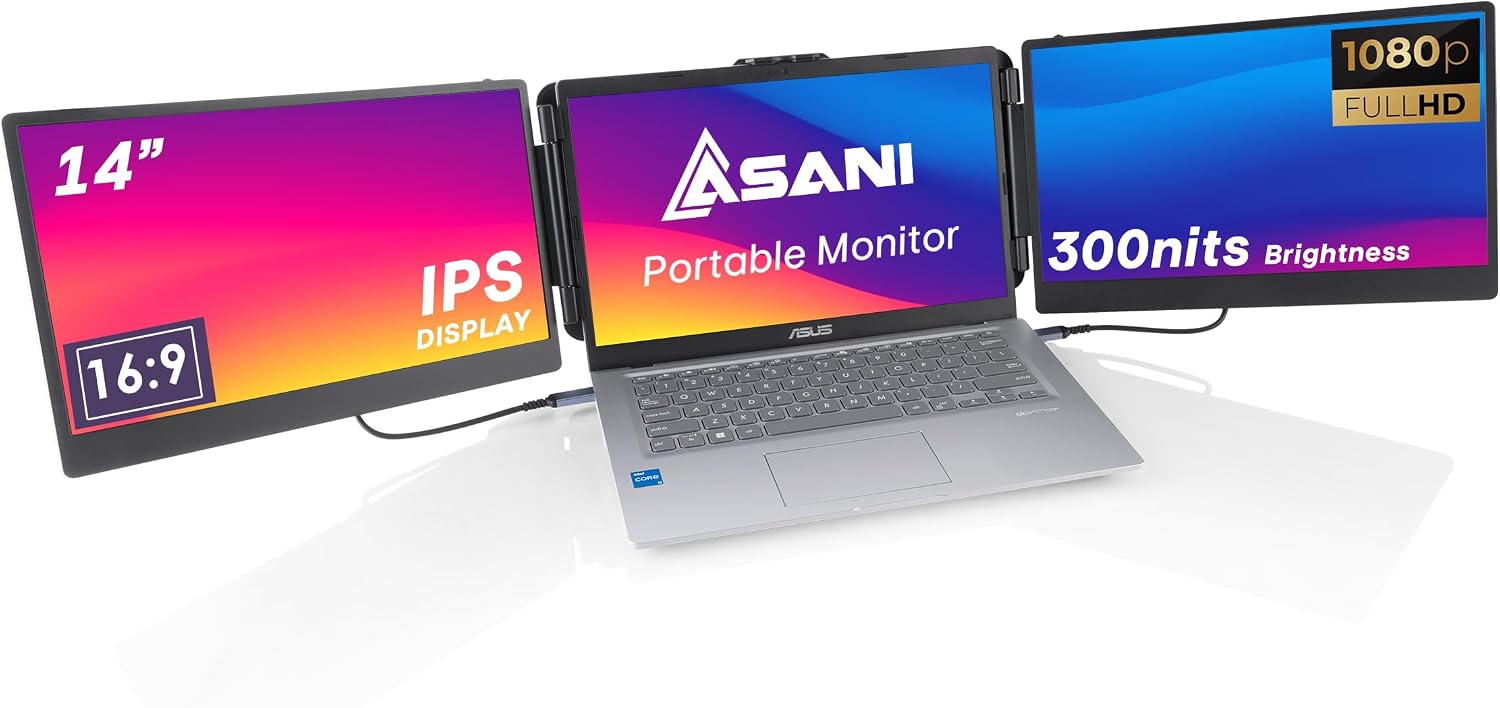 Asani 14" Tri-Screen |
Budget | 14" tri-screen extender support | Hosts wanting multi-screen setups | Check Price |
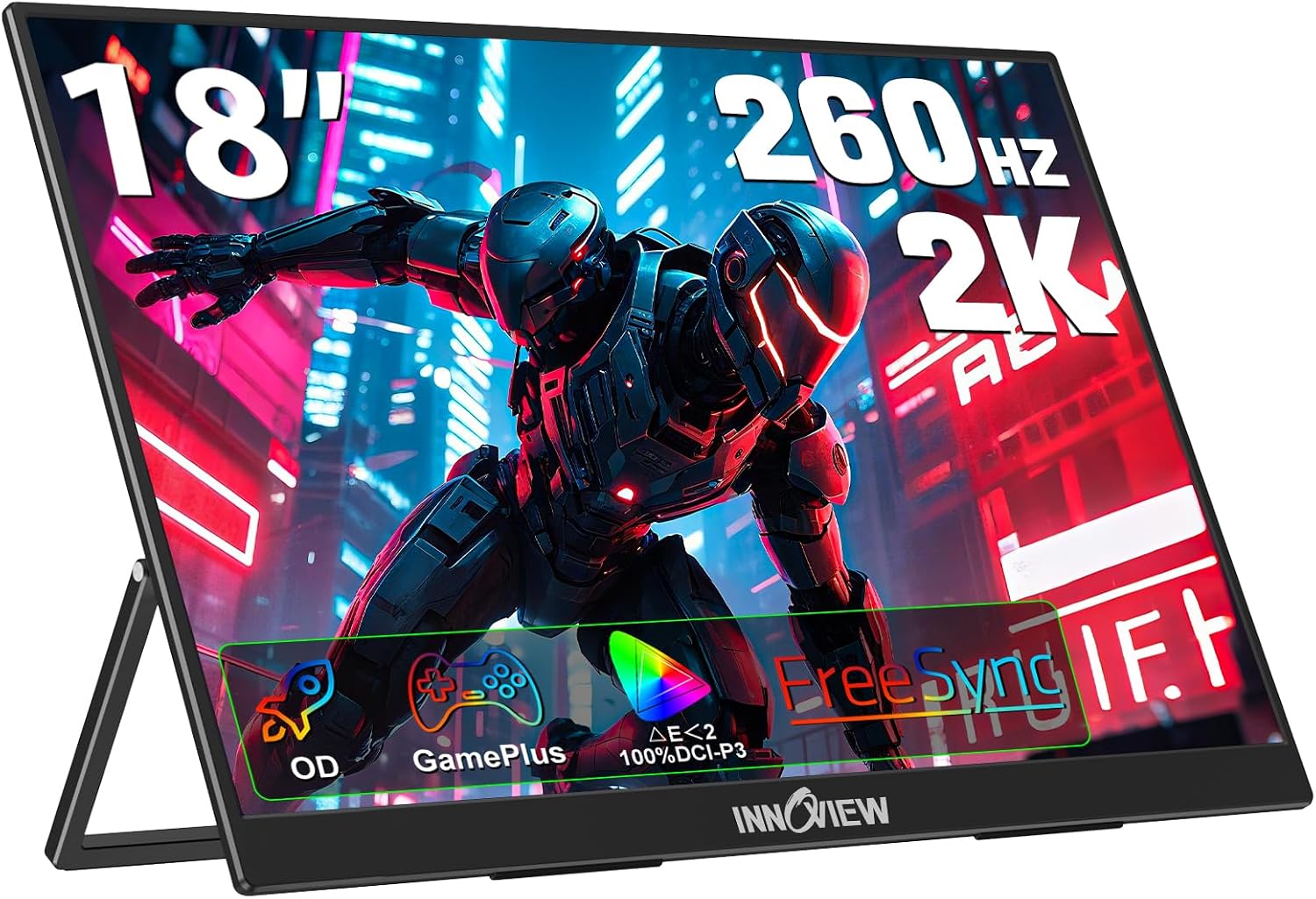
1. InnoView 18 Inch 260Hz Portable Gaming Monitor,2K QHD 100% DCI-P3 Portable Monitor Gameplus HDR FreeSync Laptop Monitors,Portable Screen for PC Phone Game Console
The InnoView 18" gives small-space holiday hosts a larger-than-usual portable display while remaining thin enough to store. Its 16:10 2K panel and HDR color help when juggling guest lists, spreadsheets and video calls, and multiple mounting options let you hang or arm-mount the screen to free table space.
Key Specs
- 18 inch 16:10 2K QHD display
- 260Hz refresh rate, HDR, 100% sRGB/DCI-P3 color coverage
- 2 full-function USB-C ports plus 1 HDMI
- 180 degree adjustable stand and monitor-arm mountable
Pros
- Spacious vertical space reduces scrolling for documents
- Vivid color and high resolution good for presentations and media
- Multiple mounting options free up small desks or countertops
Cons
- Requires sufficient power input; weak ports can cause flicker
- Heavier and less pocketable than 13" extenders
Best For: Hosts needing bigger workspace
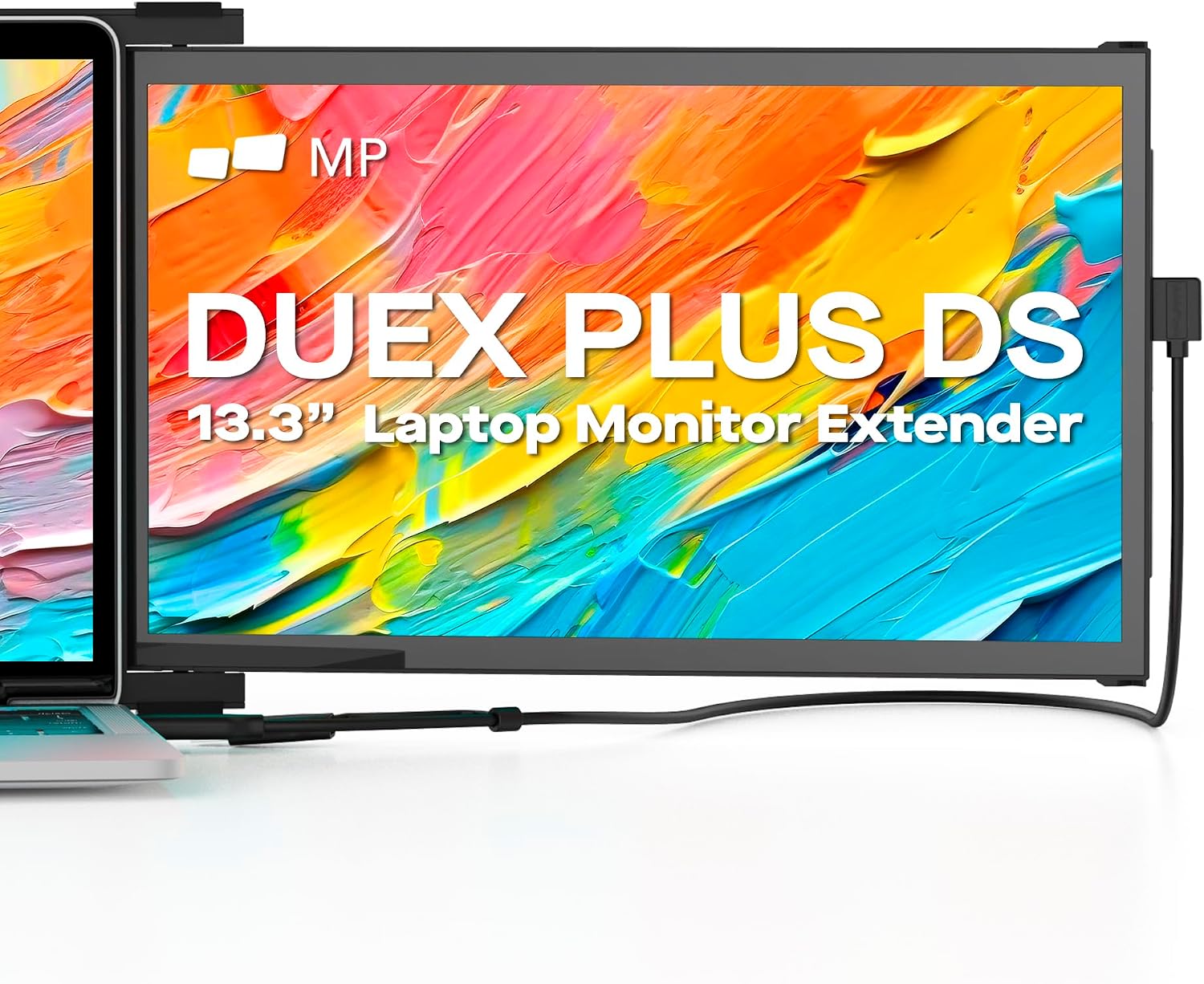
Check Latest Price on Amazon2. Portable Monitor for Laptops, New Mobile Pixels Duex Plus DS 13.3" FHD 1080P Laptops Screen Extender, USB Type-C/HDMI Plug and Play Laptop Extended Monitor, Windows/macOS/Android/Switch Compatible
This Mid-Range Duex Plus DS is a slim, 13.3" FHD extender that fits neatly in bags and slips beside your laptop without eating table space. Customers consistently praise its ease of setup and bright picture, which is ideal for hosts switching between guest duties and remote work.
Key Specs
- 13.3 inch FHD 1080p IPS panel
- 0.25 inch thinnest point, 1.3 lb weight
- USB-C and HDMI plug-and-play compatibility
- Multiple display modes: landscape, portrait, presentation
Pros
- Extremely portable and easy to stow when entertaining
- Good brightness and picture clarity for the price
- Simple plug-and-play setup for quick swaps
Cons
- Some reports of intermittent functionality over months
- Magnet or attachment systems can be hit-or-miss on some laptops
Best For: Hosts who need portability
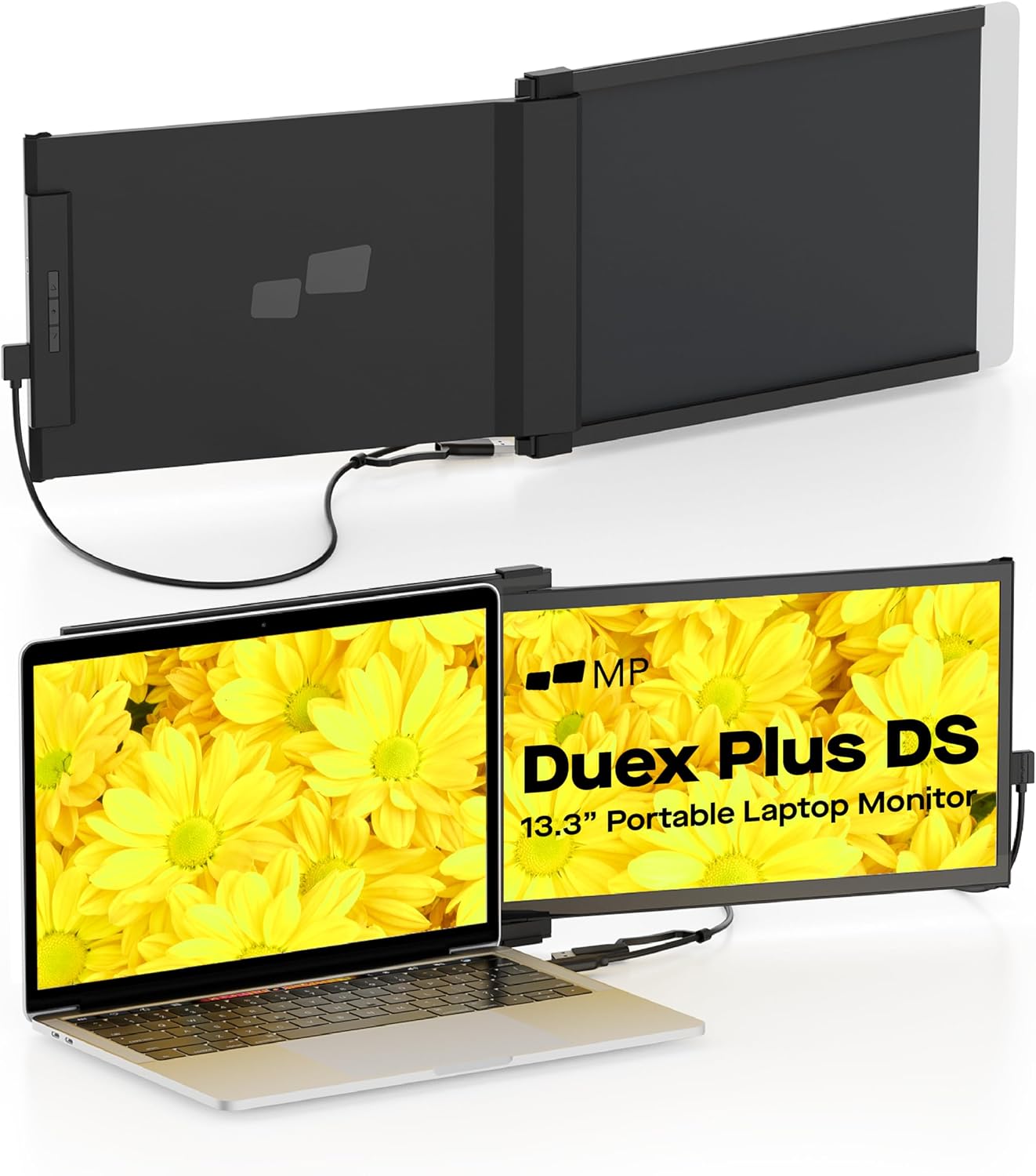
Check Latest Price on Amazon3. Duex Plus DS Portable Monitor - 2025 Mobile Pixels 13.3" FHD 1080P Laptop Monitors, USB Type-C/HDMI Plug and Play Laptop Monitor Extender for 13"-14.5" Laptops, Windows/macOS/Android/Switch Compatible
This 2025 Duex Plus DS offers the same compact FHD screen in a design meant to attach directly to compatible laptops, making it a neat second screen for kitchen counters or living room side tables. It balances portability with flexible display modes, though some buyers note long-term durability concerns.
Key Specs
- 13.3 inch FHD IPS display
- Attachable magnet design for laptop mounting
- USB-C and HDMI connectivity, plug-and-play
- Multiple modes including kickstand and portrait
Pros
- Integrated attachment keeps both screens aligned
- Lightweight enough to move between rooms
- Versatile modes support different holiday tasks
Cons
- Durability concerns reported for some units
- Magnet strength inconsistent across laptops
Best For: Hosts wanting integrated extender
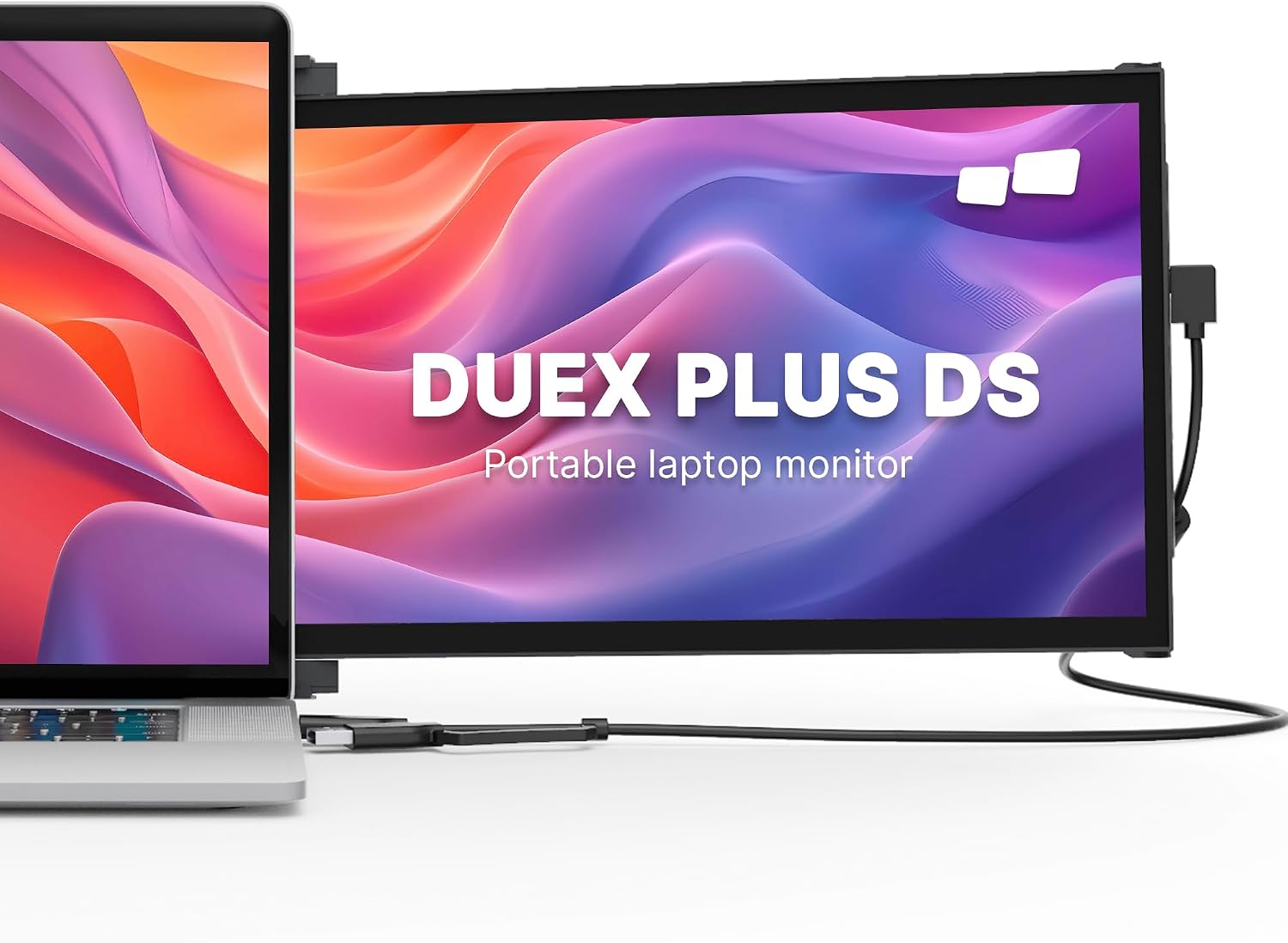
Check Latest Price on Amazon4. Portable Monitor for Laptops, New Mobile Pixels Duex Plus DS 13.3" Full HD IPS Dual Laptop Monitor, USB C/HDMI Plug and Play Laptop Screen Extender,Windows/Mac/Android/Switch Compatible
This premium Duex model upgrades materials and adds a two-year warranty for travelers who need extra reassurance. It delivers crisp picture quality and easy attachment, useful for hosts who move their workstation around high-traffic holiday areas.
Key Specs
- 13.3 inch FHD IPS panel
- Durable PC-ABS plastic and aluminum alloy construction
- Plug-and-play USB-C/HDMI connections
- Two-year warranty
Pros
- Sturdier materials aim to resist travel wear
- Strong picture quality and compact footprint
- Warranty gives peace of mind for seasonal use
Cons
- Some users still report magnet adhesion issues
- Higher price compared with other 13.3" extenders
Best For: Hosts who want premium build
Check Latest Price on Amazon5. 2025 Mobile Pixels Duex Plus DS 13.3" Portable Monitor, USB Type-C/HDMI Plug and Play Laptop Screen Extender, FHD 1080P Laptop Monitor, Compatible with Windows/Mac
The Budget Duex Plus DS packs a 13.3" FHD screen into a very affordable package that slips into bags and fits on narrow counters. Users praise its display customization and portability, making it a great pick for hosts juggling holiday tasks on a shoestring.
Key Specs
- 13.3 inch FHD 1080p display
- 0.25 inch profile, 1.3 lb weight
- USB-C and Mini-HDMI cables included
- Multiple display modes and easy setup
Pros
- Excellent value and portable for travel
- Good screen quality for budget price
- Magnet and attachment system easy to install
Cons
- Durability concerns with long-term use
- USB-C connectivity can be inconsistent on some laptops
Best For: Cost-conscious seasonal hosts
Check Latest Price on Amazon6. Asani 14" Portable Monitor - Full HD Tri-Screen Extender for Laptops, USB Type-C plus HDMI, Plug and Play, Compatible with 13"-17" Laptops, 1080P IPS Panel Display, 300nits Brightness, MacOS & Windows
Asani gives small holiday hosts the option to expand into a tri-screen setup while keeping cables tidy; it includes cables and a carry case for seasonal deployment. Brightness, anti-glare coating and built-in speakers make it useful for video calls and background music, though Mac users with M chips should check compatibility.
Key Specs
- 14 inch Full HD IPS display, 300 nits
- Dual audio speakers and anti-glare panel
- USB-C plus HDMI with included cables
- Carry case and adjustable kickstand
Pros
- Good build quality and all cables included
- 300 nits and anti-glare work well in living rooms
- Designed for multi-screen setups without large docks
Cons
- Heavier than some 13.3" extenders
- Multi-screen features limited on Mac M1/M2/M3 chips
Best For: Hosts wanting multi-screen setups
Check Latest Price on AmazonWhich One Should You Choose?
If budget is tight → MP Duex Plus DS 13.3" Budget (ASIN B0CJQTMJKG). If you need the most portable, easy-to-stow option → MP Duex Plus DS 13.3" FHD (ASIN B0CP7DR53N). If premium workspace and color matter and you can sacrifice a little storage space → InnoView 18" 2K Portable (ASIN B0DFM16BQ7).
Best for Specific Scenarios
- Kitchen counter workstation: InnoView 18" because its mount options let you hang the screen or tilt it to keep counter space clear while you check messages and guest lists.
- Guest-room remote office: MP Duex Plus DS 13.3" Budget because it stows in a suitcase or laptop bag and slides onto your laptop for a quick dual-screen setup.
- Living room multitasking: Asani 14" Tri-Screen because the anti-glare panel and built-in speakers handle video calls and background media while you manage holiday logistics.
Frequently Asked Questions
Will these portable monitors work with my MacBook?
Most models support macOS over USB-C or HDMI, but multi-monitor behavior differs on Macs with M-series chips. Check the product notes about M1/M2/M3 limitations and ensure your USB-C port supports video output.
Do I need an extra power supply for portable monitors?
Some larger or higher-refresh monitors require additional power to avoid flicker; smaller 13.3" extenders often run from a laptop USB-C. Verify whether the monitor needs a full-featured USB-C port or an external power source before buying.
Are magnet-attach extenders secure enough for travel?
Magnet systems are convenient and work well for many laptops, but reports vary on adhesion strength. If you move your laptop frequently or have a thin laptop lid, consider a model with a robust kickstand or an arm-mountable monitor for added stability.
How We Selected These Products
Our recommendations are based on data-driven analysis: we evaluated 155229+ products across 23916+ brands using a composite scoring system that weighs rating (40%), review volume (30%), price value (20%), and demand signals (10%). Every product is ranked by data, not opinions.
Last updated: November 11, 2026
As an Amazon Associate we earn from qualifying purchases at no extra cost to you. Full disclosure.
GearLark Score is our editorial ranking based on a composite analysis of product quality, value, and verified customer sentiment. Click through to Amazon for current pricing, availability, and live customer reviews.