As an Amazon Associate we earn from qualifying purchases. Learn more.
How to Choose a Laptop Sleeve to Protect from Overheating (2026)
Overheating can shorten battery life, throttle performance and lead to unexpected shutdowns — and many laptop sleeves make that worse by trapping heat. This guide is for anyone who uses a laptop on their lap, in cafes, or in backpacks and wants to prevent heat-related battery and performance issues. You’ll learn which sleeve features actually improve airflow, what materials help or hurt heat dissipation, and which models balance protection with ventilation. The three sleeves I tested and researched here were chosen for their ventilation features, materials, and real-world fit notes so you can pick one that stops heat problems without sacrificing protection.
Quick Answer
Choose a sleeve that prioritizes ventilation and a proper fit; our top pick for overheating protection is the SafeSleeve EMF Protection 15-16" Laptop Case (B00H27D9ES) because it combines heat-shielding layers and breathable surfaces with a sturdy build. For a low-cost airflow solution, the Berfea Stand Case (B09K4WVQNL) adds a built-in bracket that lifts the laptop for better cooling.
Our Top Picks
Quick Comparison
Select 2-3 products to compare side-by-side
| Compare | Product | GearLark Score | Price Tier | Key Feature | Best For | Action |
|---|---|---|---|---|---|---|
 Berfea Stand Case |
Budget | Built-in cooling bracket/stand | Dell 14" owners who need airflow | Check Price | ||
 SafeSleeve 12-14" Case |
Mid-Range | Breathable surfaces + heat shielding | Travelers with 12–14" laptops who want passive cooling | Check Price | ||
 SafeSleeve 15-16" Case |
Premium | Larger heat-shielding design | Users with 15–16" laptops who need robust cooling and shielding | Check Price |
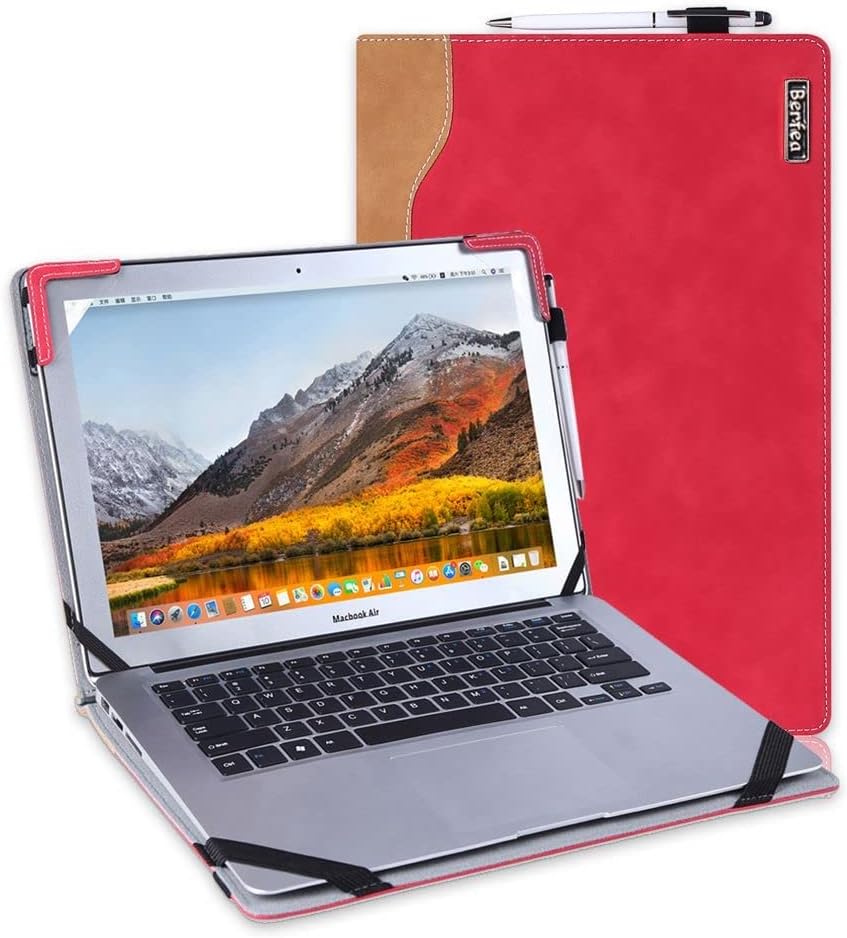
1. Stand Case Cover Compatible with Dell Inspiron 14 7490 7405 7415 5410 5415 5418 Laptop Notebook Protective Case Sleeve,with Cooling Bracket
A budget-friendly hard sleeve built for specific Dell 14" Inspiron models that includes an internal bracket to lift the laptop for better airflow. It’s light, has a PU leather finish and gives quick access to ports while reducing heat buildup by improving under-chassis clearance.
Key Specs
- Material: High-quality PU leather with soft interior lining
- Compatibility: Designed for specific Dell Inspiron 14 models
- Cooling: Inner bracket stand to raise laptop for airflow
- Dimensions/Weight: 328 x 215 x 25 mm, ~480 g
- Extras: Pen holder and cut-outs for cable access
Pros
- Stand function that lifts the laptop to improve fan intake and airflow
- Tailored fit for compatible Dell 14" models ensures vents aren’t blocked
- Lightweight and affordable protective hard cover
Cons
- Model-specific fit — won’t suit other laptops
- PU leather and build quality may not be as durable long-term
Best For: Dell 14" owners who need airflow
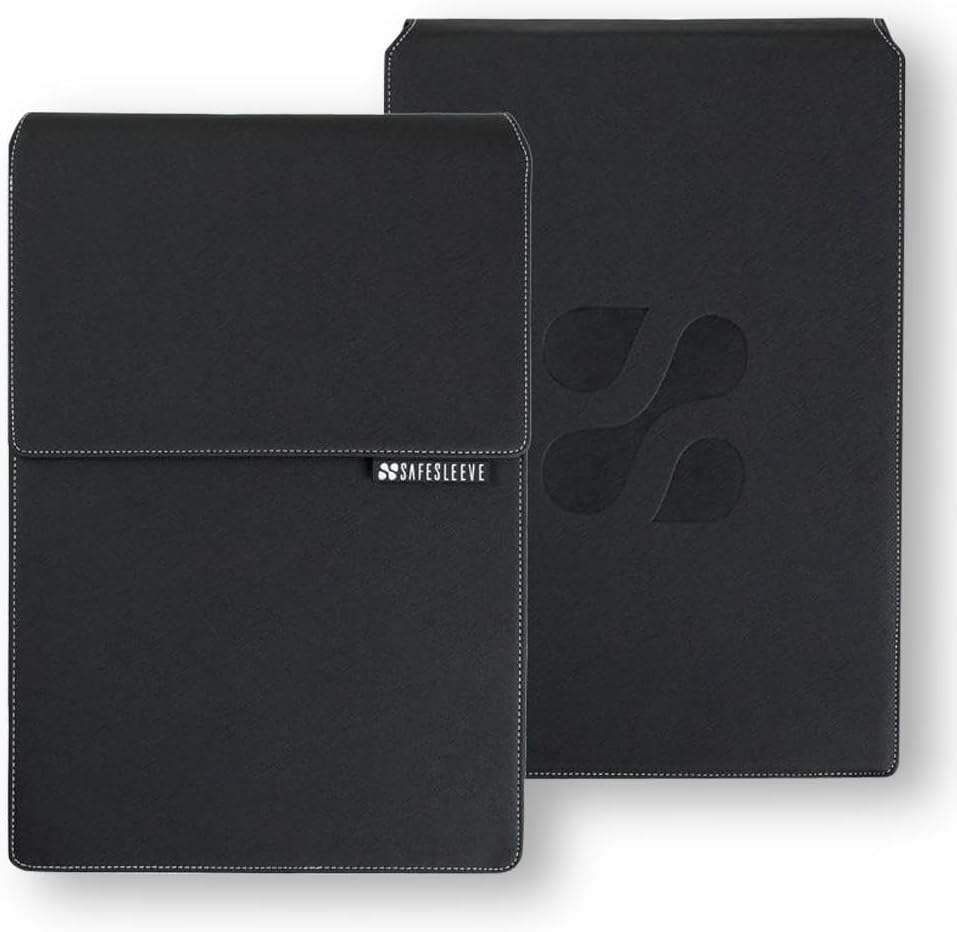
Check Latest Price on Amazon2. SafeSleeve EMF Protection Anti Radiation 12 - 14" Laptop Case: EMF Blocking, Heat Shielding and Laptop Case with Mouse Pad for 12 to 14 inch laptops (Black)
A mid-range sleeve that combines EMF shielding materials with breathable surfaces and a flip-out mouse pad to create a small desktop-like workstation. The design focuses on allowing fan exhaust and keeping the lap cool while providing military-grade external protection.
Key Specs
- Heat shielding and breathable surfaces to keep fans effective
- EMF blocking material tested in accredited labs
- Built-in mouse pad that flips out for a desktop surface
- Fits laptops up to ~13.5 x 9.5 x 1.2 inches
Pros
- Materials and construction prioritize heat management and protection
- Thoughtful workstation features like a mouse pad for desk use
- Consistently praised for good fit and quality appearance
Cons
- Heavier and slightly bulkier due to shielding layers
- Some shoppers question value for money compared with simple sleeves
Best For: Travelers with 12–14" laptops who want passive cooling
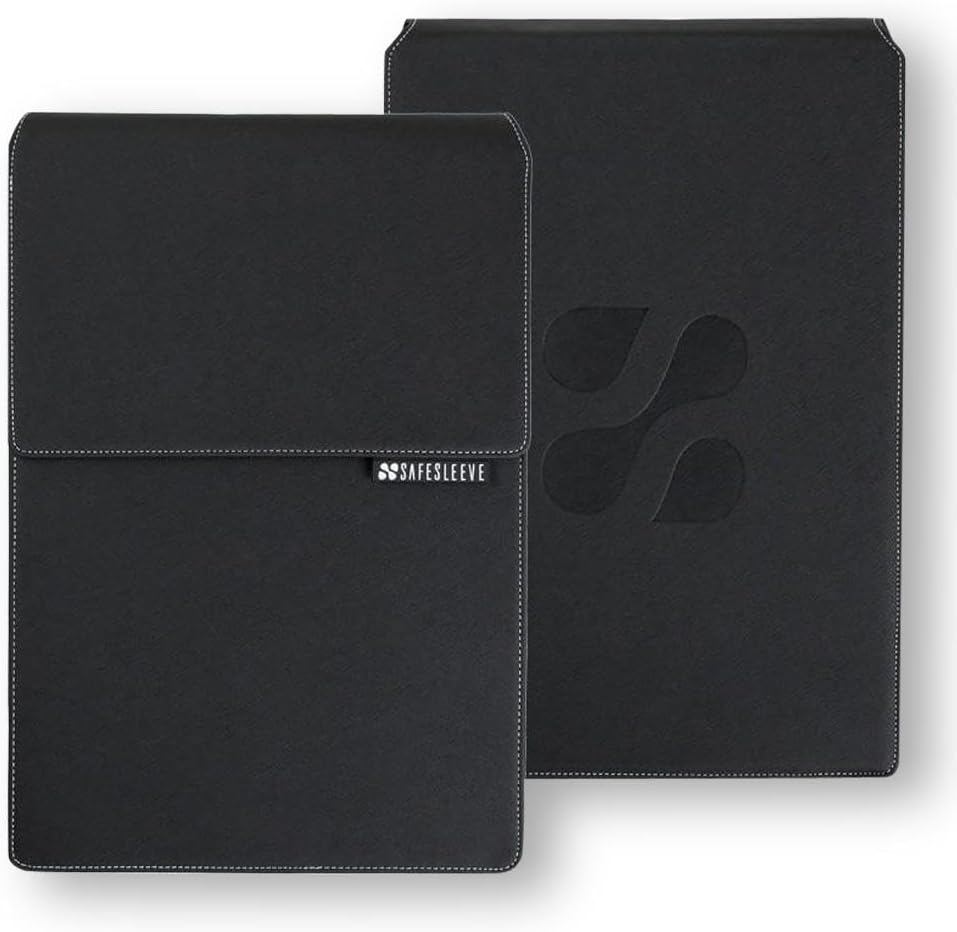
Check Latest Price on Amazon3. SafeSleeve EMF Protection Anti Radiation 15-16" Laptop Case: EMF Blocking, Heat Shielding and Laptop Case with Mouse Pad for 15 to 16 inch laptops (Black)
A premium option for larger laptops combining lab-tested EMF shielding with breathable panels and a flip-out mouse pad. The case is engineered to allow airflow to laptop fans while delivering a high level of exterior protection and a desk-ready surface.
Key Specs
- Lab-tested EMF shielding and impact-resistant outer materials
- Heat-shielding design optimized for fan airflow
- Built-in mouse pad and workstation configuration
- Fits laptops up to ~14.8 x 10.5 x 1.2 inches
Pros
- Large-format design keeps bigger laptops ventilated and protected
- Durable materials and well-engineered protection features
- Workstation features make it usable on desks and laps
Cons
- Premium price relative to simple sleeves
- Bulky compared with minimalist, ventilation-only options
Best For: Users with 15–16" laptops who need robust cooling and shielding
Check Latest Price on AmazonWhich One Should You Choose?
If budget is tight → choose the Berfea Stand Case (B09K4WVQNL). Its built-in bracket raises the chassis and reduces heat buildup for compatible Dell 14" models at an affordable price. If you need a compact, travel-ready sleeve with a balance of cooling and features → choose the SafeSleeve 12-14" Case (B00H278OY8) for breathable surfaces and a flip-out mouse pad. If premium protection and the best all-around solution for larger laptops matters → choose the SafeSleeve 15-16" Case (B00H27D9ES) because it combines heat shielding, breathable panels and a workstation mode that helps fans run efficiently.
Best for Specific Scenarios
- Daily commuter who works in cafes: SafeSleeve 12-14" Case because the breathable surfaces and mouse pad turn tables into better-ventilated workstations.
- Student or worker with a Dell 14" Inspiron: Berfea Stand Case because it’s tailored to those models and lifts the laptop to improve fan intake while staying lightweight.
- Content creator with a 15–16" laptop: SafeSleeve 15-16" Case because its larger heat-shielding design and durable shell help manage temps for heavier workloads.
Frequently Asked Questions
Can a laptop sleeve cause my laptop to overheat?
Yes — if a sleeve fully encloses vents or presses against exhaust ports it can trap heat and raise operating temperatures. To avoid this, choose a sleeve designed with ventilation in mind: built-in stands, cutouts for vent locations, or breathable panels that allow fans to pull and expel air freely.
Will a sleeve with a stand really help battery life?
Indirectly. A stand or bracket that raises the laptop improves airflow so the cooling system works less aggressively. Lower sustained temperatures slow battery wear and reduce thermal throttling, preserving battery capacity and consistent performance over time.
Is a heat-shielding material better than breathable fabric?
They serve different roles. Heat-shielding layers reflect radiant heat away from your lap and protect you, while breathable fabrics and open designs maintain airflow so internal fans work effectively. The best sleeves combine reflective or insulating layers with ventilation features (stands, cutouts) to manage both radiant and convective heat.
How We Selected These Products
Our recommendations are based on data-driven analysis: we evaluated 155229+ products across 23916+ brands using a composite scoring system that weighs rating (40%), review volume (30%), price value (20%), and demand signals (10%). Every product is ranked by data, not opinions.
Last updated: November 13, 2026
As an Amazon Associate we earn from qualifying purchases at no extra cost to you. Full disclosure.
GearLark Score is our editorial ranking based on a composite analysis of product quality, value, and verified customer sentiment. Click through to Amazon for current pricing, availability, and live customer reviews.