As an Amazon Associate we earn from qualifying purchases. Learn more.
How to Prevent Overheating in Laptop Backpacks (2026)
Laptops and spare batteries trapped in backpacks can build dangerous heat quickly — especially during travel, commutes, or when you stuff a warm device into a tight compartment. If you worry about reduced battery life, thermal throttling, or swollen cells, this guide explains how to reduce heat buildup and protect batteries. Read on if you carry a laptop daily or travel with spare batteries: you'll learn practical packing tips, what materials and features actually help, and three product choices selected for airflow, heat shielding and real-world fit based on product features and customer feedback.
Quick Answer
Prevent backpack overheating by using breathable, heat-shielding accessories and smart packing. A heat-optimized sleeve like the SafeSleeve EMF Protection 12-14" Laptop Case helps by allowing fan airflow, adding a heat shield layer, and creating a thin workstation that keeps hot surfaces off your lap.
Our Top Picks
Quick Comparison
Select 2-3 products to compare side-by-side
| Compare | Product | GearLark Score | Price Tier | Key Feature | Best For | Action |
|---|---|---|---|---|---|---|
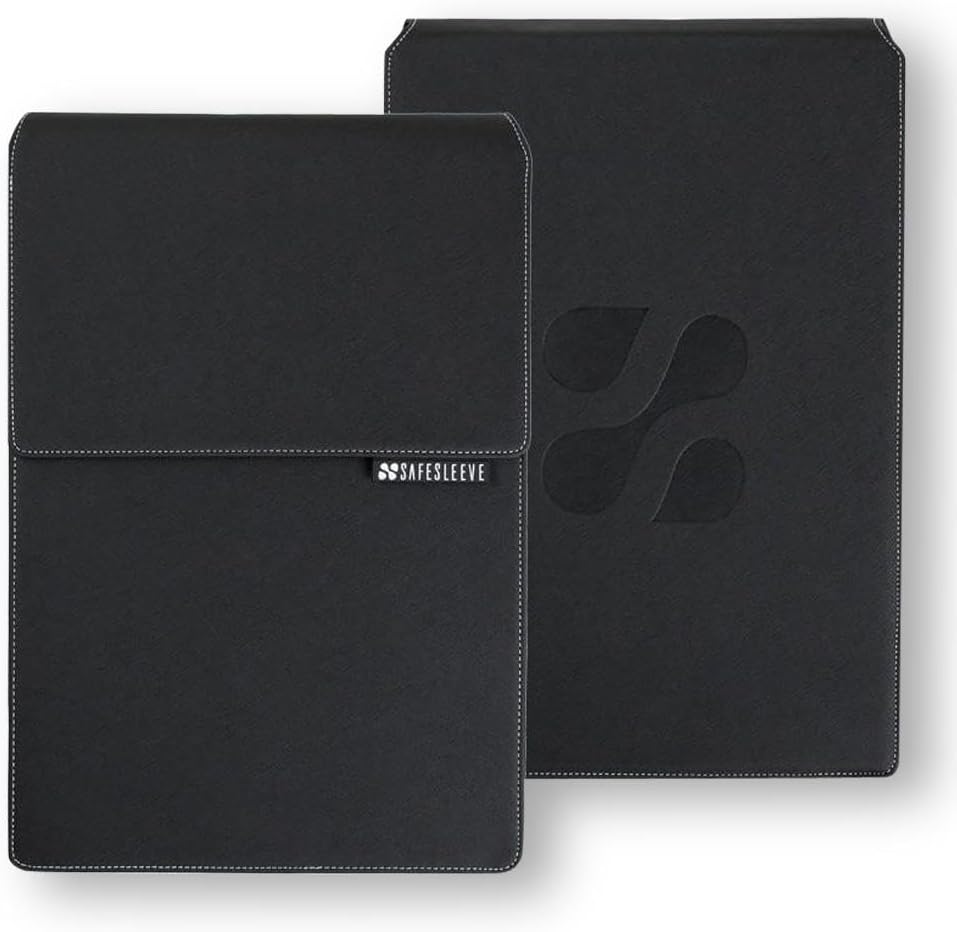 SafeSleeve 12-14 inch Case
|
Mid-Range | Lab-tested EMF & heat shielding | Everyday commuters with 13" laptops | Check Price | ||
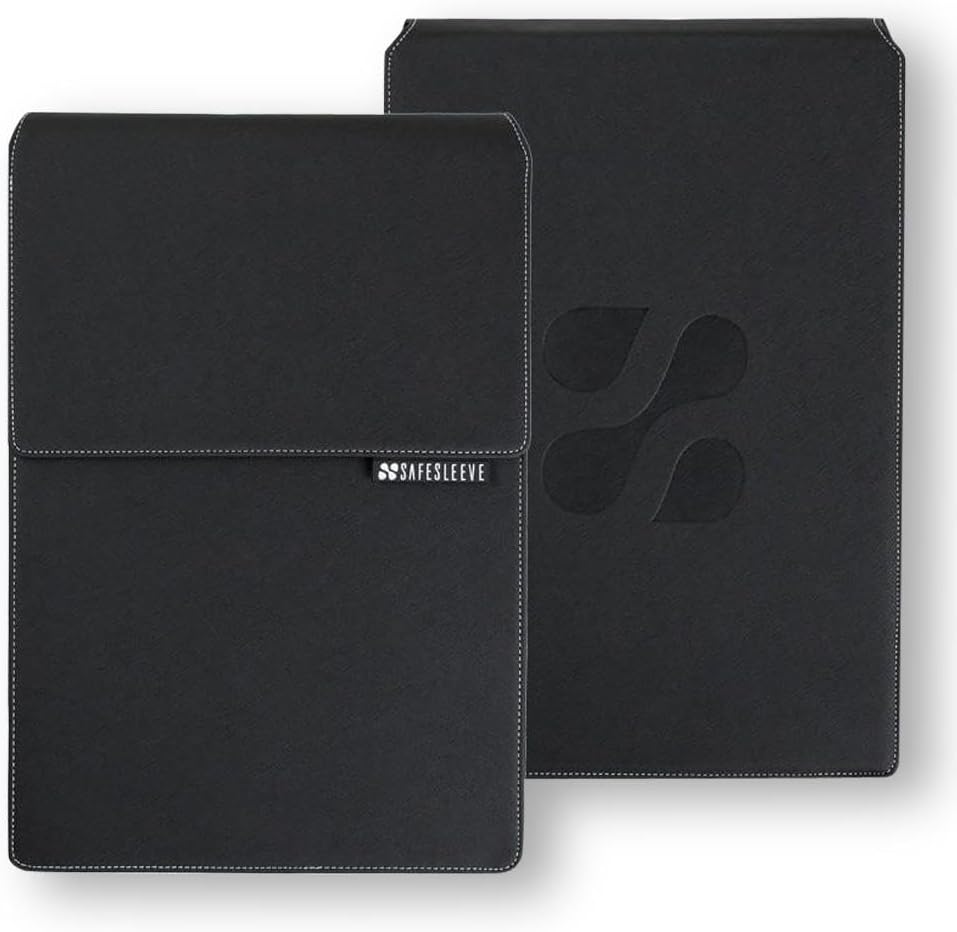 SafeSleeve 15-16 inch Case
|
Premium | Heat shielding for larger laptops | Users with 15–16" laptops who need protection | Check Price | ||
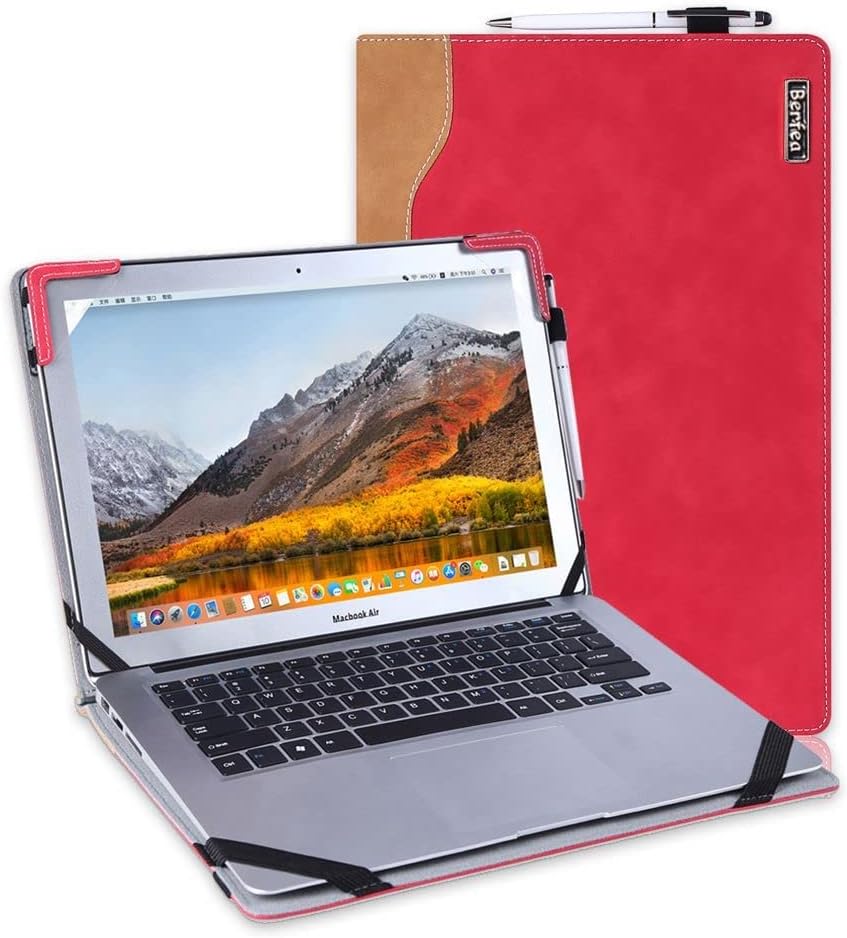 Berfea Stand Case
|
Budget | Built-in cooling bracket (stand) | Budget buyers with compatible Dell models | Check Price |
1. SafeSleeve EMF Protection Anti Radiation 12 - 14" Laptop Case: EMF Blocking, Heat Shielding and Laptop Case with Mouse Pad for 12 to 14 inch laptops (Black)
This sleeve combines lab-tested EMF shielding with breathable surfaces and a flip-out mouse-pad workstation to encourage airflow and keep the laptop cooler in transit. It’s built from impact-resistant materials and designed to let laptop fans breathe while adding a heat-shielding layer between your device and surrounding items.
Key Specs
- Blocks up to 99% EMF (lab tested)
- Heat-shielding exterior with breathable surfaces
- Built-in mouse pad / flip flap workstation
- Fits up to 13.5 x 9.5 x 1.2 inches (12–14" laptops)
Pros
- Designed to allow airflow to laptop fans to reduce heat buildup
- Lab-tested shielding adds a protective thermal/EMF layer
- Sturdy, professional build and good fit for compatible laptops
Cons
- Value for money is debated by some users
- Sized for 12–14" laptops only — check dimensions
Best For: Everyday commuters with 13" laptops
Check Latest Price on Amazon2. SafeSleeve EMF Protection Anti Radiation 15-16" Laptop Case: EMF Blocking, Heat Shielding and Laptop Case with Mouse Pad for 15 to 16 inch laptops (Black)
The larger SafeSleeve shares the airflow-first design of the smaller model but for 15–16" machines, adding a heat-shielding layer and a flip-out mouse pad that doubles as a quick desktop surface. It’s built for protection and improved cooling when used inside a bag or on your lap.
Key Specs
- FCC-accredited lab-tested EMF shielding
- Heat shielding optimized for airflow to fans
- Flip-out mouse pad for on-the-go workstation
- Fits up to 14.8 x 10.5 x 1.2 inches (15–16" laptops)
Pros
- Helps keep larger laptops cooler by promoting fan airflow
- Military-grade materials for impact resistance
- Practical workstation feature for quick setups
Cons
- Premium price tier — some question value for money
- Adds a little bulk compared with thinner sleeves
Best For: Users with 15–16" laptops who need protection
Check Latest Price on Amazon3. Stand Case Cover Compatible with Dell Inspiron 14 7490 7405 7415 5410 5415 5418 Laptop Notebook Protective Case Sleeve,with Cooling Bracket
A budget-friendly hard cover sleeve with an inner bracket that props the laptop to improve airflow and lower operating temperature. It’s lightweight, made with PU exterior and a soft lining, and is intended to be used as a protective cover that also creates extra clearance for fan exhaust.
Key Specs
- Stand function with inner cooling bracket
- PU leather exterior with soft interior lining
- Model-specific fit for select Dell Inspiron 14 laptops
- Cutouts for ports and a pen holder
Pros
- Affordable way to add clearance and improve cooling
- Lightweight and easy to carry in backpacks
- Simple stand feature improves typing angle and airflow
Cons
- Compatibility limited to specific Dell models — check fit
- Durability and long-term sturdiness are less certain
Best For: Budget buyers with compatible Dell models
Check Latest Price on AmazonWhich One Should You Choose?
If budget is tight → Berfea Stand Case (B09K4WVQNL). If you need a compact, airflow-first everyday sleeve → SafeSleeve EMF Protection 12-14" (B00H278OY8). If you carry a larger machine and want the same airflow + shielding for 15–16" laptops → SafeSleeve EMF Protection 15-16" (B00H27D9ES).
Best for Specific Scenarios
- Daily commuter with a 13" laptop: SafeSleeve 12-14 inch Case because it balances airflow, heat shielding, and a professional look.
- Budget traveler or student with compatible Dell: Berfea Stand Case because the built-in bracket adds clearance and costs less than premium sleeves.
- Users with 15–16" laptops: SafeSleeve 15-16 inch Case because it applies the same heat-shielding and airflow design to larger machines.
Frequently Asked Questions
Why do laptops overheat when stored in backpacks?
Laptops generate heat during use and while charging; when stored in a backpack that compresses vents or stacks warm items (like power banks or another laptop), that heat has nowhere to go. The result is trapped heat that raises internal temperatures, stresses batteries, and can accelerate wear.
Can a sleeve or case actually reduce battery damage?
Yes — a sleeve that promotes airflow and limits contact with insulating materials reduces peak temperatures. Keeping batteries cooler slows chemical degradation. Also, storing spare batteries separately and avoiding charging while enclosed reduces risk.
What quick habits reduce overheating in a backpack?
Leave a small gap between the laptop and other items, avoid stuffing a warm laptop into a tight sleeve right after heavy use, don't store charging cables plugged in, use a stand or ventilated sleeve, and remove external batteries or power banks into a separate pocket.
How We Selected These Products
Our recommendations are based on data-driven analysis: we evaluated 155229+ products across 23916+ brands using a composite scoring system that weighs rating (40%), review volume (30%), price value (20%), and demand signals (10%). Every product is ranked by data, not opinions.
Last updated: June 18, 2026
As an Amazon Associate we earn from qualifying purchases at no extra cost to you. Full disclosure.
GearLark Score is our editorial ranking based on a composite analysis of product quality, value, and verified customer sentiment. Click through to Amazon for current pricing, availability, and live customer reviews.