As an Amazon Associate we earn from qualifying purchases. Learn more.
How to Set Up a Dual-Portable-Monitor Student Study Rig (2026)
Building a dual portable monitor study rig turns a single laptop into a productive mobile workstation — perfect for dorm desks, libraries and coffee‑shop study sessions. In this guide you’ll get a step‑by‑step kit: two portable monitors, a powered hub or docking solution, a stable stand or clamp system, and a laptop cooling pad to keep performance steady during long study sessions. I evaluated options by portability, connectivity (USB‑C DP Alt Mode / HDMI / DisplayLink), build quality and ease of setup, and selected monitors that students consistently praise for value and functionality while flagging common durability and connectivity issues to watch for.
Quick Answer
For a compact, study-focused dual portable monitor rig pick the KEFEYA Laptop Screen Extender (B0B7JTHHP1) for the best balance of size, plug‑and‑play compatibility and value. If budget is tight, the 18.5" Tpsmtdis portable monitor (B0D4QNG1JM) provides a large, affordable second screen that’s easy to carry and set up.
Our Top Picks
Quick Comparison
Select 2-3 products to compare side-by-side
| Compare | Product | GearLark Score | Price Tier | Key Feature | Best For | Action |
|---|---|---|---|---|---|---|
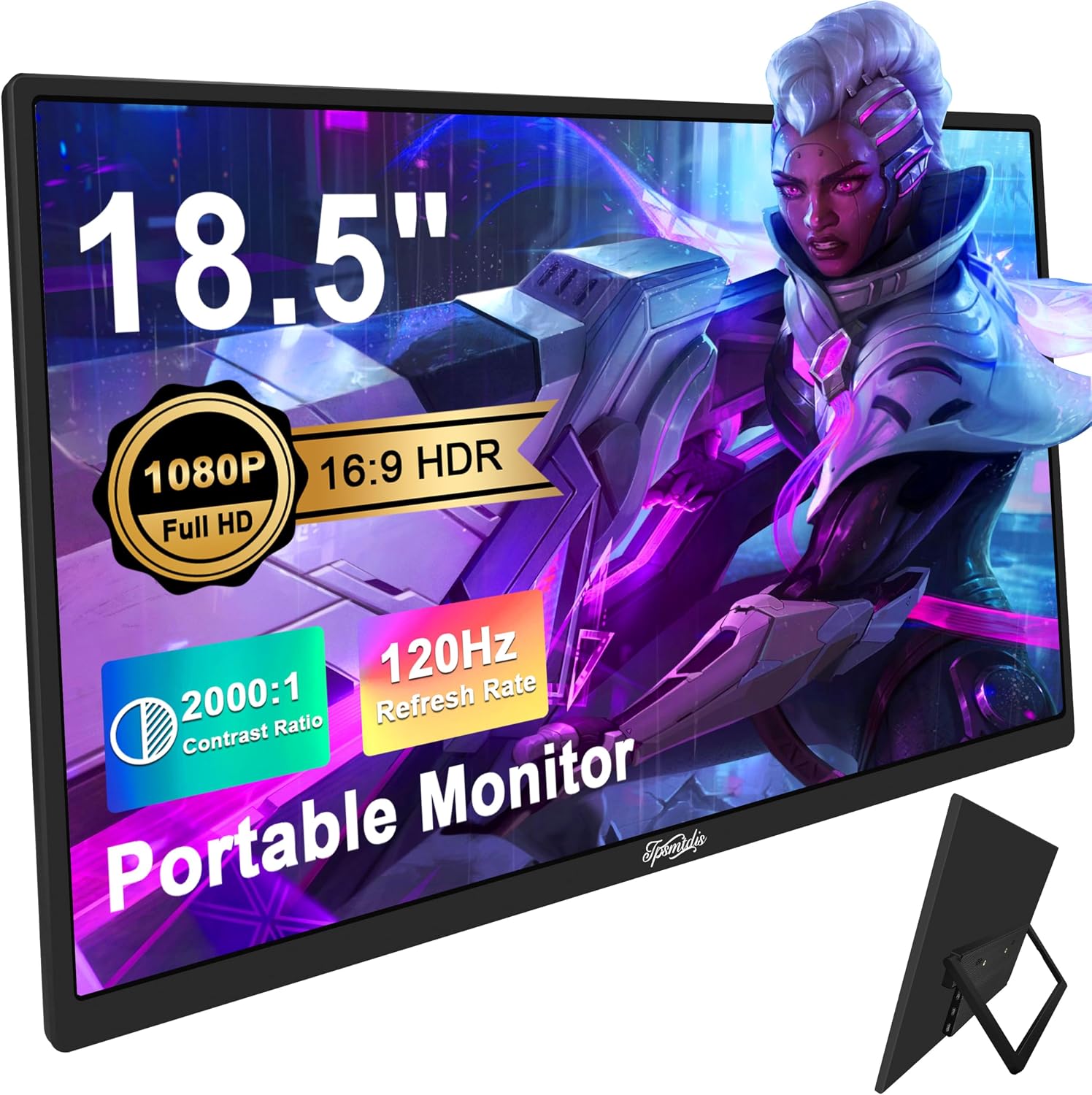 Tpsmtdis 18.5" Portable
|
Budget | Large 18.5" FHD with 120Hz | Students needing a big portable secondary screen | Check Price | ||
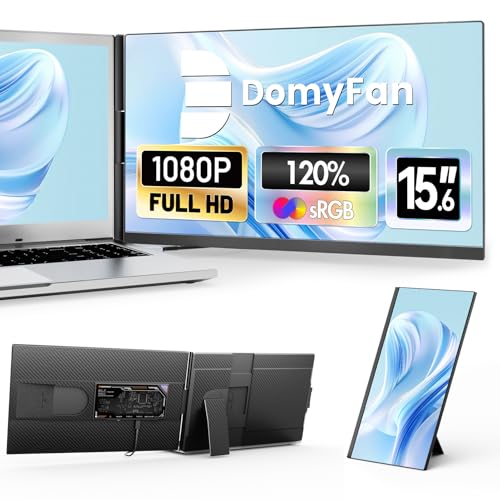 domyfan 15.6"
|
Budget | 120% sRGB color gamut | Students who do color‑sensitive work and travel | Check Price | ||
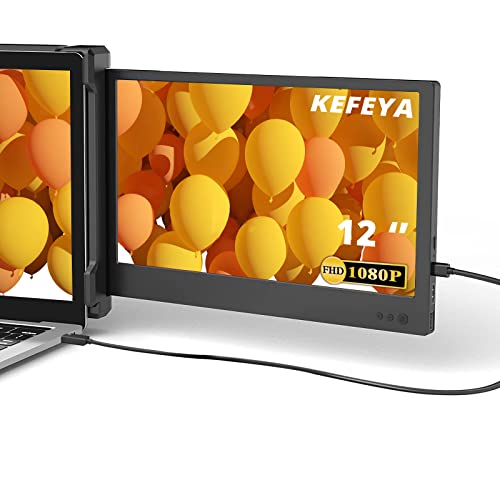 KEFEYA 12" Extender
|
Mid-Range | Compact 12" FHD plug‑and‑play | Students who prioritize portability and easy setup | Check Price | ||
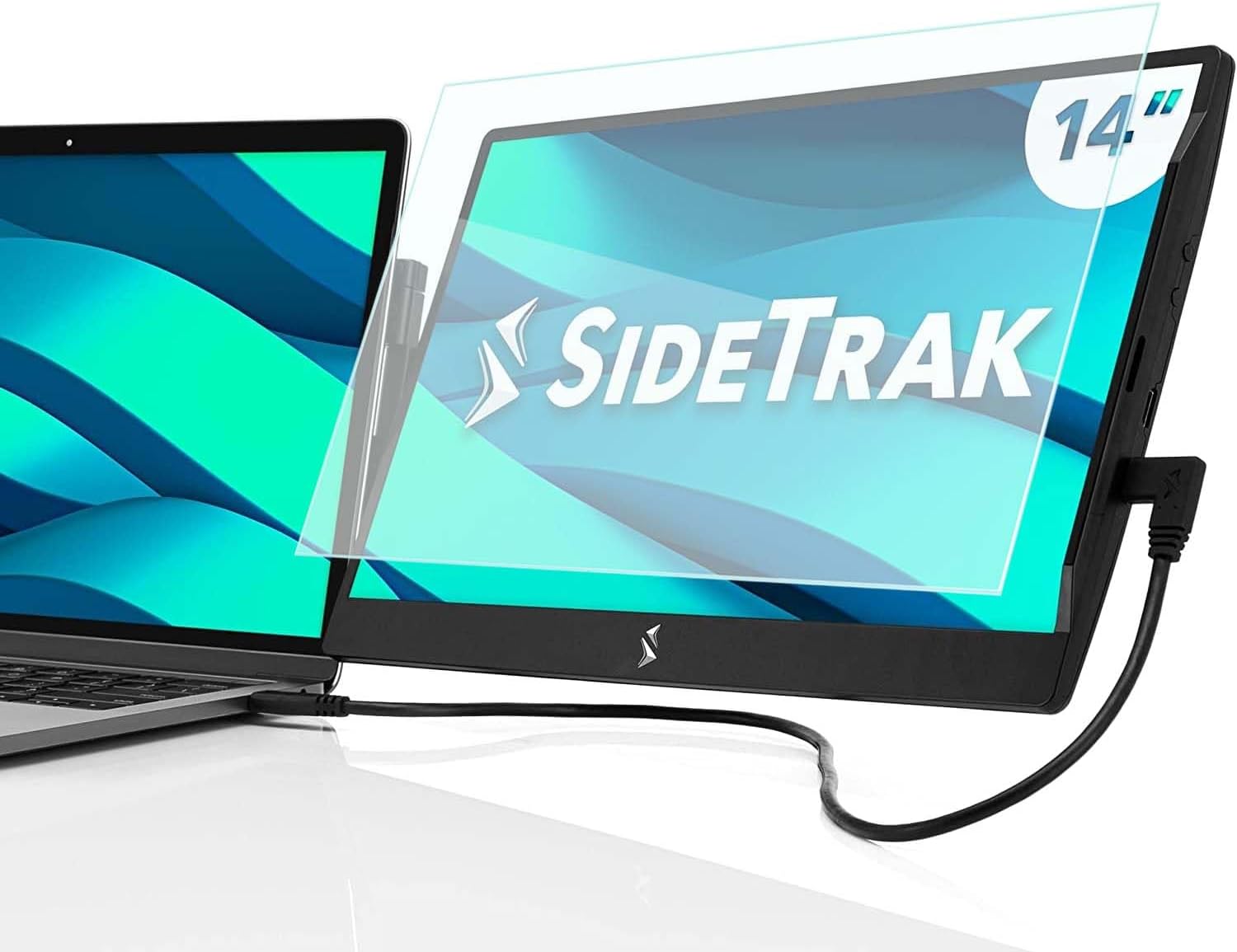 SideTrak Swivel 14"
|
Premium | 360° swivel attachable hinge | Students who want an attachable, swivel second screen | Check Price | ||
 KEFEYA 15.6" Extender
|
Mid-Range | 15.6" bezel‑less FHD with stand | Students who want a larger, versatile travel monitor | Check Price | ||
 CUIUIC Dual 15.6"
|
Mid-Range | Driver‑free dual stacked screens | Students who want a stacked dual‑screen rig | Check Price | ||
 DEPGI 12.5" Gaming
|
Mid-Range | Dual HDMI + HDR for consoles | Students who also game or need a compact HDMI screen | Check Price | ||
 Alecewey 15.6" Triple
|
Premium | Detachable triple/dual modular screens | Power users who need flexible multi‑screen layouts | Check Price |
1. 18.5inch Portable Monitor, Laptop Monitors 120Hz Travel Gaming Monitor, 400Nits HDR FHD Plug&Play Dual Speakers, External Screen for PC, Tablet,Mac,Sw-Itch, Xbox, PS3/4/5 Will
A large, affordable portable monitor that’s built for travel and long study sessions. It offers 1920×1080 resolution, HDR and a 120Hz-capable panel alongside dual speakers, and customers praise its size, color and ease of setup—though power/compatibility notes mean you may need to bring a powered hub or the supplied power adapter.
Key Specs
- 18.5" IPS FHD (1920×1080)
- 120Hz refresh rate; HDR; 400 nits
- 2x Full-featured USB‑C + Mini HDMI
- Built-in dual speakers; foldable kickstand
Pros
- Large screen area boosts productivity on spreadsheets and notes
- Good color and motion handling for the price
- Easy to pack — slim profile and light for size
Cons
- May require external power or a hub on some laptops
- Some regional power adapters can fail to provide enough voltage
Best For: Students needing a big portable secondary screen
Check Latest Price on Amazon2. 15.6" Laptop Screen Extender, 120% sRGB FHD 1080P IPS Laptop Monitor Extender Dual Screen, Portable Monitor for Laptops 13-17" with HDMI/USB-A/Type-C Plug-Play for Windows, Mac, Android
A travel-friendly 15.6" monitor notable for wide color gamut and strong plug‑and‑play connectors. Users like the picture quality, included cables and carry case, making it a solid budget companion for remote study and photo or design work where color accuracy matters.
Key Specs
- 15.6" IPS FHD 1080p; 120% sRGB
- Includes USB‑C, USB‑A and HDMI cables
- Detachable stand; supports 13"–17" laptops
- Reverse PD 100W fast charging support
Pros
- Excellent color reproduction for budget class
- Comes with multiple cables and a carry case
- Simple plug‑and‑play setup
Cons
- Some find it surprisingly light/fragile for travel
- A few users report the unit feels a bit heavy to tote
Best For: Students who do color‑sensitive work and travel
Check Latest Price on Amazon3. KEFEYA Laptop Screen Extender, Portable Monitor for Laptop 12" Full HD IPS Display, Dual Monitor Extender Compatible with 13-16 Inch Windows, Chrome & Mac
Compact and convenient, KEFEYA’s 12" extender delivers full HD clarity in a very portable package with every cable included. It’s designed for fast, driver‑free setup and folds small enough for a backpack, making it an excellent daily companion for studying on the move.
Key Specs
- 12" FHD (1920×1080) IPS
- Includes 2x Type‑C, 1x USB‑C to USB‑A, 1x HDMI cables
- Rotation 0–210°; foldable bracket
- Plug & play, no drivers required
Pros
- Truly portable and folds flat for travel
- Comes with all necessary cables
- Fast, driver‑free connection on compatible laptops
Cons
- Smaller screen size may be tight for heavy multitasking
- Some users report mixed impressions of weight vs. expectations
Best For: Students who prioritize portability and easy setup
Check Latest Price on Amazon4. SideTrak Swivel 14" Attachable Portable Monitor Extender, FHD TFT Laptop Dual Screen with Kickstand + Unique Swivel Hinge, Compatible with Mac, PC, Chrome, USB or Mini HDMI Port Power (w/Protector)
SideTrak’s patented swivel hinge is unique — it clamps to your laptop and swivels into place for a second screen without a table. Picture quality and portability are strong points, but some buyers report connectivity hiccups and durability concerns with the cord and hinge over long-term daily travel.
Key Specs
- 14" Full HD attachable display
- 360° swivel + 270° rotation hinge
- Connects via Thunderbolt/DisplayLink USB‑C or USB‑A+HDMI
- Integrated kickstand and tempered glass protector
Pros
- Innovative attachable design frees up desk surface
- Very flexible viewing angles with swivel hinge
- Good picture quality for a portable attachable monitor
Cons
- Some users report long‑term durability issues (hinge/cord)
- Connectivity can be flaky on non‑Thunderbolt ports
Best For: Students who want an attachable, swivel second screen
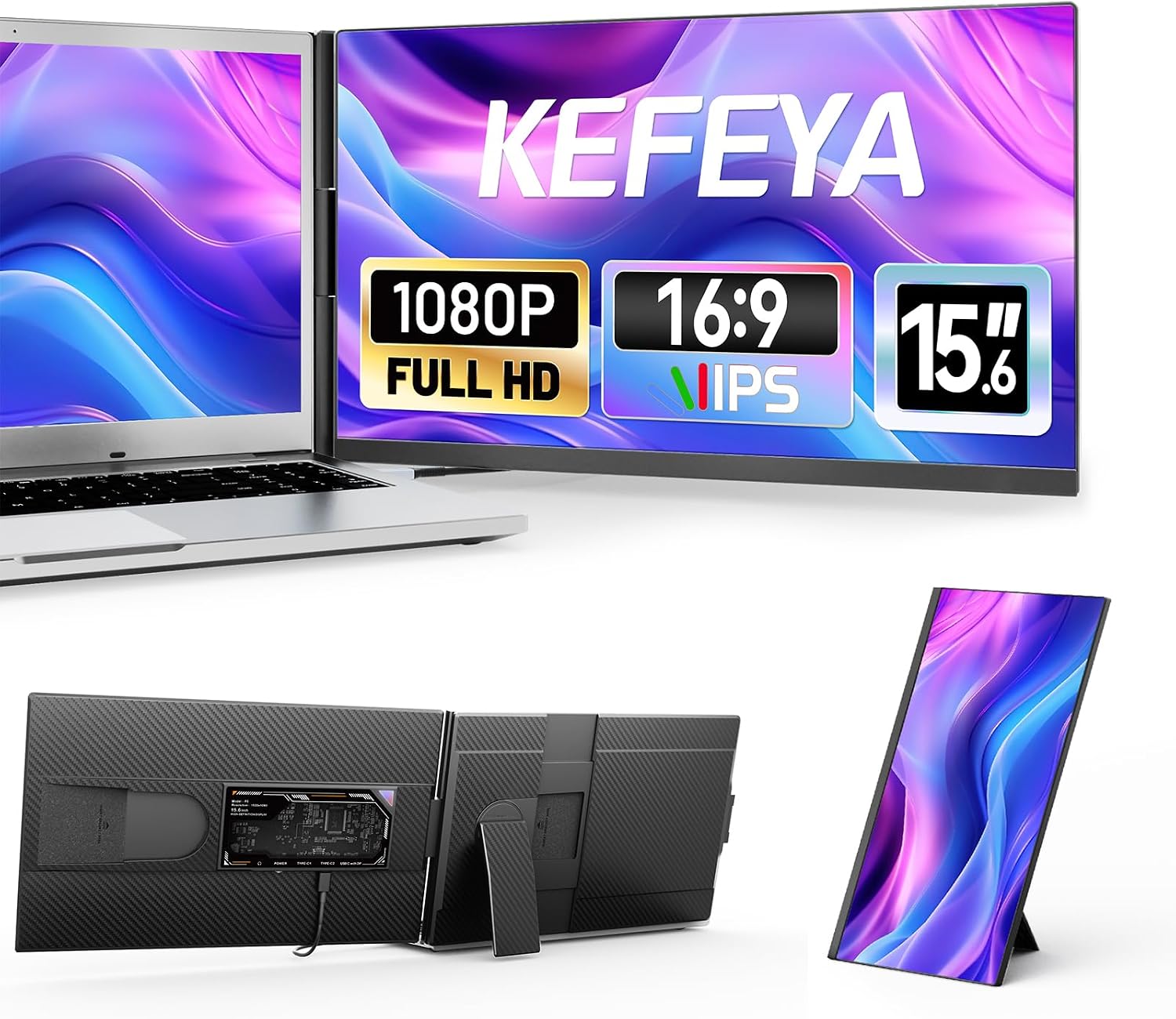
Check Latest Price on Amazon5. Laptop Screen Extender, 15.6" FHD 1080P IPS Portable Monitor for Laptop, Plug and Play Dual Monitor Extender for 13"-17.3" Laptops, Compatible with MAC, Windows, Android, Linux, Chrome
A roomy 15.6" extender with a bezel‑less look, built‑in speaker and multi‑orientation stand. It’s praised for clear image quality, included cables and portability for business travel or study trips, though weight impressions vary among users.
Key Specs
- 15.6" FHD 1080p IPS; 300 nits
- Includes Type‑C, HDMI, USB‑A cables
- Detachable 360° rotating stand
- Low blue light mode; built‑in speakers
Pros
- Large, clear screen ideal for multitasking
- Comes with necessary cables and stand
- Good mix of portability and usability
Cons
- Some users find the unit a bit heavy for frequent carry
- Mixed feedback on long‑term hinge durability
Best For: Students who want a larger, versatile travel monitor
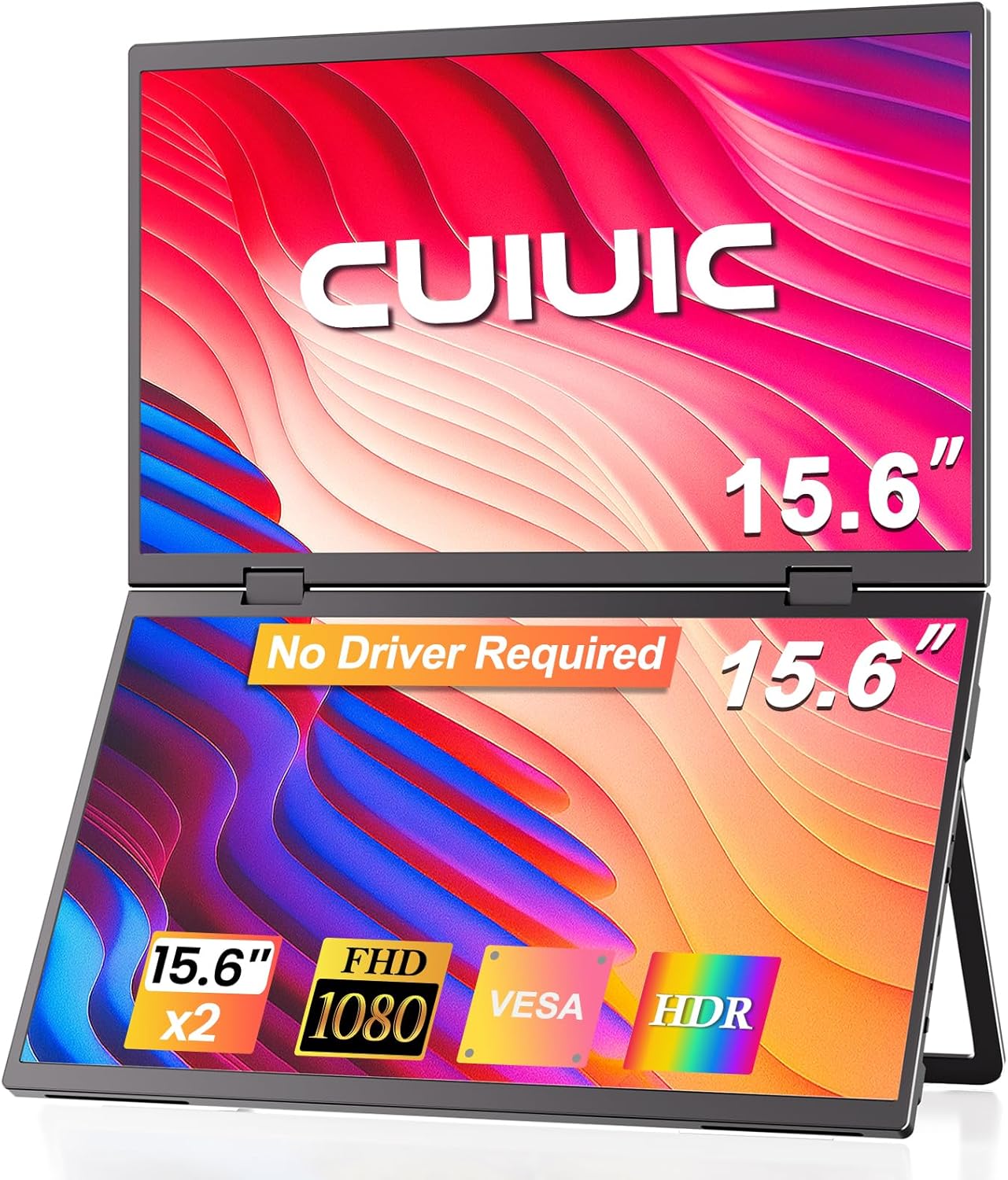
Check Latest Price on Amazon6. Dual Portable Monitor, 15.6" 1080P FHD IPS Folding Stacked Triple Laptop Screen Extender, USB-C Plug & Play Travel Extended Computer Display for Laptop PC Windows Mac w/Stand & VESA Mountable
CUIUIC offers a rare dual‑screen, stacked portable unit that doubles your vertical workspace — great for coding, note‑taking and research that benefits from tall layouts. It’s plug‑and‑play in many setups and supports VESA mounting, but some users report mixed connectivity experiences depending on host hardware.
Key Specs
- Two 15.6" FHD IPS stacked screens
- Driver‑free plug & play; single Type‑C recommended
- 100% sRGB (claimed); anti‑glare matte panels
- Adjustable stand + VESA 75x75 support
Pros
- Brilliant way to get two large screens without two monitors
- Good image quality and compact foldable form
- VESA mountable for a desktop configuration
Cons
- Functionality can vary by laptop ports and drivers
- More moving parts means potential durability tradeoffs
Best For: Students who want a stacked dual‑screen rig
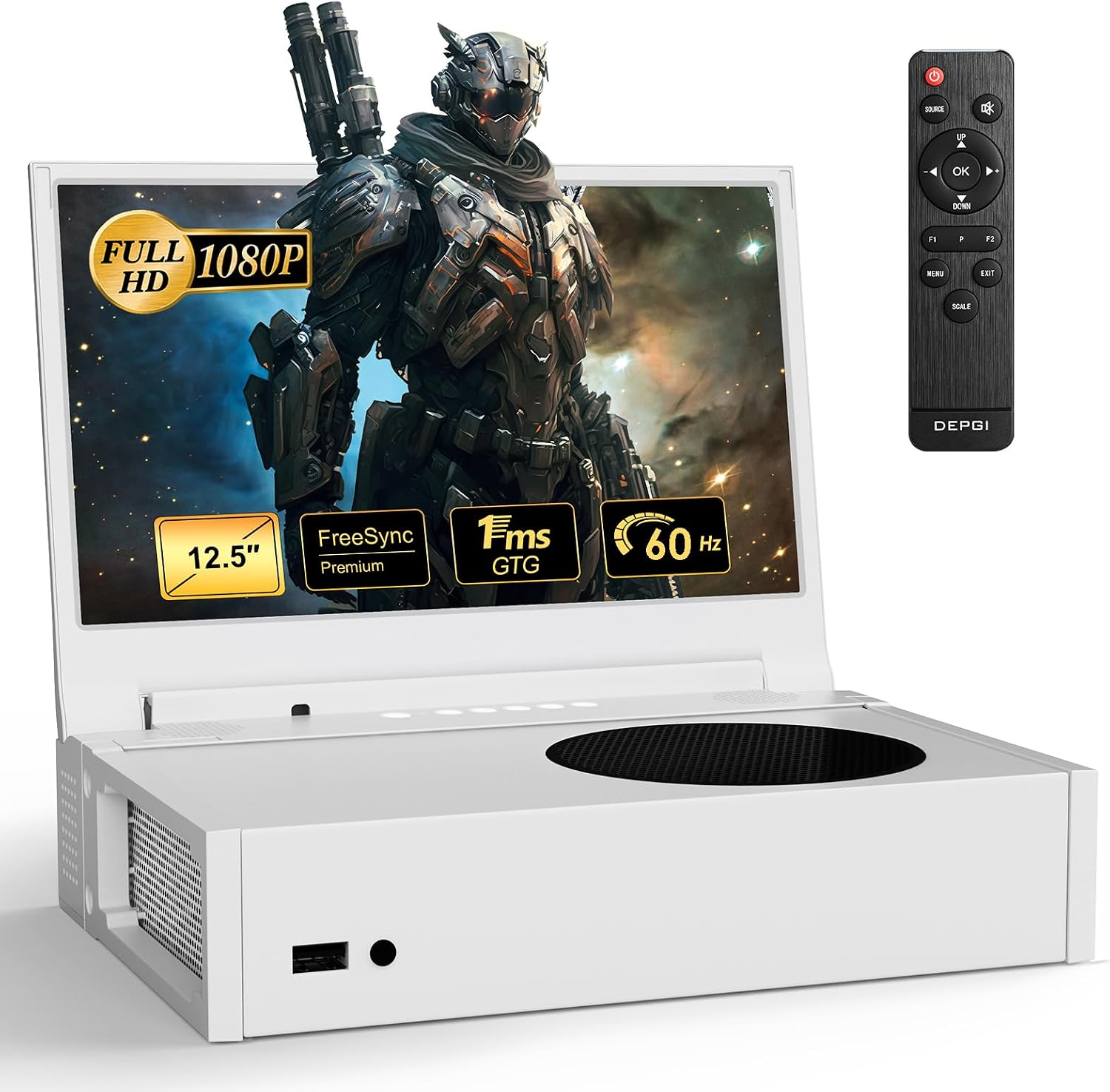
Check Latest Price on Amazon7. DEPGI 12.5" Portable Gaming Monitor for Xbox Series S (not Included), 1080P Full HD Display with IPS Screen Dual HDMI 2, Support HDR Freesync 3 Game Modes, for Travel Outdoor Indoor Use
A compact, console‑friendly 12.5" monitor with HDR, FreeSync modes and dual HDMI inputs. It’s praised for clean graphics and audio for on‑the‑go gaming or as a small second screen for study, though time‑delay behavior is occasionally noted.
Key Specs
- 12.5" FHD IPS (1080p); 99% sRGB
- Dual HDMI inputs; HDR and FreeSync support
- Includes remote, cables and mounting plate
- Dual 2.5W speakers; dual headphone jacks
Pros
- Great small form factor for mixed work/play setups
- Solid image and sound for its size
- Multiple HDMI inputs are convenient
Cons
- Small screen may be too tight for heavy multitasking
- Some users notice input delay in certain modes
Best For: Students who also game or need a compact HDMI screen
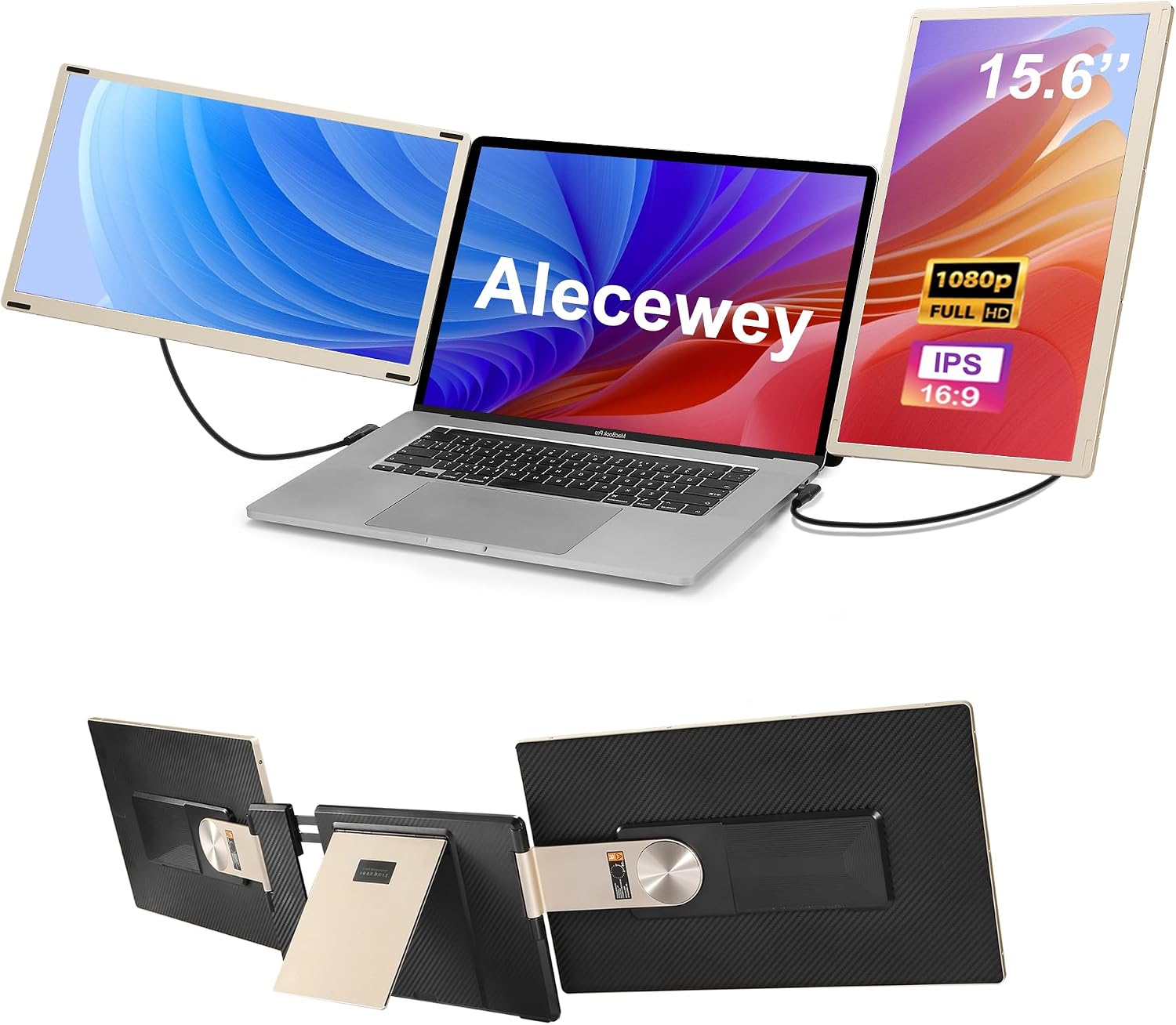
Check Latest Price on Amazon8. Alecewey Laptop Screen Extender, 15.6 inch Triple Screen Laptop Monitor Extender FHD 1080P HDMI Detached Extended Portable Dual Monitor for 12-17'' Laptops with Window,Mac,Android
Alecewey’s modular design lets you arrange up to three detachables into left/right or top/bottom configurations, useful for intensive research, coding or trading. Users praise display quality and productivity gains, but a recurring durability concern centers on plastic hinges when used heavily in travel.
Key Specs
- 15.6" FHD detachable monitors (modular triple setup)
- Magnetic attachments and multifunction stand
- Supports horizontal/vertical orientations
- Lightweight single‑screen option available (~1.5 lb)
Pros
- Highly flexible layouts for different workflows
- Strong display quality and portability options
- Magnetic alignment simplifies assembly
Cons
- Reported hinge and plastic durability issues over time
- Fragility risk when frequently traveling
Best For: Power users who need flexible multi‑screen layouts
Check Latest Price on AmazonWhich One Should You Choose?
If budget is tight → choose the Tpsmtdis 18.5" Portable Monitor (B0D4QNG1JM) for a large, inexpensive second screen that’s easy to pack. If you want the best balance of portability, compatibility and value → go with the KEFEYA 12" Laptop Screen Extender (B0B7JTHHP1). If you want an attachable, deskless second screen that swivels → pick the SideTrak Swivel 14" (B0C7XM7FGF). For heavy multitaskers who need two large portable displays stacked or modular → consider the CUIUIC dual stacked (B0F4K6SNJX) or Alecewey modular triple setup (B0DBL4M5CH) and plan for a sturdier stand or VESA arm.
Best for Specific Scenarios
- Dorm desk study & note‑taking: KEFEYA 12" (B0B7JTHHP1) because it’s compact, folds flat and sets up in seconds.
- Spreadsheet-heavy courses or coding: Tpsmtdis 18.5" (B0D4QNG1JM) because the larger screen reduces scrolling and shows more columns.
- On‑the‑go multitasking / attachable need: SideTrak Swivel 14" (B0C7XM7FGF) because the attachable swivel hinge turns your laptop into a two‑screen machine without extra desk depth.
Frequently Asked Questions
Do portable monitors need a separate power supply?
Some portable monitors can run from a single full‑function USB‑C port (DP Alt Mode) but many budget or larger panels require additional power via a supplied adapter or a powered hub. If your laptop’s USB‑C port only supplies power (not video) you’ll need an HDMI + USB‑A connection or a powered docking station that supports video output.
Can I run two portable monitors from one laptop?
Yes — if your laptop supports multiple displays. Options include using a docking station with two video outputs (HDMI/DP), chaining via Thunderbolt, or using DisplayLink docks that present extra USB‑video outputs. Check your laptop’s ports and whether it supports DP Alt Mode or Thunderbolt for best results.
What stand or clamp should I buy for dorm desks?
Choose a compact VESA clamp or small dual monitor arm if your portable monitor has VESA holes. For attachable monitors, the integrated kickstand works on tables, but for more stability use a low‑profile clamp or laptop stand plus a freestanding second monitor stand to keep both screens steady on small desks.
How We Selected These Products
Our recommendations are based on data-driven analysis: we evaluated 155229+ products across 23916+ brands using a composite scoring system that weighs rating (40%), review volume (30%), price value (20%), and demand signals (10%). Every product is ranked by data, not opinions.
Last updated: September 17, 2026
As an Amazon Associate we earn from qualifying purchases at no extra cost to you. Full disclosure.
GearLark Score is our editorial ranking based on a composite analysis of product quality, value, and verified customer sentiment. Click through to Amazon for current pricing, availability, and live customer reviews.